
Zoom Earth is a premier weather application that provides an interactive map of global weather conditions, including real-time hurricane tracking and high-definition satellite imagery. The app aggregates data from multiple sources such as NOAA GOES, JMA Himawari, and NASA satellites to deliver near real-time updates on weather patterns, natural disasters, and environmental changes.
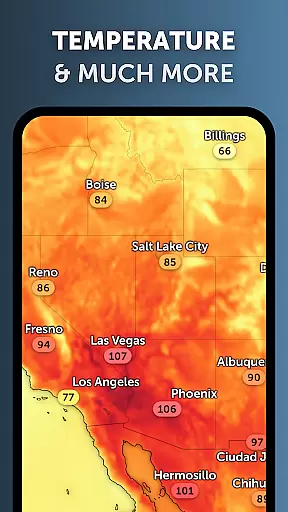
Users can explore detailed visualizations of rain, wind, temperature, and atmospheric pressure while customizing their experience with adjustable settings for units and time zones. Zoom Earth stands out with its comprehensive coverage of severe weather events, wildfire monitoring, and advanced forecasting models, making it an essential tool for both casual users and professionals in meteorology.
Whether you are tracking the path of a hurricane or monitoring wildfires, Zoom Earth offers critical insights through its intuitive interface and reliable data streams, ensuring you stay informed about the world's dynamic weather systems.
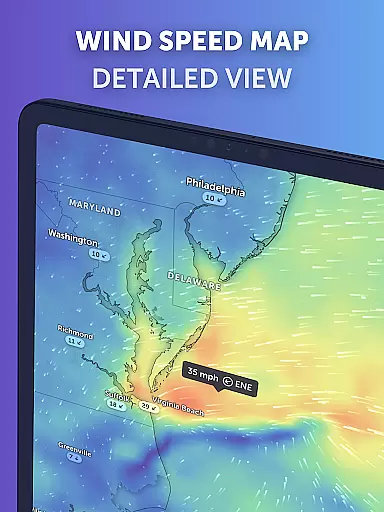
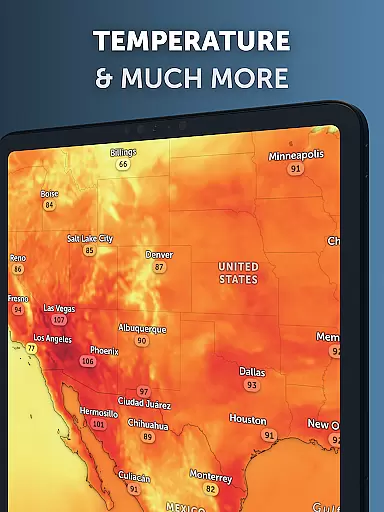
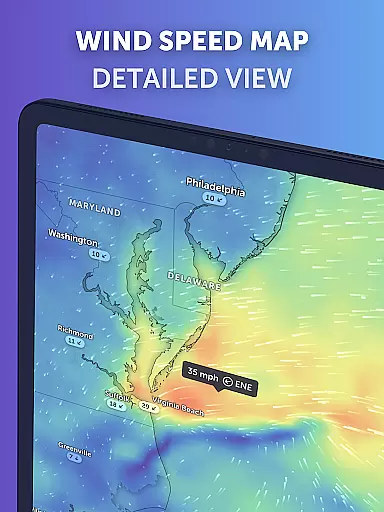
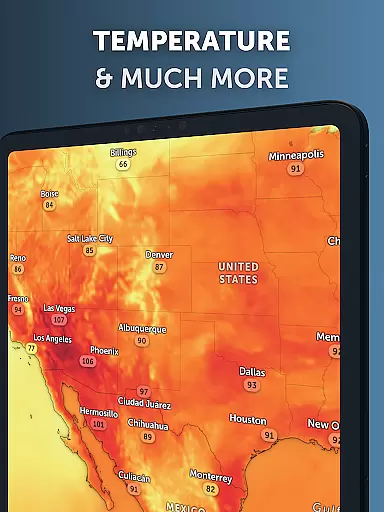
Zoom Earth boasts an array of sophisticated features designed to provide users with unparalleled access to global weather information. One standout capability is its interactive weather maps, which display real-time data on precipitation, wind speed, temperature forecasts, and more. These maps are powered by leading meteorological models like DWD ICON and NOAA/NCEP/NWS GFS, ensuring accuracy and reliability.
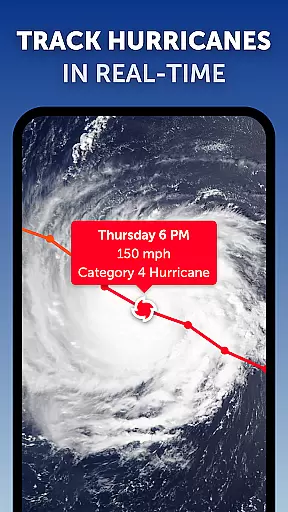
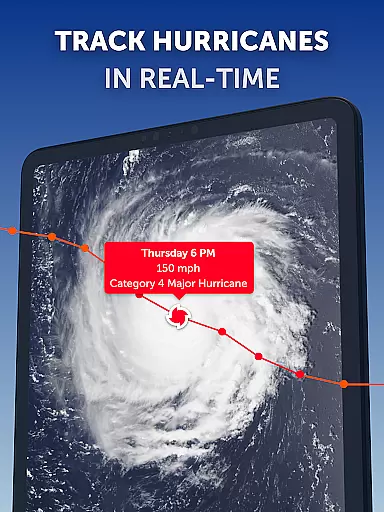
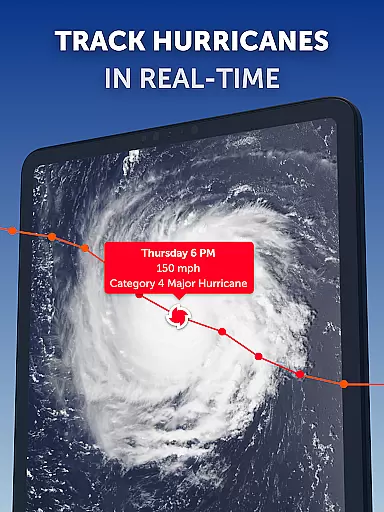
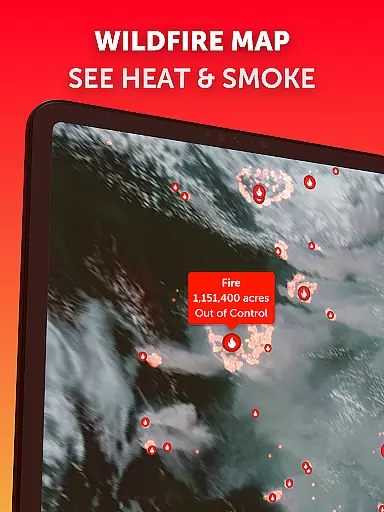
In addition to live satellite imagery updated every 10 minutes, the app includes specialized tools such as hurricane tracking and wildfire detection overlays. Hurricane tracking provides clear, easy-to-understand information sourced from authoritative bodies like NHC and JTWC, while wildfire monitoring leverages NASA FIRMS data to highlight active fire spots and smoke movement.
Customization options further enhance user experience, allowing adjustments to temperature units, wind measurements, animation styles, and time zones. With these robust functionalities, Zoom Earth empowers users to tailor their weather exploration according to specific needs, whether for personal use or professional analysis.
When it comes to weather applications, forecast accuracy and data credibility are paramount. Zoom Earth excels in these areas by providing continually updated weather forecast maps with the latest model data from reputable sources like DWD ICON and NOAA/NCEP/NWS GFS.
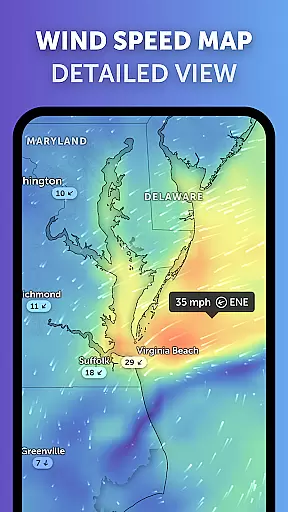
The app offers a suite of forecast maps covering precipitation, wind speed and gusts, temperature, 'feels like' temperatures, wet bulb temperatures, relative humidity, dew point, and atmospheric pressure. This comprehensive coverage ensures that users have access to detailed and reliable information about impending weather conditions.
By sourcing its data from established meteorological organizations and satellites such as NOAA GOES, JMA Himawari, and EUMETSAT Meteosat, Zoom Earth guarantees that its satellite imagery and weather forecasts are not only timely but also highly accurate. The images are refreshed every 10 to 15 minutes, ensuring near real-time updates.
For those tracking severe weather events, the assurance that comes from Zoom Earth's use of the latest data from NHC, JTWC, NRL, and IBTrACS is invaluable. Users can follow hurricanes from their inception to category 5 status with confidence in the clarity and reliability of the information provided.
Zoom Earth provides an impressive temporal and spatial forecast range, empowering users to plan for the short and long term with confidence. The application's interactive weather maps offer extensive geographical coverage, allowing users to explore current weather patterns and forecasts across different parts of the world.
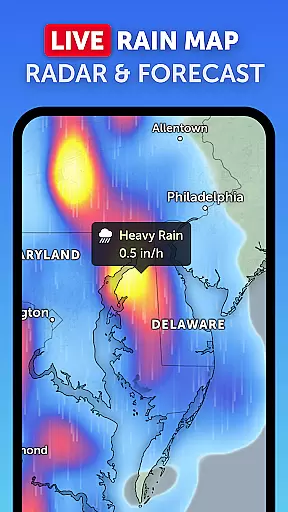
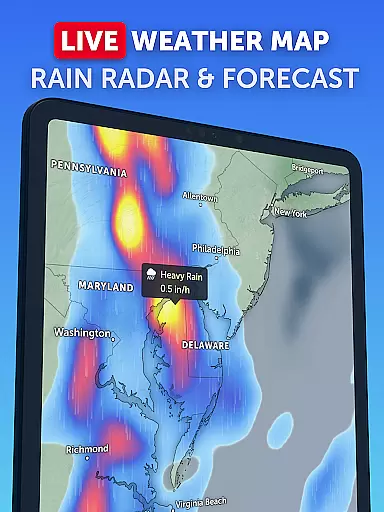
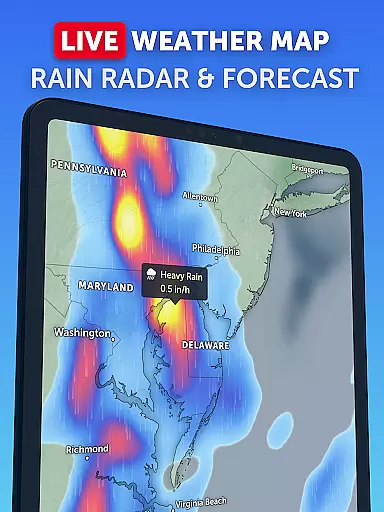
With features like the Rain Radar & Nowcast, users receive instant short-term weather forecasts, enabling them to stay ahead of storms with real-time Doppler radar data. This tool is essential for anticipating immediate weather changes within your locality.
On a broader scale, the global forecast maps provide beautiful visualizations of various weather elements. Whether you're interested in precipitation, wind, temperature, or atmospheric pressure, Zoom Earth presents this data through stunning and continually updated maps.
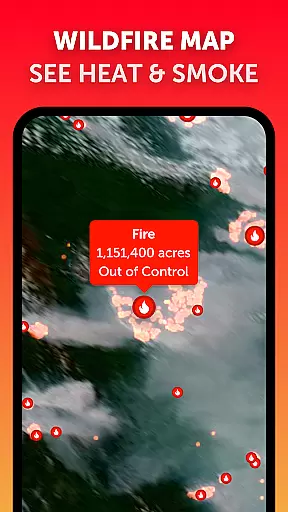
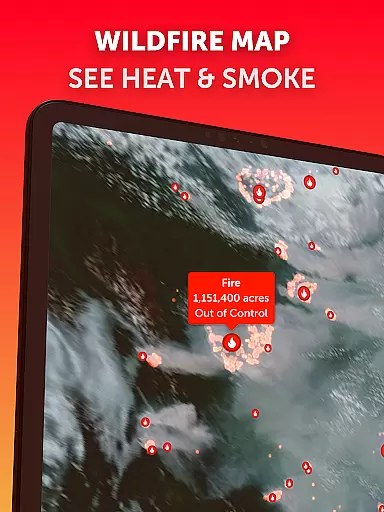
Furthermore, the ability to monitor wildfires using active fires and heat spots overlay adds another layer of spatial awareness. Coupled with GeoColor satellite imagery, users can track wildfire smoke movement and fire weather conditions almost in real-time, showcasing the app's wide-reaching spatial intelligence.
Real-time weather updates
Interactive map interface
Comprehensive data sources
Customizable settings
Detailed forecasting models
Premium subscription required
Occasional data delays
Limited offline functionality
Complex for beginners
Resource-intensive

Get the ad-free version of the highly rated WeatherBug app for accurate weather!
 4.50
4.50
Personal Weather Station PRO - Meteo monitor to check your WU info and charts.
4.20
Get instant weather & temperature predictions right on your Wear OS smartwatch!
4.0
Arrive safely! Travel weather forecasts for your entire trip at time of arrival.
3.60
Most precise & accurate compass app give true North South East West directions.
3.00
A professional, comprehensive and accurate weather forecast app
4.90
The weather channel, tiempo weather forecast, weather radar & weather map
4.70
Weather channel forecasts weather daily & hourly, local and national air quality
4.70
Hyperlocal Forecasts, Live Radar, Severe Weather alerts & Homescreen Widgets
4.30
View weather widget and map. Wind direction and speed. Tides times and waves
4.70
weather forecast, weather radar, weather widget in one local weather app
4.70
Powerful US and worldwide earthquake feed with earthquake alerts and maps.
4.70
Weather watch face for Wear OS 5
4.40
Accurate Local Weather Forecast, let you easily understand the nearby weather!
4.20
Analog Weather Watch Face for Wear OS 5+
4.10
Your Reliable Weather Companion
4.10
Know the weather earlier.
3.90
Determine Best Hunting Times for any date, any location.
2.50
Your local weather app with storm radar, rain tracker, weather maps & AQI.
4.1


User Reviews