
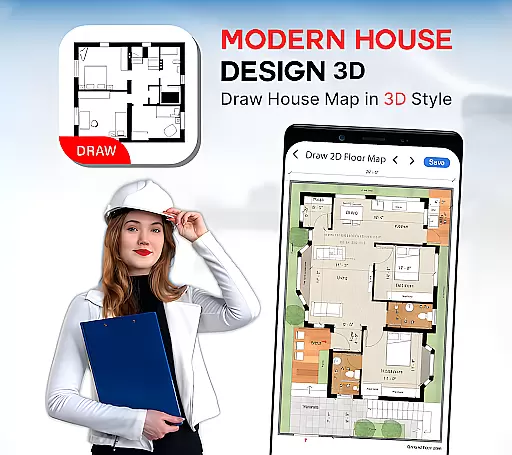
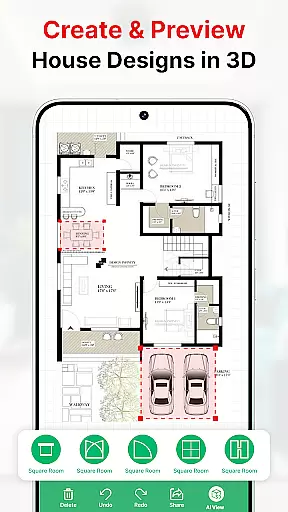
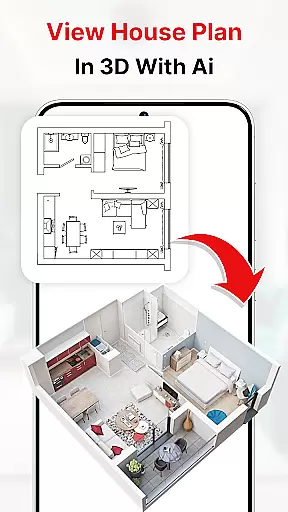
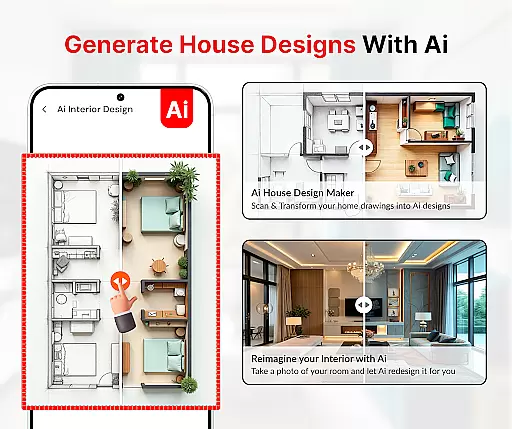
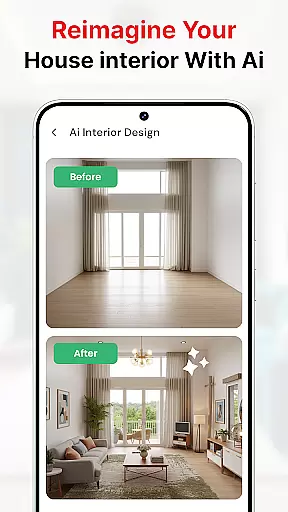
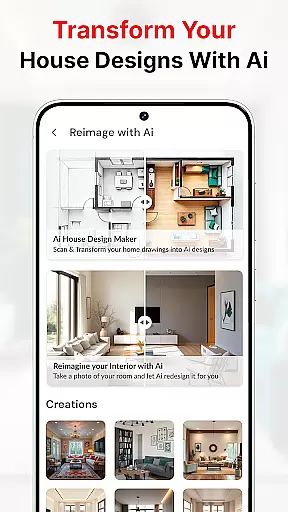
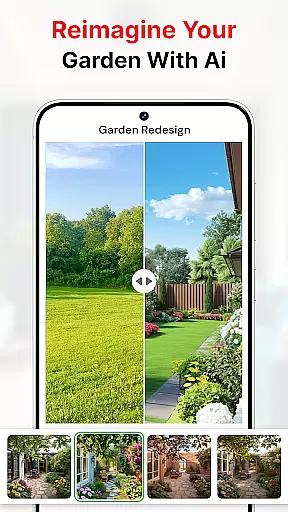
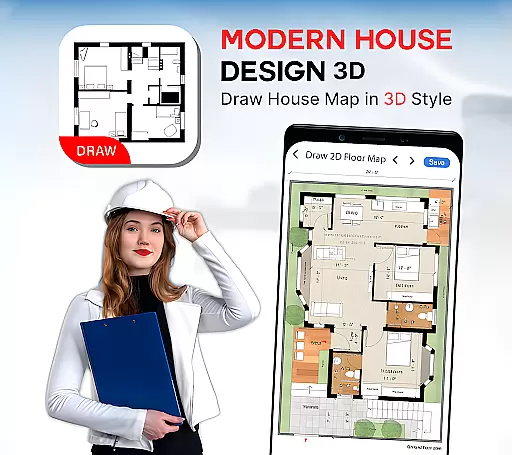
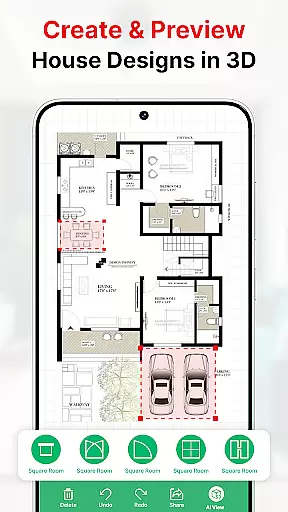
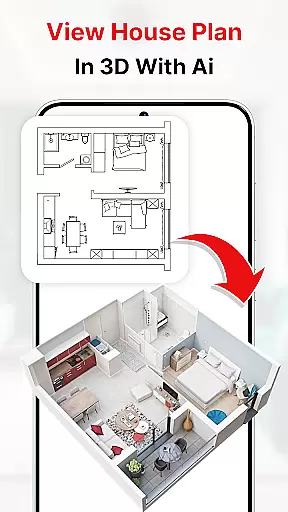
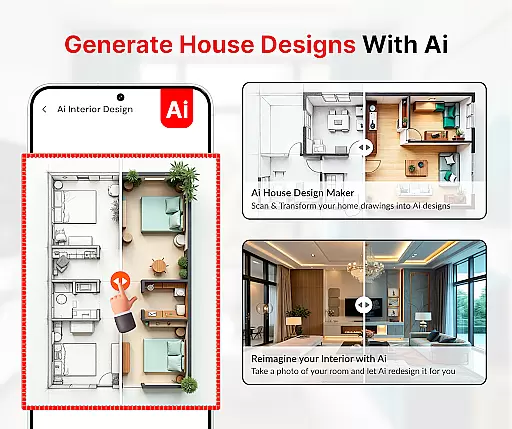
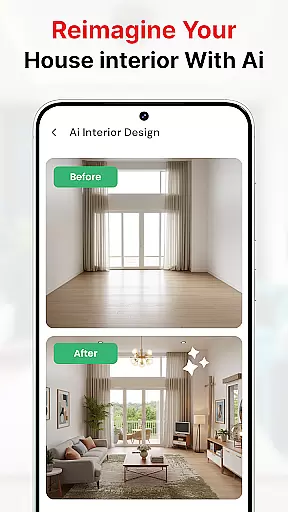
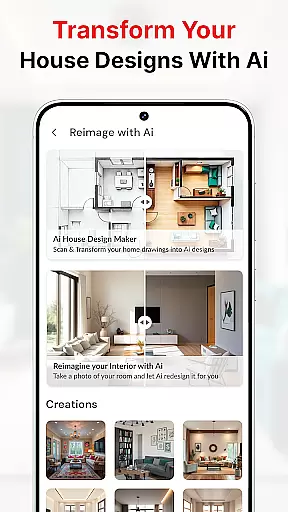
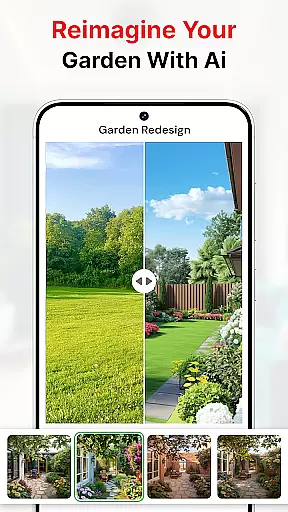
Modern House Design Draw House is a comprehensive 3D home design application that allows users to create detailed floor plans and customize their living spaces. The app provides powerful tools for drawing accurate house maps, planning room dimensions, and visualizing designs in both 2D and 3D formats. With features like first-person walkthrough mode and high-resolution image exports, it serves as an ideal solution for homeowners, real estate professionals, and interior designers who need to present their projects convincingly.
The app also includes smart design functionalities such as transformer furniture options (extensible tables, couch beds, etc.) and multi-functional walls, which help optimize space usage. Whether you're planning your dream home or working on a building project, this app offers the flexibility and precision needed to bring your ideas to life while ensuring every angle of your design has a distinct purpose.
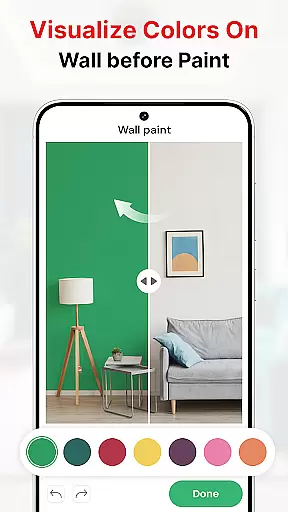
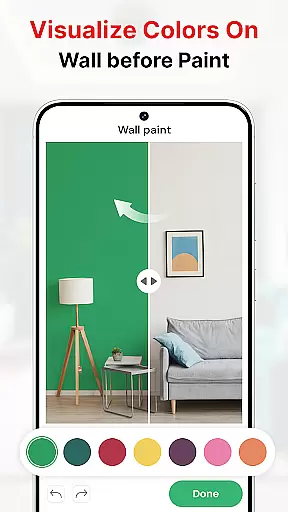
One of the standout aspects of Modern House Design Draw House is its robust feature set tailored for modern home planning. Users can draw precise floor plans with exact measurements, add doors, windows, stairs, and other essential elements, and visualize the final design through realistic 3D renderings. The inclusion of AI-driven color-matching technology enables users to capture images of rooms and experiment with different wall colors, making it easy to match decor or fabrics.
Additional construction tools include AR drawing capabilities, bubble levels for accuracy, and sketch-to-AI functionality that simplifies complex design processes. These features collectively ensure that even those without professional architectural knowledge can create detailed and aesthetically pleasing house plans. Furthermore, the ability to export high-quality images adds significant value for users looking to share their designs with clients or partners.
In the realm of house design and planning, ensuring the authenticity of property listings is paramount. Modern House Design Draw House app excels in this area by providing users with tools to create accurate and realistic 3D floor plans. The app allows for detailed customization of rooms according to specific requirements, ensuring that each design truly reflects the user's vision.
One of the standout features of this application is its ability to generate high-resolution images of projects. These images not only help in visualizing the end product but also serve as persuasive tools when presenting ideas to clients and business partners. By offering a first-person mode, users can virtually walk through their projects, adding another layer of realism and assurance that the final outcome will match their expectations.
The app provides a variety of house floor plan ideas and basic house design templates, empowering users to make informed decisions about their designs. This ensures that every aspect of the property listing, from room dimensions to furniture placement, is both practical and appealing. With these capabilities, users can confidently move forward with their building projects, knowing that their plans are authentic and well thought out.
Effective home management features are crucial for anyone involved in designing and planning homes. Modern House Design Draw House app offers an extensive suite of tools that cater to various aspects of home management. From creating detailed 2D and 3D designs to utilizing transformer furniture like extensible tables and couch beds, the app covers all bases to ensure efficient space utilization.
One of the key functionalities is the ability to subdivide rooms and create mini-rooms without erecting walls. This feature is particularly useful for maximizing the potential of small spaces, allowing users to focus on multifunctional areas such as walls and furniture. The appu2019s smart design tools enable users to visualize different configurations and make necessary adjustments before any physical work begins.
Additionally, the app includes practical tools such as water level measurements and construction utilities like AR drawing and sketch-to-AI. These features assist in maintaining precision and accuracy throughout the design process. Whether it's capturing pictures of interiors and exteriors or applying paint colors to virtual rooms, the app ensures that every detail is meticulously managed. Such comprehensive home management features make the design process seamless and efficient, ultimately leading to successful project completion.
User-friendly interface
Accurate 3D modeling
AI color matching
Comprehensive toolset
High-res image export
Limited free features
Occasional bugs
Steep learning curve
Ads in free version
Large file size

Universal TV remote Control for Roku TV brands via WiFi remote
 4.2
4.2
Find paints using a Color Muse & ColorSnap® Match
3.60
Our app allows Sunrun customers to monitor systems, pay bills, and get support.
3.80
AI-powered home design, interior design, home decor, and room design solutions
4.50
IP camera view and playback, for your WiFi cam or home security cctv system.
3.70
Innovative and budget-friendly housing options
4.60
AI Home Designer & Room Planner: Decorate your interior space with AI
4.40
Samsung remote app helps control all Samsung Smartthings TVs. Fast and Stable!
4.10
A Smarter Home in Seconds
4.70
Connect with reliable pros for maintenance services, plumbing, and home design!
4.80
Find your next home, house, apartment, condo, casa, flat, rental, studio, or bed
4.70
Find homes for sale and apartments for rent in the best neighborhood.
4.70
Night Owl Protect helps you secure, protect, and connect your world!
4.60
Control your Daikin, Amana & Goodman heating & cooling systems from anywhere
4.40
Set up your devices, customize settings, and monitor your home—from anywhere
4.40
Turn your phone into a wifi cam with smart features and umlimited reach.
4.20
Design your dream home with 3D planning app, Visualize your dream home in 3D.
4.20
Design house plans in 2D & 3D, style furniture, and preview renovation layouts
3.70
Control Fire TV & mirror your phone screen instantly over Wi-Fi.
3.30


User Reviews