
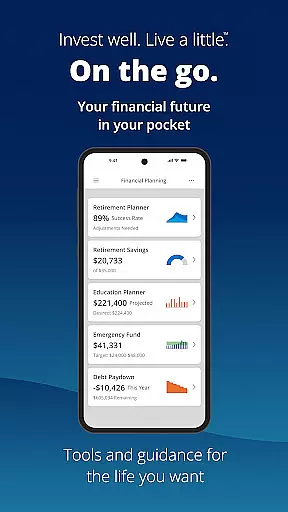

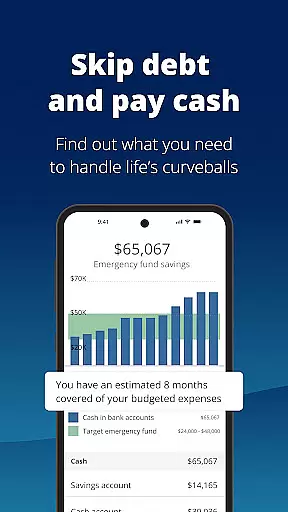
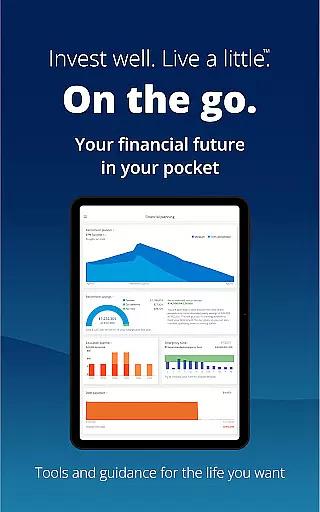
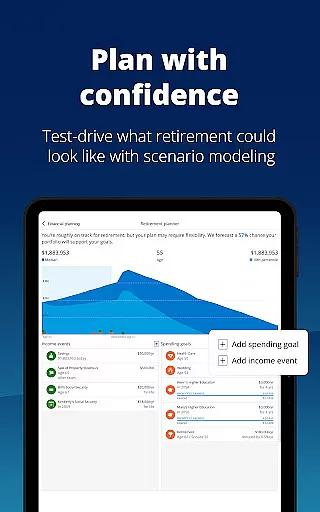


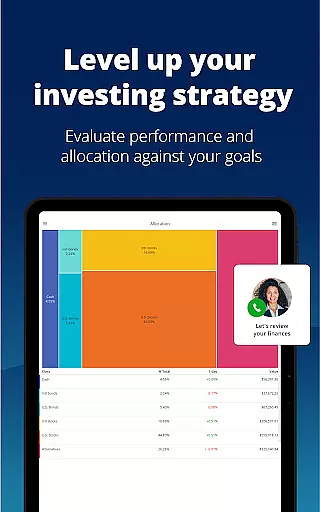
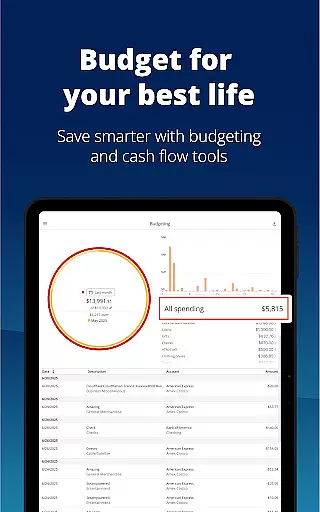
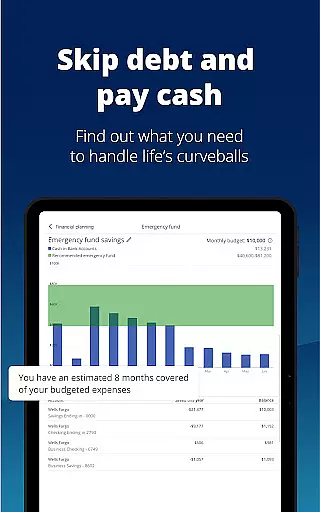

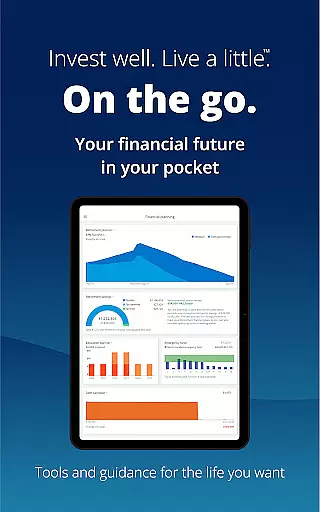

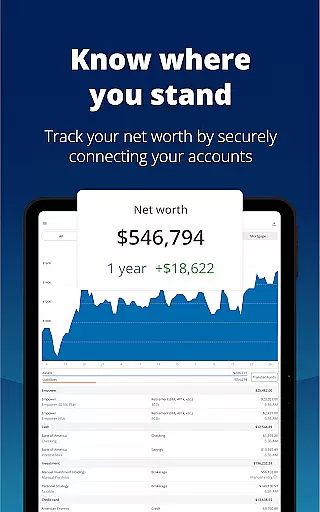

Empower is a comprehensive financial management application designed to simplify and enhance your financial life. The app provides users with a full picture of their financial status by aggregating data from multiple accounts into one intuitive dashboard. With features like retirement planning, budget tracking, and professional investment advice, Empower helps you map out your financial dreams and take actionable steps to achieve them.
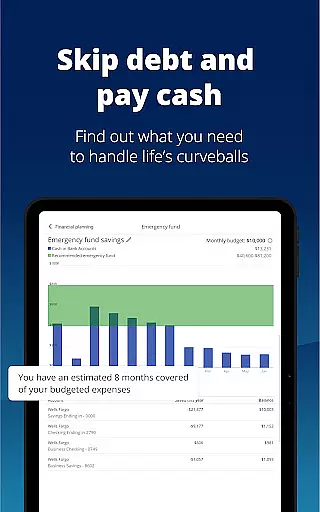
The app stands out with its advanced tools such as scenario simulation, recession modeling, and allocation imbalance checks. These features ensure that users can make informed decisions while managing income, expenses, and investments. Whether you're looking to tackle debt, build an emergency fund, or secure your data with biometric authentication, Empower offers industry-leading solutions tailored to your needs.
By eliminating the need for manual spreadsheets and constant cross-checking of accounts, Empower allows you to focus on what truly matters. It's an ideal tool for anyone seeking clarity in their financial journey, providing both novice and experienced users with the resources they need to succeed.
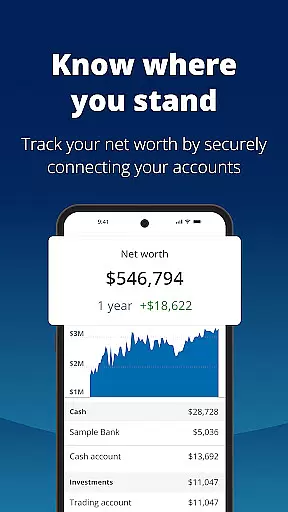
Empower boasts a rich set of features that cater to various aspects of personal finance management. One of its core functionalities is the ability to view all your financial accounts in one place, offering a consolidated perspective that simplifies monitoring and decision-making. This includes bank accounts, credit cards, loans, and investment portfolios, ensuring nothing is overlooked.
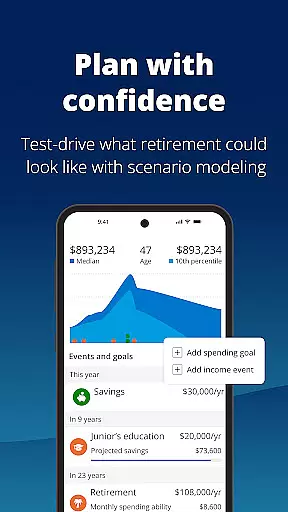
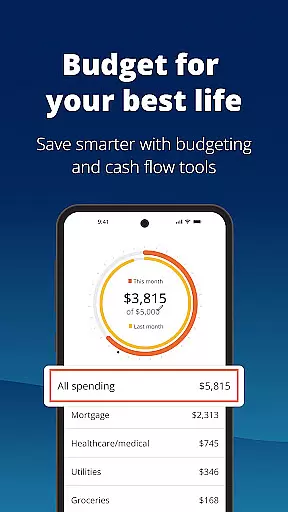
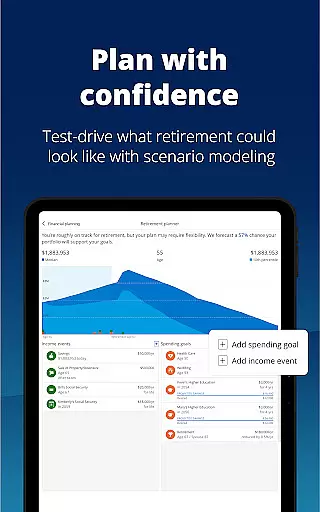
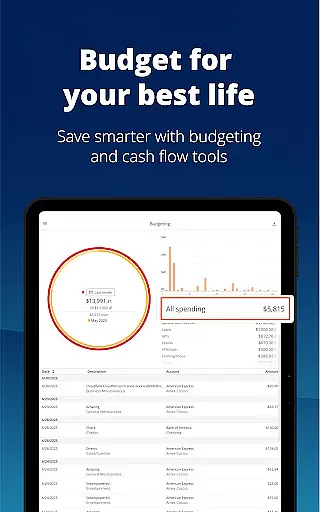
In addition to account aggregation, Empower provides powerful planning tools. Users can simulate different financial scenarios, compare outcomes, and even model potential recessions to prepare for uncertainties. The app also supports detailed budgeting, allowing you to set financial goals and track progress over time. Advanced security measures, including biometric and multi-factor authentication, ensure your sensitive information remains protected at all times.
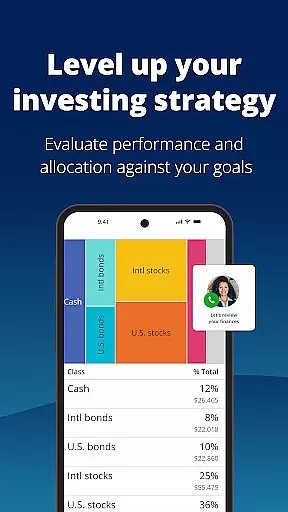
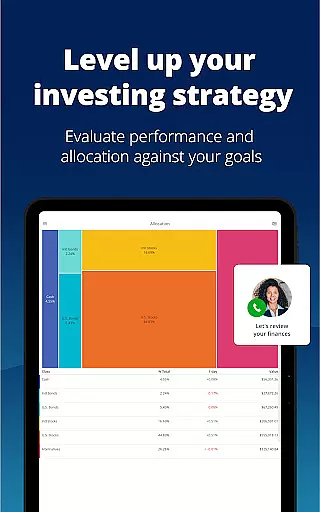
Another standout feature is access to professional investment advice. Empower connects users with expert guidance to optimize their portfolios and improve financial health. These tools collectively empower users to take control of their finances with confidence, making it easier than ever to plan for the future while enjoying peace of mind today.
Account and fund security is a critical aspect of any financial application, ensuring that users' sensitive information and assets are protected from unauthorized access and potential threats. Empower takes this responsibility seriously by implementing top-tier security measures.
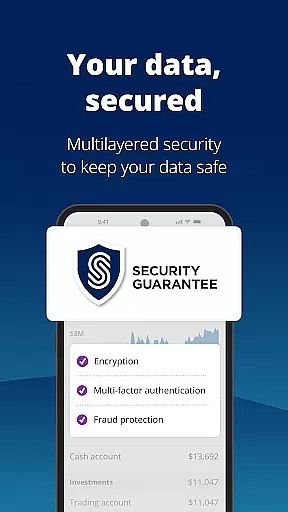
The app secures user data with biometric and multi-factor authentication, providing an additional layer of protection beyond traditional passwords. This ensures that only authorized individuals can access the account, significantly reducing the risk of unauthorized transactions or data breaches.
Empower's commitment to safeguarding customer information extends to its adherence to industry regulations and standards. As part of Empower Financial Services, Inc., the app operates under strict compliance with FINRA/SIPC guidelines, offering peace of mind to users who require both convenience and security in managing their finances.
By prioritizing account and fund security, Empower allows users to focus on what they enjoy, knowing their financial life is clearer, easier, and most importantly, safe from cyber threats.
A seamless transaction experience is essential for users managing their finances through a mobile application. Empower excels in providing an intuitive platform where users can easily conduct transactions without unnecessary complexity or confusion.
With features such as planning for retirement, adjusting scenarios, simulating recessions, and setting budgets, Empower equips users with powerful tools designed to facilitate informed decision-making. These capabilities allow users to take control of their financial future confidently.
In addition to comprehensive financial planning tools, Empower also offers professional investment advice within the app. Users have access to expert guidance which enhances their ability to make sound investment choices aligned with their personal goals and risk tolerance levels.
Ultimately, Empower's streamlined transaction experience empowers users to spend less time sorting through spreadsheets and more time enjoying life while achieving financial clarity and success.
User-friendly interface
Comprehensive financial tools
Advanced security features
Professional investment advice
Scenario simulation capabilities
Premium features require subscription
Occasional syncing issues
Limited international support
Higher learning curve for beginners
Some features may feel overwhelming

Currency Converter, Exchange Rates, Widgets
 4.90
4.90
Pay rent on your schedule.
4.70
The DailyPay app lets you access earned wages before your next payday.
4.70
Money transfer made easy. Send money to friends and family with great rates.
4.70
Get 250$ Cash Advance to solve emergencies instantly in loan app called LendMe
4.70
Banking, Budgeting & Investing
4.60
Keep track of your subscriptions with no limitations
4.80
Real-time tracking: Stocks, Indices, Futures, Commodities, ETF, & Funds prices.
4.60
Powerful Money Manager, Expense & Savings Tracker, Budget Planner - Pro Version
4.70
The Citi Mobile® App lets you manage your accounts virtually anytime, anywhere
4.80
No credit checked needed.
4.80
Pay, bank & build credit.
4.70
Send money and bitcoin easily. Invest, bank and do more with your money
4.70
Access State Farm accounts, policies, ID cards and more
4.60
Manage your account, make a payment, and redeem your rewards on the go.
4.50
Trade NFL, NBA, Crypto, Tech
4.50
Mine Bitcoin in the cloud! Earn BTC daily with high-speed mining power.
4.30
Earn money as a tester with Testerup, get cash testing apps and games
4.20
Venmo is the fun and easy way to pay and get paid.
4.10


User Reviews