
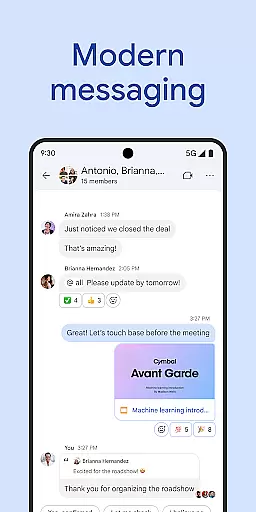
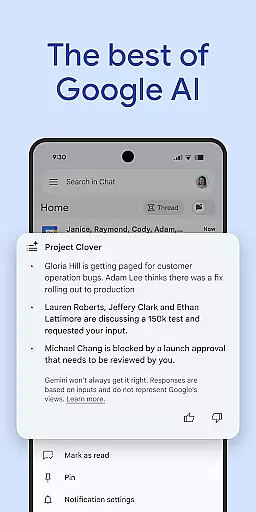
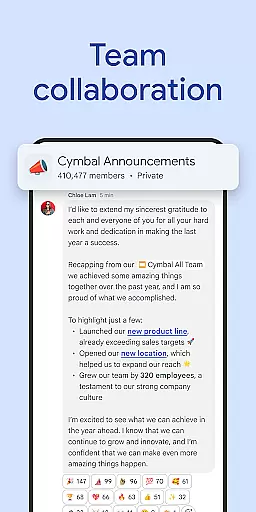
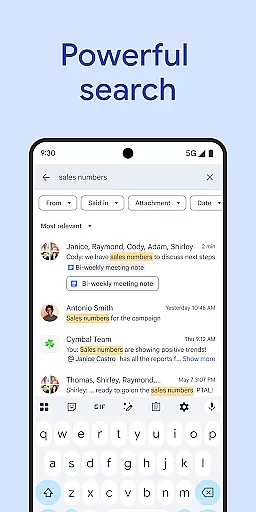
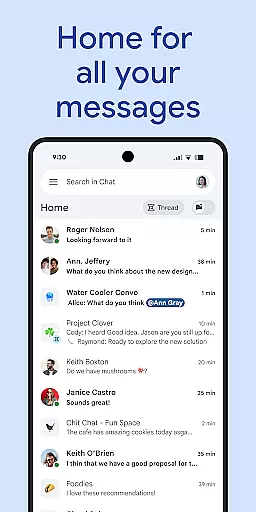
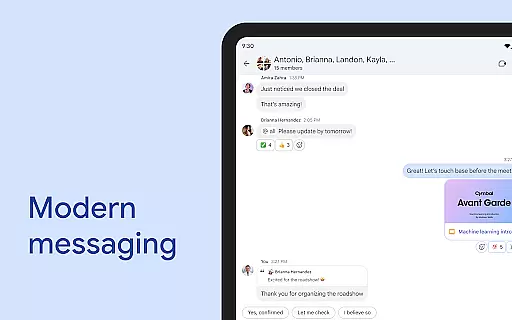
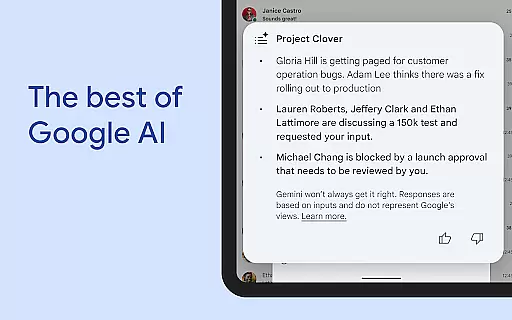
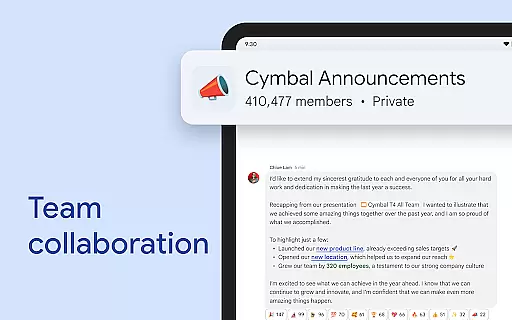
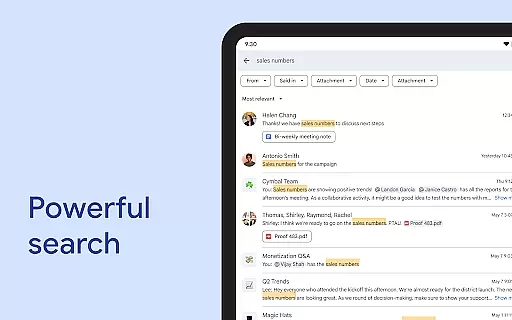
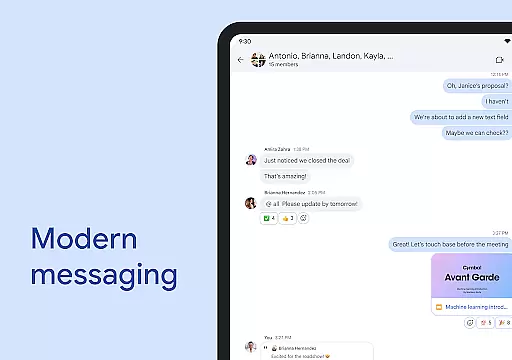
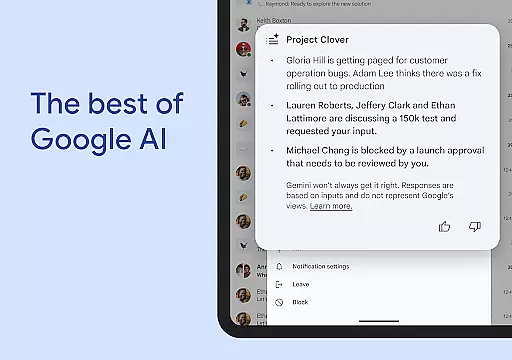
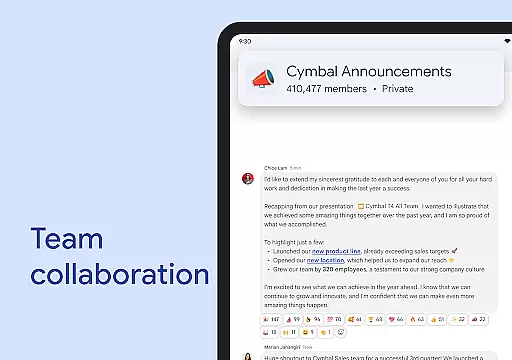
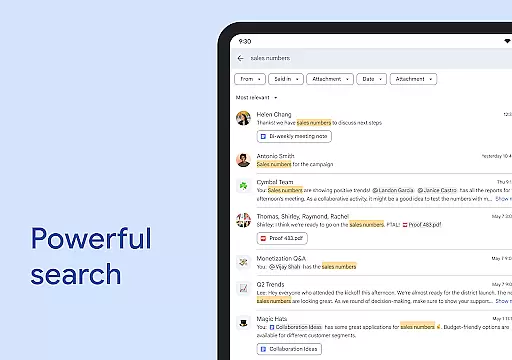
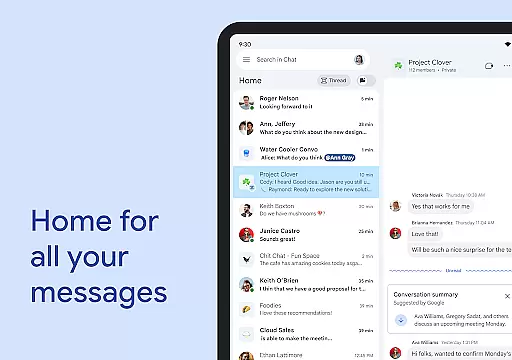
Google Chat is a powerful communication and collaboration tool designed for teams using Google Workspace. It offers AI-driven features like conversation summaries, automatic translations in over 120 languages, and intelligent search capabilities. The app enables users to capture action items effectively, ensuring team alignment.
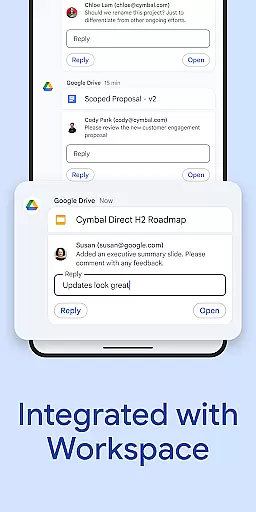
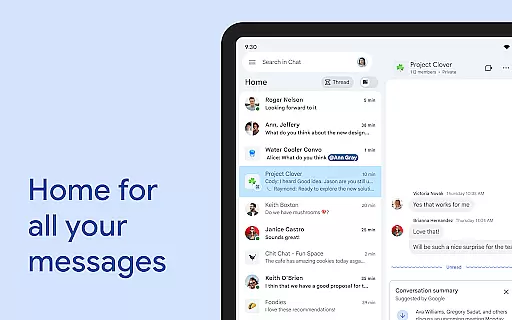
Beyond messaging, Google Chat provides robust tools for teamwork. Users can initiate chats with individuals or groups, share status updates, and communicate through audio and video messages. Its seamless integration with other Workspace apps such as Gmail, Calendar, and Drive enhances productivity. With smart chips and third-party app support, it streamlines workflows and boosts efficiency.
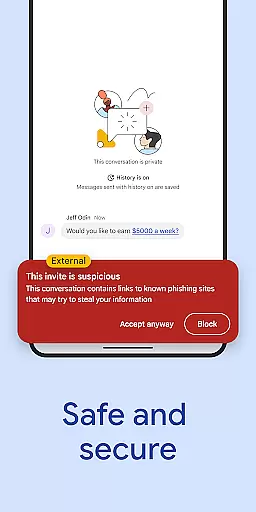
This secure platform leverages Google's zero-trust architecture, protecting data with advanced measures like AI-powered DLP and malware detection. Available for consumers, educational institutions, and businesses, Google Chat ensures that teams stay connected and productive while maintaining high security standards.
Google Chat stands out with its AI-first approach to messaging and collaboration. The app uses Gemini technology to provide features like automatic message translation across more than 120 languages and AI-powered search to quickly find relevant information. Conversation summaries help users stay informed without reading entire threads, while action item tracking keeps teams organized.
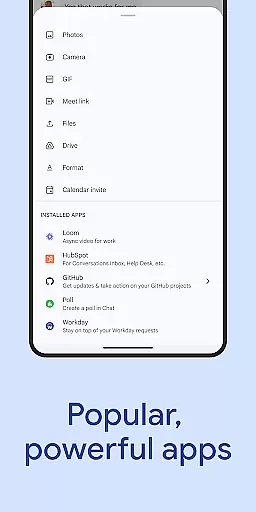
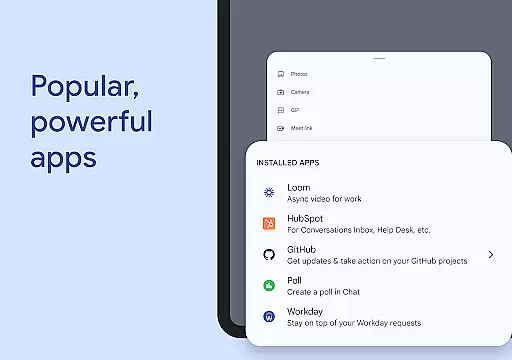
The app integrates deeply with Google Workspace, offering functionalities that enhance teamwork. Smart chips allow users to link files, people, and spaces directly within conversations. Real-time collaboration tools like huddles enable instant communication, while integrations with popular services such as PagerDuty, Jira, and GitHub extend its utility. These features create a comprehensive environment for efficient collaboration.
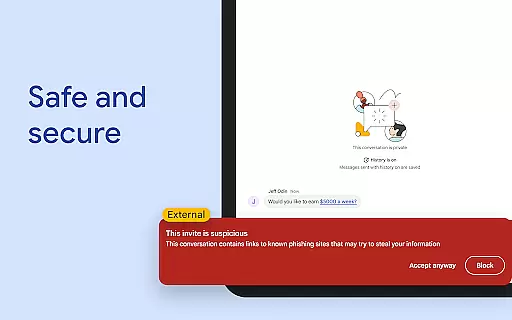
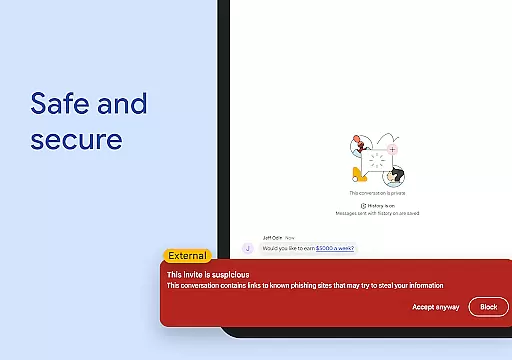
Security is a top priority for Google Chat. The platform employs Google's cloud-native, zero-trust architecture to safeguard user data. With no desktop apps to patch and no data stored on end-user devices, it minimizes vulnerabilities. Advanced protections include AI-driven data loss prevention and phishing detection, making it a reliable choice for organizations looking to replace outdated communication systems.
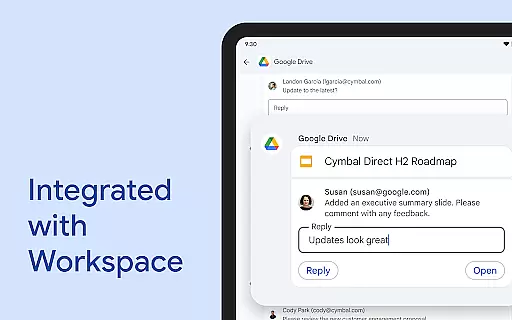
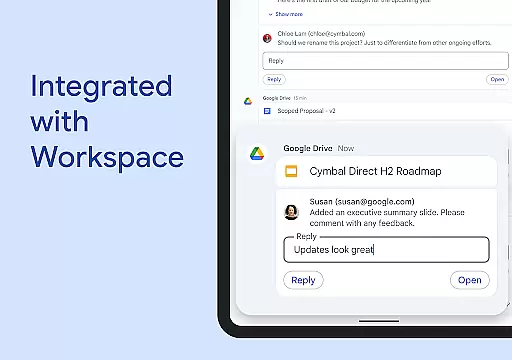
Google Chat revolutionizes team collaboration by integrating seamlessly with Workspace apps like Gmail, Calendar, and Drive. This integration allows users to connect and collaborate without switching contexts, streamlining workflows.
The app supports real-time communication through various formats including text, audio, and video messages. Users can also engage in huddles for instant, synchronous discussions, ensuring that teams stay connected regardless of location.
Smart chips enhance teamwork by linking relevant files, people, and spaces directly within conversations. This feature reduces the time spent searching for information and keeps all necessary resources at hand.
With AI-powered functionalities such as conversation summaries and automated translations across more than 120 languages, Google Chat ensures that every team member remains informed and engaged. These tools help maintain productivity and foster an inclusive environment where language barriers are minimized.
Task management in Google Chat is transformed through its integration with Workspace apps like Tasks and Drive. Users can easily track requests, comments, and approvals without leaving the chat interface, centralizing project oversight.
The platform enables teams to capture action items during conversations, ensuring everyone is aligned on next steps. This functionality promotes accountability and clarity, reducing the chances of tasks falling through the cracks.
Google Chat's AI capabilities extend to task-related features, such as smart suggestions for follow-ups and deadlines. These proactive insights help teams prioritize effectively and manage their workloads efficiently.
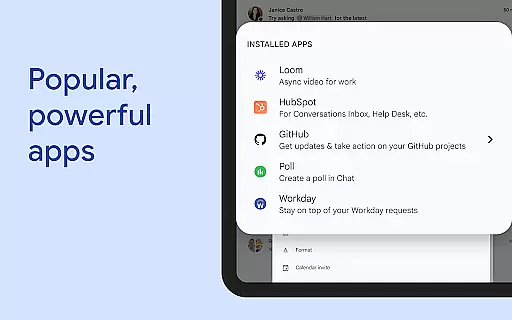
Additionally, popular third-party apps like PagerDuty, Jira, and GitHub can be installed within Google Chat. This flexibility allows teams to customize their workspace according to specific project needs, enhancing overall task management effectiveness.
AI-powered features
Seamless Workspace integration
Robust security measures
Real-time collaboration tools
Wide language support
Premium features require subscription
Limited offline functionality
Dependent on Google ecosystem
Occasional sync issues
Learning curve for new users

GoTo Mobile is a simple & secure calling, messaging & meetings solution
 4.80
4.80
Ask Accio anything about business. Alibaba-backed, built by experts, not just AI
4.60
The Penny Puss app with DG penny finder
4.10
Scan Business Cards & Conference Badges - Capture Leads at Events & Tradeshows
4.20
Get your benefits on-the-go.
3.80
Start earning fast. Apply Today.
4.80
Access to Paylocity, empowering employees with information they need 24/7.
4.70
The app that lets you deliver with Amazon.
4.50
We help people get jobs
4.70
FaxCover - Create fax cover pages. Works with any app or fax machine.
4.90
The MyWalmart App is available for all associates in stores.
4.70
Earn free swag, G-Cards & food • Enter sweepstakes • Find stores • So much more.
4.70
Finance, Investing, Stocks, Trading and Stock news
4.60
Find jobs near you and temp work in minutes, from your phone.
4.50
From Gone to Back Again — In Just a Few Taps
4.50
Earn crypto with secure cloud mining. Monitor, track & withdraw easily
4.40
All-in-one Mobile solutions for employees & managers to succeed at work
4.30
Shop, deliver, and earn with the Spark Driver™ App
4.10
view, manage, and share every PDF file you have
3.60


User Reviews