
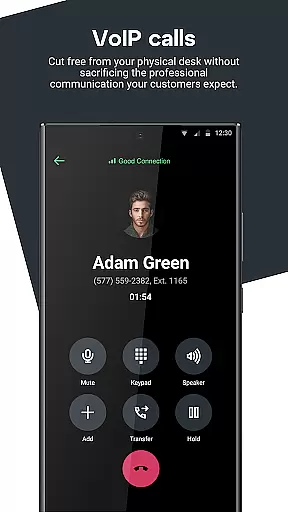
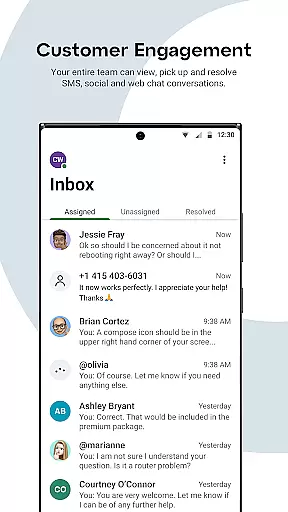
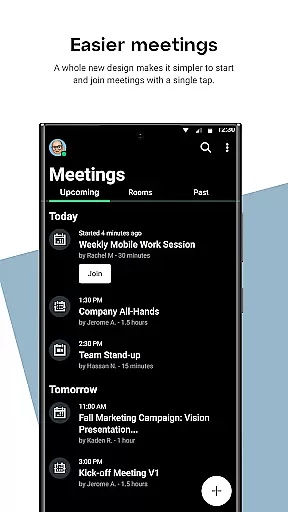
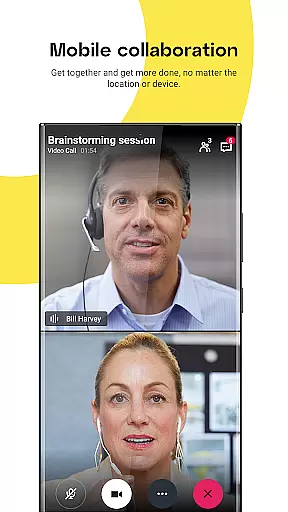
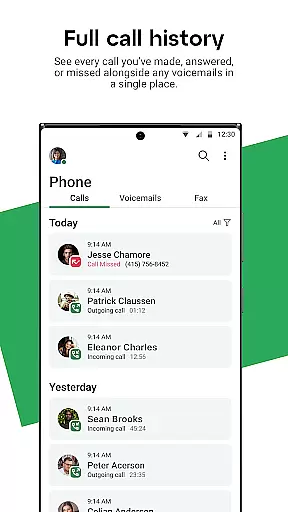
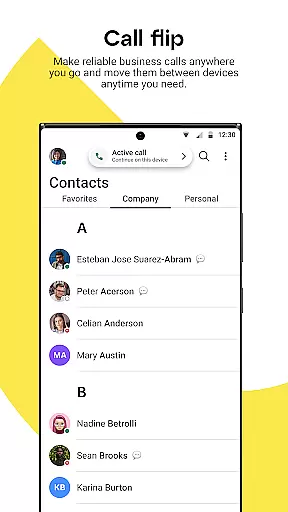
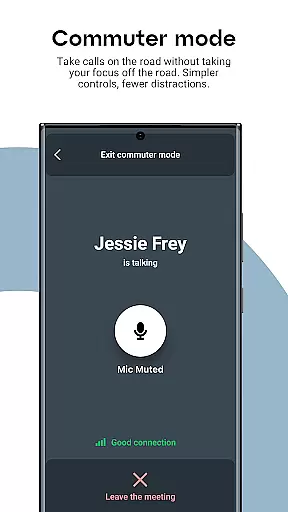
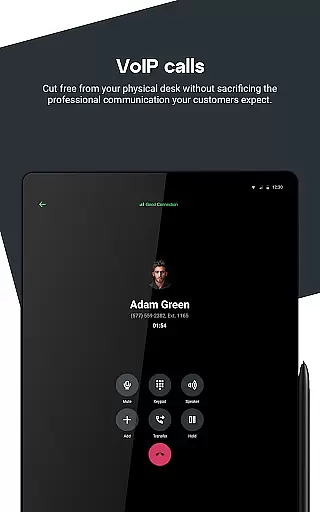
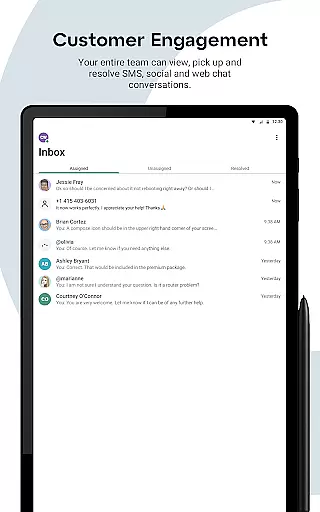
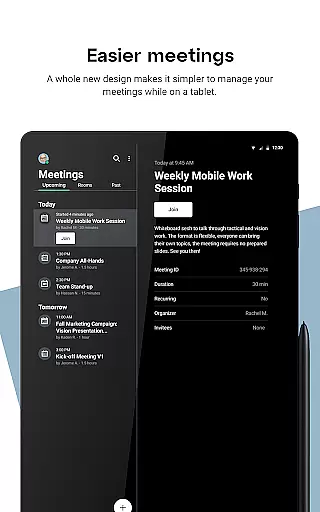

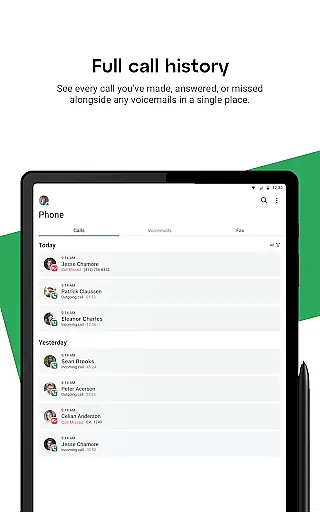
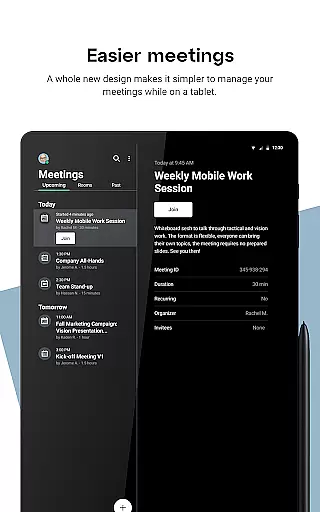
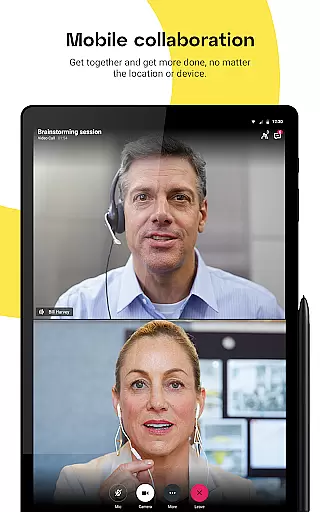
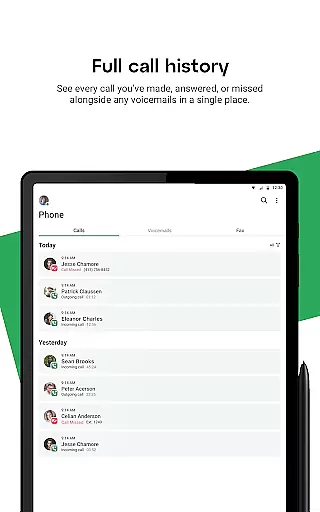
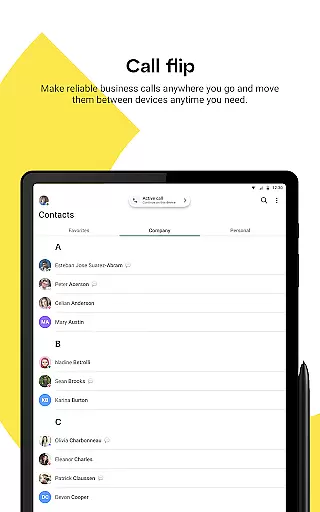
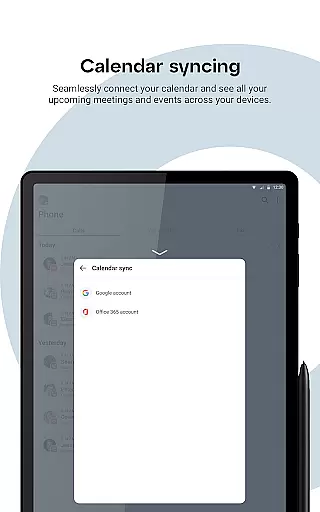
GoTo is a comprehensive business communication solution designed to streamline flexible work environments. The app integrates phone, messaging, meeting, training, and webinar capabilities into a single platform, enabling seamless collaboration from any location. Its multi-channel inbox consolidates SMS, webchat, and social media communications, ensuring users can efficiently manage customer interactions.
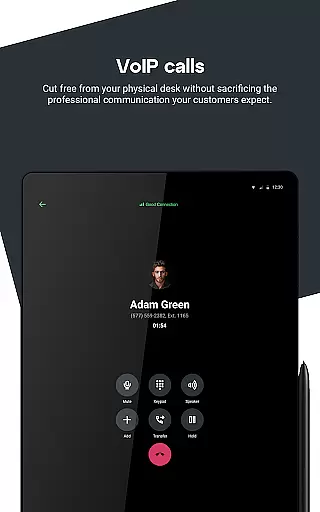
The application's robust feature set includes HD audio and video quality, business calendar integration, and meeting reminders, all accessible from personal devices without compromising privacy. Advanced functionalities like Caller ID Swap, Call Back, and Find Me Follow Me enhance call management, while Instant Response ensures no important communication is missed. These features collectively empower businesses to maintain professional communication standards while working remotely.
Designed for modern business needs, GoTo enables teams to stay connected with colleagues and customers through a unified communication platform. Whether managing incoming calls, organizing meetings, or engaging with customers across multiple channels, the app provides the tools necessary for effective remote work and customer relationship management.
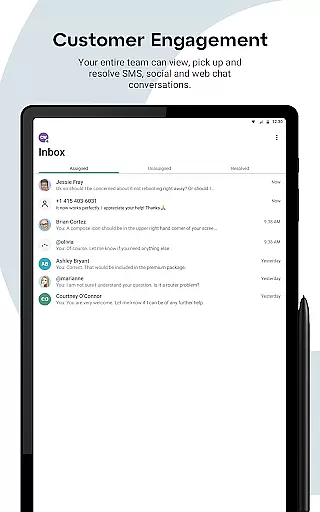
GoTo distinguishes itself through its comprehensive integration of communication channels and advanced call management features. The app's multi-channel inbox consolidates SMS, webchat, and social media conversations into a unified interface, allowing users to efficiently manage customer interactions from a single platform. This consolidation streamlines communication workflows and prevents important messages from being overlooked.
The application's call management system offers sophisticated features including Caller ID Swap, which enables users to control which business number customers see, and Find Me Follow Me functionality that intelligently routes incoming calls. The Instant Response feature automatically sends text messages to missed calls, maintaining communication continuity. Additionally, the app supports PSTN cellular phone switching for areas with poor data coverage, ensuring uninterrupted service.
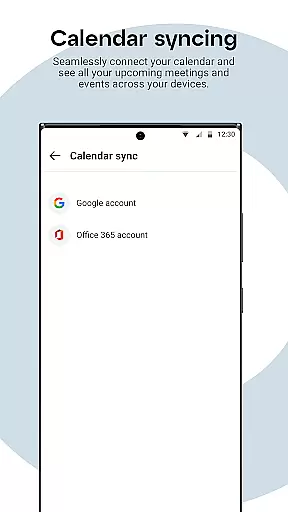
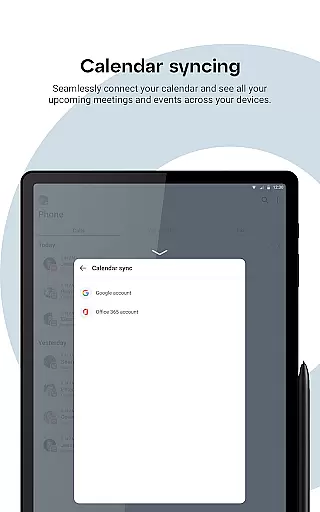
GoTo's business optimization tools include calendar integration, meeting reminders, and local contact merging with company directories. These features are complemented by HD audio and video quality, making virtual meetings and training sessions more effective. The ability to initiate customer conversations directly from the app, combined with conversation assignment and resolution tools, creates a complete customer engagement solution that adapts to various business requirements.
Collaboration is at the heart of GoTo's functionality, offering a seamless blend of communication tools that cater to both personal and professional needs. The app integrates phone, messaging, meeting, training, and webinar solutions, all within a single platform.
Users can enjoy HD audio and video quality, ensuring crystal-clear communication during meetings and calls. The business calendar integration and meeting reminders further enhance productivity by keeping users on track with their schedules.
GoTo also supports multi-channel inbox communication, consolidating SMS, webchat, and social media interactions in one place. This feature allows businesses to respond promptly to customer inquiries across different platforms without switching between apps.
The ability to control incoming calls through Find Me Follow Me and Instant Response ensures that no important call goes unanswered. These collaborative features empower teams to stay connected and responsive, regardless of location.
Effective task management is crucial for maintaining productivity, and GoTo excels in this area by providing robust tools for organizing and prioritizing work tasks. The app enables users to integrate their business calendar, ensuring that meetings and deadlines are always top of mind.
Through Caller ID Swap and Call Back features, users can manage how they present themselves to customers, enhancing professionalism and trust. These features allow for greater control over business communications, which is essential for task management.
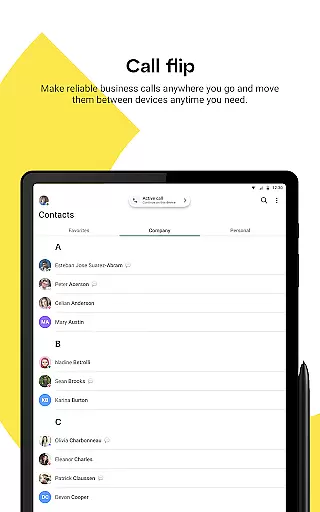
Additionally, GoTo's capability to merge local contacts with company contacts streamlines the process of staying connected with both internal and external stakeholders. This consolidation simplifies contact management and enhances efficiency.
With meeting reminders and the ability to switch to a PSTN cellular phone number in areas of poor data coverage, GoTo ensures that users are always prepared and reachable, contributing to more effective task management.
User-friendly interface
Multi-channel support
HD call quality
Advanced call routing
Integrated communication
Subscription required
Limited free features
Occasional bugs
High resource usage
Learning curve

Find jobs and make money fast with JobStack.
 4.60
4.60
Get your benefits on-the-go.
3.80
Earn free swag, G-Cards & food • Enter sweepstakes • Find stores • So much more.
4.70
Manage Your Shop
4.70
Finance, Investing, Stocks, Trading and Stock news
4.60
Find part-time earning opportunities near you that pay within days.
3.20
Job search app that finds jobs for you! Takes the work out of looking for a job!
4.90
Access All PDF Files
3.40
ADP Mobile Solutions is an employee self service app
4.50
FaxCover - Create fax cover pages. Works with any app or fax machine.
4.90
Get instant construction estimates: accurate home repair & material calculator.
4.70
All your team communication in one place
4.70
ANDROID'S TOP MOBILE OFFICE - Word, Excel, PowerPoint and PDF at your fingertips
4.50
The revolutionary flexible staffing platform
4.40
Measure distances, surfaces and draw plans in seconds with CamToPlan!
4.40
VSD Viewer - Visio Drawings Viewer for Android Preview VSD, VDX, VSDX drawings
4.10
Work happy with AI Companion
4.10
On the go? Take FedEx with you.
4.00
Quickly open and manage PDF files on your device.
3.80


User Reviews