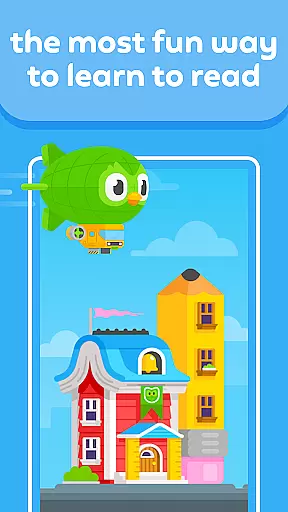
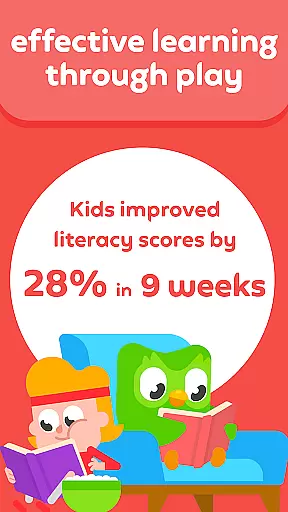
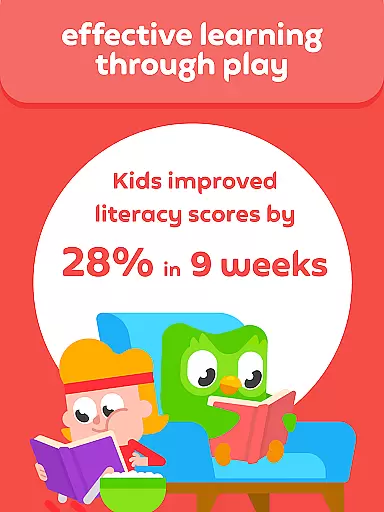
Duolingo ABC is an innovative educational app designed to teach children from preschool to first grade how to read and write in English. Developed by the creators of Duolingo, this app offers over 700 interactive reading lessons that incorporate engaging stories and bite-sized learning modules.
The app focuses on building fundamental literacy skills such as alphabet recognition, phonics, sight words, and vocabulary through multi-sensory activities. With personalized lessons and fun educational games, Duolingo ABC ensures that each child can learn at their own pace while developing a lifelong love for reading.
Duolingo ABC stands out with its comprehensive approach to early childhood literacy education. The app includes hands-on reading lessons that feel like games, keeping children engaged while they learn essential reading skills. New content is regularly added to ensure continuous learning.
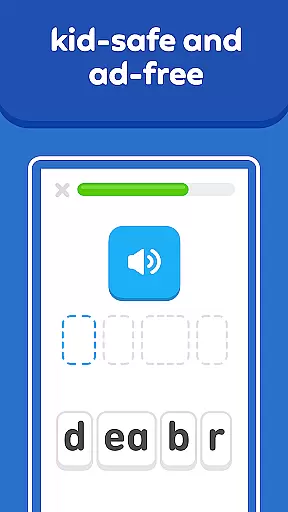
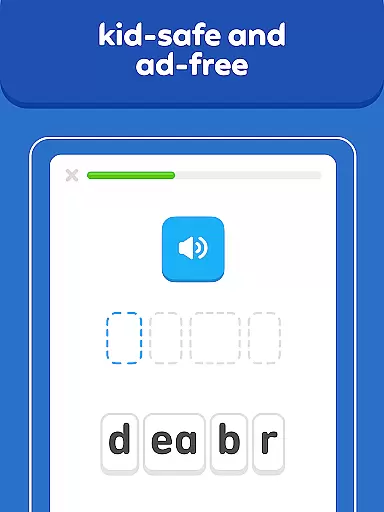
Designed by literacy and early-education experts, the app provides a variety of learning activities suitable for different age groups. From letter tracing to gamified stories, these activities support the development of phonics, sight words, and reading comprehension skills. Additionally, the app's ad-free and kid-safe environment ensures a focused and secure learning experience.
One of the key features of Duolingo ABC is its offline learning capability, allowing children to learn anywhere, anytime without internet access. This flexibility makes it an ideal choice for families on the go, ensuring uninterrupted learning whether traveling or dining out.
In the realm of educational applications, content accuracy and authority stand as pillars for effective learning. Duolingo ABC, crafted by the creators of the world's leading education app, ensures that its content is both precise and authoritative. This dedication to quality provides young learners with reliable information as they embark on their journey to learn reading and writing in English.
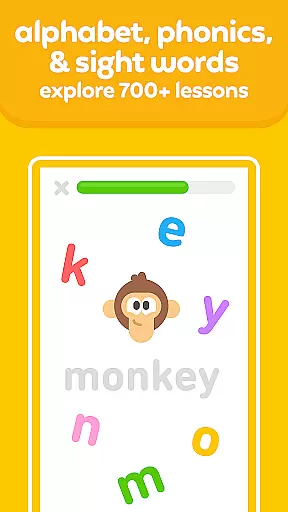
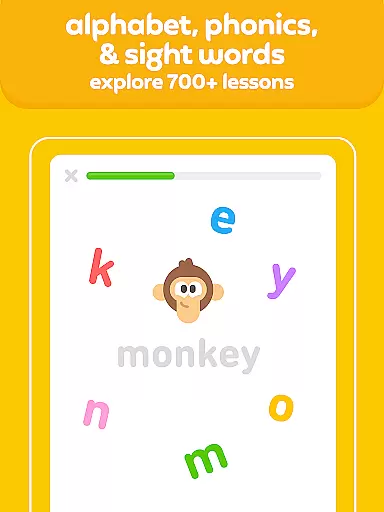
Duolingo ABC offers over 700 meticulously designed reading lessons that cover a broad spectrum of skills including the alphabet, phonics, sight words, and vocabulary. Each lesson is constructed with the guidance of literacy and early-education experts, ensuring that the content delivered through engaging stories and bite-sized lessons is aligned with educational standards and best practices.
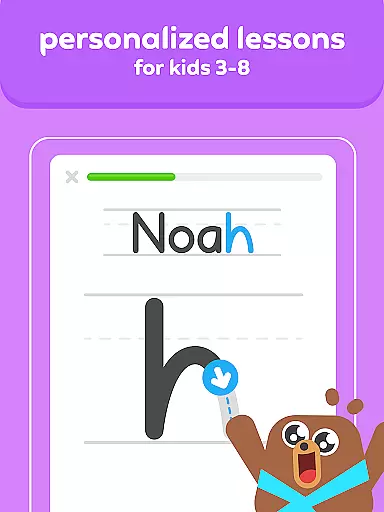
Parents can rest assured knowing that every interactive activity within the app, from tracing letters to drag-and-drop prompts, serves an educational purpose backed by research. The personalized learning path adapts to each child's pace, reinforcing concepts correctly without overwhelming them.
The true value of Duolingo ABC lies in its ability to instill confidence in young readers while nurturing a lifelong love for learning. With no ads or in-app purchases to distract from the educational content, children remain focused on building essential reading comprehension skills in an environment that's both fun and enriching.
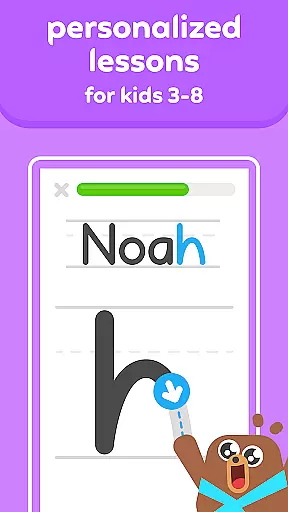
Personalized learning paths are at the heart of modern educational tools, allowing for an adaptive experience that caters to individual needs. Duolingo ABC excels in this area by providing tailored lessons that enable children from preschool to first grade to progress at their own speed. This customization ensures that each child receives the appropriate level of challenge and support needed for their unique learning journey.
The application achieves personalization through carefully structured lessons that incorporate multi-sensory activities such as tracing, interactive stories, and gamified elements. These activities are not only engaging but also reinforce different aspects of language acquisition like phonics, vocabulary, and sight words, which are crucial for developing strong reading skills.
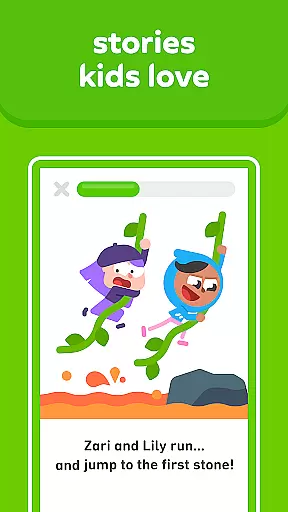
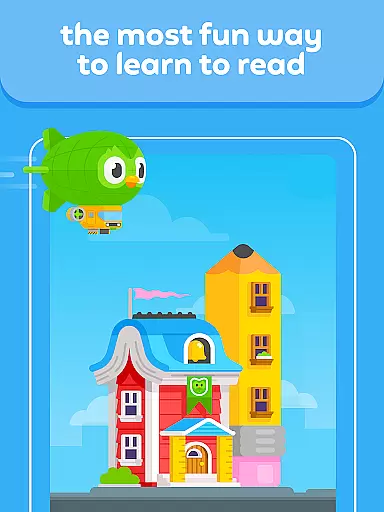
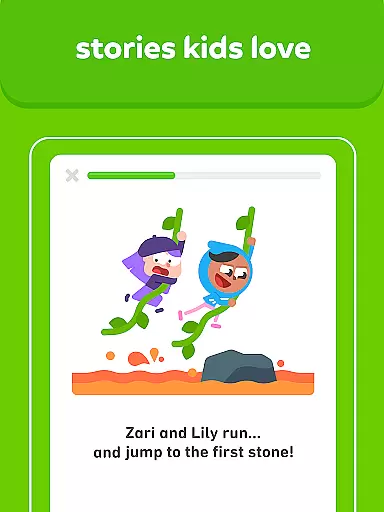
As children interact with Duolingo ABCu2019s delightful stories filled with vibrant pictures, they encounter new concepts that gradually increase in complexity based on their performance. This dynamic approach keeps learners motivated and invested in their progress while simultaneously building their confidence as they master new skills.
Moreover, Duolingo ABC supports offline learning, which means these personalized paths are not confined to places with internet access. Whether during travel or in areas where connectivity is limited, kids can continue their educational journey uninterrupted, making certain that their growth in reading and writing remains consistent and enjoyable.
Engaging learning games
Personalized lessons
Expert-designed content
Ad-free experience
Offline functionality
Limited to English
Requires parental guidance
No advanced levels
Lessons can be repetitive
Younger kids may need help

Ignite curiosity, spark learning: All babybus videos &games
 4.30
4.30
scanner body part for fun Prank friends realistic scan effects
3.00
Skelly is a fully poseable, anatomically correct reference skeleton for artists.
4.10
Your best partner for learning Japanese words. Based on a best-selling textbook.
2.90
Experience the sky, planet earth and the solar system like never before
4.90
Hasbro's Classic Board Game - Make Cavity Sam better or get the buzzer!
3.50
THE ESTABLISHED "GO TO" ARMY BOARD PREPARATION APP!
4.30
An aviator’s preparation, study and test tool for FAA Knowledge Exams.
4.10
Stargazing Guide App. Stars and constellations map. Solar system planets finder.
4.60
Childcare Management App: Daily sheets, sign in-out, billing and learning tools
4.70
Dinosaurs coloring book game. Drawing and painting dinos.
4.50
One of the most engaging and innovative ABC apps on the market.
4.30
Monkey Preschool Lunchbox: 7 exciting educational games for your preschooler.
4.30
The FE Clock is a way to track sun & moon around the circle of the earth.
4.30
Build math skills in: addition, subtraction, multiplication and division.
4.10
For medical training - Visualize complex vein maps and structures in real-time.
4.10
Watch and Play Elmo's World!
4.00
Break Language Barriers with AI—Learn Language Anytime, Anywhere!
4.00
A must-have app for mastering Japanese verb/adjective conjugations.
3.60


User Reviews