
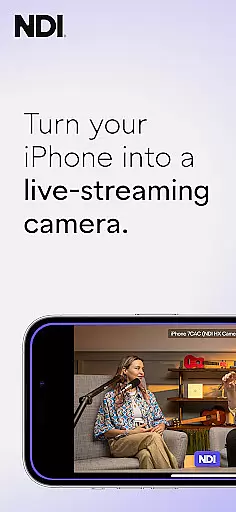
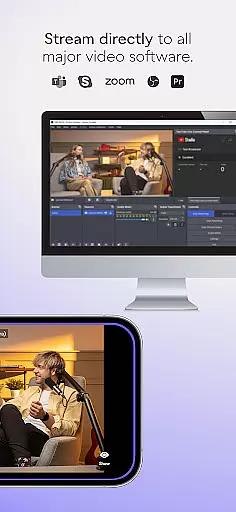
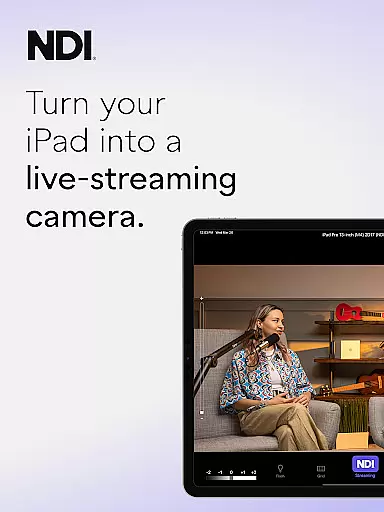
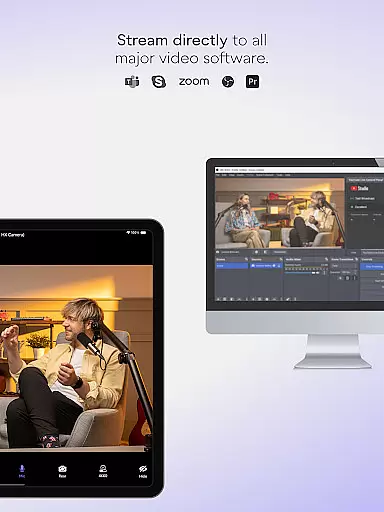
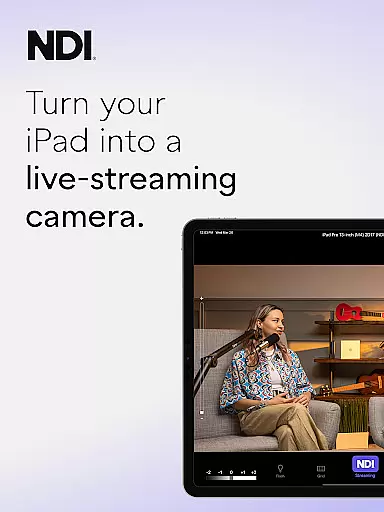
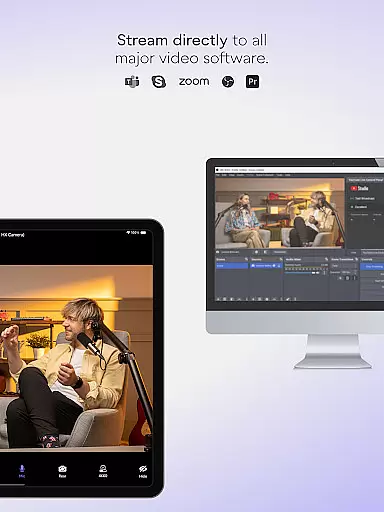
NDI Camera is a professional live-streaming camera app that transforms your mobile device into a high-quality NDI video source. With its intuitive interface and advanced features, it allows users to stream low-latency video and audio directly to popular platforms like MS Teams, Skype, and Zoom.
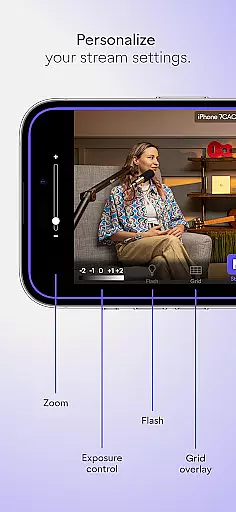
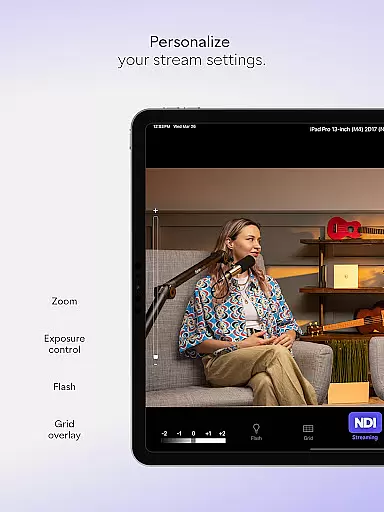
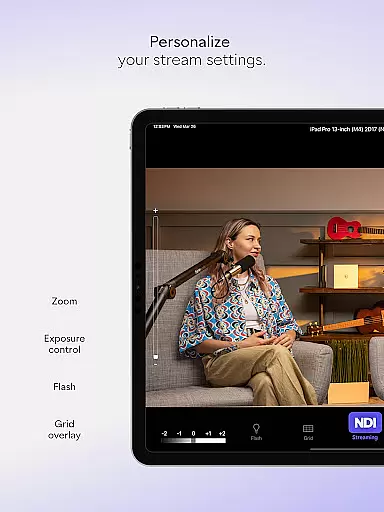
The app offers professional-grade settings such as bandwidth mode selection, grid overlay, autofocus, pinchable zoom, and tally display for on-air status. Whether you're conducting live broadcasts, webcasts, or presentations, NDI Camera provides the flexibility to introduce new camera angles and perspectives.
Designed for both beginners and professionals, this app is ideal for integrating mobile phones into live production systems, making it an essential tool for enhancing your video content with minimal setup.
NDI Camera stands out with its modernized UI designed for an intuitive user experience. The app ensures full video height in the viewfinder and includes a tally light with multiple modes, providing clear visual cues during live streaming.
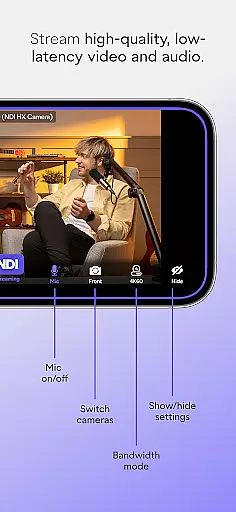
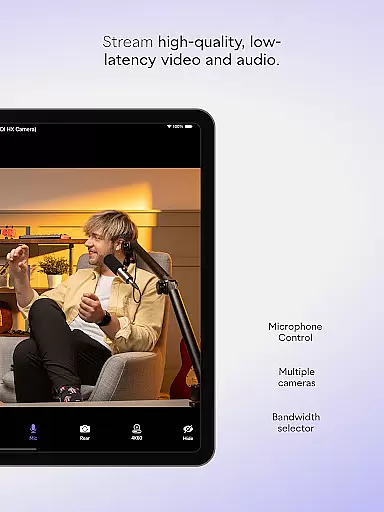
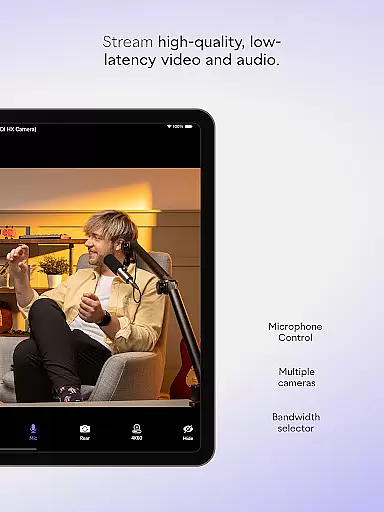
Key features include seamless integration with NDI-supported platforms, front and rear camera selection, and an on-screen connection meter for real-time feedback. Users can also choose between high, medium, and low bandwidth modes to optimize streaming based on their network capabilities.
Additional functionalities such as optional grid overlay, autofocus, and pinchable zoom offer enhanced control over video capture, ensuring professional-quality streams from the convenience of your mobile device.
Real-time messaging speed and reliability are crucial for seamless communication in any live-streaming application. NDI Camera excels in this area by ensuring that video and audio streams are transmitted with minimal delay and maximum stability.
The app achieves this through its integration with NDI 4 or newer, which is designed to deliver high-quality, low-latency video and audio. This means that whether you're using the app for professional broadcasts or casual streaming, you can expect your content to reach your audience almost instantaneously.
For users, this translates into an enhanced experience where interactions feel natural and unforced. The immediacy of feedback from viewers can significantly improve engagement levels, making each broadcast more dynamic and interactive.
Moreover, the reliability aspect ensures that once you start streaming, the connection remains stable throughout. With on-screen connection meters and tally displays for preview and on-air status, broadcasters have all the tools they need to maintain a consistent presence online.
Media sharing support is another cornerstone feature of NDI Camera, enabling users to effortlessly send video to popular platforms like MS Teams, Skype, Zoom, and many others. This capability transforms mobile phones into versatile sources within any live production system.
The app offers flexible options such as choosing between high, medium, and low bandwidth modes to accommodate different network conditions. This flexibility ensures that regardless of your internet speed, you can still share media without compromising too much on quality.
Additional functionalities include optional grid overlays, autofocus, pinchable zoom, and front and rear camera selection. These features provide users with extensive control over their streaming setup, allowing them to capture content from various angles and perspectives.
By integrating these professional settings right at your fingertips, NDI Camera not only simplifies but also elevates the process of media sharing. Whether it's for webcasts, presentations, or live broadcasts, the app empowers users to add new dimensions to their coverage easily.
User-friendly interface
High-quality streaming
Flexible camera options
Professional settings
Wide platform support
Requires NDI 4 or newer
Limited free features
Network dependent
Occasional bugs
Premium version costly

Radio communication simulator for gaming communities
 4.5
4.5
Messenger for SMS - texting message app, faster, simpler & safer, for you.
4.70
WazzapMigrator: transfer your WhatsApp history from iPhone to Android
4.00
Faster version of Messages. Messenger for your contacts.
4.50
Manage Phone Calls, call history, and contacts easily with Phone Pro.
4.1
Use this SMS app standalone or as a TREK: Total Interface companion.
4.30
A browser that does more than load page, like keeping your privacy safe.
4.70
Simple tool for businesses to talk to their customers.
4.40
Talk & text free with a second phone number plus unlimited 5G data, no fees.
4.50
Fast internet with AI, Adblock & VPN. Browse on a safe, incognito web browser.
4.70
Caller ID App! Add names & photos to unknown calls & Call Recording
4.40
Get through your inbox faster with the mail app designed to simplify your life.
4.40
Pure modern IRC experience for Android
3.70
Quickly and easily identify and block unknown callers
3.70
At select facilities, you now have an easy way to video visit your loved ones!
3.30
Fast, Simple And Secure Application That Provides SMBv3 Server On Your Device
3.30
Comprehensive and powerful scan tool app with enhanced functions
3.00
Watchgram for Telegram: Experience seamless Telegram messaging on your watch
1.80
Bringing the functionality of Winlink to your Android device
4.2


User Reviews