
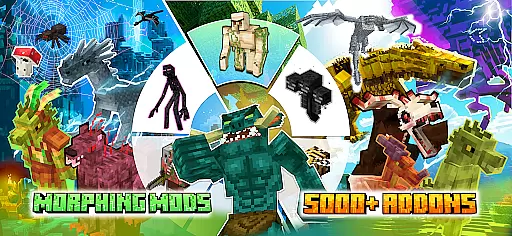
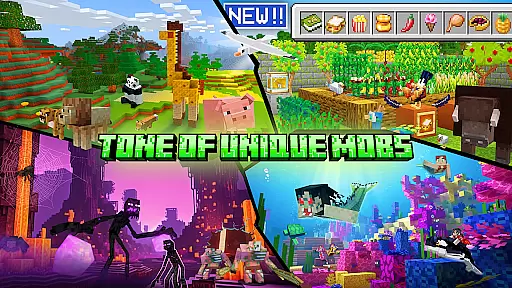
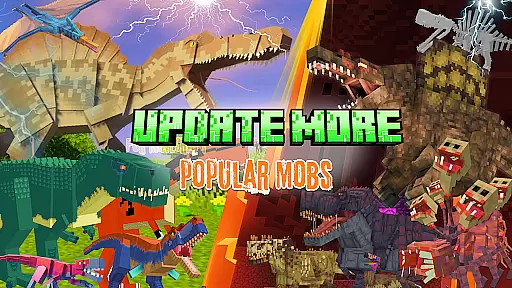
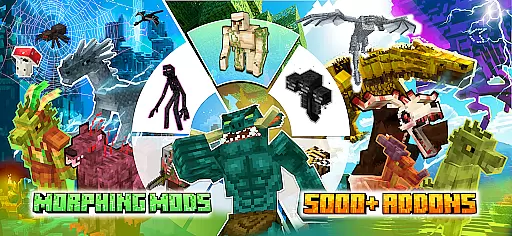
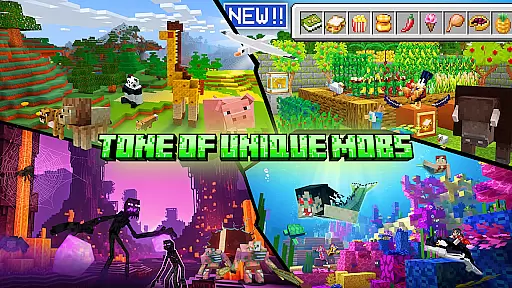
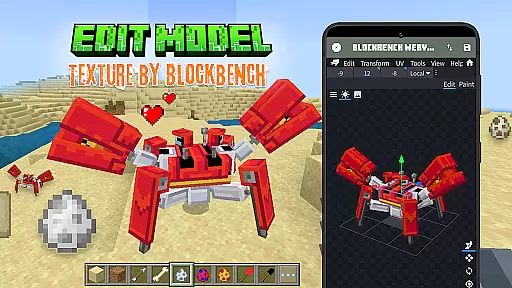
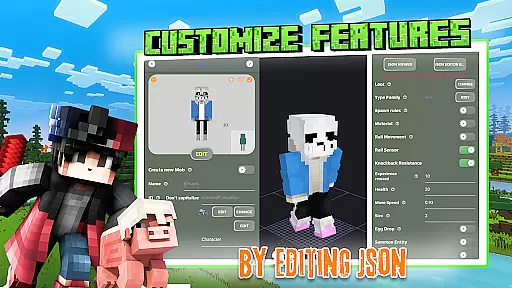
Mobs Maker for Minecraft PE is a powerful toolkit designed to help users create custom mobs and player models for Minecraft Pocket Edition without requiring coding skills. The app provides an intuitive interface that allows both beginners and advanced users to modify 2D/3D textures, skins, animations, and JSON behaviors with ease.
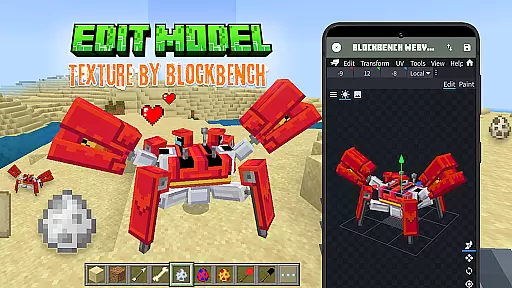
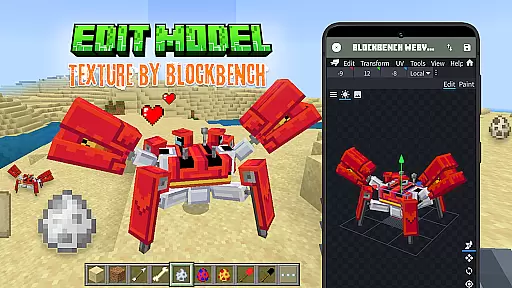
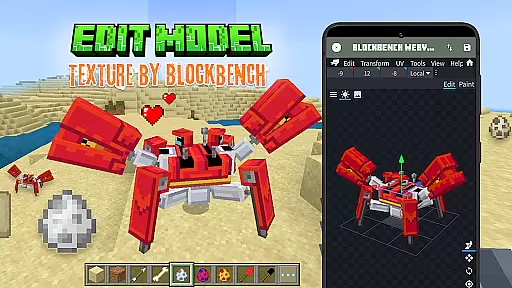
One of the standout features of this app is its seamless integration with Blockbench, a professional 3D model editor, which enables users to design unique animals or customizable player models. Once created, these models can be exported directly into Minecraft Bedrock Edition, allowing creators to see their work come to life in the game environment.
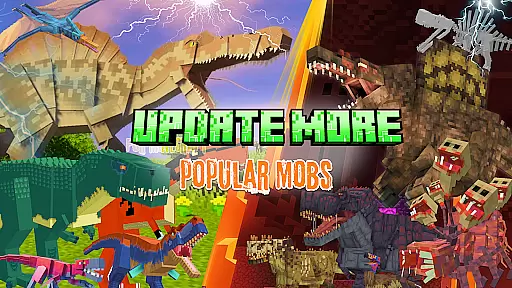
This application is ideal for Minecraft enthusiasts who want to expand their gameplay experience by adding custom content. Whether you're looking to edit official mobs or explore rare community creations, Mobs Maker for Minecraft PE offers everything needed to enhance your Minecraft addons library.
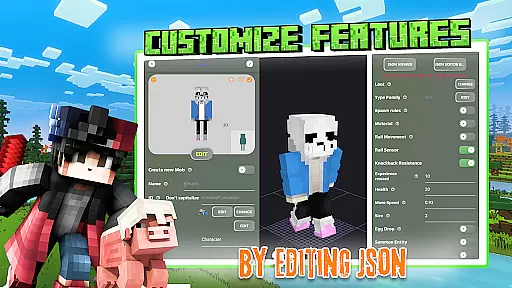
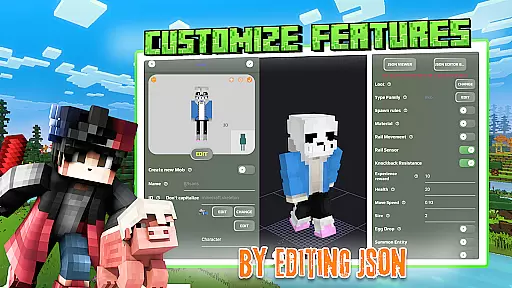
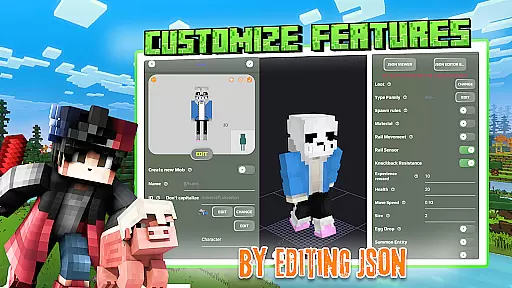
The Mobs Maker for Minecraft PE app boasts a comprehensive set of features tailored for creating high-quality Minecraft addons. Users can start by editing existing mobs or designing completely new ones using the built-in tools for modifying skins, textures, and animations. The app supports detailed JSON behavior editing, giving creators precise control over how their custom mobs function within the game.
A key highlight is the ability to leverage Blockbench's professional 3D modeling capabilities directly through the app interface. This feature allows users to craft intricate models and animations that would otherwise require extensive technical expertise. Additionally, the app provides access to a vast library of community-shared models, offering inspiration and resources for new projects.
Creators can also import their custom mobs directly into Minecraft PE, streamlining the process from creation to implementation. With regular updates planned to include advanced mob creation tools and UI improvements, Mobs Maker for Minecraft PE continues to evolve as a robust platform for Minecraft addon development.
Functionality completeness in an application refers to the extent to which it delivers all the necessary features and tools users expect from its category. For Mobs Maker for Minecraft PE, this means providing a comprehensive suite of mob creation and editing capabilities that cater to both beginners and advanced users. The app offers a robust set of features including 3D model editing, JSON behavior modification, and skin customization, ensuring that users have everything they need to create unique mobs.
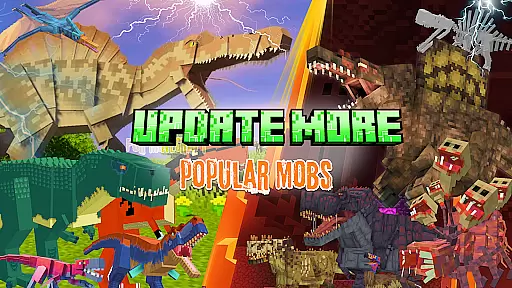
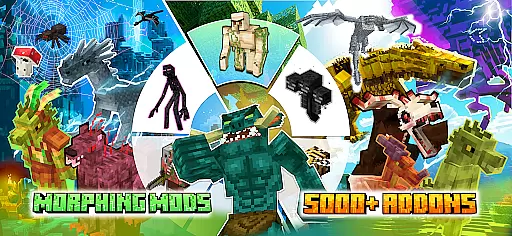
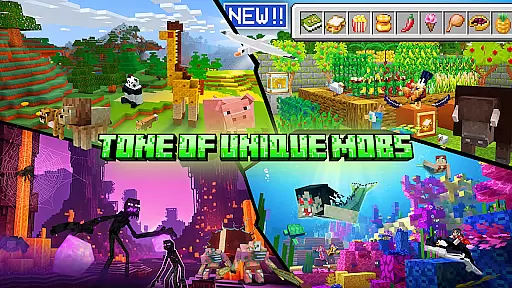
The coverage aspect is equally important, as it ensures that the app supports a wide range of functionalities required for creating professional-quality Minecraft addons. With support for importing custom mobs into Minecraft Bedrock Edition and access to a library of rare community-created mobs, the app provides extensive resources for creativity and innovation. This broad functionality allows users to experiment with different mob designs and animations, pushing the boundaries of what's possible within the game.
For users, having a complete and well-rounded toolset means they can bring their creative visions to life without needing to rely on external software or services. Whether they are looking to modify existing mobs or design entirely new creatures, the app's comprehensive feature set empowers them to achieve their goals efficiently and effectively.
Usability and operational smoothness are critical factors that determine how easily users can interact with an application and accomplish their tasks. In the case of Mobs Maker for Minecraft PE, usability is enhanced through intuitive design and straightforward navigation, allowing users to focus on creating and editing mobs rather than struggling with complex interfaces. The app simplifies the process of designing customizable player models and unique animals with easy-to-use animation and JSON editing tools.
Operational smoothness is achieved by ensuring that all functions work seamlessly together, providing a fluid user experience. From modifying 2D/3D textures and skins to exporting creations directly into Minecraft, each step is optimized for efficiency and ease of use. Regular updates and planned improvements, such as advanced mob creation tools and UI enhancements, further contribute to maintaining high standards of performance and reliability.
Ultimately, when an app combines excellent usability with smooth operations, it significantly enhances user satisfaction and productivity. Users can quickly learn the ropes, make the most out of available features, and enjoy a hassle-free experience while crafting intricate and engaging Minecraft addons. This combination not only attracts more users but also encourages them to continue using the app for their creative projects.
User-friendly interface
Extensive customization options
Seamless Blockbench integration
Vast library of community models
Regular feature updates
Requires Minecraft PE
Limited official support
Some features under development
Premium content may require payment
Learning curve for beginners

Do you want to drive easy ? do you wanna full mirror link Mobile with your car
 4.10
4.10
Identify securely online
3.10
With Endoscope Camera Connector you can connect your phone with endoscope cam
3.70
Popular mods fnaf mods for melon playground
4.50
Zlink Carplay Android a mirror link app with a Carplay interface style
4.4
Study Bible King James Version: the correct way to learn the Bible with audio
4.80
Mirror link car connector to share your screen with car dashboard
3.80
Manage apps & elevate your gaming experience with Game Launcher: Gaming Hub app.
4.30
Unlock the hidden menus of your phone with our mobile secret codes app.
4.20
Explore The Holy Quran Majeed for Muslim. Listen to MP3 Quran & Al Quran Kareem.
4.80
Expo is a free & open source platform to build apps using JavaScript and React.
4.70
Phone Software Update Quick Checker helps you to keep your phone apps up to date
4.50
Enjoy Minecraft Mod Scary Neighbor Granny for Minecraft PE.
4.30
View your cameras anywhere and anytime
4.20
Android secret code for smart phone, mobile codes, with secret codes app
4.20
You can remote control and play much easier.
4.10
charging your phone by other phone easly
4.00
Demo version of the mcpro24fps manual video camera. Try and buy a full version!
4.00
CloudEye 365 is a easy-handling APP
3.60


User Reviews