
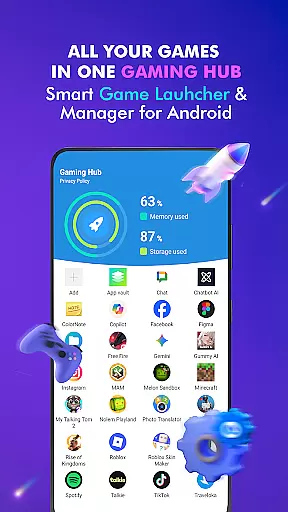

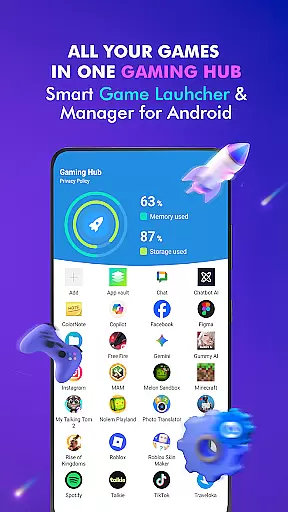

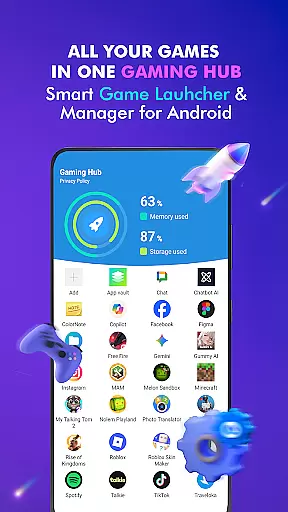

Gaming Hub is an innovative app management solution designed to simplify how Android users interact with their favorite games and applications. This Libraries & Demo category app serves as a centralized hub for organizing, launching, and monitoring your apps efficiently.
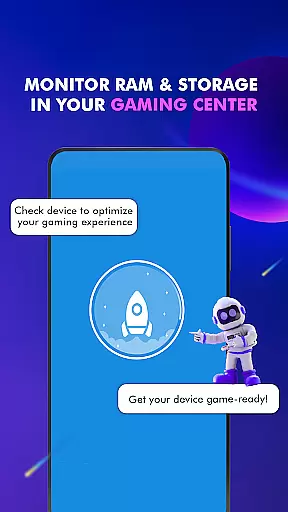
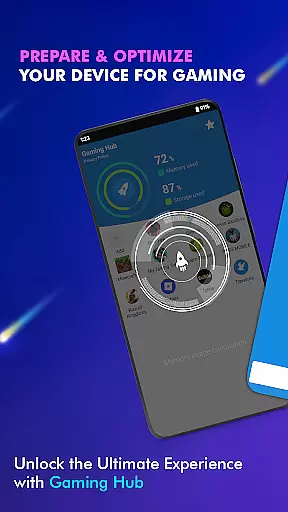
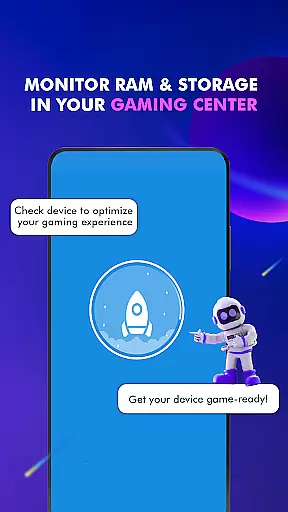
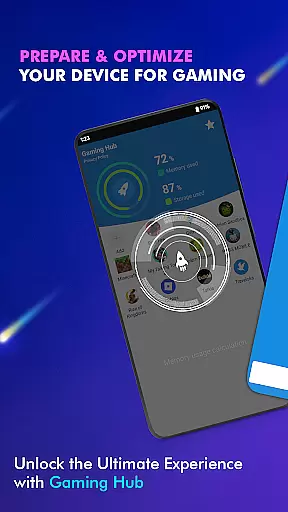
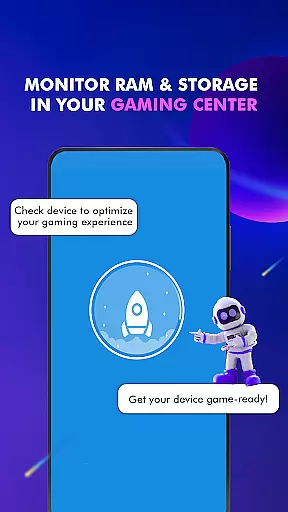
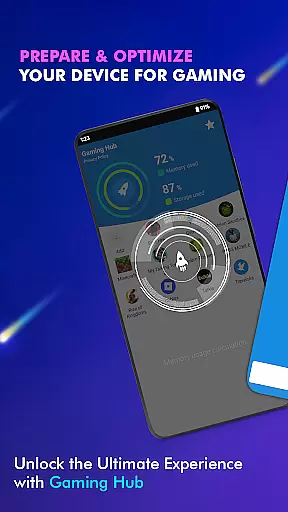
The app's standout feature is its Game Launcher, which provides seamless access to all your installed games and apps from a single interface. Additionally, Gaming Hub offers performance monitoring tools that display real-time data on RAM usage and device storage, helping users optimize their gaming experience. Whether you're a casual gamer or a power user, this app ensures your digital library remains clutter-free and easily accessible.
With its intuitive design, Gaming Hub caters to users who need a reliable tool for managing large collections of apps. By automatically detecting popular games and allowing manual additions, it delivers both convenience and customization, making it an essential utility for modern smartphone gamers.
Gaming Hub distinguishes itself through a variety of advanced features tailored for app and game management. One of its core functionalities is the Gaming Hub section, which acts as a centralized repository for all your apps and games, streamlining access and organization.
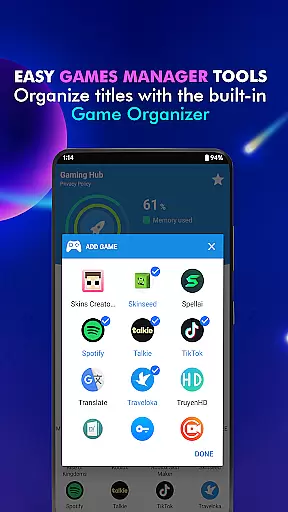
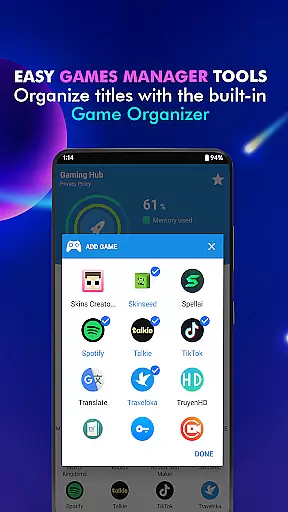
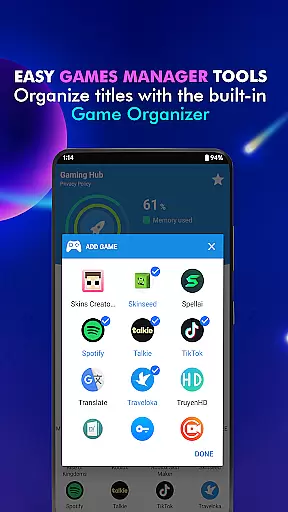
The App Organization tool is another highlight, offering two modes of operation: automatic detection of popular games via Organizer Master or manual addition of preferred apps. This dual approach ensures flexibility in managing your digital content. Furthermore, the Performance Monitoring feature provides critical insights into system resources such as RAM usage and storage capacity, empowering users to maintain optimal device performance.
Designed with simplicity in mind, Gaming Hub also includes a Launcher feature that allows quick startup of apps and games. While it doesn't function as a game booster, its focus on usability and accessibility makes it a valuable asset for anyone seeking efficient app management solutions.
Functionality completeness is a critical aspect of any app, and Gaming Hub excels in this area. The app provides a comprehensive suite of tools designed to simplify the management of apps and games on Android devices. With features like the Android Game Launcher, Gaming Hub, and Organizer Master, users can easily manage their favorite games and apps.
Gaming Hub goes beyond just organizing apps; it also includes performance monitoring capabilities. Users can monitor RAM usage and track device storage, ensuring optimal performance for gaming sessions. This level of functionality ensures that users have all the necessary tools at their fingertips to maintain an efficient and organized digital environment.
The benefits of such comprehensive functionality are manifold. Users no longer need to navigate through cluttered menus or search extensively for their favorite apps. Instead, everything is centralized within the Gaming Hub, making app management not only more accessible but also more enjoyable. This streamlined approach enhances user experience significantly.
Usability and operational smoothness are essential for any application aiming to provide a seamless user experience. Gaming Hub achieves this by offering a user-friendly interface that simplifies the process of managing apps and games. Its intuitive design ensures that even those who may not be tech-savvy can easily navigate and utilize its features.
One standout feature is the Launcher, which allows users to quickly and effortlessly launch their apps. By reducing the steps required to access frequently used applications, Gaming Hub enhances overall usability. Additionally, the automatic detection and addition of popular games from renowned publishers streamline the organization process further.
This focus on usability translates into tangible benefits for users. They can enjoy a hassle-free experience where launching apps becomes second nature. Moreover, the ability to manually add preferred apps ensures customization according to individual preferences, thereby increasing satisfaction and engagement with the platform.
User-friendly interface
Centralized app management
Automatic game detection
Performance monitoring tools
Lightweight and efficient
No FPS boosting capabilities
Limited to app organization
Requires manual updates
Basic UI design
Few customization options

View your cameras anywhere and anytime
 4.20
4.20
Block and secure the microphone and protect from secret listening and recording.
4.50
With Endoscope Camera Connector you can connect your phone with endoscope cam
3.70
You can remote control and play much easier.
4.10
Test DPC is a sample device policy controller for use with Android Enterprise.
4.20
Enjoy hours of entertainment with our Roblox mobile games app
4.2
Connect and Find your smart tag via our app.our app is compatible with smarttag.
3.30
Barcode scanning made simple!
4.40
Endoscope camera an app to connect with endoscope cam or any device
3.30
Demo for Key Attestation feature of the Android system.
4.80
Read Holy Quran Feel Like Real Quran & Listen Al Quran Mp3 Audio Online Offline.
4.70
Popular mods fnaf mods for melon playground
4.50
MirrorLink for connecting your Android phone to your car’s infotainment screen.
4.50
Game booster GFX may reduce interruptions and improve gaming experience.
4.50
Wireless reverse charging using phone now is possible
4.30
Recite Quran Majeed القران with special 16 line real Kuran page in hand
4.30
Unlock the hidden menus of your phone with our mobile secret codes app.
4.20
Easily evaluate the performance of Scandit's barcode and ID scanning SDK
4.10
A Pydroid Quick Install repository provider.
4.00


User Reviews