
Sobriety Counter - EasyQuit Pro is a comprehensive health and fitness application designed to assist users in overcoming alcohol addiction. The app offers two primary modes of operation: immediate cessation or gradual reduction of alcohol consumption. This dual approach allows users to choose the method that best suits their personal needs and circumstances.
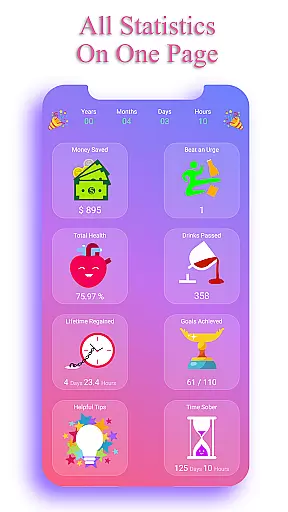
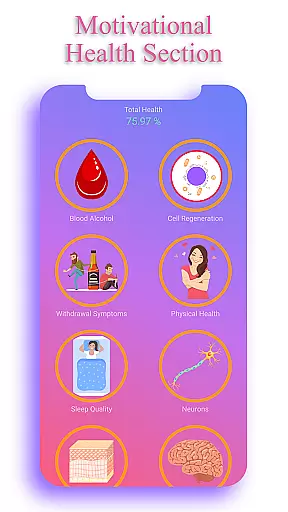
One of the standout features of EasyQuit Pro is its motivational health section, which provides users with real-time updates on how their body is improving without alcohol. Additionally, the app tracks the money saved by not drinking, offering a tangible incentive for maintaining sobriety. With customizable plans, reminders, and personal motivations, this app creates a supportive environment conducive to breaking the habit of drinking.
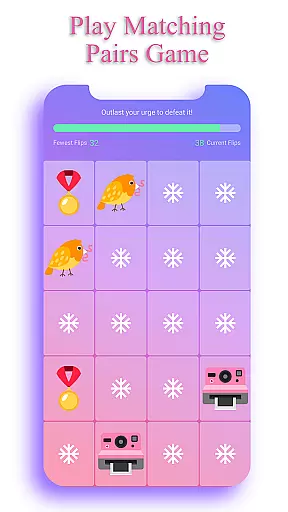
The app's value extends beyond mere functionality; it fosters a healthier lifestyle by encouraging users to focus on positive changes. Whether through playing memory games to distract from cravings or setting savings goals for treats, EasyQuit Pro equips users with practical tools to achieve long-term sobriety.
EasyQuit Pro boasts an array of features designed to motivate and support users on their journey to sobriety. A key component is the countdown timer, which visually demonstrates the health benefits accrued over time as users abstain from alcohol. This feature serves as a powerful reminder of the progress made and the positive impact on one's health.
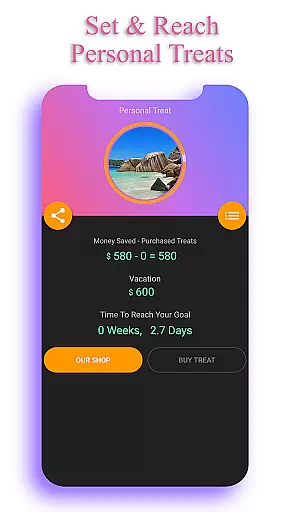
Another significant aspect is the ability to track financial savings. Users can see exactly how much money they have saved by not purchasing alcohol, and even set goals for rewards they wish to buy with these savings. This adds a practical dimension to the motivation, making the abstract concept of 'saving' more concrete and rewarding.
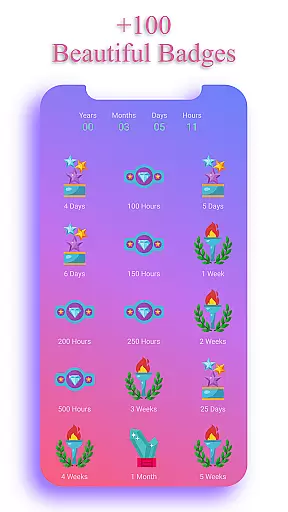
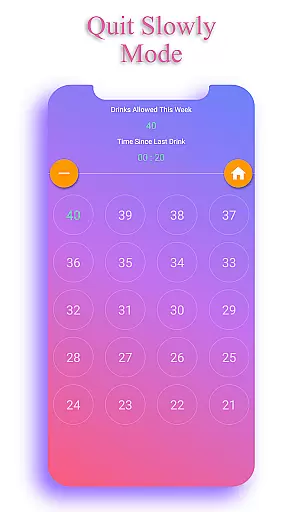
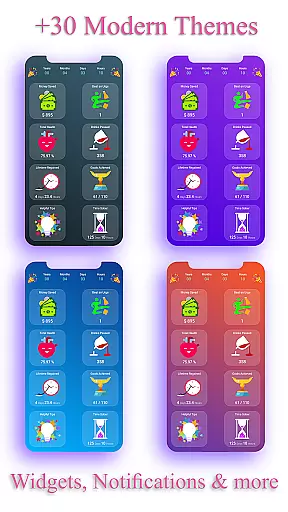
In addition to these, the app includes a 'Quit Slowly' mode, allowing for a phased approach to reducing alcohol intake. Personal motivations can be recorded and daily reminders set to reinforce the user's commitment to quitting. With 64 beautifully designed badges celebrating milestones and 28 customizable themes, EasyQuit Pro ensures a personalized and engaging experience while maintaining a high level of privacy by storing data locally on the device.
Personalized planning in the Sobriety Counter -EasyQuit pro app is a standout feature designed to help users quit drinking at their own pace. This app offers two modes: immediate cessation and a gradual reduction plan, allowing users to choose the path that best suits their needs.
The 'Quit Slowly' mode provides a customized plan with reminders, easing users into sobriety by gradually reducing alcohol intake. This personalized approach ensures that each user's journey is tailored to their specific circumstances, enhancing the likelihood of long-term success.
Additionally, users can set personal motivations and write down their reasons for quitting alcohol. The app then reminds them of these motivations daily, reinforcing their commitment to becoming sober. This level of customization empowers users to take control of their sobriety journey.
By combining motivational health statistics, financial savings, and personal motivations, EasyQuit creates a comprehensive and personalized plan that addresses various aspects of the user's life. This holistic approach not only aids in breaking the habit but also promotes overall well-being and a healthier lifestyle.
Progress visualization in the Sobriety Counter -EasyQuit pro app plays a crucial role in keeping users motivated throughout their journey to sobriety. One of the key features is the countdown timer, which tracks the improvement in various health aspects as a result of quitting alcohol consumption.
Users can see how much money they have saved by not drinking, adding a tangible benefit to their progress. The app allows setting a custom treat to buy from these savings, providing an extra incentive to stay on track. This financial visualization serves as a powerful motivator, showing users the real-world benefits of their efforts.
The app also awards 64 beautiful badges for sobriety milestones and drinks passed, complete with congratulatory reminders and sharing functionality. These badges serve as visual markers of achievement, celebrating each step forward in the user's journey. Such recognition fosters a sense of accomplishment and encourages continued commitment.
With two awesome widgets available for the home screen, users can constantly monitor their progress. These widgets display the money saved and the duration of sobriety, ensuring that achievements are always visible. By making progress tangible and visible, EasyQuit enhances user engagement and supports long-term behavioral change.
User-friendly interface
Customizable plans
Motivational health stats
Privacy-focused design
Engaging badge system
Limited social features
No community support
Premium-only content
Occasional bugs
High cost

The simplest way to track your 21 Day Program containers, exercises, and water.
 4.50
4.50
Create powerful subliminal audio with custom affirmations and background music.
4.00
Using Recognise™ has been shown to reduce pain and improve performance.
4.0
Binaural Beats - Fully Customizable Waves - Pure Sound - No Loops
4.50
Using Recognise™ has been shown to reduce pain and improve performance
4.5
Relax. Sleep Better. Feel Better.
4.50
Walk, track, and burn calories with step counter & GPS walking tracker
4.20
Jogging app for calorie counter and distance tracker. Running app to lose weight
4.20
Workouts for everyone
4.70
Meditation app, head space app provides calm music to help you meditate & sleep
5.00
Load the bar with this barbell & plate calculator. It's leg day, not brain day!
4.70
Point, scan, and unlock truth in every bite.
4.50
50 HD sounds to help you relax during the day and sleep great at night!
4.40
Grow with self-tests and personal routine.
4.30
Your portable blood pressure tracker. Record, monitor, and analyze BP anytime.
4.30
Interval timer for High Intensity Interval Training, Tabata and Circuit Training
4.20
Looking to take control of your health? Our psychology-based programs can help.
4.10
Enjoy the Gluten Free living with the best app. SCAN the barcodes & SEARCH.
3.60
3D Body Measurement System
3.60


User Reviews