
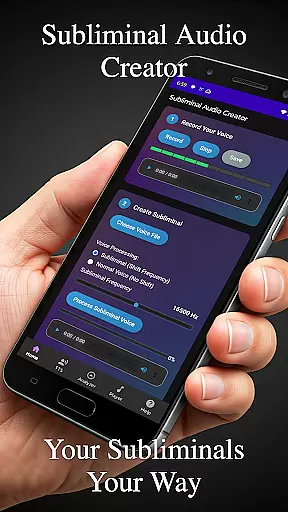
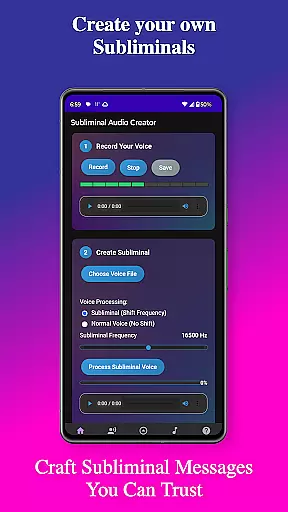
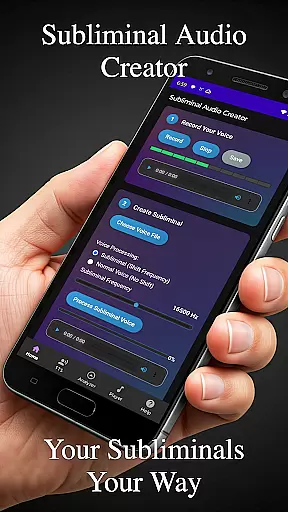
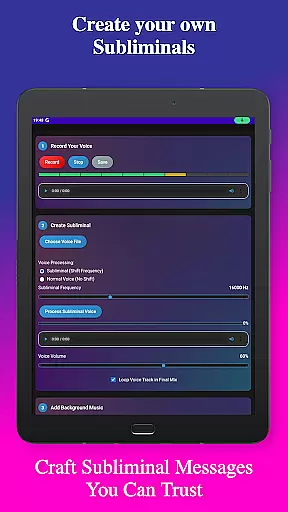
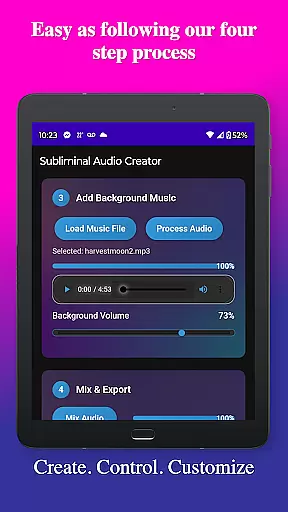
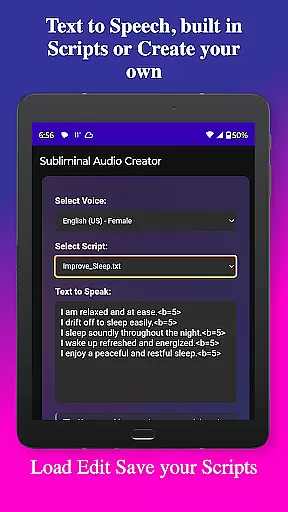
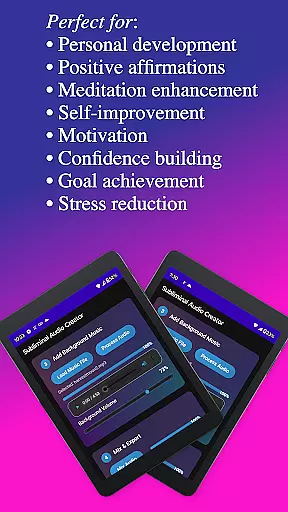
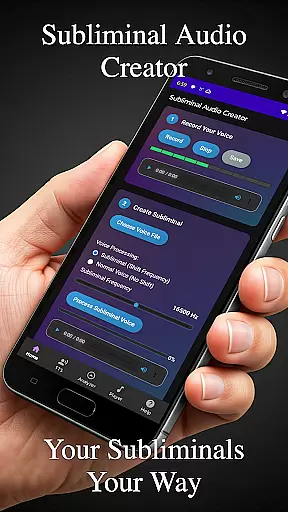
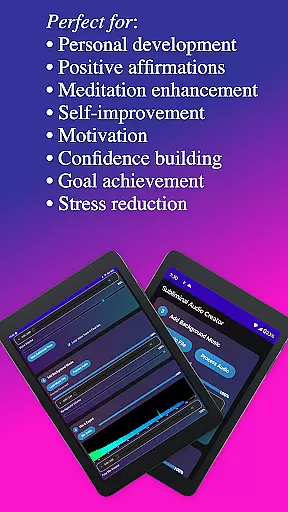
Subliminal Audio Creator is a comprehensive tool designed for creating personalized subliminal audio tracks, self-hypnosis recordings, and meditation music. This app empowers users to craft high-quality audio files by combining voice recordings or text-to-speech affirmations with background music or ambient sounds. It caters to individuals interested in personal development, positive affirmations, meditation enhancement, motivation boosting, and more.
The app features an intuitive interface that guides users through the creation process step-by-step. With advanced controls for adjusting frequencies and volumes, real-time audio analysis tools, and support for various audio formats, Subliminal Audio Creator ensures professional-grade output. Whether you're looking to enhance your meditation practice or boost your motivation, this app provides the tools necessary to create impactful audio experiences tailored to your needs.
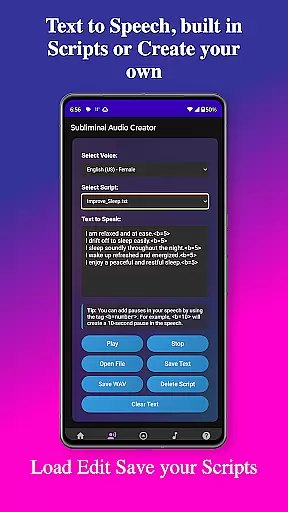
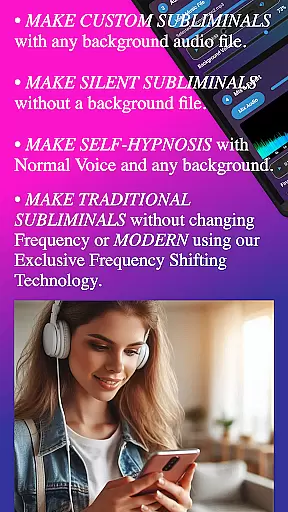
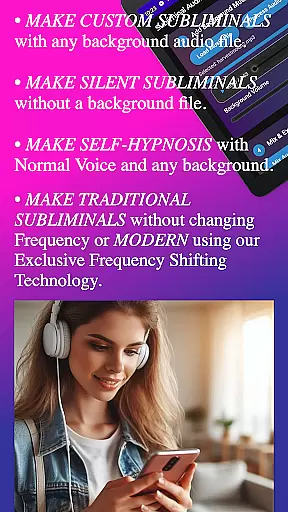
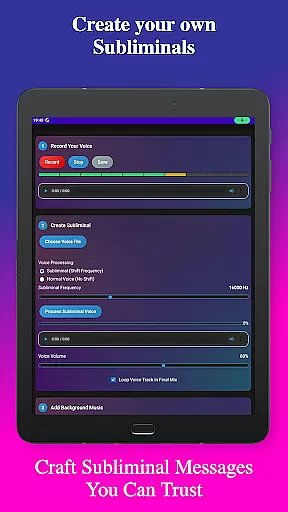
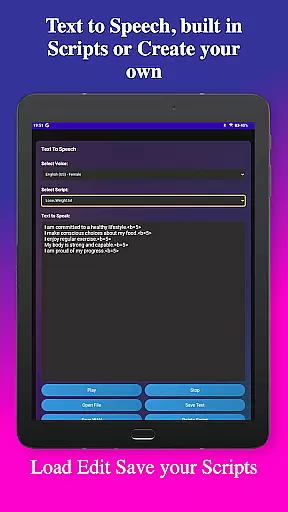
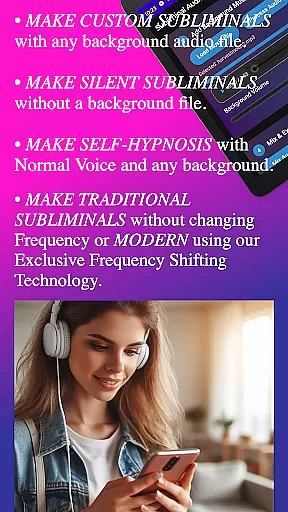
Subliminal Audio Creator stands out with its robust set of features designed to facilitate the creation of powerful subliminal messages. Users can record their own affirmations with crystal-clear audio quality, preview and re-record until satisfied, and save these recordings for future use. The app also offers text-to-speech functionality with multiple voice options, allowing users to convert written affirmations into speech and add custom pauses between affirmations.
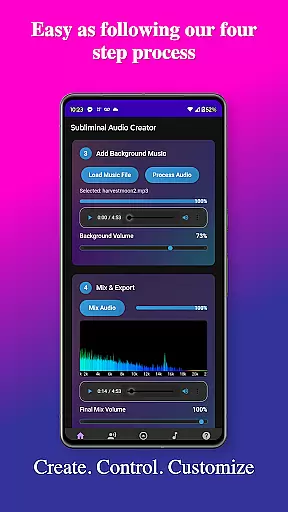
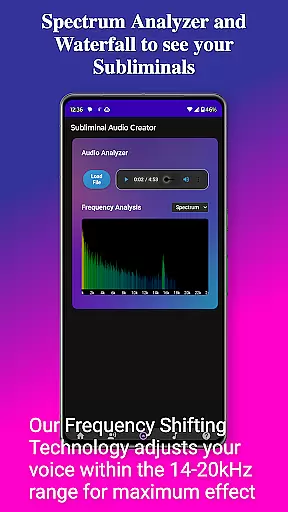
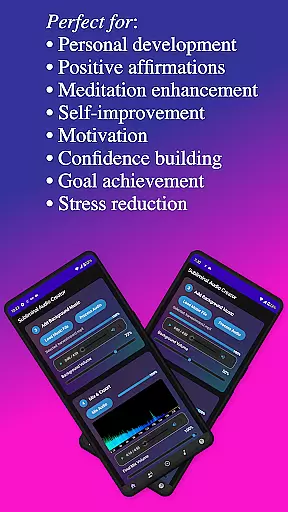
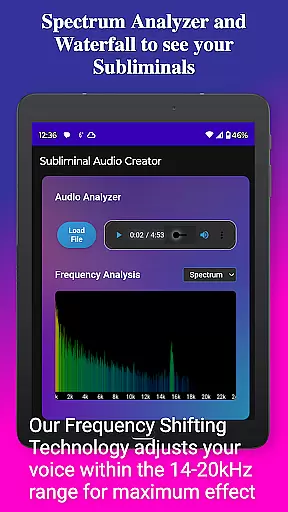
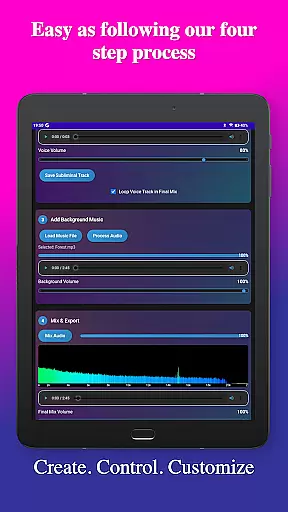
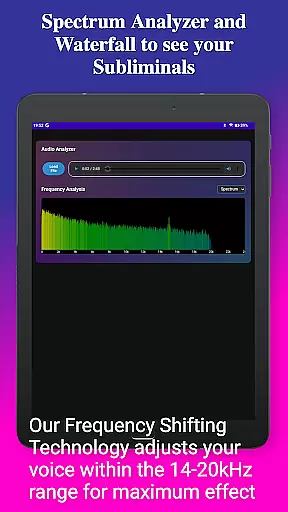
In addition to voice recording and text-to-speech capabilities, the app includes a rich selection of background music tracks and supports mixing these with affirmations. Users can adjust volumes independently to achieve the perfect balance and choose from both MP3 and WAV formats. Advanced audio analysis tools provide real-time frequency spectrum visualization and waterfall displays, enabling users to verify subliminal frequencies and monitor audio quality effectively.
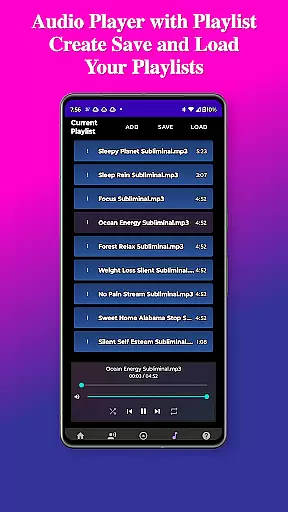
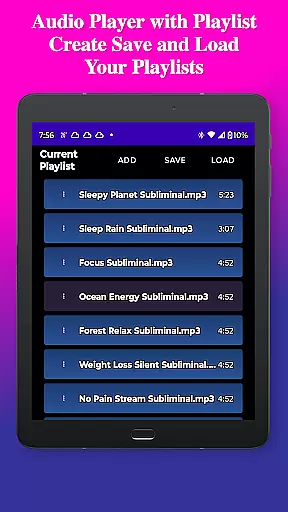
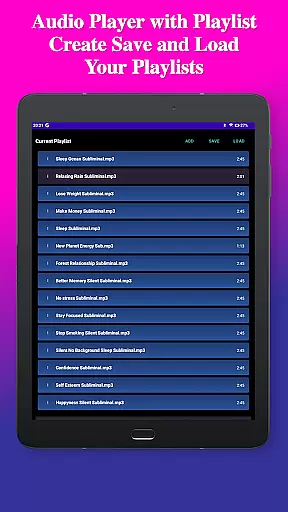
Playback features include a built-in MP3 player with playlist support, Google Cast integration for streaming to speakers, and background playback capability. The user-friendly interface boasts a clean, modern design with easy-to-use controls and a dark theme for comfortable viewing. File management is streamlined with organized file structures, project saving and loading, and export options in MP3 or WAV format, making it simple to manage and share creations.
Subliminal Audio Creator offers a unique approach to personalized planning through its comprehensive audio creation tools. The app allows users to craft tailored subliminal messages and affirmations that align with their specific personal development goals.
The application's text-to-speech feature, combined with the ability to record custom affirmations, enables users to create personalized audio content that resonates with their individual needs. With multiple voice options and customizable pauses between affirmations, the planning process becomes deeply personal and adaptable to various self-improvement objectives.
Users can adjust subliminal frequencies and background music volumes to create the perfect mix for manifestation and personal growth. This level of customization ensures that each audio track is specifically designed to address unique personal challenges and aspirations.
The app's organized file structure and project management capabilities make it easy to track progress and maintain consistency in personal development efforts. By saving and loading projects, users can establish a clear path toward achieving their self-improvement milestones while maintaining complete control over their transformation journey.
Subliminal Audio Creator provides powerful tools for visualizing personal progress through its innovative audio analysis features. The real-time frequency spectrum analyzer and waterfall display offer detailed visual representations of subliminal frequencies, allowing users to monitor their audio creations' effectiveness.
The built-in audio analyzer helps users verify the presence and strength of subliminal frequencies in their mixes. This visualization capability ensures that each audio track maintains consistent quality and adheres to the desired frequency parameters for optimal results.
Through the app's comprehensive playback features and media controls integration, users can easily track their listening history and monitor their engagement with different subliminal tracks. The organized file structure for voice recordings, subliminal tracks, and final mixes provides clear evidence of progress over time.
Additionally, the ability to export creations in both MP3 and WAV formats, combined with the app's project management system, allows users to maintain a visual record of their personal development journey. This documentation of progress serves as motivation and helps users adjust their approach based on tangible evidence of their advancement.
User-friendly interface
High-quality audio output
Comprehensive feature set
No ads or subscriptions
Lifetime access with purchase
Requires storage permission
Microphone access needed
Advanced features may overwhelm beginners
Limited free content
Specific use case

The Wear OS BeechBand app is designed to alleviate anxiety and other conditions
 4.4
4.4
A simple way to calculate peptide doses and also to convert different units.
4.4
Using Recognise™ has been shown to reduce pain and improve performance
4.3
Relax. Sleep Better. Feel Better.
4.50
Get lasting results with Chair Yoga, Wall Pilates, and Walking workouts!
4.60
Medbridge GO gets you moving - get back to doing what you love, faster!
4.90
You deserve easy access to important insurance information. Download for FREE.
4.70
Make sense of your health data.
3.80
GloryFit is a companion app for the smart bracelet.
3.60
Show your support for the development of FitNotes - Gym Workout Log
4.90
Weight loss app: home workout for women to lose weight & burn calories.
4.80
App to stop smoking slowly or now with a motivational badges and helpful tips
4.80
Easy to use step counter, calorie counter helps lose weight, count steps offline
4.80
Easy access to health benefits
4.70
Personal Measurements - Track your gains!
4.50
Pilates, Calisthenics, Yoga
4.50
50 HD sounds to help you relax during the day and sleep great at night!
4.40
Dexcom G7 Continuous Glucose Monitoring
3.70
Control your sleep in real-time wearing Garmin device
3.60


User Reviews