
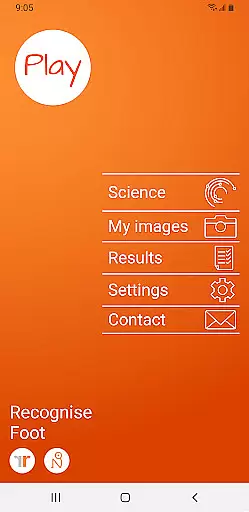
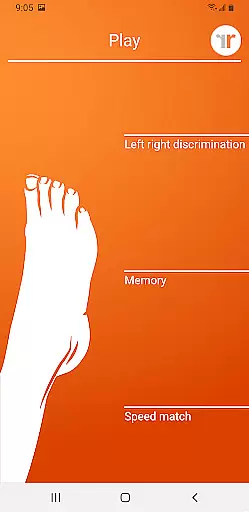
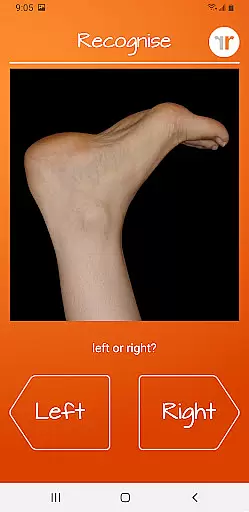
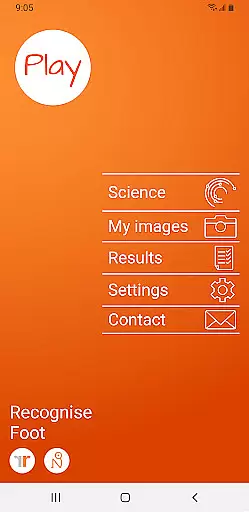
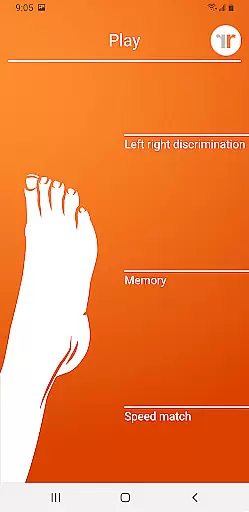
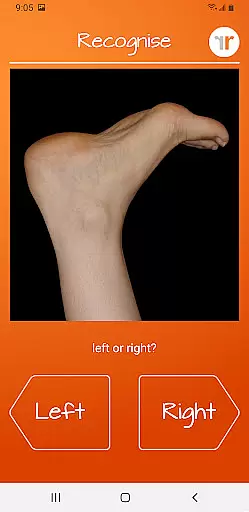
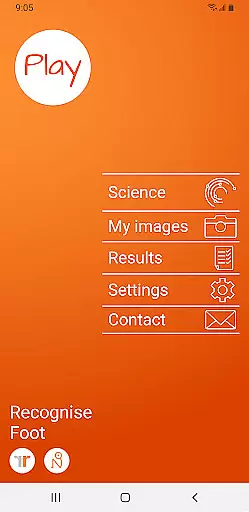
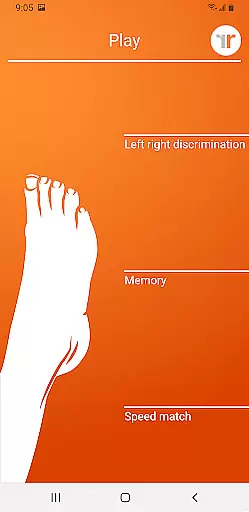
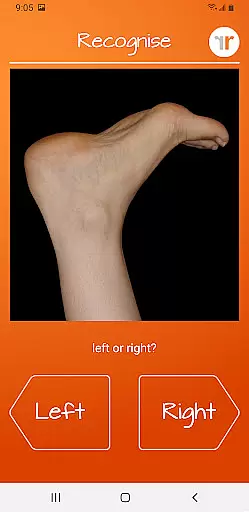
Recognise Foot is a specialized health and fitness application designed to assist users in managing pain, enhancing performance, and supporting rehabilitation through the practice of Graded Motor Imagery. This innovative app focuses on improving the user's ability to distinguish between left and right body parts, an essential component of motor imagery therapy.
The app offers two primary modes - TEST and TRAIN. In TEST mode, users can evaluate their proficiency in recognizing images of body areas as either left or right. The TRAIN mode allows users to exercise their brain's neuroplasticity with various tools. Recognise Foot is particularly beneficial for individuals dealing with complex pain and injury conditions, serving as a supportive tool alongside professional medical treatment.
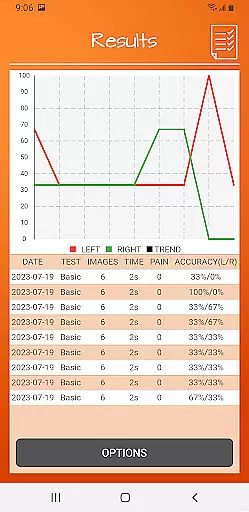
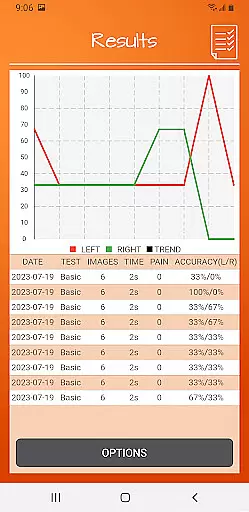
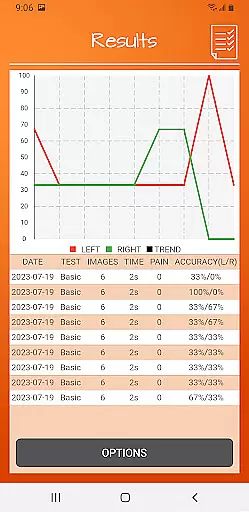
With features like 'Memory' and 'Speed match', graded difficulty levels, and personal best challenges, Recognise Foot provides a comprehensive training experience. Users can track their progress with detailed onscreen results and graphs, export data for clinical review, capture custom images for personalized training, and access educational content explaining the science behind the methods used.
Recognise Foot stands out with its unique approach to motor imagery training by incorporating scientifically-backed techniques into an accessible mobile application. One of the key features is the ability to test and train your brain's capacity for Left/Right Discrimination, which is crucial for those undergoing rehabilitation.
The app includes advanced tools such as 'Memory' and 'Speed match' games that help elevate the user's training experience. With adjustable difficulty settings and personal best challenges, it caters to different skill levels and encourages continuous improvement. Detailed performance tracking is available through onscreen results and graphs, enabling users to visualize their progress over time.
Clinical integration is another highlight, allowing users to export and email their results directly to healthcare providers. Additionally, the option to capture and use personal images adds a layer of customization. Recognise Foot also educates its users with a thorough explanation of the underlying science, ensuring they understand the benefits and methodologies of Graded Motor Imagery.
Recognise Foot offers a personalized approach to motor imagery training, which is crucial for rehabilitation and performance enhancement. The app's core functionality revolves around Left/Right Discrimination exercises, enabling users to train their brain's ability to quickly identify body areas.
The application provides graded difficulty levels and personal best challenges, ensuring that each user's experience is tailored to their current cognitive and physical capabilities. This adaptive training system allows for steady progression, making it suitable for various stages of recovery or performance improvement.
Users can capture their own images and incorporate them into training sessions, adding a layer of personalization that enhances the relevance and effectiveness of the exercises. This feature ensures that the training remains engaging and specific to individual needs.
The combination of these personalized elements creates a comprehensive rehabilitation tool that adapts to each user's unique progress curve, maximizing the benefits of Graded Motor Imagery programs while maintaining professional clinical standards.
Tracking progress is essential in rehabilitation programs, and Recognise Foot excels in visualizing user advancement through detailed onscreen results and graphs. These visual tools provide immediate feedback on performance, allowing users to monitor their improvement in Left/Right Discrimination tasks over time.
The app's graphical representations display key metrics such as response accuracy and speed, giving users clear insights into their cognitive development. This data-driven approach helps maintain motivation by showing tangible evidence of progress in neuroplasticity training.
Furthermore, the powerful clinical integration tools enable users to export and email their results directly to healthcare professionals. This feature facilitates professional monitoring and adjustment of rehabilitation programs based on concrete performance data.
The combination of immediate visual feedback and professional tracking capabilities creates a robust system for monitoring rehabilitation progress, ensuring that both patients and clinicians can make informed decisions about treatment adjustments and future training directions.
User-friendly interface
Customizable training options
Detailed progress tracking
Clinical data sharing
Educational content included
Requires consistent practice
Limited to specific therapies
Premium version needed
No offline support
Dependent on device camera

App to stop smoking slowly or now with a motivational badges and helpful tips
 4.80
4.80
Power-lifting, weightlifting and Wendler 531 app to track your workout program.
4.90
Optimization for TRT & Enhanced Athletes
4.0
Effortlessly and naturally release anxiety by harnessing the power of your brain
4.60
Protect your healthy sleep
4.80
Load the bar with this barbell & plate calculator. It's leg day, not brain day!
4.70
Lazy home workouts with your virtual fitness coach for weight loss.
4.30
Scan food & cosmetic products and evaluate their impact on your health
4.80
Workouts for everyone
4.70
sobriety counter app to help and motivate people to stop drinking alcohol.
4.90
Easy to use step counter, calorie counter helps lose weight, count steps offline
4.80
When the night comes, we prepare your eyes for deep, sweet dreams
4.70
You deserve easy access to important insurance information. Download for FREE.
4.70
Personal Measurements - Track your gains!
4.50
Get alert about getting out of desired heart rate zone.
4.10
Your Health Assistant
3.90
Control your sleep in real-time wearing Garmin device
3.60
The Sleep Miracle Sound Machine: Soothes baby to sleep with a gentle "Shhh"
3.00
Use your watch as a bike computer, heart rate monitor and cycling power meter
2.50


User Reviews