
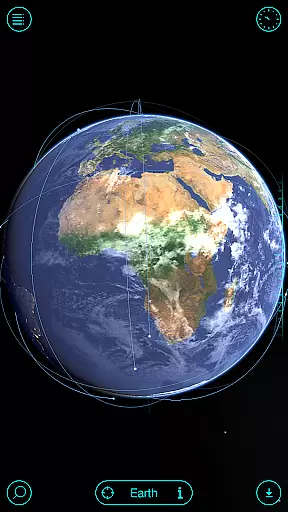
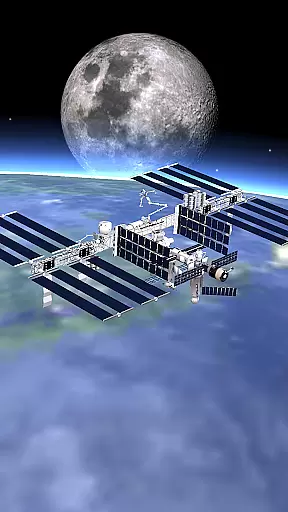
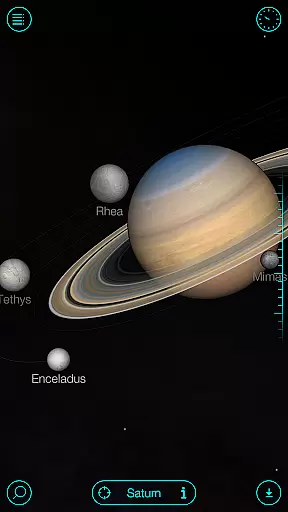
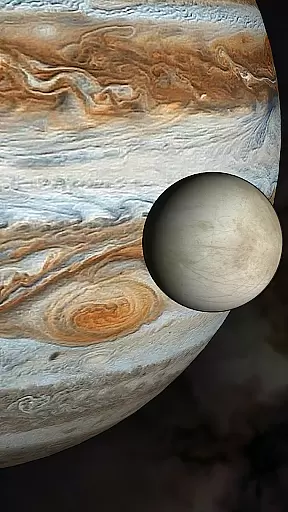
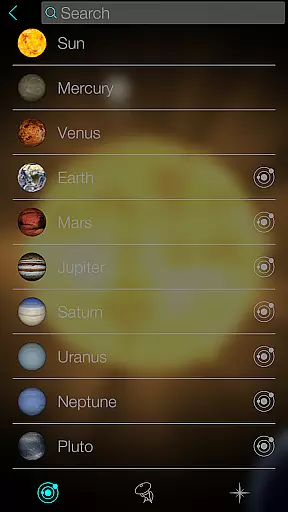
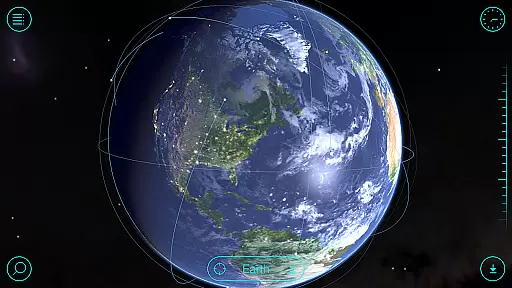
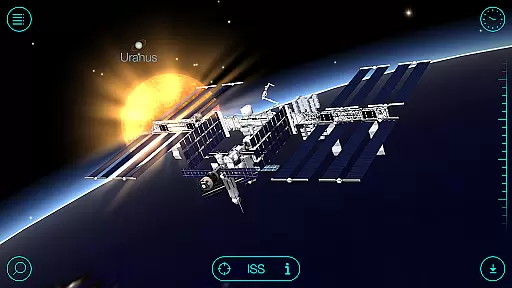
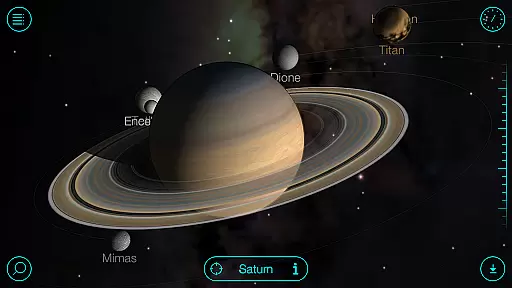
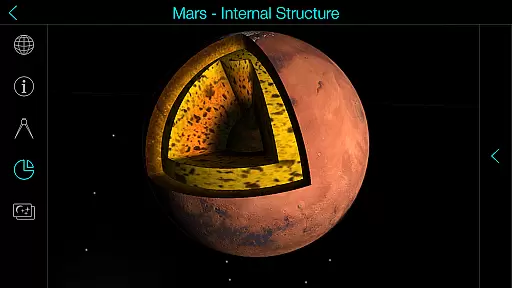
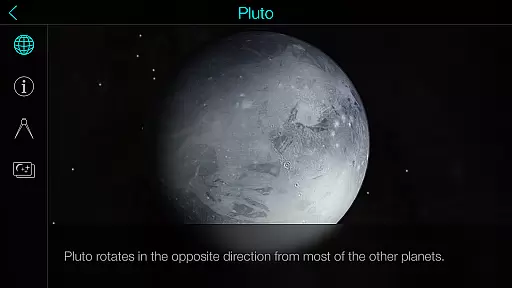
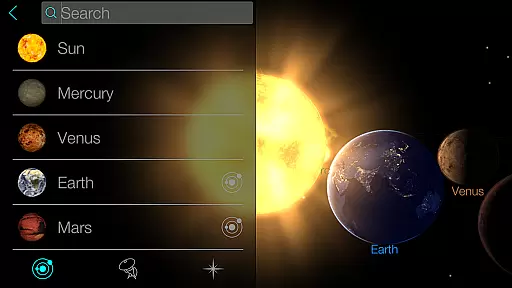
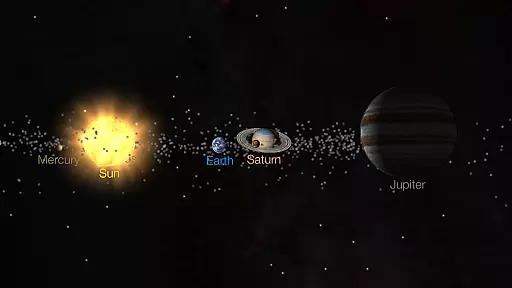
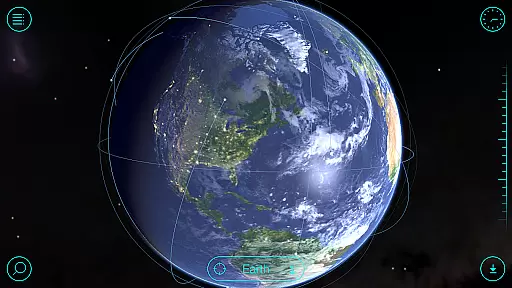
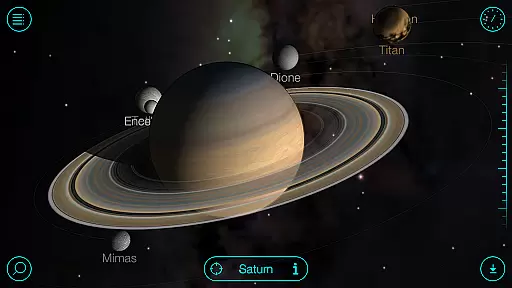
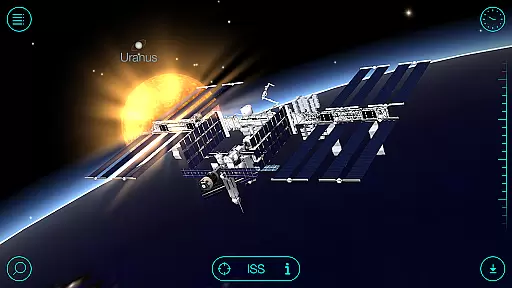
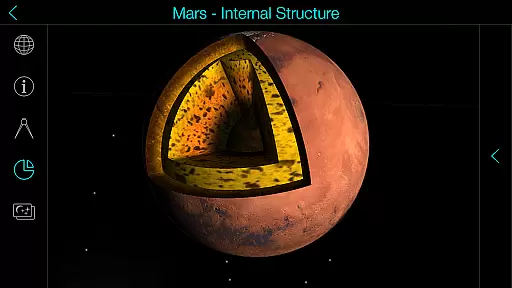
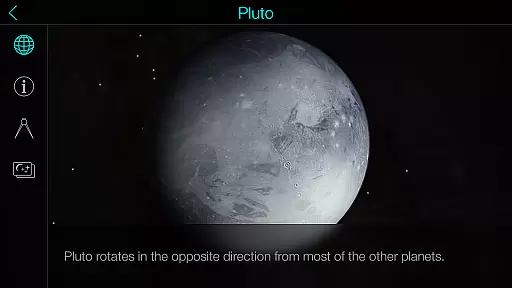
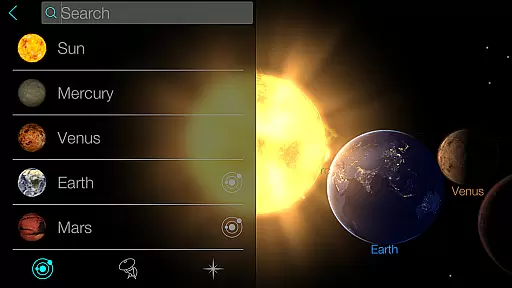
Solar Walk is an educational 3D planetarium app that allows users to explore the solar system and beyond. With this interactive tool, you can navigate through planets, moons, satellites, comets, and even spacecraft in real time. The app provides a wealth of information about celestial bodies, including detailed descriptions, historical data, and fascinating facts, making it an ideal resource for both amateur astronomers and students.
One of the standout features of Solar Walk is its ability to let users travel through time within the app. You can observe how the solar system has evolved over centuries or predict future astronomical events. The app also includes an impressive collection of educational videos covering topics like moon phases, Earth's cycles, and constellations. Whether you're using it as a learning tool or simply indulging your curiosity about space, Solar Walk offers a visually stunning and highly informative experience.
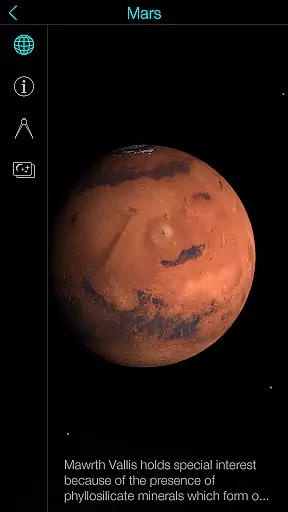
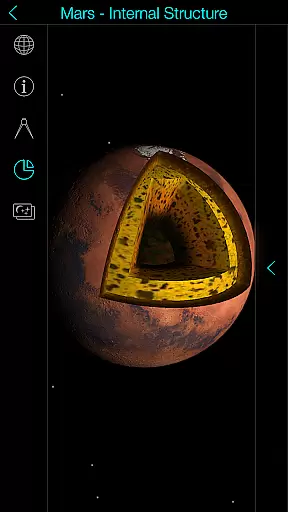
Solar Walk stands out with its rich set of features designed to enhance space exploration. The app offers high-quality 3D models of planets, moons, and spacecraft, which are fully interactive and can be viewed from any angle. Users can zoom in to examine surface details or zoom out to see the entire solar system in motion. Another key feature is the ability to simulate different time periods, allowing you to witness past or future astronomical events.
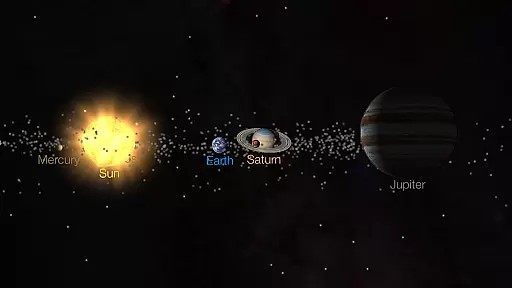
In addition to its core functionality, Solar Walk includes several supplementary tools. For instance, the app provides multiple viewing modes, such as Orrery and True-to-Scale, catering to different preferences for exploring the cosmos. Educational videos and articles further enrich the user experience by offering deeper insights into various space-related topics. With options like anaglyph 3D mode for special glasses and easy sharing capabilities for interesting findings, Solar Walk ensures that users have a comprehensive and engaging journey through the universe.
In the realm of educational applications, content accuracy is paramount. Solar Walk offers precise and detailed information about celestial bodies, validated through scientific sources. This planetarium app 3D provides an interactive platform where users can explore planets, moons, satellites, and other space objects with confidence in the integrity of the presented data.
The application goes beyond static images and descriptions by integrating 3D models of spacecraft and animations that enrich the learning experience. Users are not just passive recipients of information; they engage with astronomy facts that have been carefully curated to ensure authenticity. The app's commitment to factual correctness makes it a reliable tool for both amateur stargazers and students of astronomy.
Furthermore, Solar Walk includes educational movies that cover various topics such as Earth's moon phases and tidal phenomena. These videos are crafted to present complex concepts in an accessible manner without compromising on scientific rigor. By providing accurate visualizations alongside informative narratives, Solar Walk establishes itself as an authoritative resource within its category.
Solar Walk stands out in the Education category by offering personalized learning paths tailored to individual curiosity and pace. As users navigate through this virtual orrery 3D, they can choose their own journey across the solar systemu2014selecting specific planets or moons for deeper exploration based on personal interest or educational needs.
This planet viewer empowers learners to customize their experience by selecting different view modes (orrery/true-to-scale) and adjusting settings like time travel features which allow observation of celestial events at any point in history or future projectionsu2014a feature particularly useful for academic projects or personal enrichment.
Moreover, while engaging with Solar Walku2019s interactive encyclopedia, users encounter opportunities for self-directed study via detailed descriptions paired with stunning visualsu2014all designed to cater to diverse learning styles. Whether itu2019s delving into zodiacal constellations or understanding Earth's cycles through dynamic simulationsu2014the app adapts seamlessly to support varied inquiries into our universeu2019s mysteries.
User-friendly interface
Highly detailed 3D models
Time travel simulation
Educational content included
Multiple viewing modes
Premium content locked
Some features require In-App Purchases
Can be overwhelming for beginners
Heavy on device resources
Limited offline functionality

Build math skills in: addition, subtraction, multiplication and division.
 4.10
4.10
Bebefinn and Baby Shark educational, animated videos & games for kids
3.40
2026 DVSA Driving Theory Test revision with Hazard Perception + Highway Code
4.60
Explore numbers the Starfall way!
4.00
Enrich the experience of your visit to the Pantheon with our audiotour.
1.60
Stargazing Guide App. Stars and constellations map. Solar system planets finder.
4.60
SkyView®, an augmented reality space app, brings stargazing to everyone!
4.40
Memorize anything efficiently with AnkiDroid! Many pre-built decks available.
4.80
Plant identifier: Identify plants, trees, weeds, flowers. Disease diagnosis.
4.30
Childcare Management App: Daily sheets, sign in-out, billing and learning tools
4.70
Gain new skills in 10 minutes
4.70
Stack the States makes learning about the 50 states fun!
4.70
Latest TLC Practice Questions! Multiple languages available!
4.50
Intuitive Transformer Lab - By a Lineman, For Linemen & Apprentices
4.50
Professional Award-Winning Astronomy Star Map App With Telescope Control
4.40
School Communication
4.30
Learn to make peaceful contact with extraterrestrial civilizations
4.10
Explore the City of the Sun in Augmented Reality
3.70
Flashnote Derby is the fun way for kids to learn music notes and memorize them.
3.40


User Reviews