
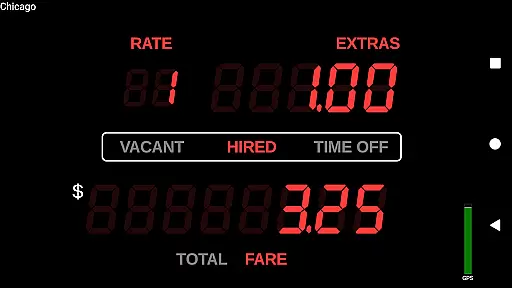
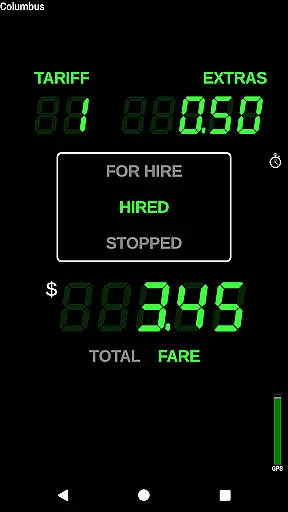
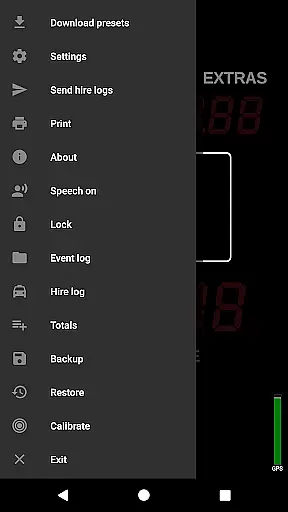
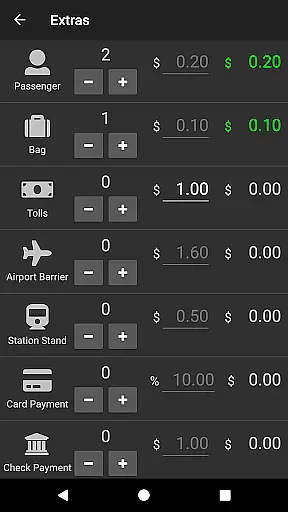
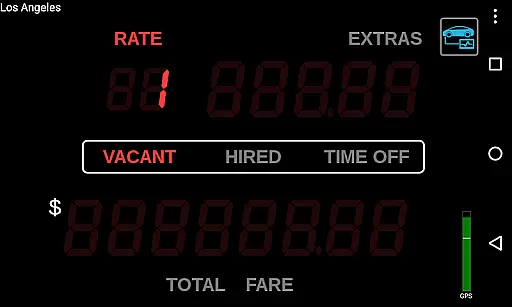
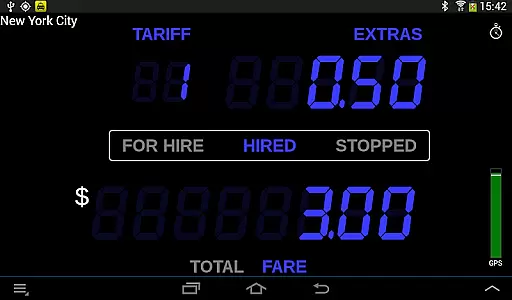
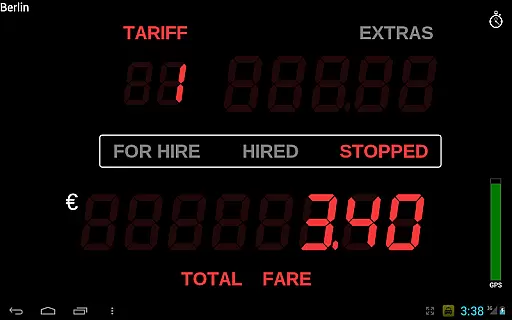
Taximeter is a professional-grade Android application designed specifically for drivers in the Auto & Vehicles industry. This app functions as an accurate taximeter, offering realistic LED effects and over 200 predefined presets across more than 40 countries.
With features like customizable presets, calendar-controlled tariffs, and geofencing capabilities, Taximeter caters to various transportation needs. It supports private hire, medical transport, limousines, couriers, and even family use, ensuring fair pricing and operational efficiency worldwide.
This app stands out with its extensive feature set tailored for professional drivers. Key functionalities include a preset wizard for easy setup, lockable presets, and ahead-of-time tariff programming. The integration with payment processors like PayPal Here™ and Square Point of Sale™ enables seamless transactions.
Advanced options such as OBD speed data calculation, wireless GPS support, and cloud-based data logging provide cutting-edge solutions for modern vehicle operations. Additionally, features like floating widgets, multi-window support, and automatic updates ensure a user-friendly experience while maintaining operational accuracy.
In the realm of professional driving, having access to detailed vehicle information is crucial for both regulatory compliance and operational efficiency. Taximeter offers an extensive suite of features that provide drivers with precise data about their vehicle's performance and fare calculations.
This Android taximeter application includes over 200 predefined presets across more than 40 countries, ensuring that drivers can easily select and use rates that comply with local regulations. The app supports customization with up to 10 different tariffs, allowing for flexibility in pricing based on time, location, or distance.
One standout feature is the ability to integrate On-Board Diagnostics (OBD) speed data instead of relying solely on GPS. This requires an OBD-II compliant vehicle and a compatible adapter but provides more accurate distance tracking. Additionally, the calendar-controlled tariff system automatically switches rates based on preset schedules, ensuring drivers always charge correctly without manual intervention.
By offering such comprehensive vehicle and fare-related details, Taximeter empowers drivers to operate more efficiently and transparently, enhancing trust with passengers and regulators alike.
Price transparency is a cornerstone of customer trust and satisfaction in the transportation industry. Taximeter excels in providing clear and accessible pricing information, which benefits both drivers and passengers.
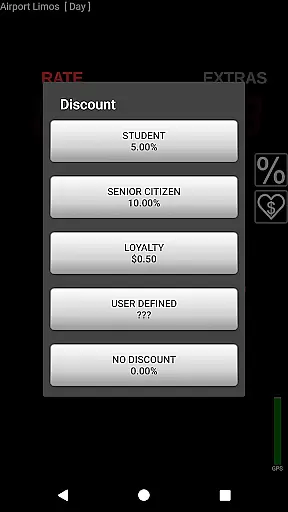
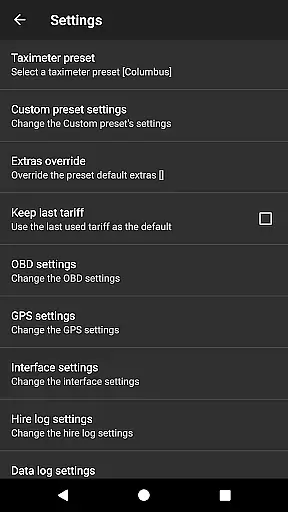
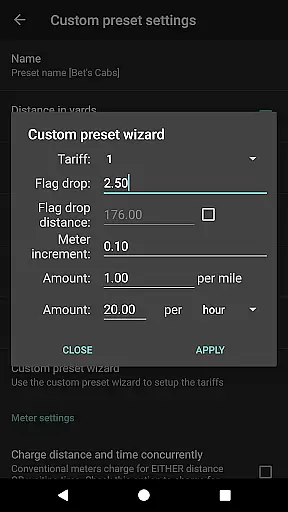
The application allows drivers to set up multiple tariffs and customize their pricing structures through an easy-to-use preset wizard. These presets can be locked to prevent accidental changes, ensuring consistent and predictable charges for every ride. Furthermore, the app supports various extras like taxes, discounts, and tips, all of which are itemized and programmable via XML.
Taximeter also generates detailed PDF receipts that can be emailed or printed directly from the device using Android Print Service. Passengers receive a clear breakdown of their fare, including any additional charges, thereby eliminating ambiguity and fostering trust.
With its robust logging capabilities, Taximeter ensures that all transactions are recorded accurately. Drivers can maintain resettable totals and review event logs with alerts, making it easier to track earnings and manage finances transparently. This level of openness not only builds passenger confidence but also simplifies regulatory compliance for drivers.
User-friendly interface
Extensive preset options
Realistic LED effect
Customizable tariffs
Payment integration
Complex setup required
Premium features costly
Limited free support
High system requirements
Occasional bugs reported

Listings of Tesla's with FSD - Included package
 4.60
4.60
Theme for Car Launcher
4.4
AlfaOBD software for Fiat Group cars native diagnostic
3.70
Read and delete OBD codes with any ELM327 OBD scanner. Coding functions included
3.40
Instantly redesign your car with AI. From sporty to futuristic, try it all.
4.50
Secure mobile payments & fuel savings at Phillips 66®, Conoco® and 76® stations
4.40
DMV practice test 2025: Driver License permit test & written test for all states
4.70
Earn and save with Fuel Rewards®
3.20
Shop, finance, or sell today.
4.80
Marathon ARCO Rewards members earn rewards & apply the rewards for fuel savings!
4.80
Buy and sell your boat
4.70
MySubaru: Download. Connect. Love.
4.70
Trip computer+car diagnostic tool with widest variety of features and dashboard!
4.70
OBDII - ELM327 Terminal tool for 96-00 Volvos
4.50
Find, search, and browse 40,000+ used cars, SUVs, and trucks.
4.50
Autotrader is your online solution for buying and selling new and used cars.
4.40
Take state-specific DMV permit tests and ace the exam.
3.90
Wonder how much horsepower and torque your car/truck makes? Look no further.
3.40
The Smarter Way Forward
3.30


User Reviews