
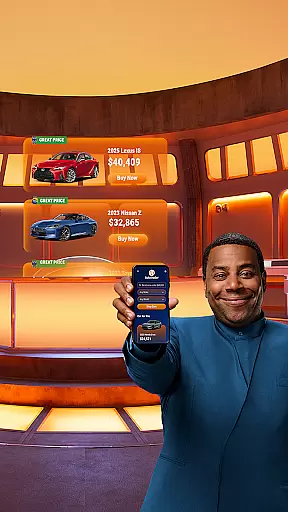
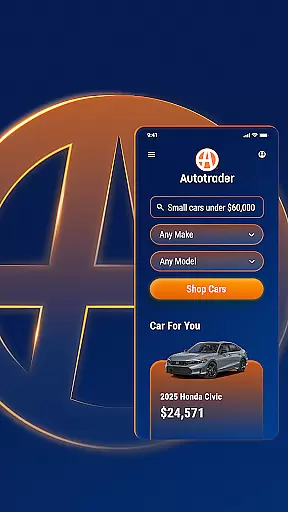


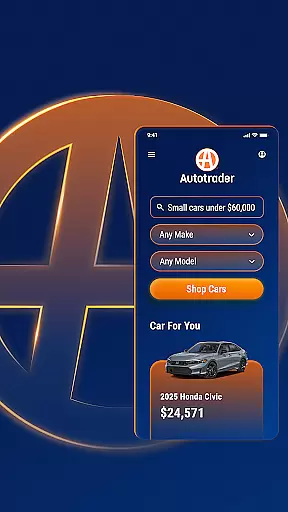


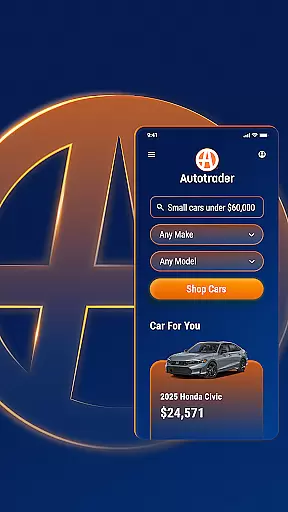


Autotrader is a premier automotive marketplace app designed to simplify the car buying experience. With over 6 million listings from 20,000 sellers, it offers an extensive inventory of new, certified, and used cars, trucks, and SUVs. The app leverages Kelley Blue Book® Price Advisor to ensure fair pricing on every listing, empowering users with confidence in their purchasing decisions.
One standout feature is its advanced personalization capabilities. Autotrader learns your preferences and provides tailored recommendations, price drop alerts, and notifications for new matches based on your search criteria. Its unique filtering system allows you to refine searches by specific features such as interior color, technology packages, and even home delivery options. Whether shopping from home or comparing vehicles on-the-go, Autotrader delivers a seamless and personalized car-buying journey.
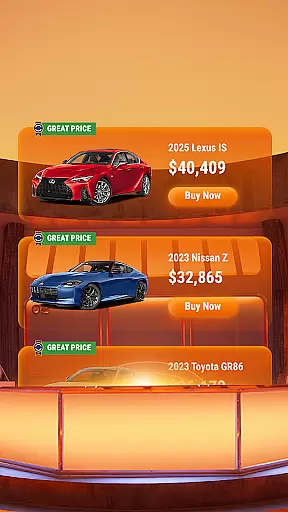
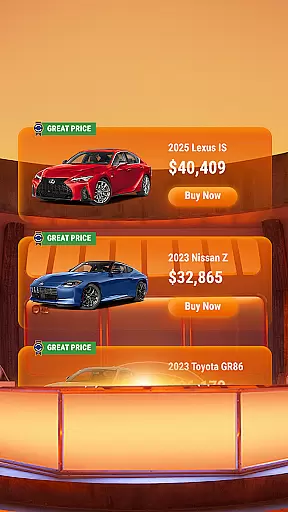
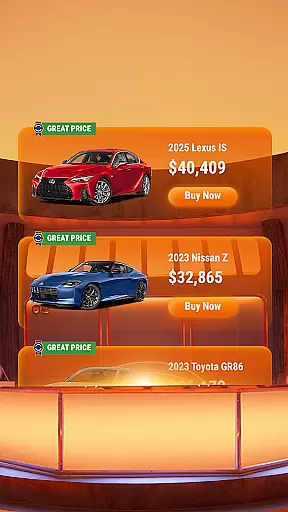
Autotrader stands out with its robust suite of features designed to enhance the car shopping process. The app's filters are unparalleled, offering options like Delivery to Your Door, which allows users to have vehicles shipped directly to them without visiting a dealership. Additionally, detailed condition reports and pricing badges (Good Price or Great Price) provide transparency and help buyers make informed decisions.
Another key feature is its cross-device synchronization. By creating a free My Autotrader account, users can save favorite cars, track searches, and access their watchlist from any device. The app also facilitates direct communication with sellers through phone, text, or email, streamlining the negotiation process. These tools collectively create a comprehensive platform that empowers users to shop smarter and more efficiently.
When searching for a vehicle, having access to comprehensive details is crucial for making an informed decision. The Autotrader app provides extensive information on each listing, including specifications, performance data, and maintenance history. This ensures that users can evaluate the condition and value of used cars, trucks, and SUVs effectively.
The integration of Kelley Blue Booku00ae Price Advisor offers users confidence in the fairness of the listed prices. By displaying price ratings such as Good Price or Great Price badges, the app helps buyers identify deals that represent market value. This feature empowers users to compare similar vehicles and make purchasing decisions based on reliable data.
Autotrader's unique filtering options allow users to refine searches according to specific criteria, from exterior color to advanced safety features. Whether you're looking for cars with particular technology packages or those eligible for home delivery, these filters ensure that your search results match your exact requirements.
This level of detail not only enhances user experience but also streamlines the car-buying process. With over 6 million listings available through the app, users can be confident they're accessing one of the most comprehensive databases of vehicle information in the market today.
Price transparency is essential when shopping for vehicles, and Autotrader excels in this area by providing clear pricing information across its platform. Every listing includes detailed pricing data, helping users understand the true market value of vehicles they're interested in purchasing.
The app goes beyond simple price displays by incorporating Kelley Blue Booku00ae Price Advisor ratings. These indicators show whether a vehicle is priced fairly compared to similar models in the market. Users can easily identify listings offering Good Prices or Great Prices, ensuring they get the best possible deal.
Additionally, Autotrader allows users to track price changes and receive alerts when vehicles they're interested in drop in price. This feature enables buyers to time their purchases strategically and negotiate from a position of knowledge.
By maintaining complete transparency about costs and offering tools to monitor pricing trends, Autotrader establishes trust with its users. This approach not only simplifies the buying process but also helps consumers feel more confident about their automotive investment decisions.
User-friendly interface
Extensive vehicle inventory
Advanced filtering options
Personalized recommendations
Transparent pricing insights
Limited classic car listings
Some features require account creation
Dealer-centric model
Occasional listing inaccuracies
Ads can be intrusive

Monitor specific TOYOTA parameters by adding this plugin to Torque Pro.
 2.00
2.00
Ferrari inspired analog & digital watch face with quick access and premium style
4.5
Realtime Charts is a plugin for the Torque Pro App (OBD 2 & Car)
4.20
Buy and sell your boat
4.70
Available in select states.
4.00
Trip computer+car diagnostic tool with widest variety of features and dashboard!
4.70
Find, search, and browse 40,000+ used cars, SUVs, and trucks.
4.50
PayByPhone: A quick and easy way to pay for parking.
3.80
Earn and save with Fuel Rewards®
3.20
Practice the drills within MotoJitsu Master Riding Program Volume 1 & 2!
4.80
Get more out of your AAWireless adapter with this companion app | aawireless.io
4.80
7-Day Returns on All Cars
4.80
1M+ high-quality auto parts at your fingertips. Fitment guaranteed.
4.70
Your go-to app for car, truck & SUV parts, DIY tools, and expert repair help.
4.70
Quick and easy car diagnostics to get you the right fix.
4.70
Get price alerts, vehicle history details and more for cars near you!
4.50
Launcher for use in the car
4.40
Your car is talking. Start listening.
4.30
OBD diagnostics, Live Data, DPF regeneration for BMW
4.00


User Reviews