
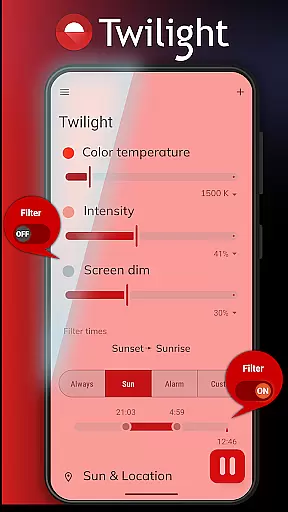
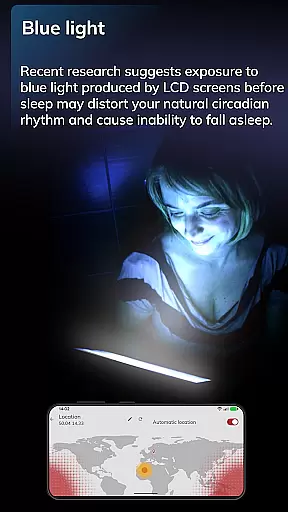
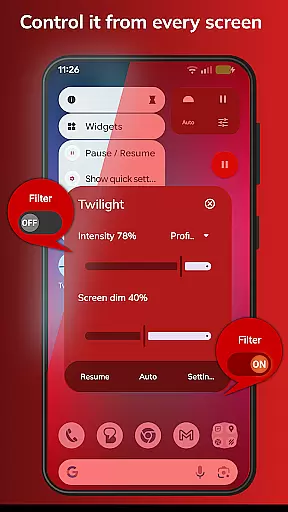
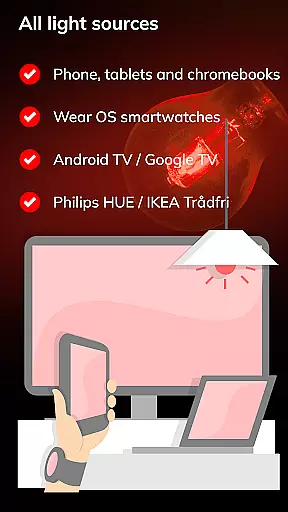
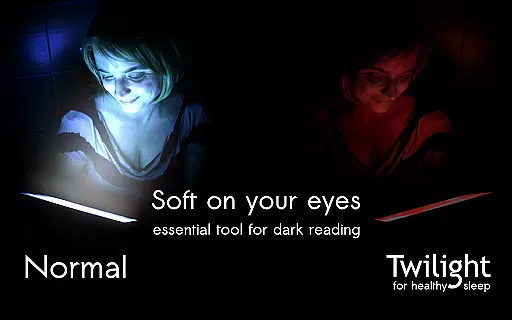
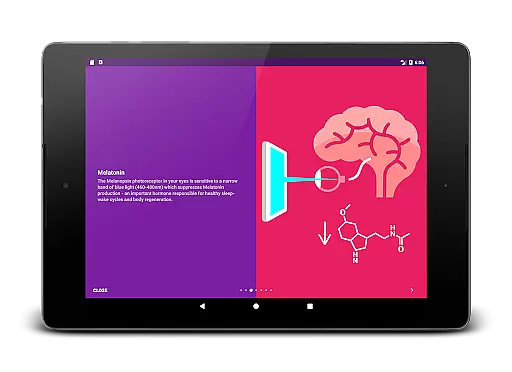
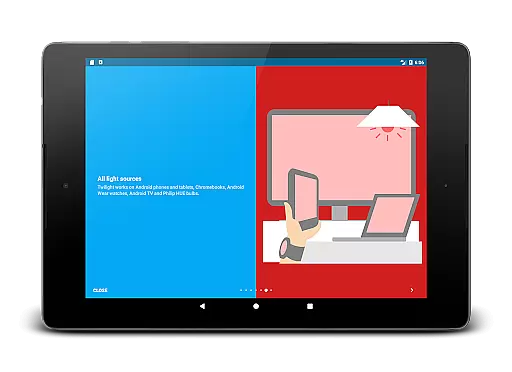
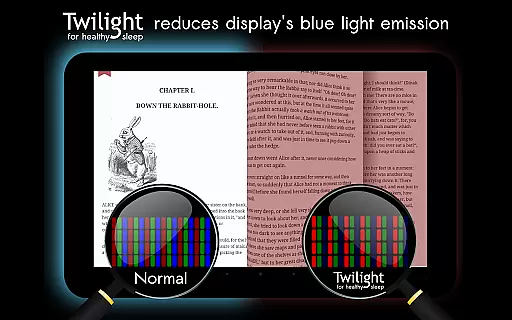
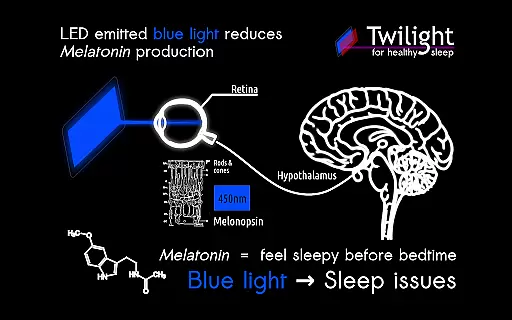
Twilight Pro Unlock is a specialized application designed to help users improve their sleep quality by adjusting the screen's blue light emission on Android devices. The app filters out blue light in the 460-480nm range after sunset, replacing it with a softer red filter that reduces eye strain and promotes healthier sleep patterns.
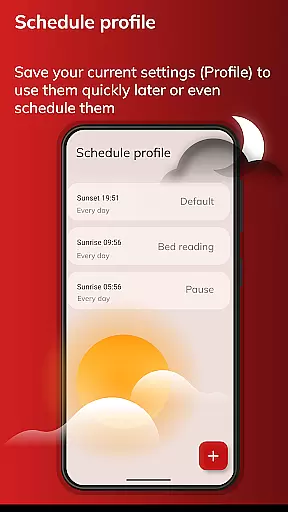
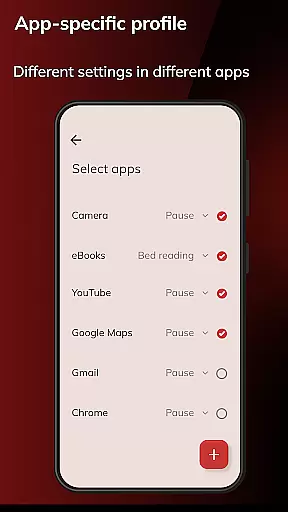
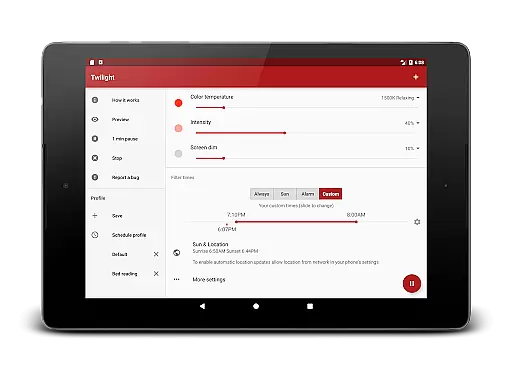
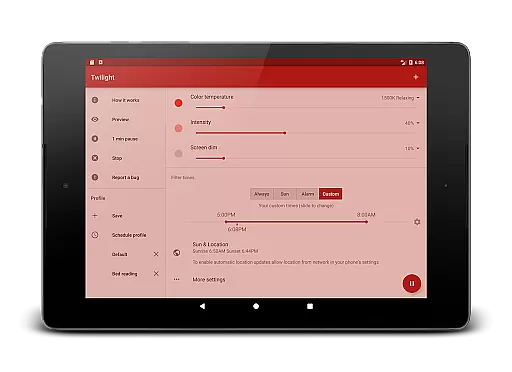
The app offers advanced features such as customizable profiles, adjustable transition times, and the ability to disable the service during inactive hours. These functionalities make Twilight Pro particularly useful for individuals who spend time on their devices before bedtime and are looking for ways to minimize sleep disruption caused by blue light exposure.
By aligning screen light with natural circadian rhythms, Twilight Pro helps regulate melatonin production, thus supporting better sleep hygiene and overall well-being.
Twilight Pro Unlock stands out due to its sophisticated approach to managing blue light exposure. One of its key features is the ability to create more than two custom light filter profiles, allowing users to tailor the screen's color temperature to their specific needs. Additionally, the app provides an adjustable transition period, ensuring a smooth shift from day to night mode.
Another notable feature is the option to completely turn off Twilight during periods when it's not needed, which can be beneficial for conserving system resources. As a pro version, this app often receives new updates and features ahead of the standard version, making it ideal for power users seeking cutting-edge functionality.
These features collectively contribute to a personalized and effective solution for minimizing the negative effects of blue light on sleep, offering users greater control over their digital environment and promoting healthier lifestyle habits.
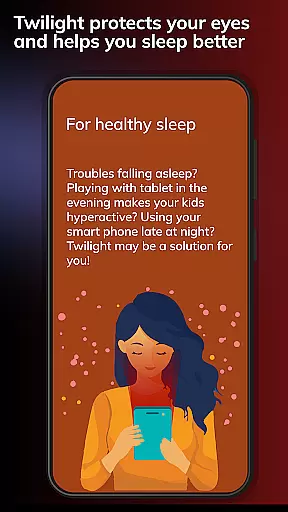
Twilight Pro Unlock offers personalized planning by adapting the device screen to the time of day, providing a tailored solution for users struggling with sleep issues. This feature is particularly beneficial for those who use their smart devices in the evening or before bedtime.
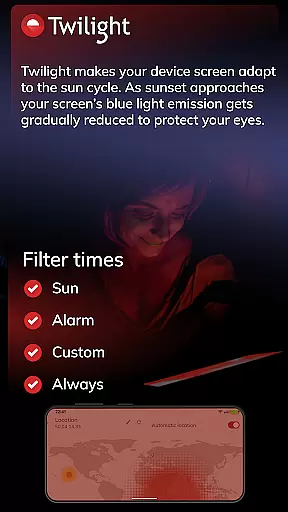
The app filters the blue light spectrum on your phone or tablet after sunset, protecting your eyes with a soft and pleasant red filter. The intensity of this filter is smoothly adjusted according to the local sunset and sunrise times, ensuring that each user's experience is customized to their specific environment and daily rhythm.
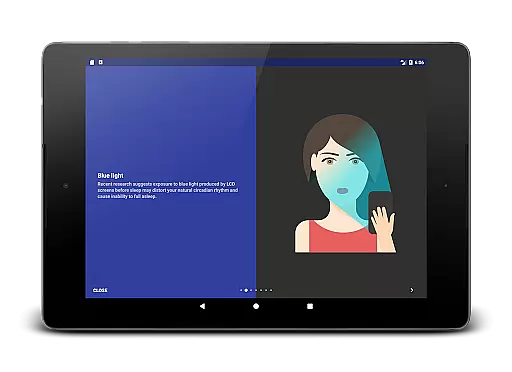
By adjusting the screen based on the natural circadian rhythm, Twilight helps maintain healthy sleep-wake cycles. Users can benefit from improved sleep quality as the app minimizes the disruptive effects of blue light exposure during critical evening hours when melatonin production should be at its peak.
This personalized approach not only aids in better sleep but also contributes to overall well-being by supporting the bodyu2019s internal clock. With Twilight's specialized features such as adjustable transition times and profiles, individuals have control over their digital environment like never before, leading to a more restful nightu2019s sleep.
With Twilight Pro Unlock, progress visualization is integrated into the user experience through advanced display adjustments that clearly show how changes in light affect oneu2019s ability to prepare for restful sleep. By visually demonstrating the shift from bright, blue-tinged screens to softer red tones, users gain an understanding of the impact their device usage has on their nightly routine.
The application provides clear visual cues as it alters the screenu2019s color temperature throughout the evening. As users continue to utilize Twilight during nighttime hours, they can observe firsthand how reducing blue light correlates with improved relaxation and readiness for sleep.
Such visible modifications empower users to make informed decisions about their screen time habits. Progress visualization within Twilight goes beyond mere functionality; it educates users on creating healthier pre-sleep routines by showcasing tangible differences in screen appearance over time.
Additionally, Twilight Pro includes exclusive features such as detailed statistics and feedback mechanisms that allow users to track their progress over extended periods. These tools provide valuable insights into behavioral patterns and encourage sustained use of the appu2019s protective measures against disruptive artificial lighting conditions.
Advanced customization options
Smooth transition effects
Resource-efficient operation
Premium feature access
Regular updates
Requires basic tech knowledge
Not available on iOS
Paid version only
May need manual adjustments
Limited use during daytime

App to stop smoking slowly or now with a motivational badges and helpful tips
 4.80
4.80
Interval timer for High Intensity Interval Training, Tabata and Circuit Training
4.20
Measure real-time wrist & ambient temperature with your Galaxy Watch (Wear OS)
3.20
Eat smarter with Eato, your personal calorie counter and nutrition tracker!
4.40
Step Counter, track steps when you walk or run
4.70
Monitor, analyze, track, and convert blood sugar & help you control diabetes.
4.10
Walk, track, and burn calories with step counter & GPS walking tracker
4.20
Pedometer that gives you sweatcoins for steps. It pays to walk!
4.10
Manage your and your family's health information.
4.60
A brain game that moves you
4.70
Measure your Pupil Distance for Eyeglasses and VR headsets in 3 quick steps.
4.70
Effortlessly and naturally release anxiety by harnessing the power of your brain
4.60
The simplest way to track your 21 Day Program containers, exercises, and water.
4.50
Personal Measurements - Track your gains!
4.50
Period Tracker, the easiest way to track your periods!
4.50
The Official Blood Type Diet® App - know your categorized foods anytime.
4.50
Chair Workout: Women's Edition for safe, flexible, and personalized fitness.
4.40
Pack of 66 calming lullabies for smooth fall asleep and relaxation
4.10
Using Recognise™ has been shown to reduce pain, and improve performance.
4.4


User Reviews