
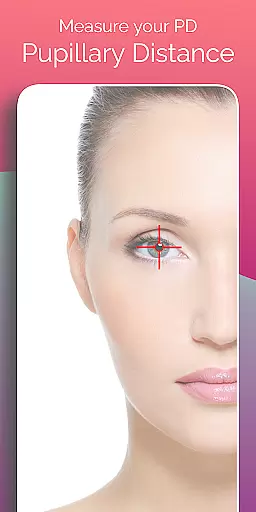
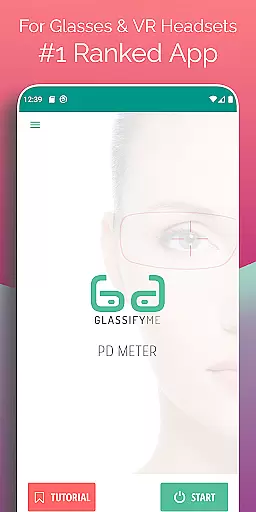
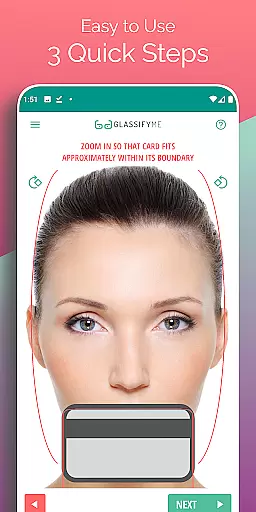
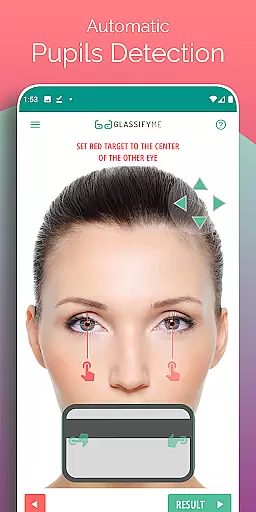

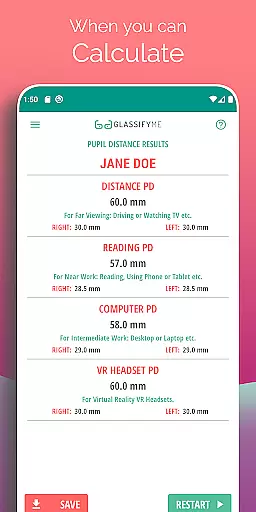
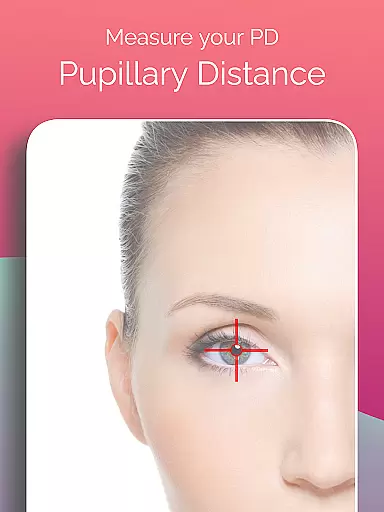
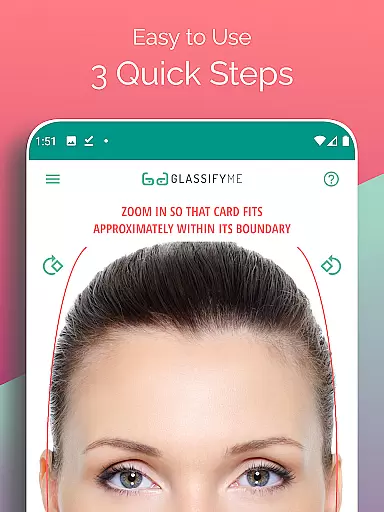
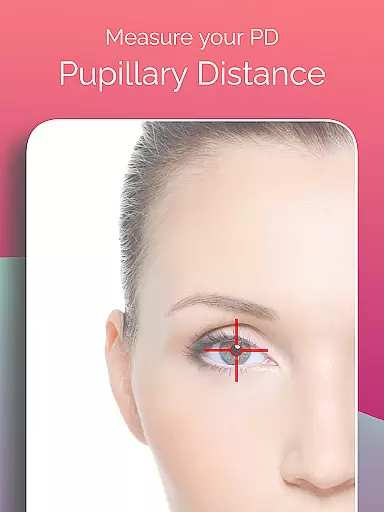
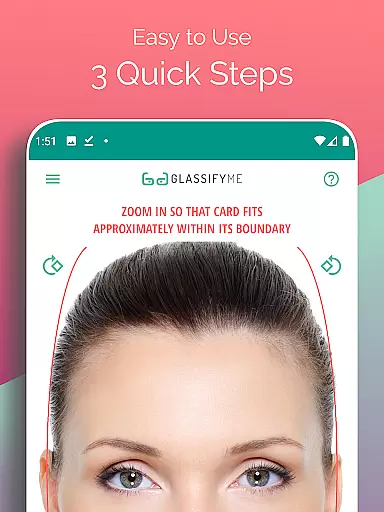
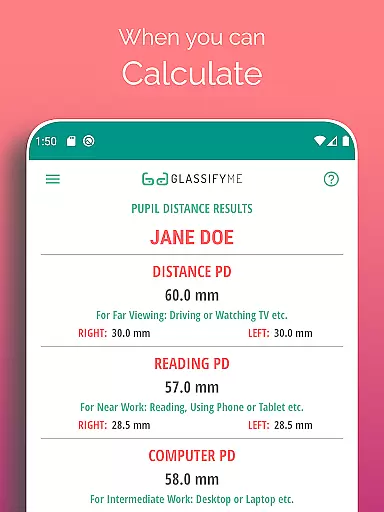
Pupil Distance PD Glasses & VR is a leading health and fitness application designed to accurately measure your Pupillary Distance (PD). This crucial measurement, needed for prescription glasses and VR headsets, is determined by an advanced algorithm that ensures precision. By simply taking a photo with a standard-sized card, users can quickly obtain their PD measurement, making it an indispensable tool for eyewear fitting and virtual reality setups.
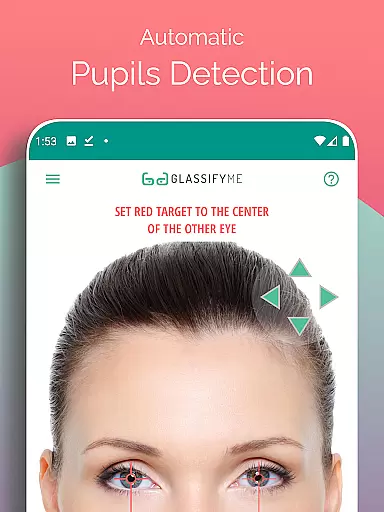
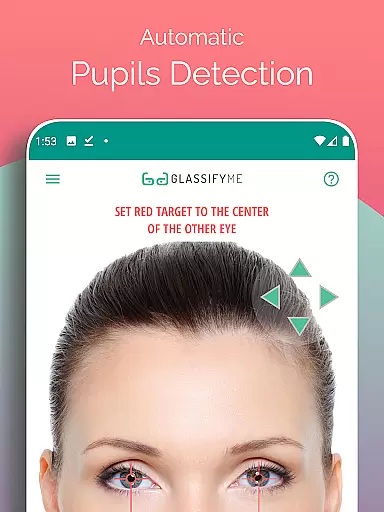
The app stands out with its ability to automatically detect the eyes and pupils, streamlining the measurement process into just three quick steps. Whether you're taking a selfie or importing a photo, PD Meter App simplifies what could be a complex process, ensuring that proper vision correction is accessible to everyone.
One of the standout features of Pupil Distance PD Glasses & VR is its advanced algorithm, which calculates precise PD measurements without the need for specialized equipment. The app supports various methods of capturing the necessary image, including taking a new photo, asking a friend for help, or importing an existing image from the gallery.
Additionally, the app provides a comprehensive tutorial available on YouTube, guiding users through the simple process of measuring their PD. With clear instructions and user-friendly design, this app makes obtaining accurate pupillary distance measurements easy for anyone, whether for prescription glasses or optimizing VR experiences.
Personalized planning in health applications refers to the ability to tailor health measurements and recommendations specifically to an individual's unique physical characteristics.
The PD Meter App by GlassifyMe exemplifies this through its advanced algorithm that automatically detects your eyes and pupils, providing precise calculations of your Pupillary Distance (PD). This ensures that whether you are ordering prescription glasses or calibrating a VR headset, the measurements will be specific to your needs.
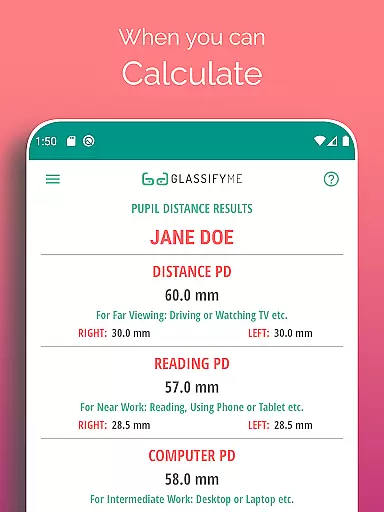
Users benefit from a quick three-step process to measure both their Distance and Reading PD, which can be crucial for accurate vision correction. The app allows for flexibility, enabling users to take a selfie, have someone else take their picture, or import a photo from their gallery for analysis.
This personalized approach not only enhances user experience but also improves the effectiveness of products that rely on these measurements, such as prescription glasses and VR equipment, ensuring optimal performance and comfort.
Progress visualization is a critical component in health apps, allowing users to see their advancements or the accuracy of their results over time.
In the context of the PD Meter App, progress visualization could involve tracking the consistency and changes in PD measurements. Users can visually monitor their PD values, ensuring they remain constant or understanding how they might affect vision correction needs.
Although the app does not explicitly mention historical tracking, the precision of the advanced algorithm offers immediate visual feedback during the measurement process. This reassures users of the reliability of their PD readings, which is essential for both eyewear prescriptions and VR settings.
By offering clear and accurate data representation, the app empowers users with knowledge about their eye measurements, contributing to better-informed decisions regarding their optical and virtual reality requirements.
User-friendly interface
Accurate PD measurement
Supports multiple capture methods
Comprehensive tutorial available
Quick and automatic eye detection
Requires a reference card
Limited to Android devices
Internet connection needed
Premium version costs extra
Occasional inaccuracies reported

Sync your activities of the most popular sports tracking services
 2.70
2.70
50 HD sounds to help you relax during the day and sleep great at night!
4.40
Grow with self-tests and personal routine.
4.30
Find Paid Clinical Trials In Your Area
3.70
Your personal BP tracking companion, focus on helping you achieve wellness goal.
4.10
The most accurate heart rate app to monitor and track your heart rate & pulse.
4.40
Looking to take control of your health? Our psychology-based programs can help.
4.10
Understand your body’s most meaningful messages and transform your health.
3.90
Scan food & cosmetic products and evaluate their impact on your health
4.80
Medbridge GO gets you moving - get back to doing what you love, faster!
4.90
Mind on steroids - relaxation, productivity, meditation and sleep!
4.60
The Crunch Mobile app - Find a gym, manage favorites, reserve & cancel classes.
4.60
The simplest way to track your 21 Day Program containers, exercises, and water.
4.50
Period Tracker, the easiest way to track your periods!
4.50
Chair Workout: Women's Edition for safe, flexible, and personalized fitness.
4.40
Track heart rate & HRV in 30s! Get live health insights and anomaly alerts
4.40
Histamine intolerance, low FODMAP diet and irritable bowel syndrome (IBS)
4.00
HRV4Training helps you optimize goals and improve performance. No sensors needed
3.30
Your plan in your pocket 24/7
3.00


User Reviews