
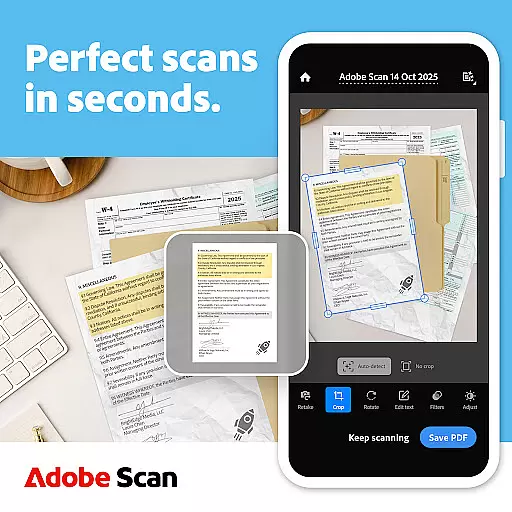
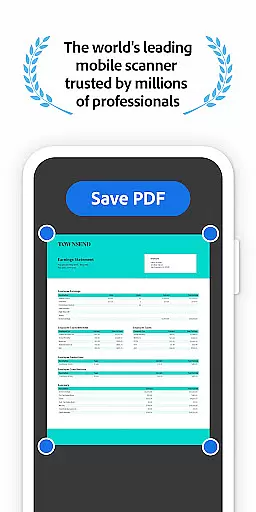
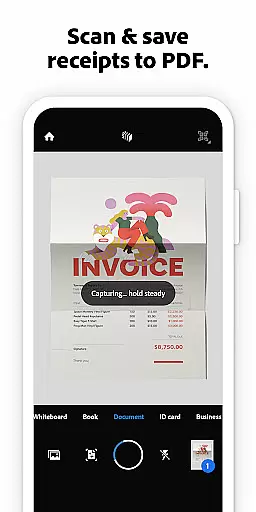
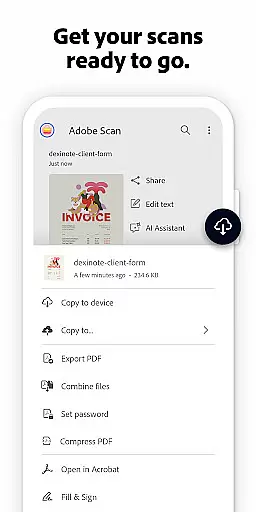




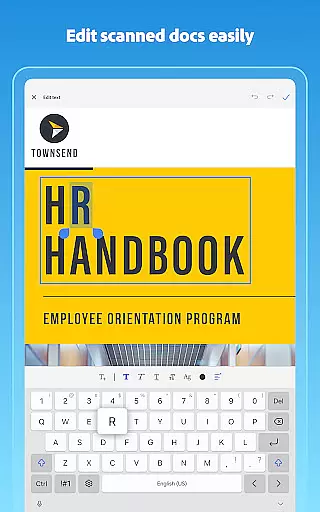
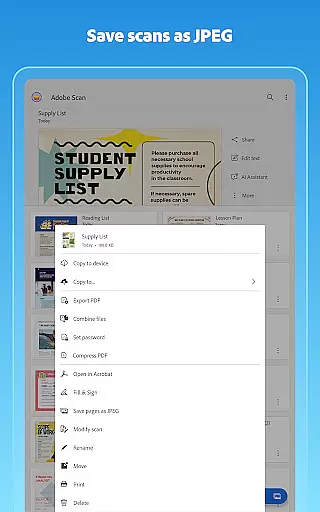



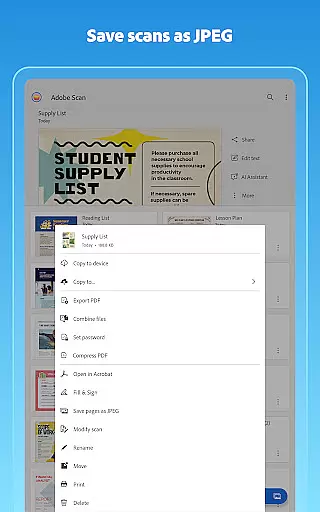


Adobe Scan AI PDF Scanner is a versatile mobile application that transforms your device into a powerful document scanner. It allows users to scan various types of documents, including receipts, notes, and business cards, converting them into high-quality PDFs or JPEGs. The app's advanced OCR technology makes scanned text searchable and editable, enhancing productivity.
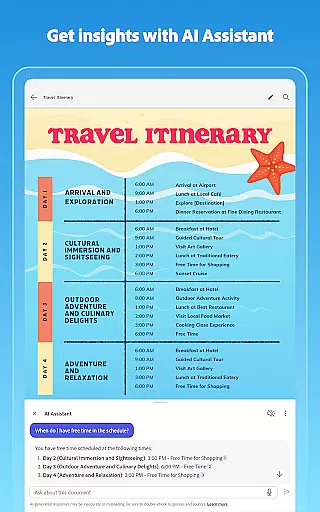
The app offers features such as automatic border detection, image enhancement, and the ability to reorder pages. With its AI Assistant and Generative Summary tools, Adobe Scan simplifies document management by extracting key points and enabling easy sharing across devices. Suitable for both personal and professional use, it ensures your digital documents are organized and accessible anytime, anywhere.
Adobe Scan AI PDF Scanner stands out with its comprehensive feature set tailored for efficient document management. One of its core functionalities is the High-speed scan, which enables bulk scanning of documents, turning stacks of paper into PDFs within seconds. This feature saves significant time for users who need to digitize large volumes of documents.
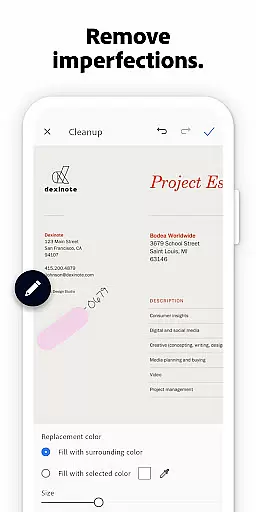
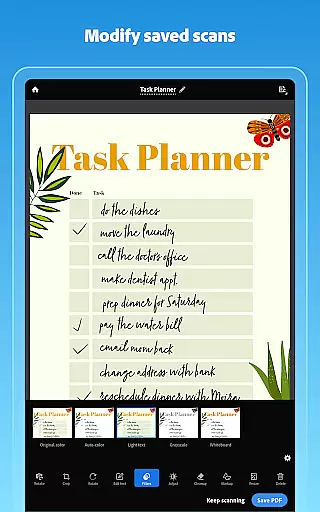
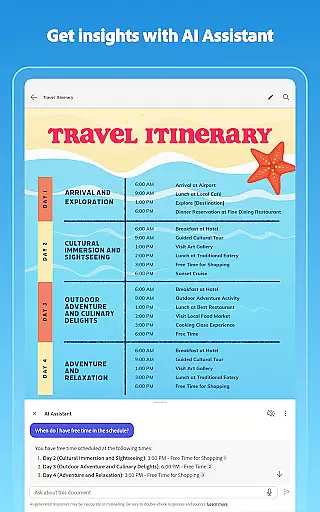
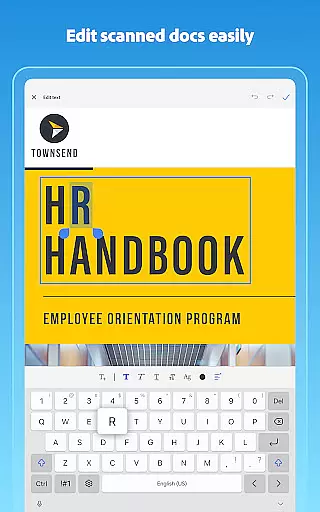
In addition to document scanning, the app provides AI-powered tools like AI Assistant and Generative Summary. These tools allow users to extract key information from scans and generate summaries automatically. Furthermore, the app supports OCR, making scanned text searchable and editable. Users can also enhance their scans with editing tools that adjust brightness, contrast, and remove imperfections, ensuring professional-quality results every time.
In today's fast-paced business environment, collaborative work features are essential for maximizing productivity and ensuring seamless communication among team members. Adobe Scan AI PDF Scanner, OCR offers a comprehensive solution that supports collaborative efforts by enabling users to create, edit, and share digital documents effortlessly.
With Adobe Scan, teams can quickly convert physical documents into digital formats using advanced OCR technology. This feature not only makes scanned documents searchable and editable but also allows multiple users to access and modify the content from different locations. The ability to reorder pages, adjust colors, and clean up imperfections ensures that every team member receives clear and professional-looking documents.
Moreover, the app integrates with Adobe Document Cloud, providing instant access and sharing capabilities across various devices. Users can export their scans to popular formats like Word, Excel, or PowerPoint, making it easy to collaborate on projects regardless of the platform being used. By subscribing to additional services, teams can further enhance their collaboration experience through increased OCR capacity and consolidated file management.
The collaborative work features in Adobe Scan significantly improve workflow efficiency by reducing manual tasks and streamlining document handling processes. Whether working remotely or in an office setting, these tools empower businesses to maintain organized records while fostering effective teamwork.
Effective task management is crucial for maintaining organization and achieving goals efficiently within any business setting. Adobe Scan AI PDF Scanner, OCR provides robust task management functionalities that help users stay on top of their responsibilities by transforming paper-based workflows into streamlined digital operations.
One key aspect of Adobe Scan's task management capabilities lies in its ability to bulk scan documents rapidly. High-speed scanning allows users to convert stacks of papers into PDFs within seconds, saving valuable time and effort. Additionally, the app's smart library feature automatically detects documents and receipts in your photo library, turning them into easily manageable PDF files without requiring manual intervention.
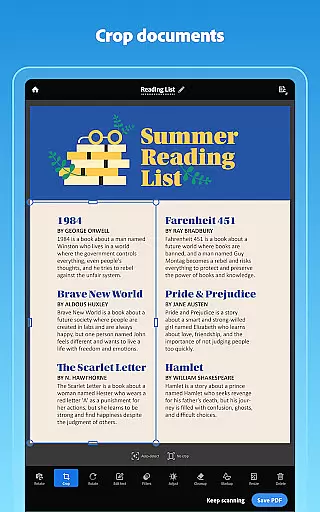
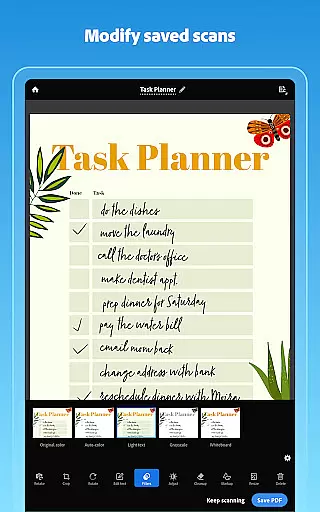
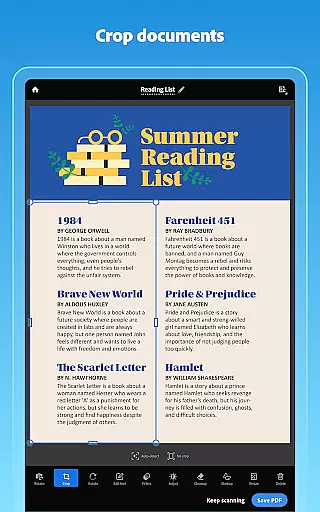
Furthermore, Adobe Scan enhances task execution by offering powerful editing tools such as cropping, rotating, resizing, and adjusting brightness levels. These options ensure that each document meets specific requirements before finalizing tasks. Users can also utilize generative summaries to extract key points from scans, allowing them to focus on critical information rather than sifting through entire documents.
By integrating with Acrobat Reader, Adobe Scan extends its task management utility beyond simple document conversion. Users gain access to commenting, highlighting, form filling, and signing functionalities, which facilitate comprehensive review cycles and approvals. Overall, these features contribute to improved task prioritization, delegation, and completion rates, ultimately driving better business outcomes.
User-friendly interface
Advanced OCR capabilities
AI-powered summarization
Comprehensive editing tools
Seamless cloud integration
Limited free OCR pages
Premium features require subscription
Occasional bugs in image processing
High storage usage for scans
Some features are complex for beginners

Find flexible, hourly jobs hiring near you in restaurant, retail & hospitality!
 4.00
4.00
Quickly open and manage PDF files on your device.
3.80
Measure distances, surfaces and draw plans in seconds with CamToPlan!
4.40
VSD Viewer - Visio Drawings Viewer for Android Preview VSD, VDX, VSDX drawings
4.10
Find the right fit, faster.
4.70
Take the stress out of storage with the all-in-one app to manage your space.
3.70
One marketplace. Hundreds of services. Unlimited possibilities. All on Fiverr.
4.40
We are a dynamic team of creatives people of design, marketing, web & apps
3.00
Access All PDF Files
3.40 4.70
4.70
Get instant construction estimates: accurate home repair & material calculator.
4.70
Make invoices, bills, receipts & estimates on the go with Invoice Generator.
4.70
Find jobs and make money fast with JobStack.
4.60
Mobile POS for any business: sales, invoices, retail, restaurants & appointments
4.60
A secure, all-in-one team collaboration app
4.30
Say hello to the mobile work experience built to help you thrive at work.
4.30
FX Plus adds media, networking, and cloud capabilities to FX File Explorer.
4.10
enjoy effortless PDF reading anytime, anywhere
3.90
view, manage, and share every PDF file you have
3.60


User Reviews