
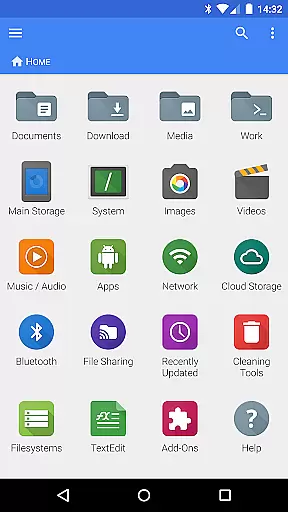
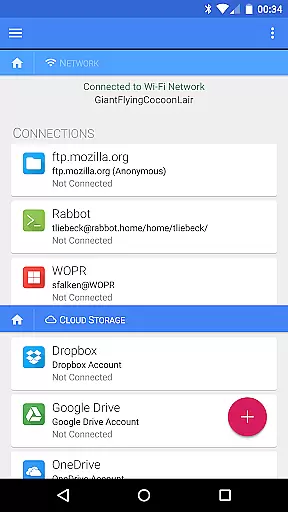
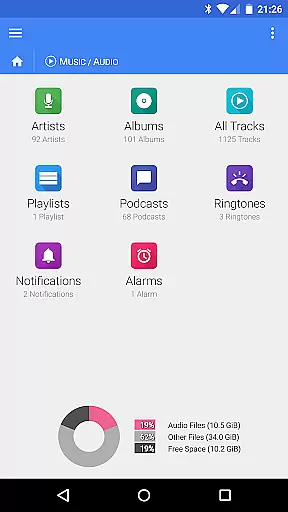
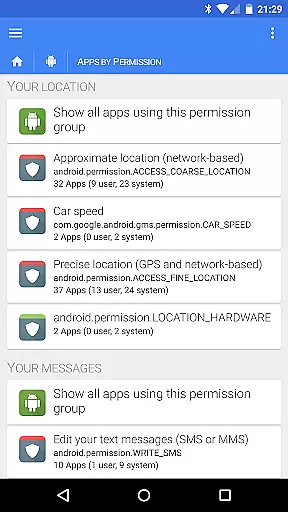
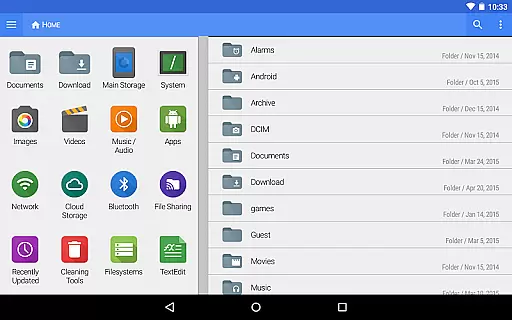
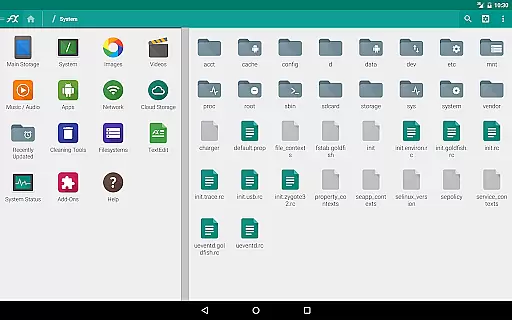
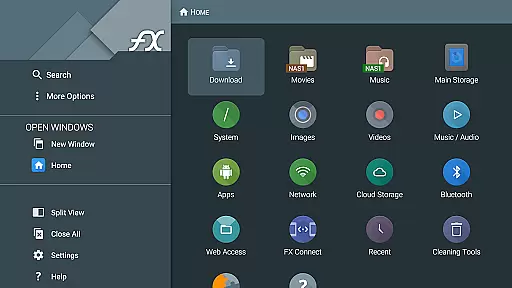
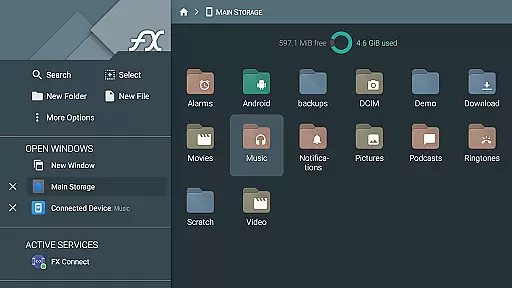
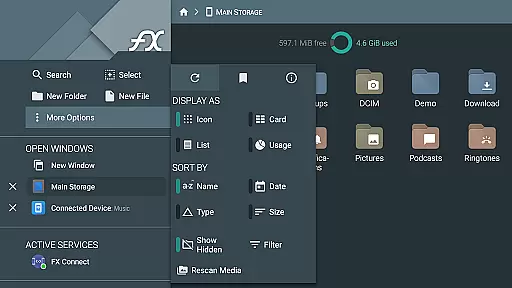
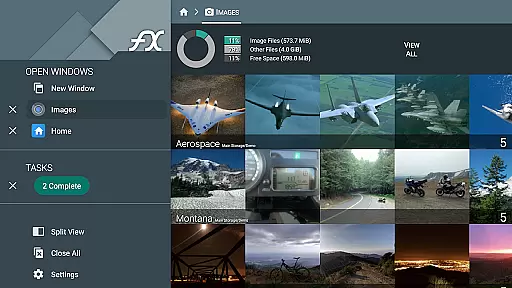
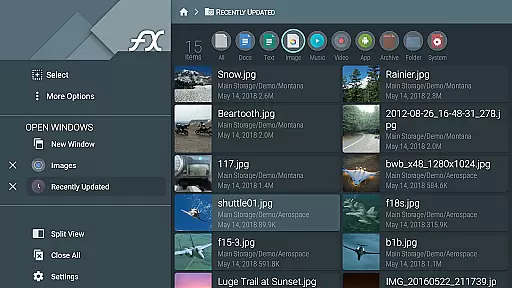
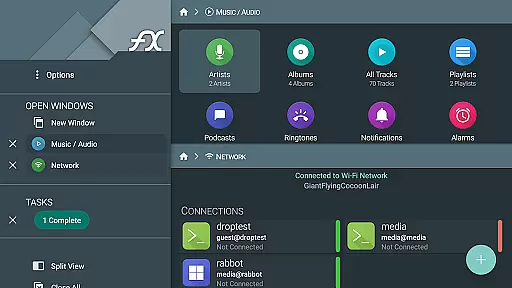


FX File Explorer is a comprehensive file management application tailored for business users who require advanced capabilities in organizing, transferring, and securing their digital assets. The app offers AES-encrypted zip file creation and extraction, allowing secure handling of sensitive data without full decryption. It also provides extensive network and cloud integration features including Windows networking, FTP, SSH FTP, WebDAV, and support for major cloud storage services like Google Drive, Dropbox, and more.
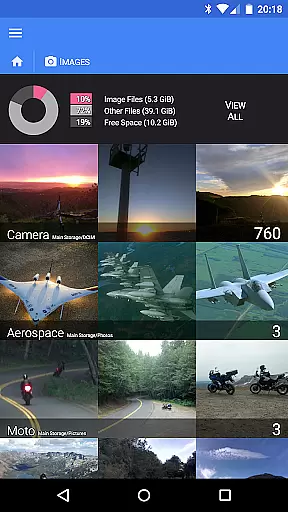
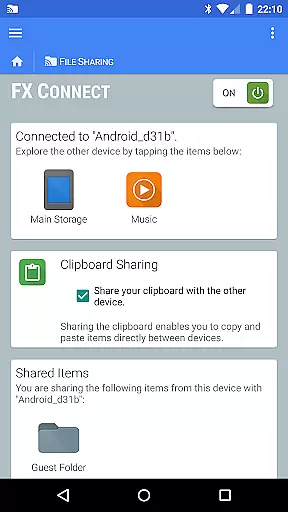
Designed for professionals, FX File Explorer enables seamless media browsing and management. Users can organize applications, images, videos, and audio files efficiently. With added functionalities such as FX Connect for direct device-to-device transfers and FX Web Access for remote file management via web browser, this app ensures productivity and security across all file operations. Its encrypted keyring feature further enhances data protection, making it an essential tool for business environments.
FX File Explorer stands out with its robust feature set designed to meet the demands of modern business users. The app allows creation and extraction of AES-128 and AES-256 encrypted zip files, enabling secure file handling while maintaining the ability to browse contents without full decryption. This ensures that sensitive information remains protected during transfer and storage operations.
The application excels in network and cloud capabilities. It supports various protocols including Windows networking (SMB), FTP, SSH FTP, and WebDAV. Integration with major cloud services like Google Drive, Dropbox, and Box allows users to manage cloud-stored files directly from the app interface. Additionally, features like FX Connect facilitate easy file sharing between devices using NFC or Wi-Fi, while FX Web Access lets users control their files remotely through a computer's web browser, streamlining workflow and enhancing accessibility.
FX File Explorer offers robust collaborative work features that are essential for team environments. The application supports Windows networking (SMB) and various FTP protocols, including secure FTP-S and FTP-ES, enabling seamless file sharing across different systems within a network.
Additionally, the FX Connect feature allows users to transfer files and media between two phones directly, using NFC or Wi-Fi. This functionality is crucial for teams that need to share resources quickly and efficiently without relying on internet connectivity.
Moreover, FX Web Access provides a convenient way to browse and manage files and media using a computer's web browser. This means team members can access necessary documents from their desktops, enhancing productivity and ensuring everyone has the resources they need at their fingertips.
Task management in FX File Explorer is comprehensive and multifaceted, catering to both individual and team needs. The app allows users to create and extract AES-128 and AES-256 encrypted zip files, which is vital for securing sensitive information while managing tasks.
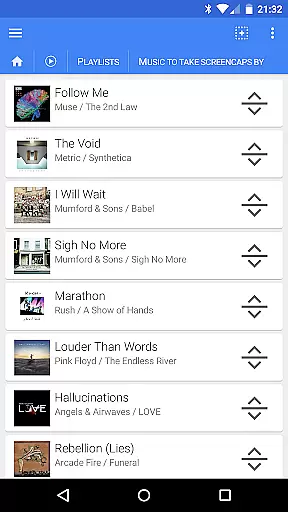
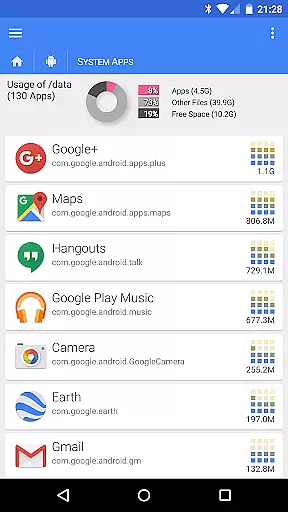
Beyond file encryption, FX File Explorer excels in organizing media and applications. Users can browse and manage installed applications, rearrange playlists with drag and drop functionality, and view images and videos without decrypting them first. These capabilities streamline task management by keeping all necessary resources organized and easily accessible.
Furthermore, the Encrypted keyring feature ensures that sensitive passwords are not entered in public, safeguarding against unauthorized access in case of device theft. This level of security is indispensable for effective task management, particularly when handling confidential or critical data.
User-friendly interface
Advanced encryption options
Comprehensive cloud integration
Efficient media management
Secure network protocols
Paid add-on required
Complex for beginners
Occasional connectivity issues
Limited free version
High system requirements

AI-powered document scanner with auto enhance for perfect PDFs.
 4.60
4.60
All Your Gig Work. One App.
4.30
Employee Management Made Easy
4.80
Find work, shifts and gigs near you. Jobs lasting a few hours to a few months.
4.30
view, manage, and share every PDF file you have
3.60
USPS Mobile®Access USPS.com’s most popular tools on-the-go.
4.70
From Gone to Back Again — In Just a Few Taps
4.50
Smarter career moves start here. AI job alerts, insights & the right tools.
4.20
On the go? Take FedEx with you.
4.00
BuildCalc - the easiest AND the most advanced construction calculator app.
4.80 4.70
4.70
All your team communication in one place
4.70
Access to Paylocity, empowering employees with information they need 24/7.
4.70
Mobile POS for any business: sales, invoices, retail, restaurants & appointments
4.60
No more passwords, easier sign-in, and greater protection for your accounts.
4.60
Chat, meet, and collaborate to achieve more together, all in one place on Teams
4.60
Manage work life on the go
4.50
Drive and earn extra money
4.50
Build a store in minutes with our full suite of AI tools. Start for free!
4.20


User Reviews