
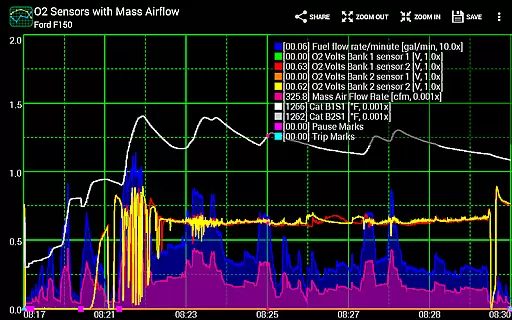
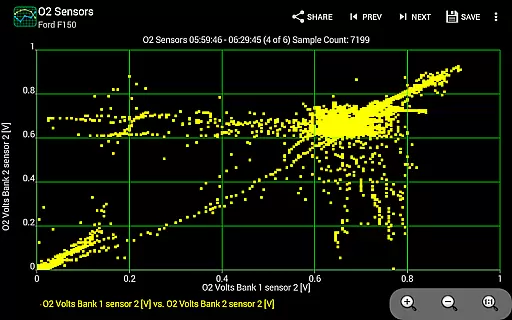
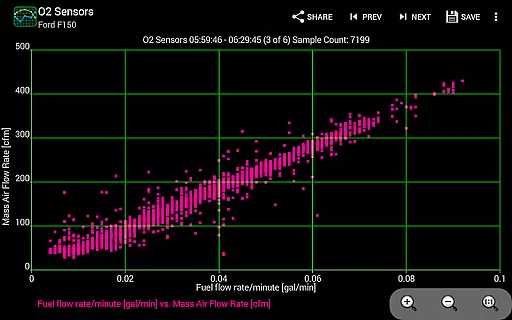
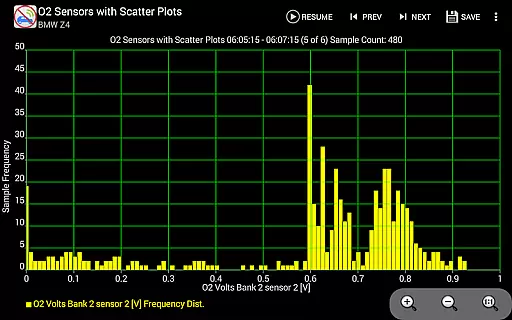
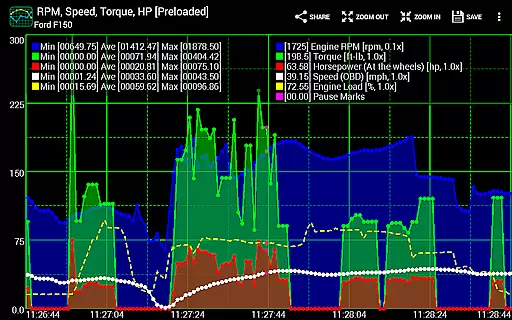
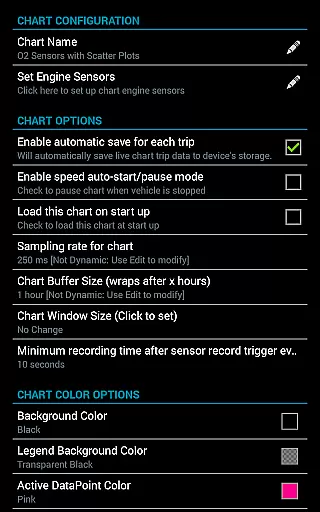
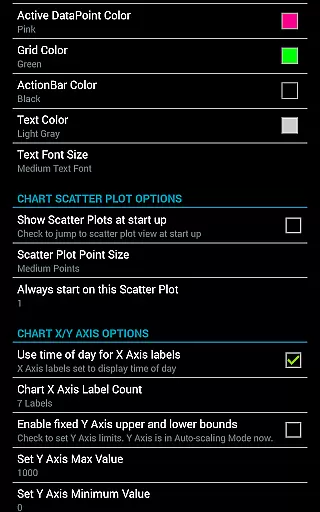
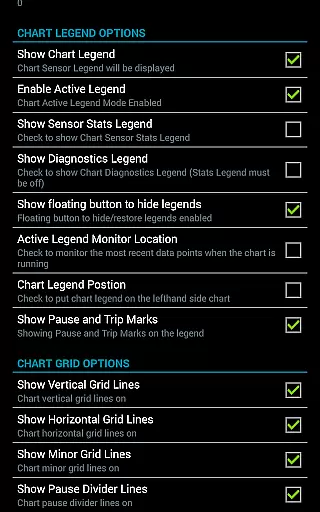
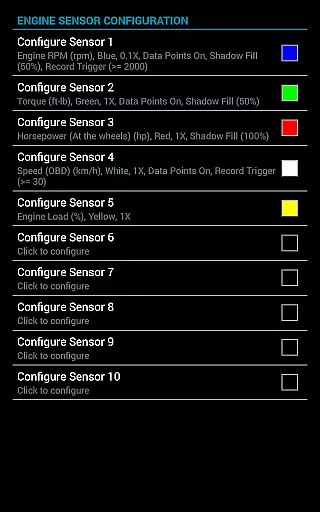
Realtime Charts for Torque Pro is a specialized plugin designed for automotive enthusiasts who require detailed performance monitoring of their vehicles. This app allows users to graph up to 10 engine sensors simultaneously, providing real-time data visualization on Android devices. With features like scatter plot analysis and custom chart creation, it serves as an essential tool for tuning and diagnostics.
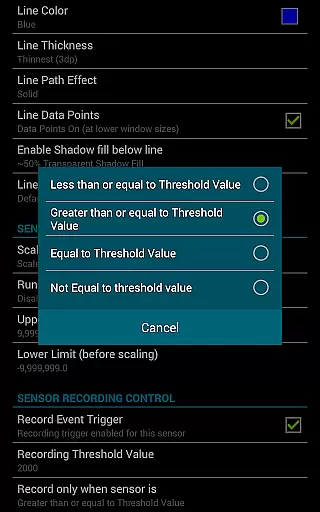
The application supports advanced functionalities such as sensor data capture based on specific criteria and auto-pause options when the vehicle is stationary. Its ability to save trip data and export CSV files makes it invaluable for in-depth performance analysis. Compatible with various Android versions and OBD2 adapters, this app is ideal for hobbyists and professionals alike.
Realtime Charts for Torque Pro offers a comprehensive suite of features tailored for automotive performance tracking. Users can monitor multiple engine parameters including RPM, speed, and MPG in real time. The app's standout feature is its ability to create custom charts, allowing up to 100 unique configurations with adjustable sampling frequencies and visual attributes.
In addition to real-time monitoring, the app provides advanced analytical tools such as scatter plot analysis and dynamic scaling of data points. It also includes practical functions like auto-saving trip data, pausing charts when the vehicle stops, and exporting data for further analysis. These capabilities make it an indispensable tool for anyone looking to optimize their vehicle's performance.
Realtime Charts for Torque Pro offers an extensive monitoring solution that allows users to access detailed vehicle information. This plugin app enables the graphing of multiple engine sensors simultaneously, providing real-time data on parameters such as RPM, speed, MPG, horsepower, and torque. Each sensor is displayed as a distinct series on your Android device, ensuring in-depth performance tracking.
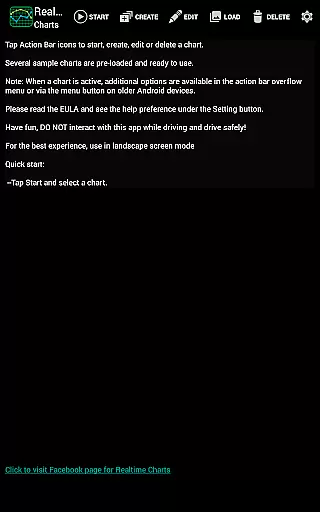
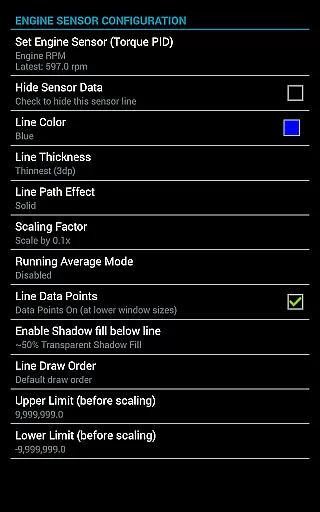
The ability to create custom charts enhances the user's capacity to monitor specific aspects of their vehicle's operation. With support for up to 100 custom charts, users can specify which sensors to track, set sampling frequencies, choose chart colors, and define series attributes. This level of customization ensures that automotive enthusiasts can tailor their monitoring experience to their unique needs and preferences.
By offering features like scatter plot analysis and dynamic scaling of data points, the app provides professional-grade tools for analyzing vehicle performance. Users can perform real-time scatter and frequency plot analysis on engine sensors, allowing them to identify trends and anomalies in their vehicle's operation. These capabilities make it an invaluable tool for those looking to fine-tune their vehicle's performance.
While Realtime Charts for Torque Pro does not directly deal with monetary transactions, it promotes cost-saving transparency through detailed vehicle diagnostics. By enabling users to monitor and analyze their vehicle's performance, the app helps identify potential issues before they become costly repairs. This proactive approach to vehicle maintenance can lead to significant savings over time.
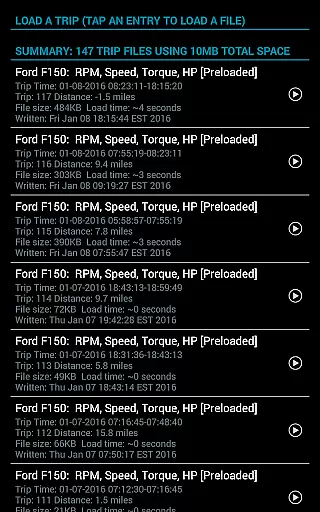
The app's ability to save data for later review and its auto-save trip data option contribute to price transparency by maintaining comprehensive records of vehicle performance. These records can be crucial when assessing the value of a vehicle or negotiating repair costs. Additionally, the capability to export Excel CSV data files allows users to maintain organized documentation of their vehicle's history.
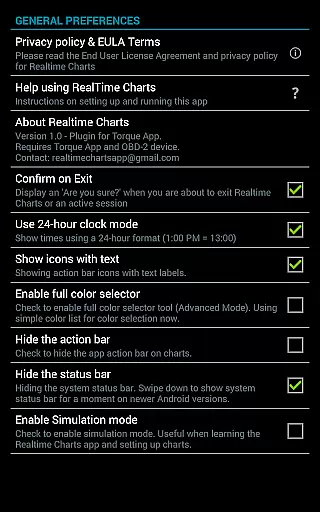
Furthermore, Realtime Charts supports simulation mode, letting users design charts without needing an ECU connection. This feature saves users from unnecessary expenses by allowing them to experiment with different configurations virtually. The overall transparency provided by these features empowers users to make informed decisions regarding their vehicle investments.
User-friendly interface
Highly customizable charts
Real-time data visualization
Advanced analytical tools
Compatible with multiple devices
Requires separate OBD2 adapter
Dependent on Torque Pro app
Limited to Android platform
Complex for beginners
No iOS support

OBD diagnostics, Live Data, DPF regeneration for BMW
 4.00
4.00
Read and delete OBD codes with any ELM327 OBD scanner. Coding functions included
3.40
Get your personalized financing options and shop for used cars today!
4.20
Your Path to Driving Licensing Success Begins Here! Develop your driving skills.
4.40
Monitor your behind-the-wheel behavior to become a safer driver and save.
4.10
Your go-to app for car, truck & SUV parts, DIY tools, and expert repair help.
4.70
O'Reilly Pro will streamline your parts lookup and ordering process!
3.20
Earn and save with Fuel Rewards®
3.20
Browse millions of cars, track vehicle listings or sell your car today
4.70
The Texaco App allows you to pay for fuel from the comfort of your car!
4.80
1M+ high-quality auto parts at your fingertips. Fitment guaranteed.
4.70
OBD1 ECMs application. Data log or tune directly from your phone or tablet!
4.60
Easy connect & control your cars from afar. Remote Lock & unlock car and carplay
4.60
Launcher for use in the car
4.40
Autotrader is your online solution for buying and selling new and used cars.
4.40
Boost profits and hit your goals faster with GigU's amazing tools for gigworkers
4.00
Take state-specific DMV permit tests and ace the exam.
3.90
Blink Charging Mobile app makes finding an EV charger an intuitive experience.
3.80
App Mirroring for Tesla Car's Browser
2.80


User Reviews