
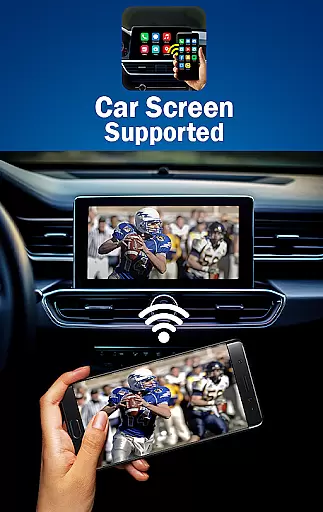
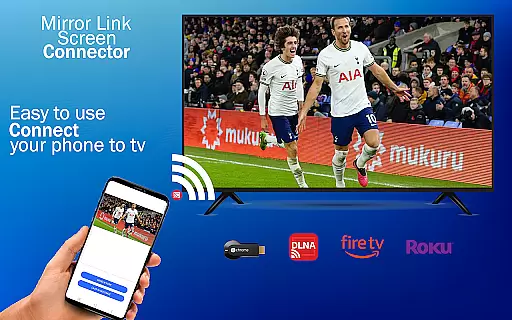
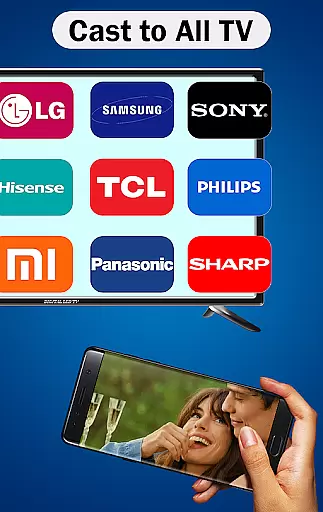
MirrorLink is a powerful connectivity app designed to seamlessly integrate your Android smartphone with your car's infotainment system. This app transforms your driving experience by enabling advanced features such as Android Auto, CarLink, and enhanced connectivity tools directly on your car dashboard.
With MirrorLink, users can enjoy hands-free calling, intuitive car navigation, and a smarter music player interface without needing to handle their phones while driving. The app supports both wireless and USB connections, making it versatile for different vehicle models and user preferences. Whether you're looking to sync data or access phone features from your car screen, MirrorLink ensures a safer and more convenient driving experience.
This app is particularly beneficial for drivers who want to stay connected while keeping their focus on the road. By providing essential phone functions through the car's interface, MirrorLink enhances driving safety and convenience, offering a comprehensive solution for modern vehicles.
MirrorLink stands out with its robust feature set tailored for seamless smartphone-car integration. One of its core functionalities is Full Mirror Link, which mirrors your Android phone's display onto your car's screen, allowing you to interact with apps like navigation and music players effortlessly.
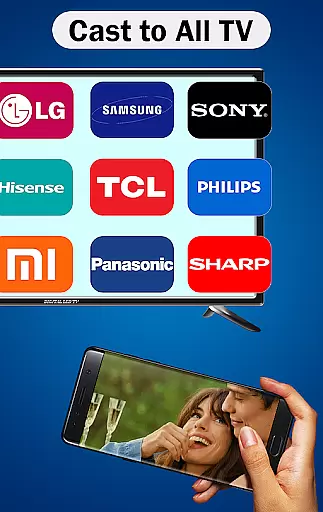
The app also offers Smart MirrorLink, ensuring compatibility with both older and newer car models. Its Universal Compatibility makes it adaptable to all car brands and devices equipped with built-in web browsers. Additionally, MirrorLink CarBridge technology provides smooth integration with systems like MirrorLink CarPlay and Android Auto, enhancing the overall user experience.
These features collectively ensure that drivers have easy access to essential phone functions without compromising safety. With capabilities ranging from hands-free calls to maintenance tracking and detailed reports, MirrorLink delivers a smarter and safer driving environment, catering to the needs of modern drivers seeking integrated technology solutions.
Functionality completeness in a car connectivity app like MirrorLink is crucial for ensuring that users can seamlessly integrate their Android smartphones with their car's infotainment system. This means providing essential features such as hands-free calling, music playback, and navigation directly through the car's dashboard interface.
MirrorLink achieves this by offering full Mirror Link capabilities, allowing users to mirror their phone's display on the car screen. It supports both wireless and USB connections, making it versatile for different user preferences and vehicle types. The app also works with a wide range of cars, from older models to the latest ones, enhancing its compatibility.
The benefits to users are significant. Drivers can access their phone's features without taking their eyes off the road, promoting safer driving habits. Additionally, universal compatibility ensures that regardless of the car brand or model, users can enjoy the advantages of enhanced connectivity and smarter driving tools.
Ultimately, MirrorLink's comprehensive functionality transforms the driving experience by integrating essential smartphone features into the car environment, providing convenience, safety, and an enriched driving experience.
Usability and operational smoothness are vital for any application aiming to provide a seamless user experience. In the case of MirrorLink, usability refers to how easily drivers can connect their Android smartphones to their caru2019s infotainment system and operate it effortlessly while driving.
The app excels in this area by offering smart mirror link features that work efficiently with both old and new cars. Its intuitive design allows users to quickly sync their devices, either wirelessly or via USB, facilitating easy access to essential phone functionalities like navigation, hands-free calls, and music control directly from the car dashboard.
Operational smoothness is further enhanced by MirrorLink's universal compatibility. The app integrates smoothly with all car brands and devices equipped with built-in web browsers, ensuring consistent performance across different platforms. This reliability encourages regular use, as drivers know they can depend on the app to function correctly every time.
By focusing on these aspects, MirrorLink not only simplifies the process of connecting phones to car systems but also significantly enhances the overall driving experience, making it safer and more enjoyable for users.
User-friendly interface
Wireless and USB connectivity
Wide device compatibility
Advanced safety features
Comprehensive music control
Limited iOS support
Requires compatible cars
Premium features locked
Occasional connection issues
Steep learning curve

View your cameras anywhere and anytime
 4.20
4.20
Connect and find your Smart Tag 2 devices through our app.
3.60
Wireless reverse charging using phone now is possible
4.30
Demo for Key Attestation feature of the Android system.
4.80
An essential GFX utility developed for specific FPS mobile games
4.50
Test DPC is a sample device policy controller for use with Android Enterprise.
4.20
Connect and Find your smart tag via our app.our app is compatible with smarttag.
3.30
Game booster GFX may reduce interruptions and improve gaming experience.
4.50
The best PS2 games from your childhood come to life in their mobile version!
4.00
Block and secure the microphone and protect from secret listening and recording.
4.50
Popular mods fnaf mods for melon playground
4.50
Enjoy Minecraft Mod Scary Neighbor Granny for Minecraft PE.
4.30
use your smartphone as Remote control drones .
4.20
Do you want to drive easy ? do you wanna full mirror link Mobile with your car
4.10
Easily evaluate the performance of Scandit's barcode and ID scanning SDK
4.10
You can remote control and play much easier.
4.10
Mobile Connect To TV - HDMI USB & WiFi Screen Mirroring
3.70
Ps2 plugins for 64 bit artitechture
3.70
Collection of high-quality, trendy skins and outfits!
4.0


User Reviews