
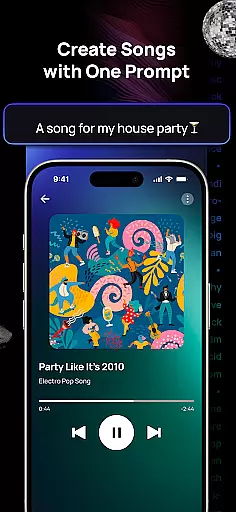
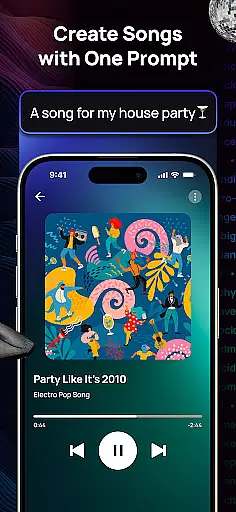
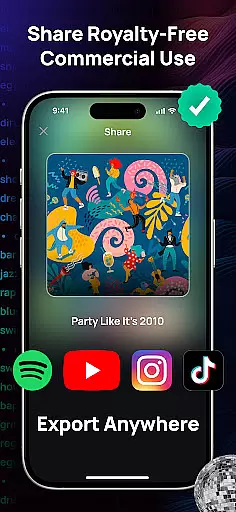
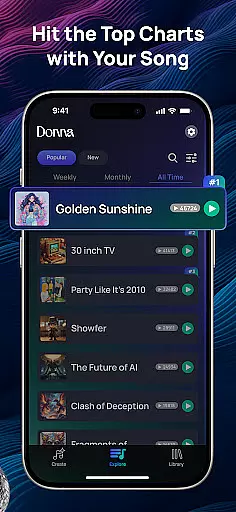
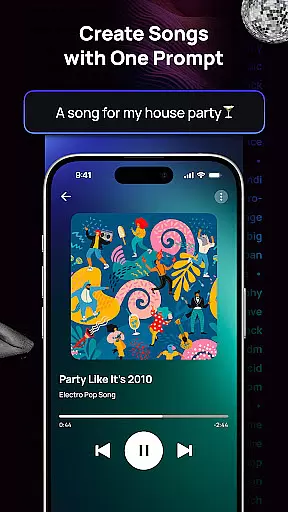
Donna AI Song & Music Maker represents a breakthrough in music creation, serving as both an advanced AI song generator and music production tool. This innovative application empowers users to effortlessly transform text descriptions, lyrics, or even images into fully-realized musical compositions across hundreds of genres. Whether you're crafting pop hits, emotional ballads, or vibrant AI-generated rap tracks, Donna provides the tools to bring your creative vision to life.
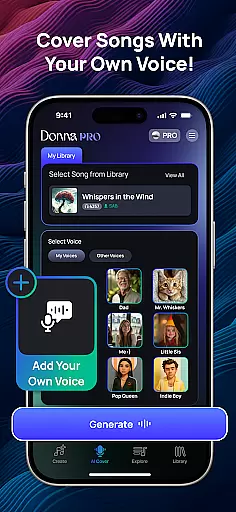
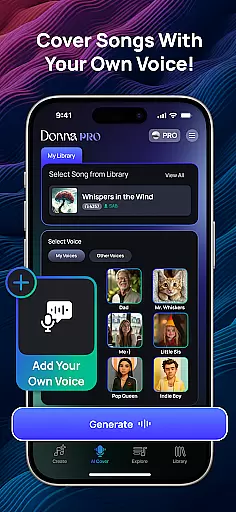
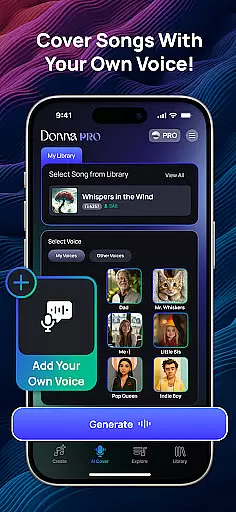
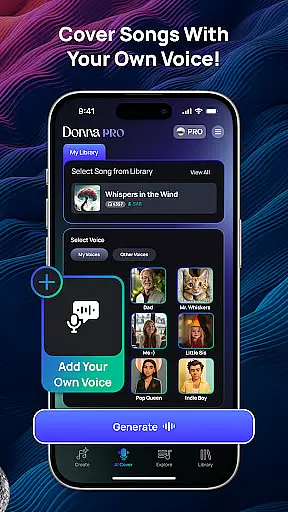
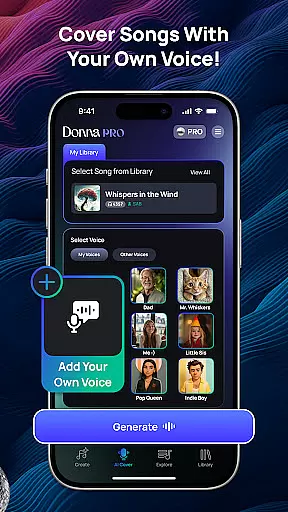
The app offers two distinct performance modes—Live Concert and Studio quality audio—ensuring flexibility in how your music sounds. With features like AI Cover, which allows users to upload their voice for customized cover songs, and intuitive song extension capabilities, Donna caters to both beginners and professionals. Its powerful audio separation tools further enhance post-production refinement, making it a complete solution for modern music creators.
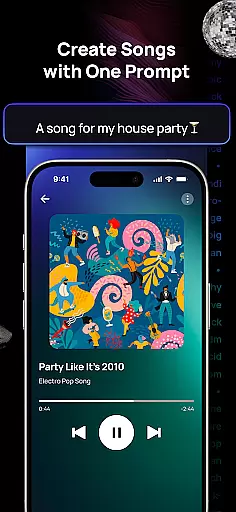
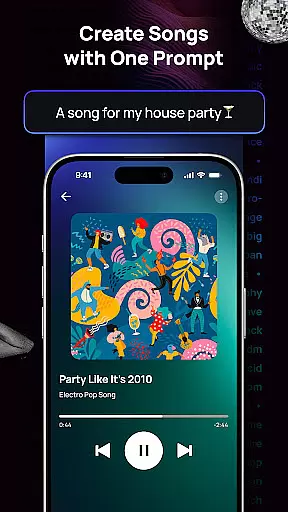
Donna AI distinguishes itself through its comprehensive suite of music creation tools powered by cutting-edge AI technology. The app's core functionality lies in its ability to instantly generate high-quality music from minimal input—whether it's a simple description, detailed lyrics, or an evocative image. This versatility makes it suitable for various types of creators, from casual hobbyists to professional musicians seeking quick drafts.
Beyond basic composition, Donna offers advanced customization options. Users can personalize tracks with male or female vocals, extend song durations, and separate audio elements into distinct components such as vocals, drums, bass, and instrumentals. The inclusion of royalty-free music generation ensures that creators retain full rights to their work, while the app's support for multiple genres and moods guarantees a perfect match for any artistic vision. These robust features collectively establish Donna as a leader in AI-powered music production.
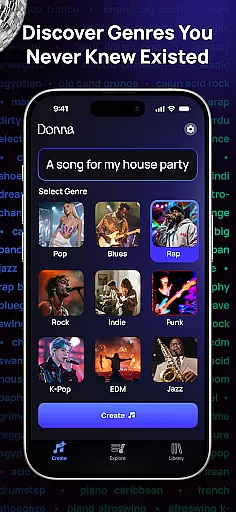
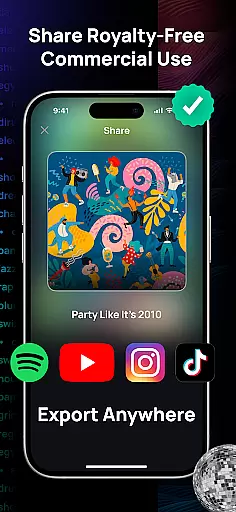
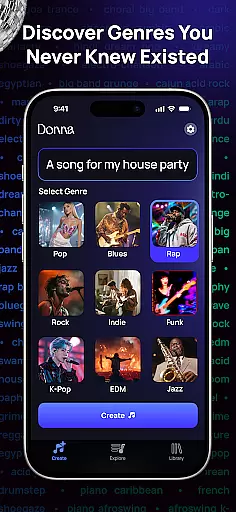
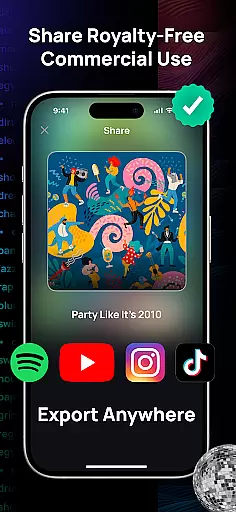
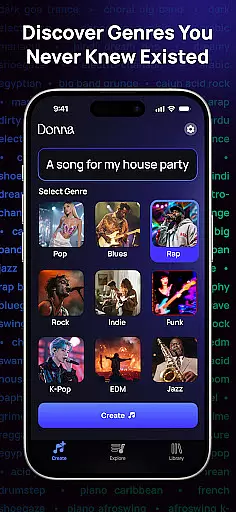
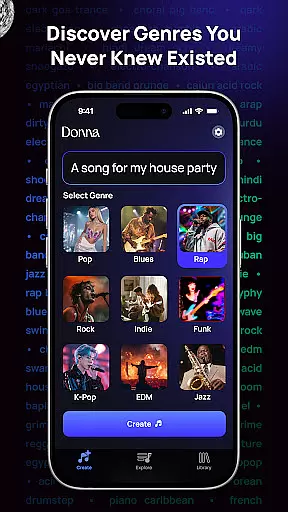
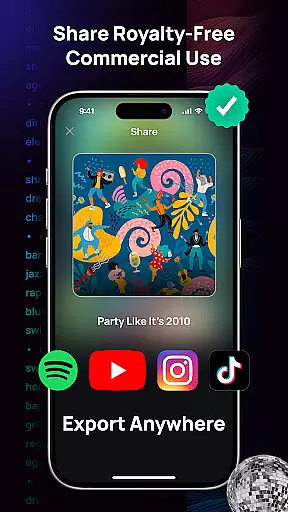
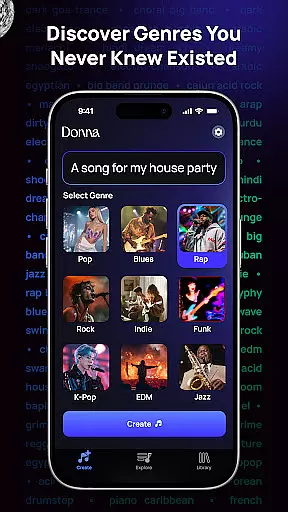
Donna AI Song & Music Maker offers an extensive music library that caters to a wide range of genres and moods, ensuring users have access to diverse musical styles. The app leverages advanced AI technology to generate royalty-free music, empowering creators to use the tracks without legal concerns. With hundreds of genres available, from pop and rock to classical and rap, Donna provides limitless possibilities for music creation while maintaining copyright authenticity.
The AI music generator ensures that all compositions produced are original and free from copyright infringement, making it ideal for content creators, video producers, and musicians. Users can input descriptions, lyrics, or even images, and the AI will craft unique, high-quality tracks tailored to their needs. This feature not only enhances creative freedom but also guarantees that every piece of music generated is authentic and compliant with copyright laws.
Additionally, Donna allows users to extend song durations and separate audio tracks into vocals, drums, bass, and instrumentals, further expanding creative control. These capabilities ensure that users can refine and remix their creations while maintaining the integrity of the original composition. By offering both Studio and Live Concert listening modes, Donna ensures that the final output aligns perfectly with the creator's vision.
Donna AI Song & Music Maker places a strong emphasis on audio quality, providing users with two distinct performance modesu2014Live Concert and Studio qualityu2014to suit different preferences and use cases. The Studio mode delivers pristine, polished audio ideal for professional projects, while the Live Concert mode offers vibrant, energetic sound that captures the excitement of a live performance. This dual-option system ensures that users can choose the best audio experience for their specific needs.
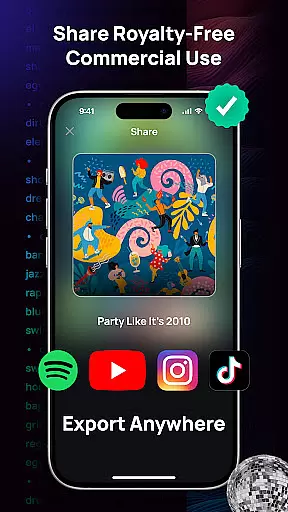
In addition to performance modes, Donna supports various audio formats, giving users flexibility in how they export and utilize their creations. Whether producing vocalized songs, background tracks, or experimenting with new musical styles, the app maintains consistently high audio standards across all outputs. The ability to split tracks into individual components such as vocals, drums, bass, and instrumentals further enhances the refinement process, allowing for precise editing and mixing.
By combining cutting-edge AI music generation with robust audio quality options, Donna empowers creators to produce professional-grade music effortlessly. The appu2019s intuitive interface and advanced tools make it accessible to beginners and professionals alike, ensuring that everyone can achieve exceptional results regardless of their skill level.
User-friendly interface
Versatile genre selection
High-quality audio output
Flexible customization options
Innovative AI Cover feature
Limited free usage
Requires internet connection
Premium features are costly
Occasional AI inaccuracies
Steep learning curve for beginners

Tune in to the greatest hits on UK Radio | The home of Capital, Smooth & Heart.
 4.90
4.90
Control your MIDI USB or Bluetooth devices in app and avoid some trampling
3.30
Remove ads permanently from Music Visualizer
4.2
Gorgeous UI, Powerful music Search and Equalizer, the great choice for you!
4.70
The alternative folder based music player.
4.20
The original SP-1200 experience on your iPad
4.20
Turn your Android phone into a professional audio analyser with up to 120 bands.
4.00
Reverse your voice & songs instantly! Fun singing challenge with cool effects.
4.60
Be a true music maker: create beats, mix and make music like a real DJ!
4.30
Listen to live FM radio stations, sports, music and news on global radios online
4.70
Walkout Song DJ is the most intuitive app to manage your sports music.
4.70
SqueezePlayer turns your Android phone or tablet into a SqueezeBox on its own!
4.60
Full featured mp3 and audio player with Chromecast and Android Auto support.
4.40
Time Trainer: accurate metronome w tools to help you develop your internal time!
4.20
The ultimate media player for Android devices
3.90
USB audio recording and playback finally possible on Android 3.1 or higher!
3.90
Sheet music reader, piano & music note player. Play music score & learn to read.
3.90
Learn to play the piano using falling notes!
3.80
Powerful beat maker & DJ mixer to remix tracks, make music, & perform DJ mix
3.70


User Reviews