
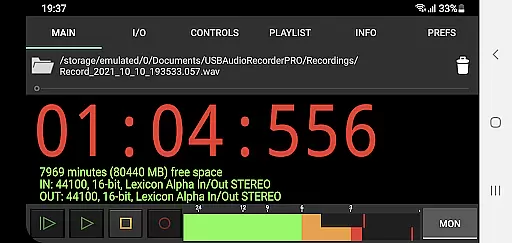
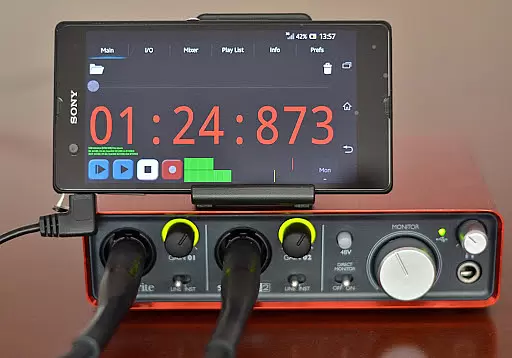
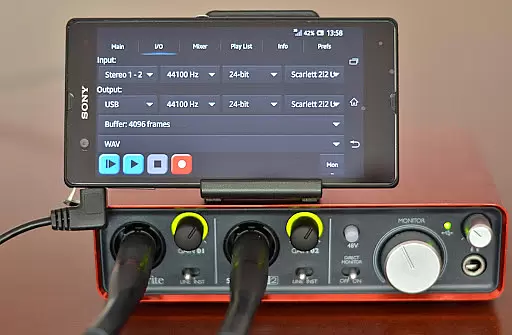
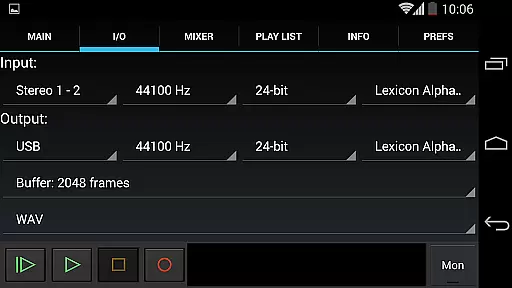
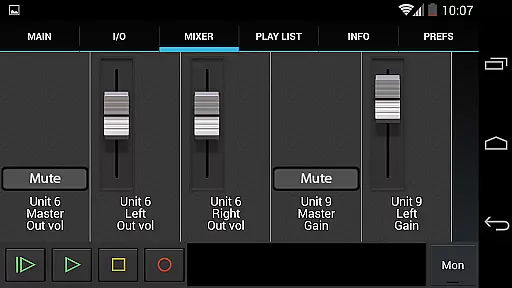
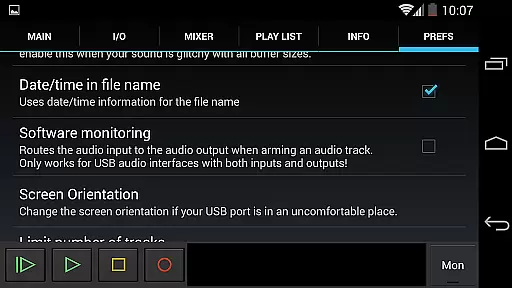
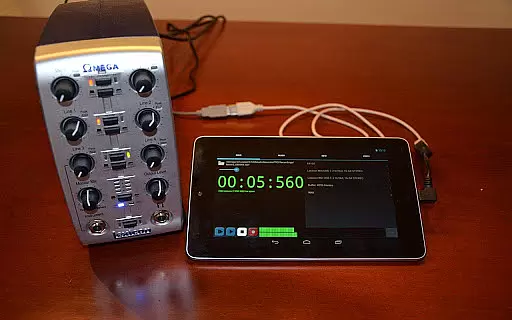
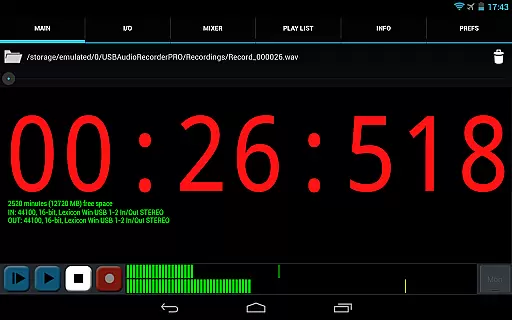
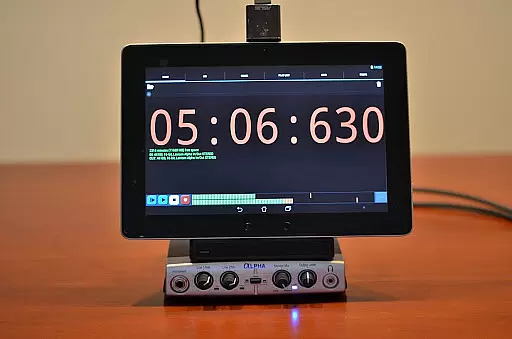
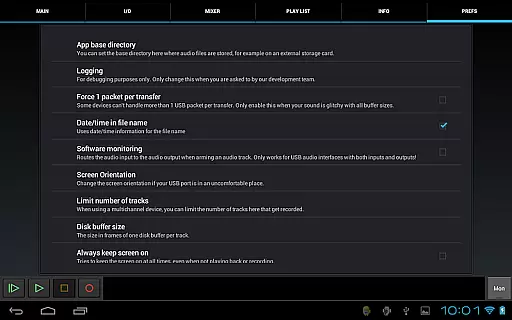
USB Audio Recorder PRO is a specialized audio recording and playback application designed for users who require high-quality audio processing directly through a USB audio interface. The app offers an extensive range of professional features, including support for mono, stereo, and multichannel recording, sample rates up to 384 kHz, and various bit-depth options depending on the connected device. It also provides essential tools like level meters with peak hold functionality, input/output selection, and buffer size adjustments.
This app is particularly useful for audio professionals and enthusiasts who need to work with class-compliant USB audio devices that adhere to USB 1.1 or 2.0 standards. By using this app, users can record in formats such as WAV, FLAC, OGG, and AIFF while enjoying the flexibility of setting custom recording folders, monitoring levels before recording, and sharing files via email or platforms like SoundCloud. Its compatibility with Android devices having USB host capability ensures broad usability without requiring root access.
USB Audio Recorder PRO stands out due to its comprehensive feature set tailored for both casual and professional audio recording needs. One of its key strengths is the ability to handle high-resolution audio, supporting recording and playback at various bit depths (16-, 24-, and 32-bit) and sample rates up to 384 kHz, contingent upon the capabilities of the user's USB audio device. This makes it suitable for studio-quality recordings.
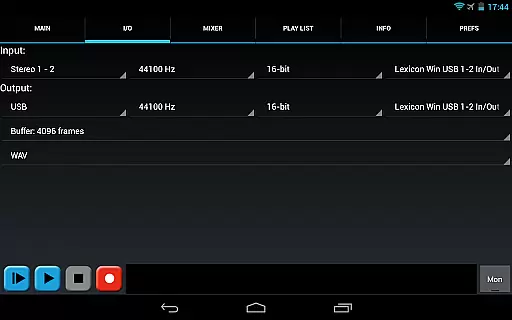
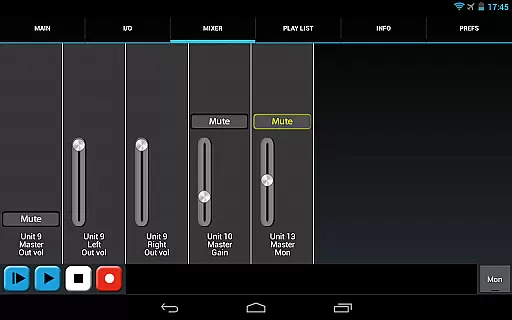
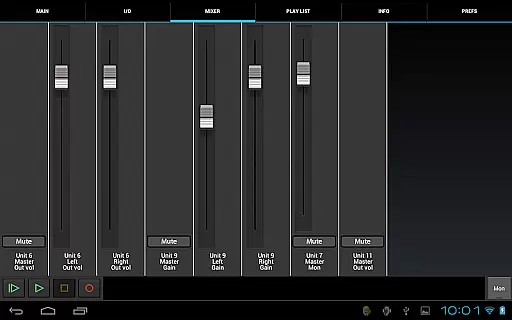
The app also includes advanced functionalities such as flexible buffer size selection (ranging from 1024 to 16384 frames), multiple format options for saving recordings (WAV, FLAC, OGG, AIFF), and internal controls like gain, volume, and mute adjustments if supported by the connected device. Additionally, users benefit from practical features like disk space display, playlist functionality for directory playback, and the option to play through the Android device's internal speakers when using input-only devices like USB microphones. These features collectively enhance the recording experience by offering precision, control, and convenience.
USB Audio Recorder PRO offers a unique approach to managing audio content by allowing users to record and playback high-quality audio directly from a USB audio interface. While it doesn't provide a traditional music library, the app enables you to build a personal collection of recordings in various formats such as WAV, FLAC, OGG, and AIFF.
The app ensures copyright authenticity by focusing on original user-generated content. Since all recordings are created within the app, users can be confident about the legitimacy of their audio files. This makes it an excellent tool for musicians, podcasters, and audio professionals who need to capture and store original material.
With support for mono, stereo, and multichannel recording, users can create diverse audio projects. The ability to select recording formats and resolutions up to 384 kHz sample rate provides flexibility in managing file sizes and quality based on individual needs.
By offering features like input/output selection, buffer size adjustment, and level meters with peak hold functionality, the app empowers users to optimize their recording setup. These professional-grade tools ensure that your personal audio library maintains both high standards of quality and legal integrity.
When it comes to audio quality options, USB Audio Recorder PRO stands out by supporting bit depths of 16-, 24-, and 32-bit depending on your device's capabilities. This flexibility allows users to choose the level of audio quality that best suits their project requirements, whether they need smaller file sizes or maximum fidelity.
The app also supports sample rates up to 384 kHz, providing exceptional clarity and detail in recordings. This high sample rate capability is particularly beneficial for professional audio work where capturing subtle nuances in sound is crucial. Users can select from various recording formats including WAV, FLAC, OGG, and AIFF to balance between quality and file size.
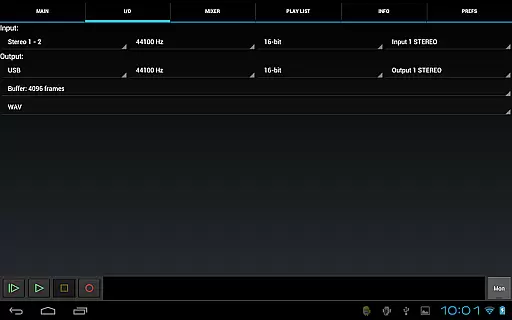
For optimal recording results, the app includes essential features like input/output selection and buffer size adjustment ranging from 1024 to 16384 frames. These options help minimize latency and ensure smooth recording performance even at higher sample rates.
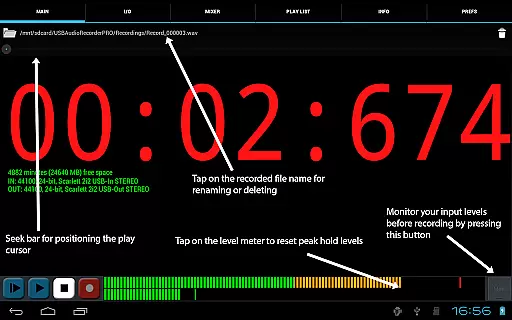
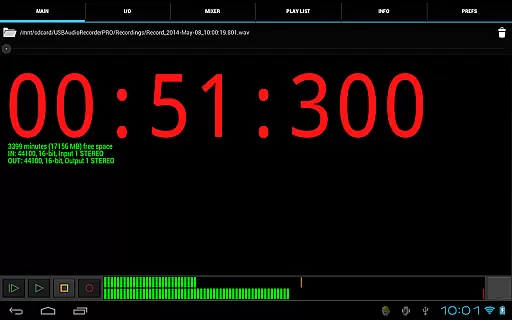
Additionally, the monitor button allows users to set appropriate levels before recording, while level meters with peak hold functionality provide visual feedback on signal strength. This combination of advanced audio settings and practical monitoring tools ensures that users can achieve professional-grade recordings with confidence.
High-quality audio
No root required
Wide format support
Professional tools
Flexible settings
Device-specific
No MP3 support
Complex setup
Limited OTG
Basic UI

Simply convert wav to mp3. Clear. Reliable. Safe.
 4.2
4.2
The Skullcandy App Experience
3.20
Gorgeous UI, Powerful music Search and Equalizer, the great choice for you!
4.70
The ultimate media player for Android devices
3.90
Bass Booster & Volume Equalizer Pro improves your music and video sound quality
4.60
Unleash your creativity! Turn simple prompts into full fledged songs.
4.70
The official Sonos app
4.10
Offline Tunes, Unlimited Vibes
3.90
Listen to offline music and sounds from all categories
4.70
Listen to live FM radio stations, sports, music and news on global radios online
4.70
Super Sound Editor, Song Maker & Mixer, Vocal Remover, Voice Recorder & Changer!
4.60
Offline Music Player&MP3 Player with themes, equalizer, lyrics, music play mode
4.60
10-Band Audio Equalizer, Sound / Bass Booster for Spotify Users & Music Players
4.40
Enjoy singing any song, no matter how high or low it is
4.30
Learn and play 2M+ music tabs & chords on guitar, ukulele, bass, and more
4.30
A sleek, no-frills player designed for true music lovers.
4.20
No wifi music app. Mp3 offline. Tuner radio, young radio music. Music downloader
4.20
The original SP-1200 experience on your iPad
4.20
Simple mp3 and mp4 player with advanced features.
3.40


User Reviews