
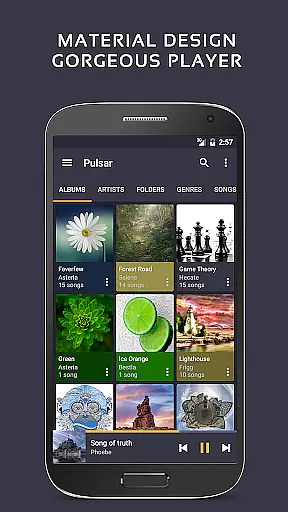
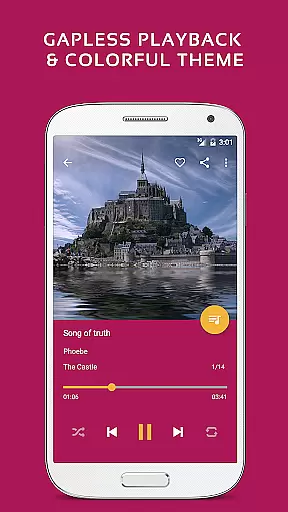
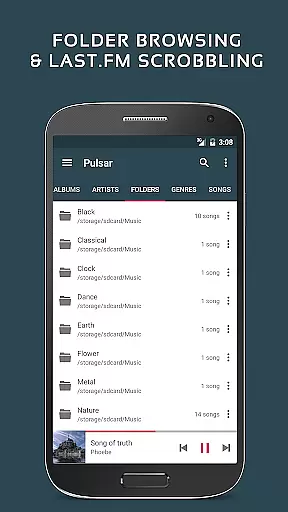
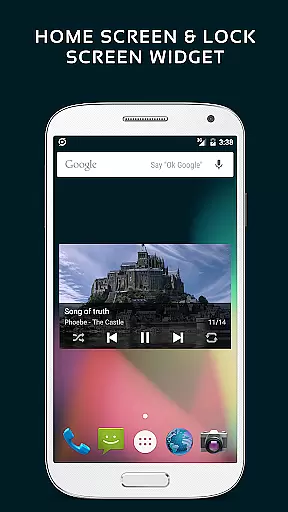
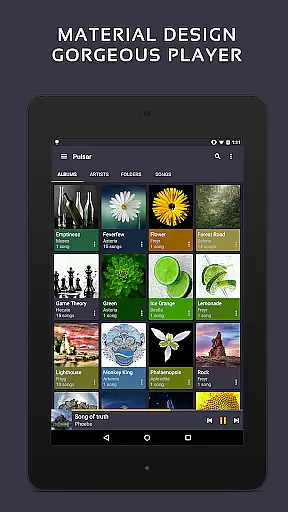
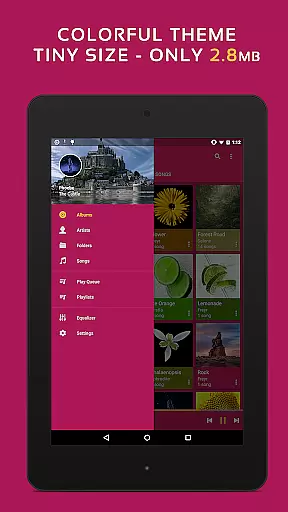
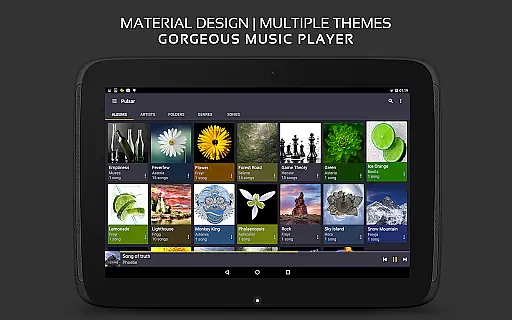
Pulsar Music Player Pro stands as a premium music player on Android, offering an ad-free offline audio experience. Its design aligns with material design guidelines, providing users with a visually appealing interface. The app is packed with features such as gapless playback, lyrics display, crossfade, and play speed adjustment, catering to audiophiles who demand high-quality playback and customization.
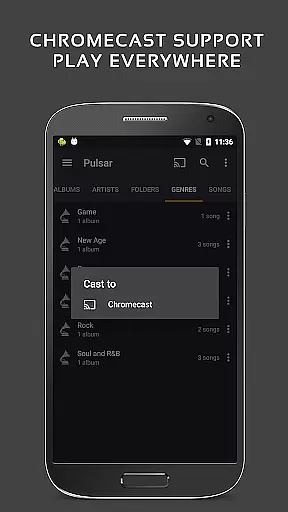
With functionalities like tag editing, last.fm scrobbling, Chromecast support, and an equalizer, Pulsar enhances the listening experience while ensuring seamless integration with other devices and platforms. Whether you're managing your music library or enjoying a personalized listening session, Pulsar provides tools like smart playlists, automatic image syncing, and fast search capabilities, making it an ultimate choice for discerning music enthusiasts.
Pulsar Music Player Pro shines with its extensive feature set tailored for music aficionados. The app supports high-quality audio formats and offers gapless playback, ensuring uninterrupted listening sessions. With advanced playback options like crossfade and play speed adjustment, users can customize their experience to match their preferences.
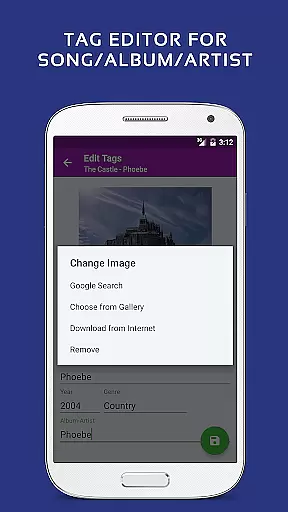
One of the standout features is the built-in metadata tag editor, allowing users to manage their music files efficiently. Additionally, the app supports lyrics display, music visualizer rendering, and ReplayGain for volume normalization. Integration with external services like Chromecast, Android Auto, and last.fm scrobbling extends its functionality beyond the device, creating a versatile ecosystem for enjoying music.
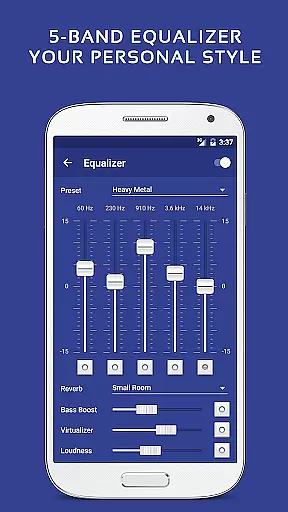
The premium version adds exclusive features such as 16 extra themes, theme customization, and a 5-band equalizer controller with 9 pre-built presets. These additions provide users with even more ways to personalize their experience and fine-tune audio output according to their tastes.
Pulsar Music Player Pro offers an extensive music library that supports a wide range of audio file formats including MP3, AAC, FLAC, OGG, and WAV. This ensures that users can access and enjoy their music collection without compatibility issues.
The application places a strong emphasis on copyright authenticity by allowing users to manage and play music files they own legally. With features like built-in metadata tag editing for MP3 and other formats, Pulsar empowers users to maintain accurate information about their tracks.
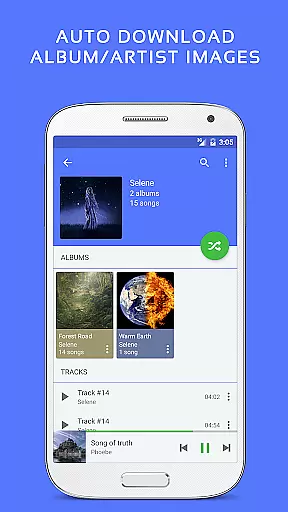
Additionally, the app provides tools such as automatic syncing of missing album or artist images, which enhances the user experience while respecting intellectual property rights. Users can be confident in the legitimacy of their music experience with this player.
With its premium version, Pulsar Music Player Pro takes audio quality to the next level by offering advanced sound customization options. The 5-band equalizer controller with 9 pre-built presets allows users to tailor their listening experience according to personal preferences or specific genres.
Beyond basic playback, Pulsar includes sophisticated audio effects such as bass boost and reverb, enhancing the depth and richness of the sound output. These features ensure that listeners enjoy high-fidelity audio quality that is often missing from standard music players.
Moreover, the support for ReplayGain volume normalization means consistent audio levels across different tracks, providing a seamless listening session without abrupt changes in volume. This attention to detail highlights Pulsar's commitment to delivering superior audio quality options for discerning audiophiles.
Ad-free experience
Gapless playback
Extensive format support
Customizable themes
Advanced equalizer
Premium version costly
No cloud integration
Limited playlist options
Heavy on resources
Complex for beginners

Simply convert wav to mp3. Clear. Reliable. Safe.
 4.3
4.3
Time Guru will strengthen your internal sense of musical time via random muting.
4.30
DJ Music Mixer - DJ Remix: remix songs, make beat music & record mix of DJ.
4.40
Walkout Song DJ is the most intuitive app to manage your sports music.
4.70
The alternative folder based music player.
4.20
Super Sound Editor, Song Maker & Mixer, Vocal Remover, Voice Recorder & Changer!
4.60
Listen radio AM / FM Stations. Live AM / FM Radio App Station. Radio Com.
4.70
Ringtone Maker is free app create ringtone from music files or your recording.
4.40
Uninterrupted Tunes, Unmatched Vibes
3.90
Brian Eno and Peter Chilvers’ acclaimed music app Bloom, radically reinvented.
4.80
Responsive piano with great sounds, graphics, and songs
4.80
Ultimate Sonos Controller
4.70
Taal player that lets you sing any Indian & Western song with Tabla & Tanpura
4.60
Recording studio w/ 10k beats, pro vocal FX and a network of 20M rappers & fans!
4.60
A synth that really lets you shape your sounds!
4.50
Guzheng Master supports many playing techniques as an acoustic Guzheng
4.50
Enjoy singing any song, no matter how high or low it is
4.30
Master Salsa Rhythm quickly and with a lot of fun!
4.30
Offline and always ad-free - stream in the highest quality available.
4.10


User Reviews