
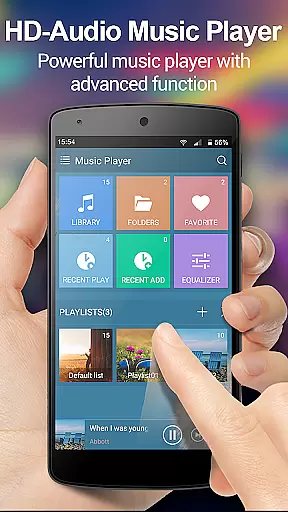
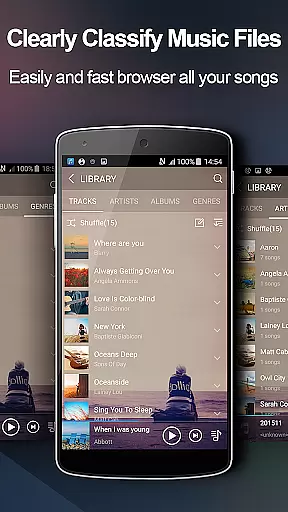
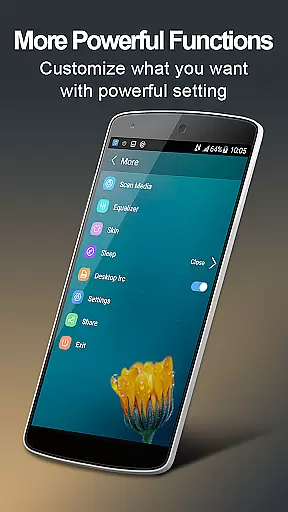
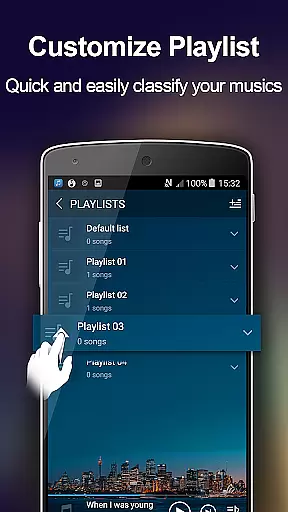
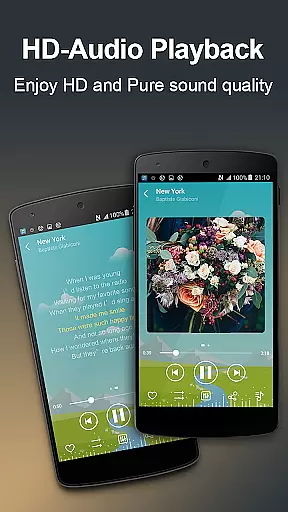
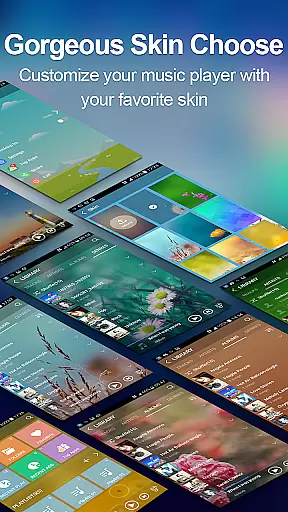
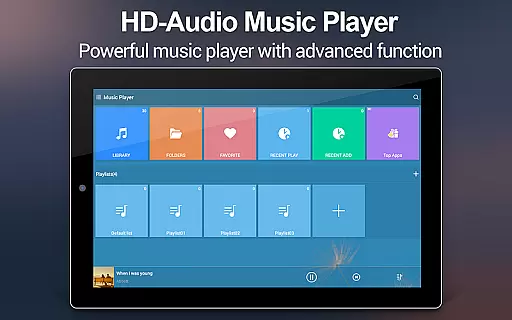
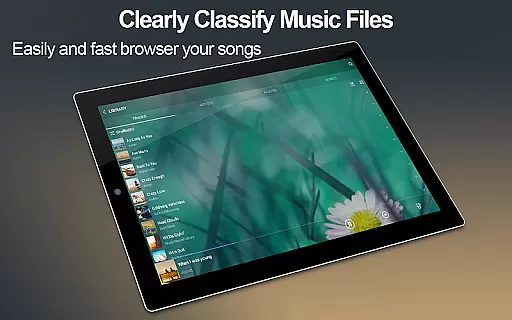
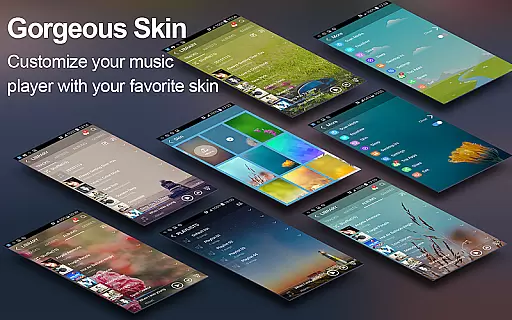
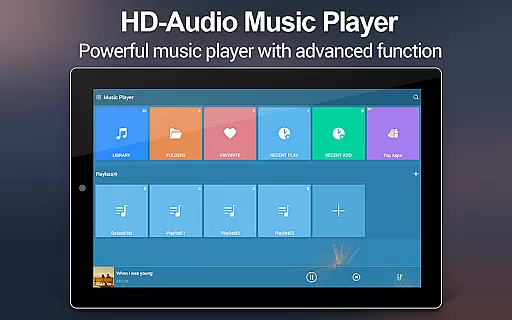
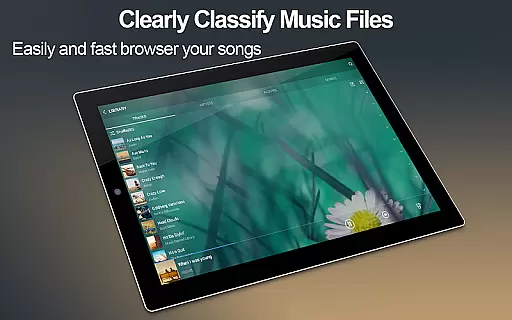
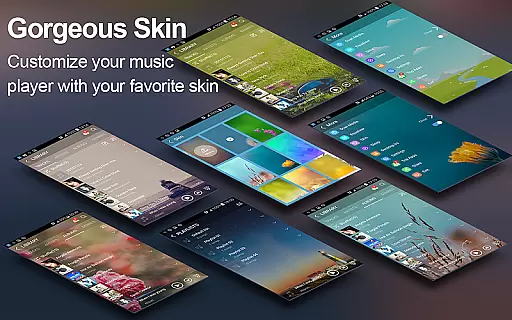
Music Player + is a feature-rich audio management app designed for Android users who demand both functionality and aesthetics. This app not only allows you to browse and play music by albums, artists, genres, playlists, folders, and album artists but also offers advanced features like automatic lyric matching and five-band equalizer support. With over 20 customizable background skins, users can personalize their interface while enjoying high-quality sound.
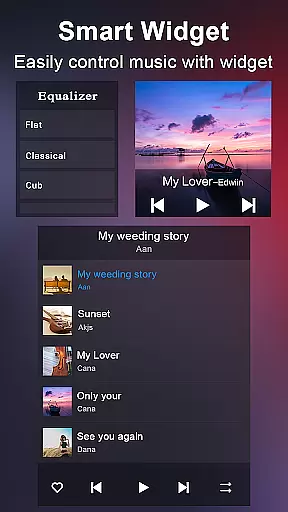
The app stands out with its unique folder-based music organization system and desktop widgets that make playback control effortless. Whether you're managing your entire music library or fine-tuning audio settings, Music Player + provides an intuitive interface that simplifies the process. Its powerful search function ensures you can quickly locate any track, while the shake-to-skip feature adds a modern touch to your listening experience.
Perfect for audiophiles and casual listeners alike, this app transforms how you interact with your music collection. The ability to edit song details and use custom playlists enhances usability, while headset and Bluetooth controls ensure convenience on the go. Music Player + represents the next evolution in mobile audio experiences, combining practical tools with visually stunning design elements.
Music Player + boasts an impressive array of features that cater to diverse user needs. One standout capability is its comprehensive music browsing options, which include sorting by albums, artists, genres, playlists, folders, and album artists. This flexibility allows users to organize their libraries according to personal preferences. Additionally, the automatic lyric-matching function scans and pairs songs with corresponding lyric files, creating an immersive karaoke-like experience.
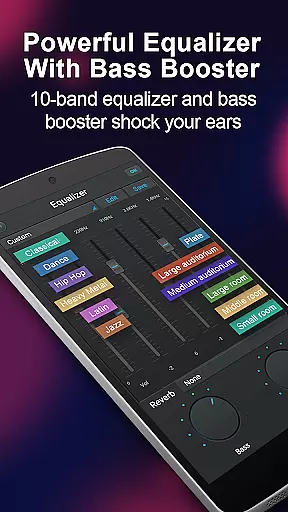
The app's five-band equalizer with eight preset tones offers unparalleled sound customization. Users can manually adjust settings to achieve their desired audio profile, ensuring optimal playback quality. Three home screen widgets (4x1, 2x2, 4x1) provide quick access to essential controls, while notification status integration displays album artwork and playback options directly from the lock screen.
Other notable features include the shake-to-skip functionality, which lets users change tracks with a simple phone movement, and support for various headset types. The inclusion of twenty customizable background skins allows for personalization, while the music library-wide search function ensures easy navigation. These thoughtful additions demonstrate Music Player +'s commitment to delivering a superior audio experience through innovative design and practical utility.
When it comes to digital music players, the size and authenticity of the music library are crucial factors for users who want access to a vast array of songs while ensuring they are legally obtained. Music Player + boasts an extensive music library that allows users to browse and play their music by various categories such as albums, artists, genres, playlists, folders, and album artists.
This application supports all music and audio file formats, making it versatile and convenient for users with diverse music collections. The app's ability to manage music easily is enhanced by its powerful search feature, which finds all music on the phone quickly, ensuring that users have a seamless experience when accessing their favorite tunes.
Moreover, Music Player + places a strong emphasis on copyright authenticity. By providing features like automatic lyric scanning and matching, the app ensures that users receive accurate and legal song information. This dedication to copyright compliance gives users peace of mind, knowing they are engaging with content responsibly.
The combination of an expansive music library and stringent adherence to copyright laws makes Music Player + a reliable choice for audiophiles who demand both quantity and quality in their listening experience.
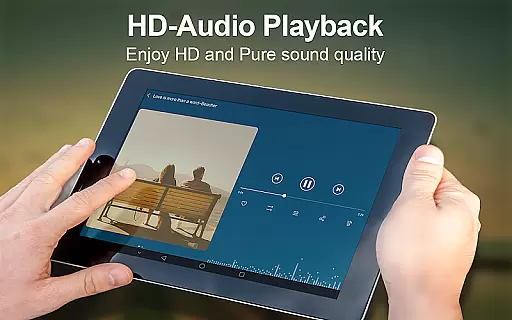
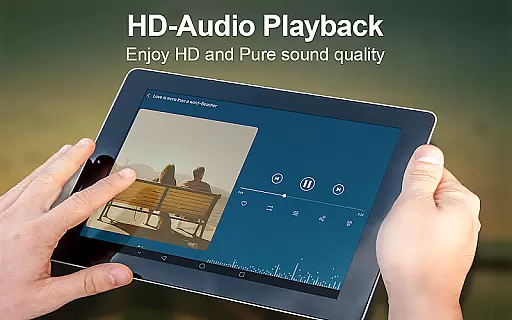
For discerning listeners, audio quality is paramount, and Music Player + delivers exceptional sound fidelity through advanced features designed to enhance the auditory experience. At the heart of this superior audio performance is the app's powerful equalizer, which offers five bands for precise sound customization.
Users can choose from eight types of preset music tones tailored to different genres or manually adjust the equalizer to suit their personal preferences. This flexibility ensures that every track sounds as the artist intended, providing a rich and immersive listening session.
In addition to customizable equalizer settings, Music Player + supports high-quality audio formats, preserving the integrity of the original recordings. Whether you're using standard headphones or high-end audio equipment, the app adapts to deliver optimal sound quality.
Furthermore, the inclusion of a unique 'SHAKE IT' feature adds an interactive element to audio control, allowing users to change tracks with a simple shake of their device. These innovative audio quality options make Music Player + stand out as a top choice for those who value pristine sound reproduction.
User-friendly interface
Customizable equalizer
Automatic lyric matching
Multiple widget options
Vibrant skin choices
No cloud integration
Limited sharing options
Occasional bugs reported
Heavy on resources
Complex for beginners

Simple & Intuitive Metronome
 4.70
4.70
Advanced 10-Band Audio Graphic Equalizer Sound Booster Pro
4.30
Bass Booster & Volume Equalizer Pro improves your music and video sound quality
4.60
Learn to play the piano using falling notes!
3.80
No wifi music app. Mp3 offline. Tuner radio, young radio music. Music downloader
4.20
Help you quickly get started with Shokz headphones
4.40
Slow music down without changing pitch.
3.70
Powerful 10-Band equalizer pro with sound booster improves Android audio quality
4.30
Sing, record, and create music together — enhanced by smart voice tools.
4.00
Voice recorder - Audio recorder. Best recorder for recording
4.90
JBL PartyBox APP works with 110/310/710/120/320/520/Encore/Encore 2/Encore Ess 2
4.80
Responsive piano with great sounds, graphics, and songs
4.80
Pay Once, no monthly payment
4.60
Recording studio w/ 10k beats, pro vocal FX and a network of 20M rappers & fans!
4.60
AI Music Maker: Generate And Compose AI Tunes & AI Songs & AI Music & AI Melody!
4.60
Enjoy singing any song, no matter how high or low it is
4.30
Powerful beat maker & DJ mixer to remix tracks, make music, & perform DJ mix
3.70
Control your MIDI USB or Bluetooth devices in app and avoid some trampling
3.30
Music Streaming suite for Ampache, Nextcloud Music and compatible backends.
4.0


User Reviews