
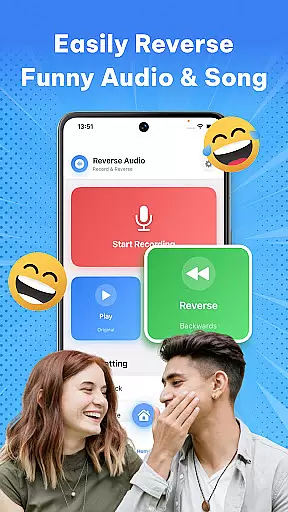
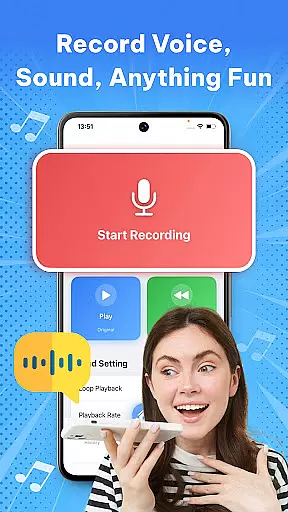

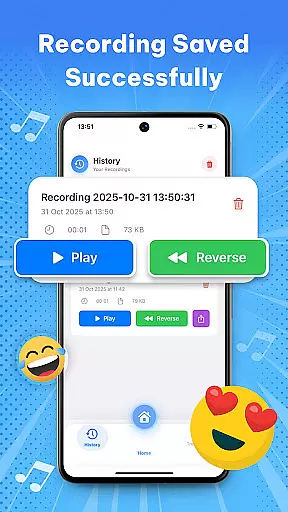

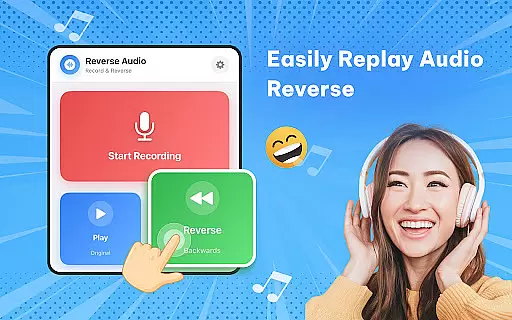
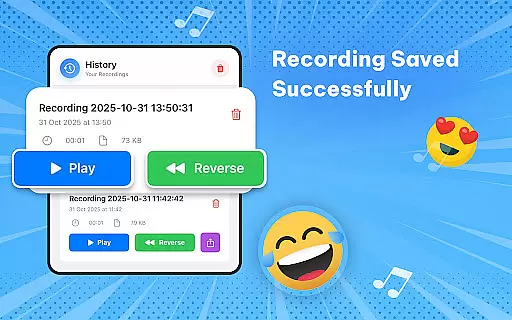
Reverse Audio: Sing Challenge is a creative audio tool that allows users to record, reverse, and manipulate sound clips with ease. Designed for music enthusiasts, content creators, and prank lovers, this app transforms ordinary audio into extraordinary creations by flipping it backward. Whether you're looking to join viral singing challenges or simply experiment with sound effects, the app offers high-quality processing and smooth performance.
The app's standout feature is its ability to reverse playback speed and pitch, enabling users to create unique audio experiences. From funny voiceovers to spooky soundtracks, Reverse Audio: Sing Challenge provides endless opportunities for creativity. Its offline functionality ensures accessibility anytime, anywhere, making it an ideal choice for creators who need flexibility in their workflow.
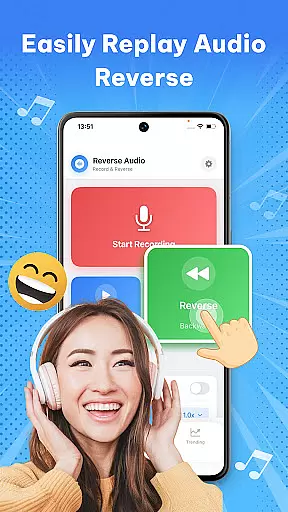
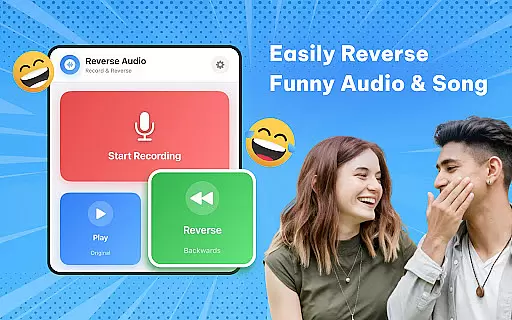
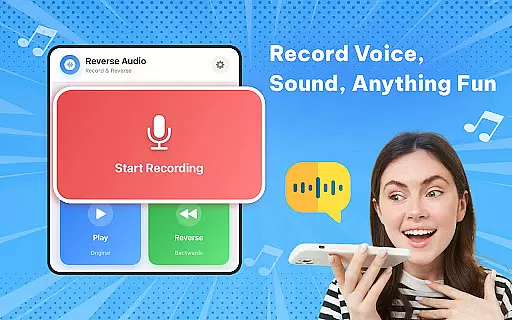
Reverse Audio: Sing Challenge boasts a variety of features tailored to enhance user experience. The app allows instant reversal of any recorded voice or sound, making it perfect for experimenting with phrases, jokes, or singing lines. Additionally, users can engage in the Reverse Singing Challenge, where they mimic reversed audio and compare it to the original, adding a layer of fun and engagement.
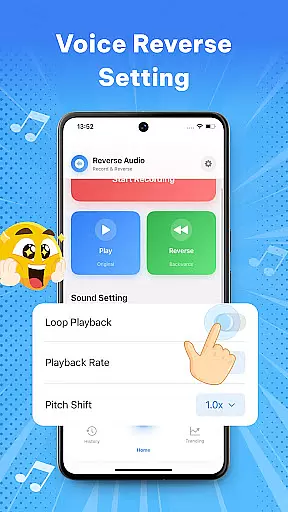
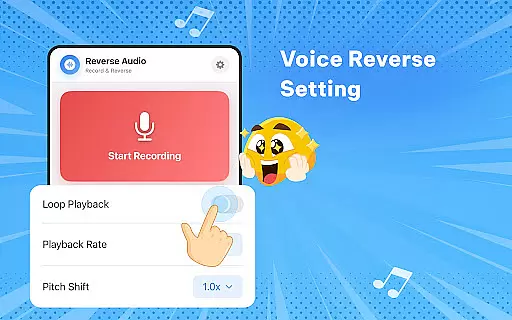
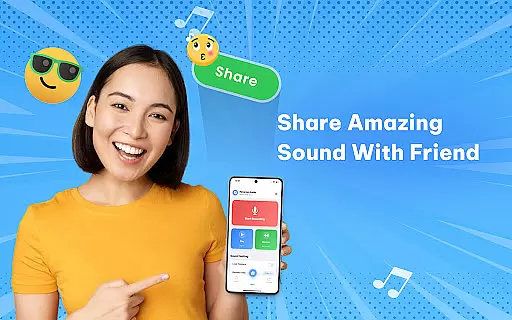
Another key feature is the ability to adjust playback speed and pitch, giving users control over how their reversed audio sounds. Whether aiming for a spooky effect or a hilarious twist, these tools ensure maximum customization. With seamless sharing options, users can save their creations and distribute them across social media platforms, amplifying their reach and impact.
The app also emphasizes quality and performance, delivering crystal-clear audio processing with intuitive controls. Its lightweight design ensures smooth operation even on older devices, while the simple interface makes it accessible to users of all skill levels.
When it comes to music and audio applications like Reverse Audio, the size and variety of the music library play a crucial role in user engagement. A vast music library ensures that users have access to a wide range of sounds and audio clips, enhancing their creative possibilities.
Reverse Audio offers an impressive array of sound samples that users can manipulate, ensuring that creators are not limited by the availability of audio resources. This extensive library allows for endless experimentation with reversed audio effects, making every creation unique.
In addition to the size of the music library, copyright authenticity is vital for legal protection and peace of mind. Reverse Audio takes care to provide users with properly licensed content, so they can freely use and share their creations without worrying about copyright infringement issues.
By providing a rich and authentic music library, Reverse Audio empowers its users to explore their creativity confidently, knowing they have a solid foundation of legal and diverse audio content at their disposal.
Audio quality is paramount when dealing with sound-based applications. For Reverse Audio, offering various audio quality options means that users can choose the level of clarity and richness that best suits their project needs.
The app supports high-quality sound processing, which translates into crystal-clear reversed audio clips. Users can enjoy smooth performance whether they're creating content for professional purposes or just for fun.
Moreover, Reverse Audio provides flexibility in playback speed and pitch adjustments. These features allow users to fine-tune their reversed audio, adding layers of customization and personal touch to each clip.
With these audio quality options, Reverse Audio ensures that every reversed sound retains its intended impact, delivering an engaging auditory experience across different platforms and devices.
User-friendly interface
High-quality audio processing
Versatile sound manipulation
Offline functionality
Social sharing options
Limited advanced editing
No multi-track support
Fewer filters than competitors
Basic UI design
Occasional glitches

The Cubase remote control app
 3.60
3.60
10-Band Audio Equalizer, Sound / Bass Booster for Spotify Users & Music Players
4.40
Powerful beat maker & DJ mixer to remix tracks, make music, & perform DJ mix
3.70
Permanently backup Now Playing. Maps, filters & listening stats.
4.00
Network/Cloud Streaming, Visualization, Graphic Equalizer and Sound Effects.
4.20
The only true audiophile music player with Hi-Fi audio rendering and DSP engine
3.90
The alternative folder based music player.
4.20
Play KORG’s revolutionary touch-based instrument on a variety of devices.
4.40
Ringtone Maker is free app create ringtone from music files or your recording.
4.40
Brian Eno and Peter Chilvers’ acclaimed music app Bloom, radically reinvented.
4.80
Your song collections with lyrics and chords on Android smartphones and tablets.
4.80
Unleash your creativity! Turn simple prompts into full fledged songs.
4.70
Bass Booster & Volume Equalizer Pro improves your music and video sound quality
4.60
Time Guru will strengthen your internal sense of musical time via random muting.
4.30
Equalizer, Bass Booster and Volume Booster (Eq & Bass) improve sound quality
4.30
The Music Journey in Your Hands
4.30
Turn your Android phone into a professional audio analyser with up to 120 bands.
4.00
Background pads for your band
3.80
Simply convert wav to mp3. Clear. Reliable. Safe.
4.4


User Reviews