
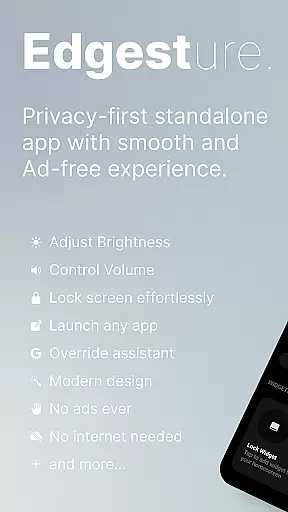
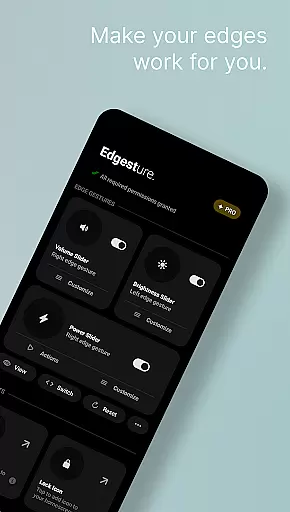
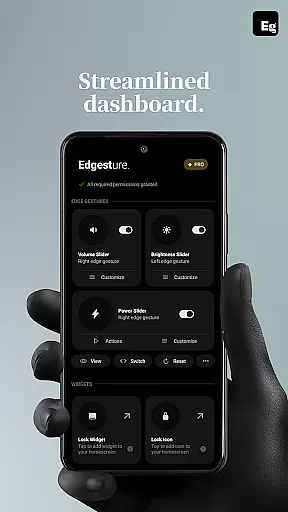
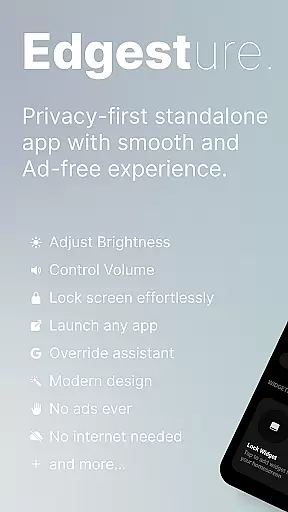
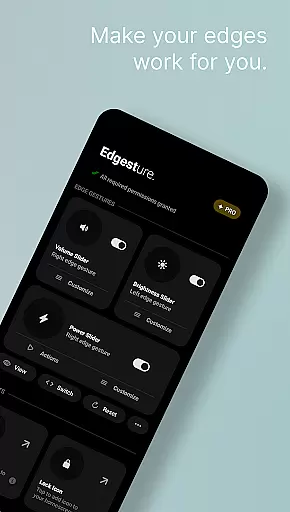

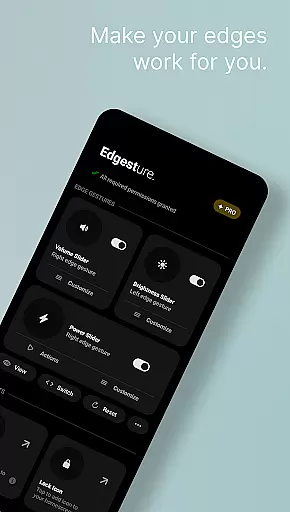
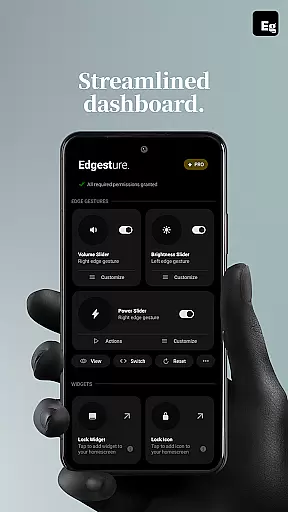
Edgest is a powerful personalisation tool that revolutionises the way you interact with your smartphone through intuitive edge gestures and custom controls. Designed for users seeking enhanced navigation and effortless access to their favourite actions, this app offers a suite of features including gesture shortcuts, volume and brightness control, and lock screen widgets.
The application stands out with its highly customisable options, allowing users to tailor gestures to their specific needs. Whether it's launching apps, toggling settings, or managing media playback, Edgest provides a seamless experience without the intrusion of ads, tracking, or hidden charges. Its lightweight design ensures minimal battery consumption while maximising productivity.
Perfect for power users and casual smartphone owners alike, Edgest transforms routine interactions into a faster, more intuitive process. By simplifying complex tasks like taking screenshots, opening notifications, or locking the device, it delivers both convenience and efficiency in everyday smartphone use.
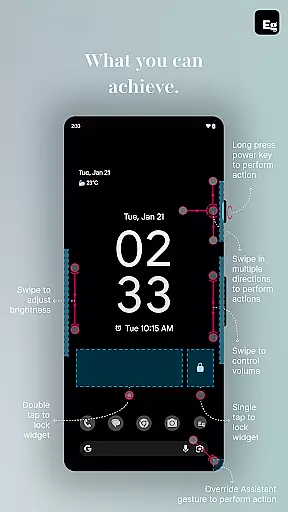
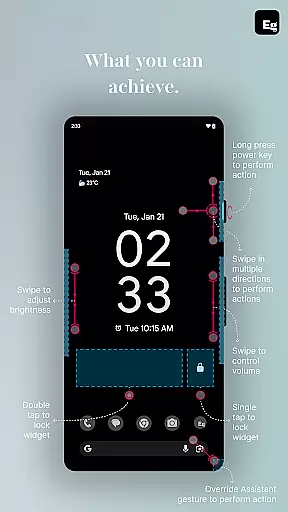
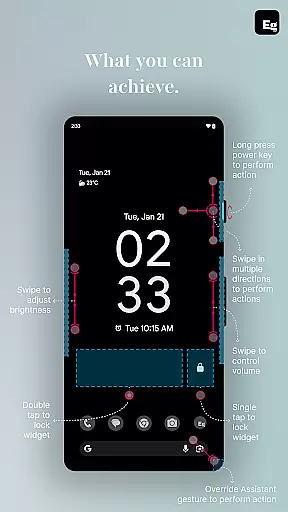
Edgest boasts an impressive array of features designed to enhance user interaction and streamline device management. At its core, the app leverages smart edge gestures for quick navigation and instant access to frequently used functions. Users can swipe, tap, or long-press on screen edges to execute commands such as returning to the home screen, adjusting volume, or locking the device.
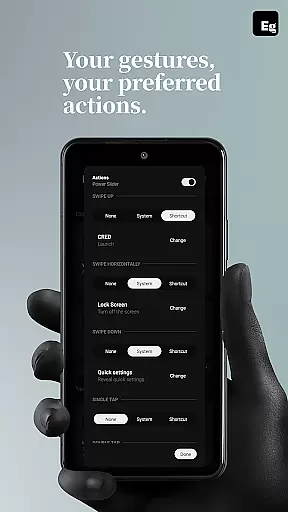
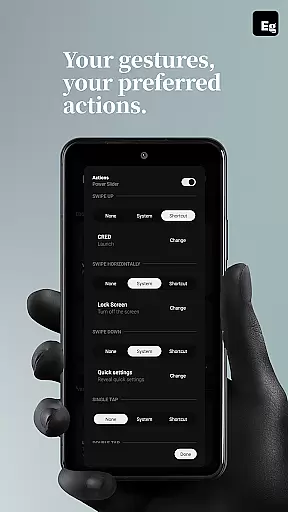
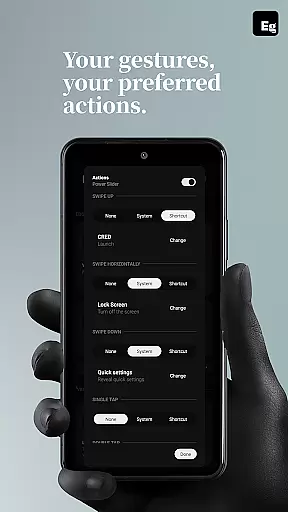
One standout feature is the ability to create fully customisable gesture shortcuts. These allow users to assign unique actions to specific gestures, from launching apps to controlling media playback. Additionally, the inclusion of a quick settings tile boosts productivity by enabling instant access to essential actions without leaving the current app.
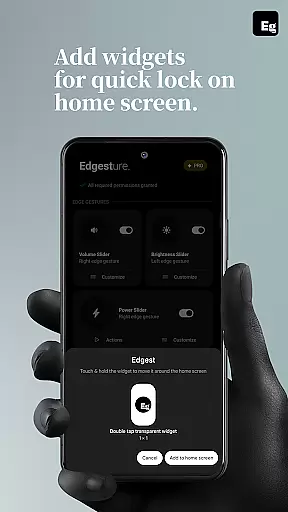
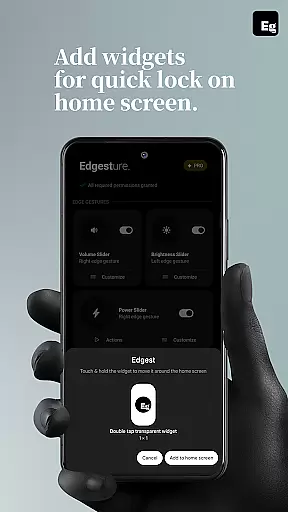
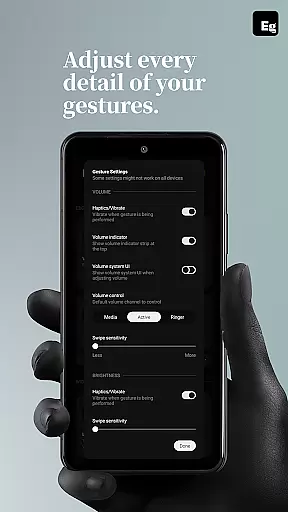
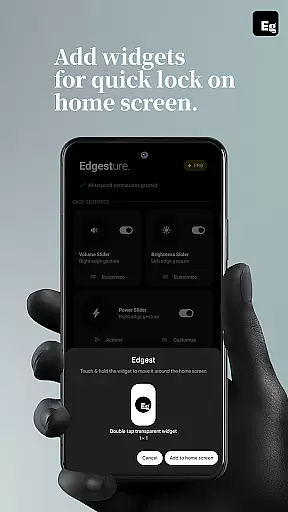
Other notable functionalities include lock screen widgets, which let users lock their devices with a single or double tap, and advanced customisation options for gesture sensitivity, animation speed, and feedback. With its focus on simplicity and performance, Edgest ensures a smooth, responsive experience tailored to individual preferences.
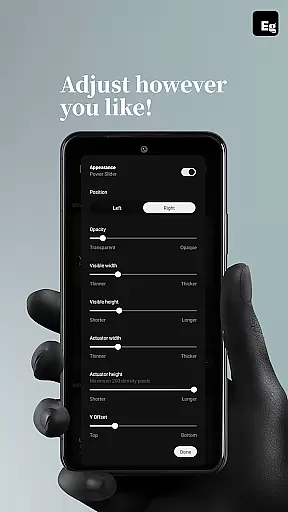
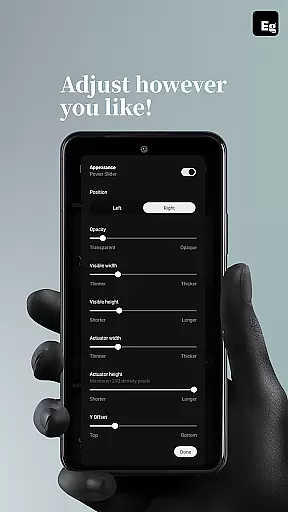
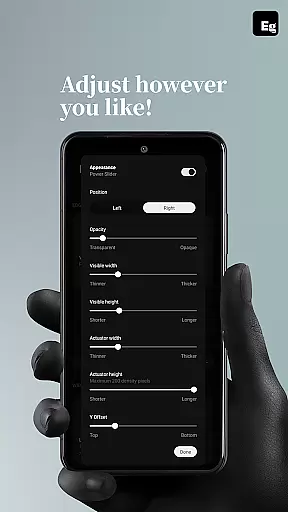
Edgest Edge Gestures & Control offers a wide array of customization options that allow users to tailor their device interaction according to personal preferences. The app supports custom gestures which can be mapped to various actions, such as launching apps, controlling media playback, or accessing system settings.
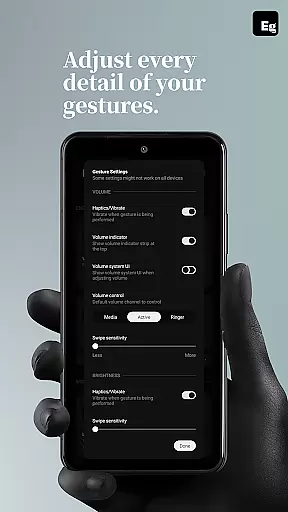
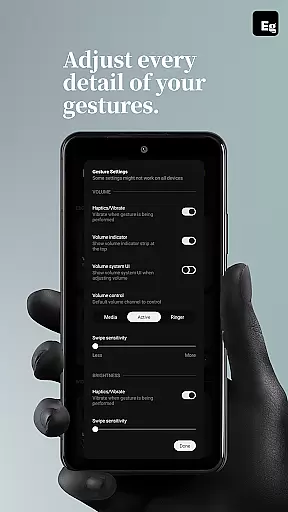
This level of customization extends to gesture sensitivity and animation speed, providing a smoother and more intuitive user experience. Users can adjust these settings to match their unique touch and feel requirements, ensuring that every interaction with their device is both efficient and satisfying.
Moreover, the ability to create personalized shortcuts for common tasks significantly boosts productivity. Whether it's adjusting the volume, changing the brightness, or locking the screen, Edgest ensures these functions are only a swipe or tap away.
The true power of Edgest lies in its adaptability. It evolves with the useru2019s needs, allowing for an ever-growing list of customizable actions that keep pace with the dynamic nature of smartphone usage.
While Edgest Edge Gestures & Control focuses primarily on gesture-based navigation and control, theme compatibility plays a crucial role in the overall user experience. Although specific theme support isn't highlighted in the app description, the emphasis on simplicity and user experience suggests seamless integration with various device themes.
Users can expect consistent performance regardless of the visual theme applied to their device. This means whether you prefer a light, dark, or system-default appearance, Edgest maintains its functionality without disrupting the aesthetic coherence of your interface.
In addition to visual themes, Edgest also ensures compatibility with different device models and operating systems. This cross-device reliability guarantees that all users, irrespective of their hardware, can enjoy a uniform and high-quality gesture control experience.
By prioritizing both functional and visual compatibility, Edgest delivers a versatile tool that enhances personalization without compromising on design integrity or operational efficiency.
Intuitive gesture navigation
Highly customisable shortcuts
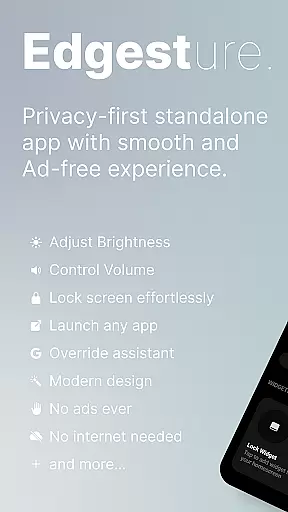
No ads or tracking
Lightweight and efficient
Enhances productivity
Limited to Android devices
Requires accessibility permissions
Some features may feel complex
No iOS version available
Premium features may require payment

Turn your lock screen into fun with smile live wallpapers & animated wallpapers!
 2.50
2.50
Customizable screen pets that play, climb, and keep you company.
4.50
Unique Fonts, typefaces and stylish text. Fonts for Instagram, Whatsapp & others
4.20
Aesthetic Widgets, HD Wallpapers, Themes in Mico Widget for Home and Lock Screen
4.50 4.50
4.50 4.50
4.50
Crystal-clear, square icon provides a sleek and sophisticated visual upgrade
4.00
300+ widgets inspired by Material You and Material 3 expressive design.
4.60
Transform your phone with stylish zipper lock themes and 4D live wallpaper
4.10
Winter's Journey: digital watch face for Galaxy Watch & Wear OS
4.80
Gun Chase - Let the chase begin.
4.80
Customizable Glass widgets. Over 360+ stunning widgets and more!
4.70
Shimeji adds cute animated characters to your screen, lively and fun.
4.70
Unique Android Launcher
4.60
Try creating your own keyboard with "Keyboard theme for android" app now!
4.50
Turn text & photos into stunning AI videos, art, and creative visual stories.
4.50
More than 3000+ themes and 9000+ wallpapers for everybody!
4.10
Run multiple accounts of the same app on a single device
4.10 3.50
3.50


User Reviews