
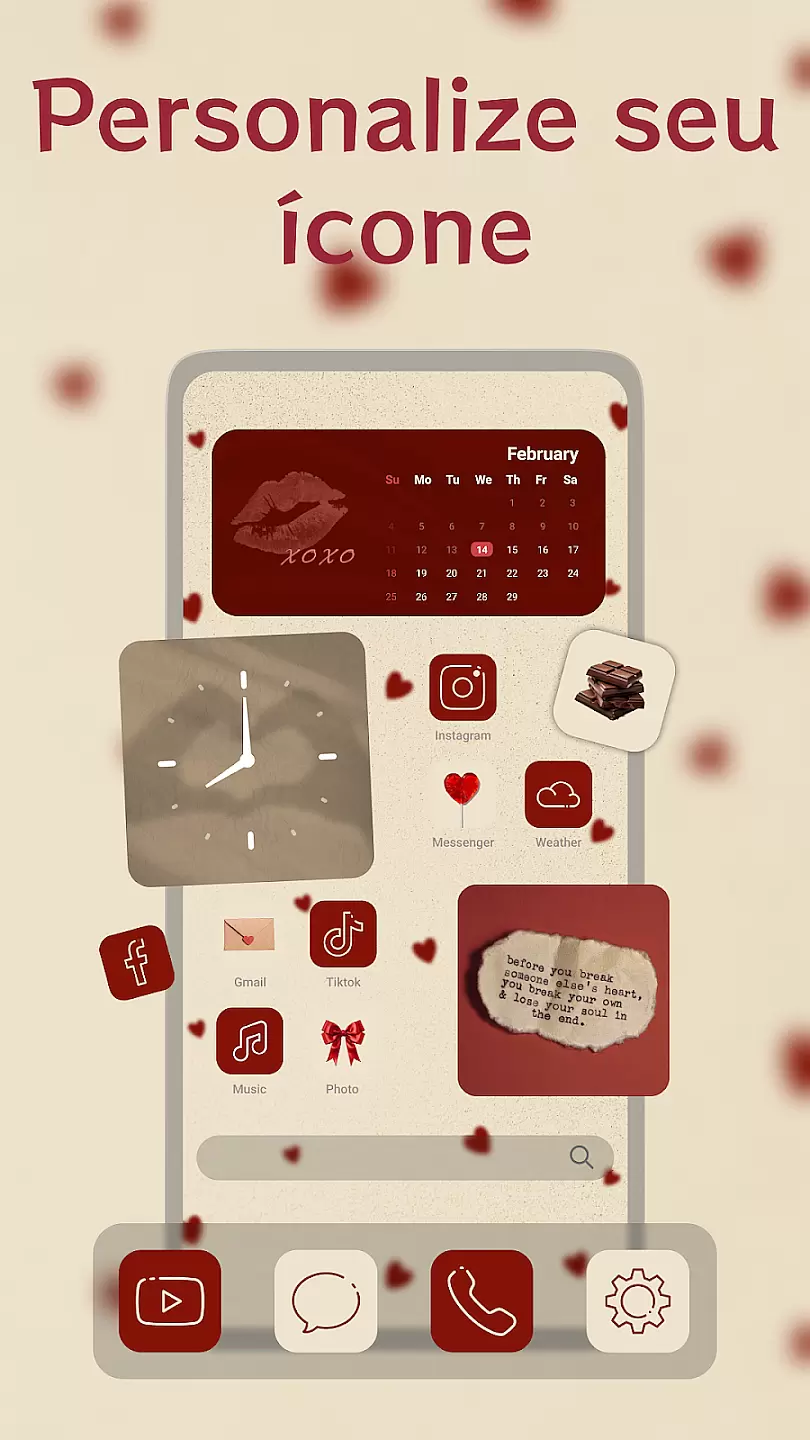
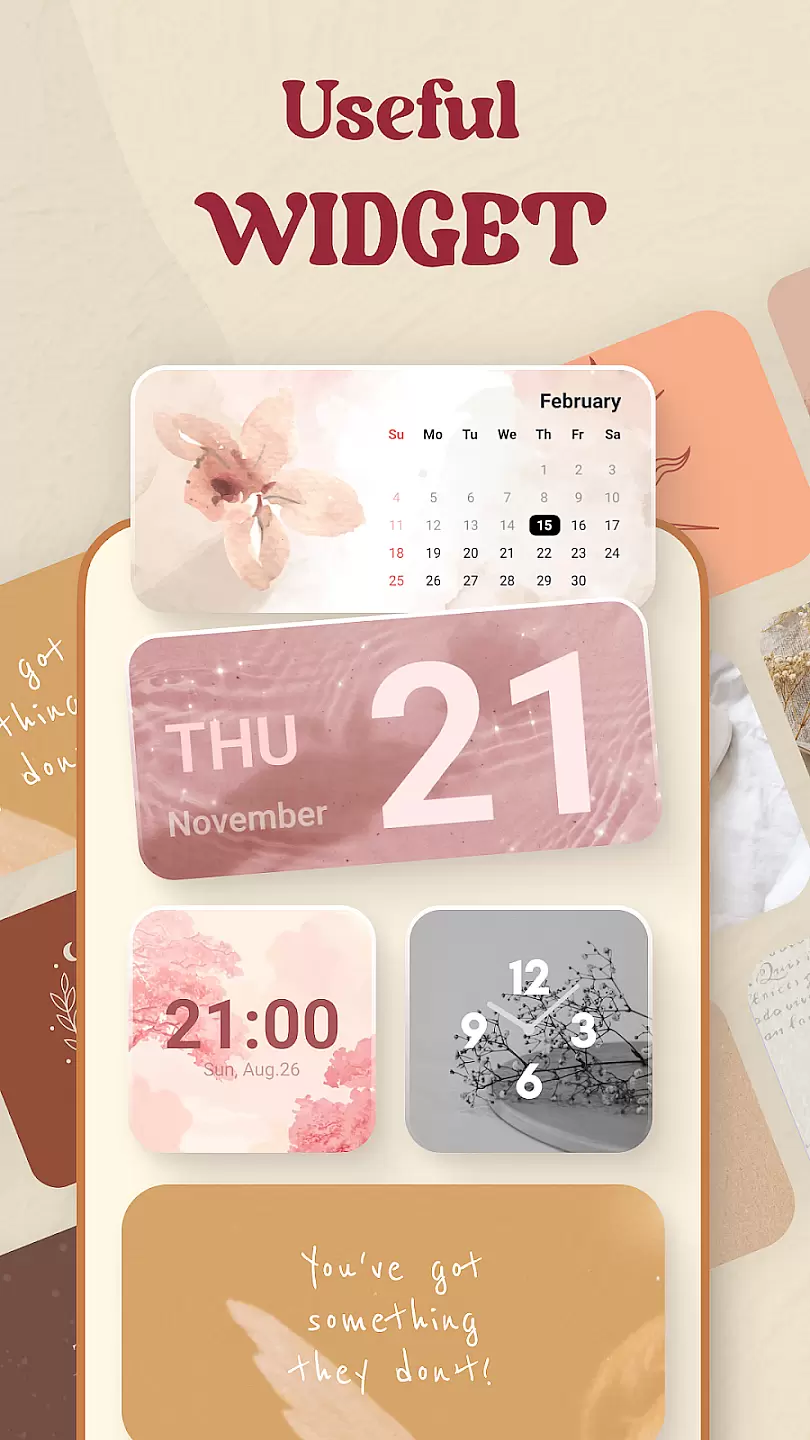
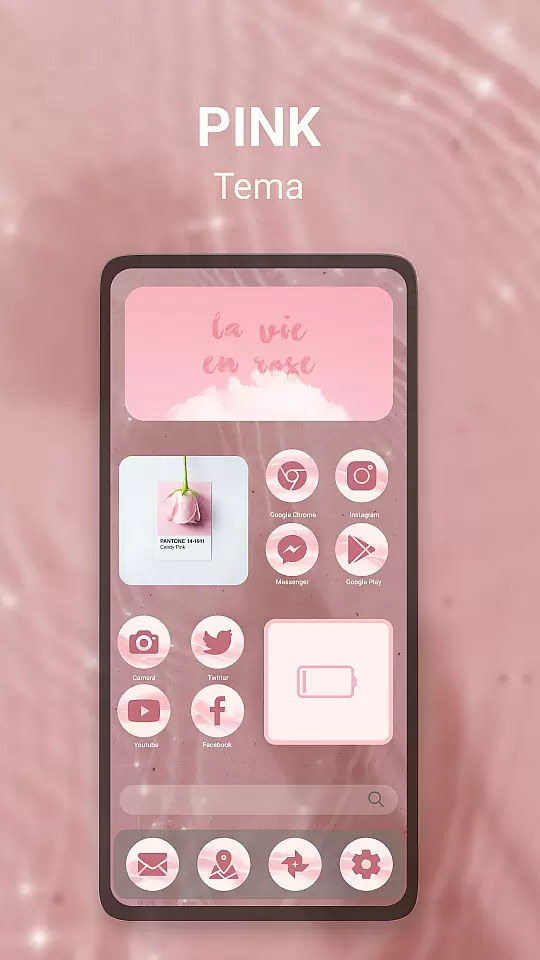
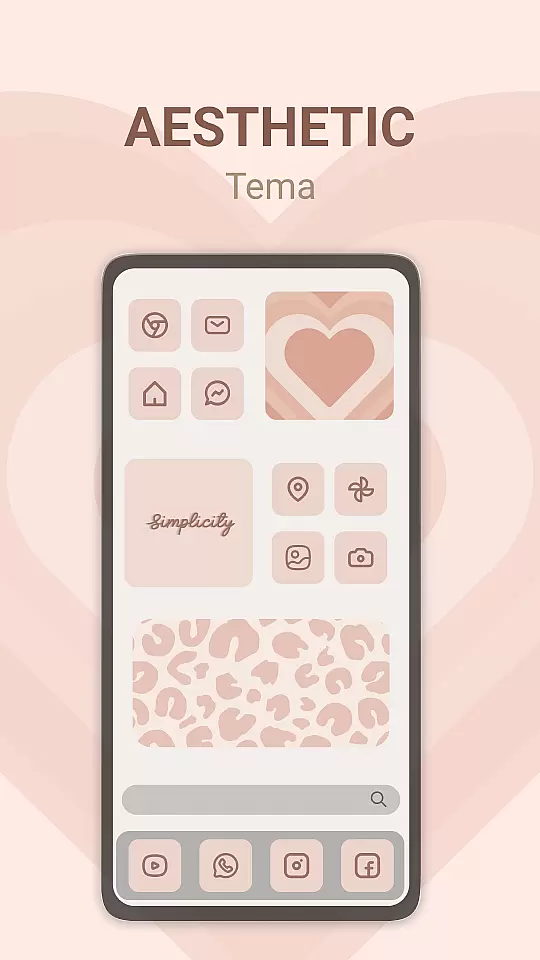
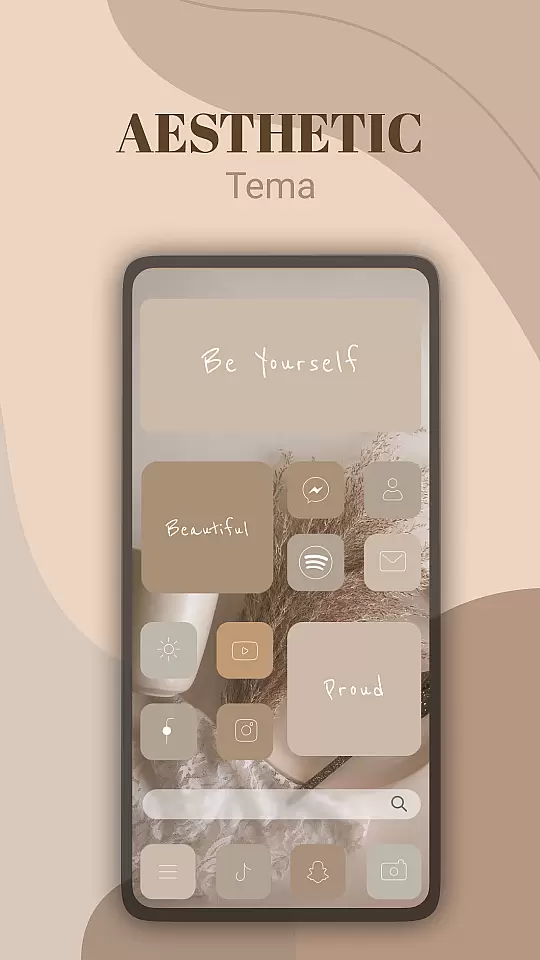
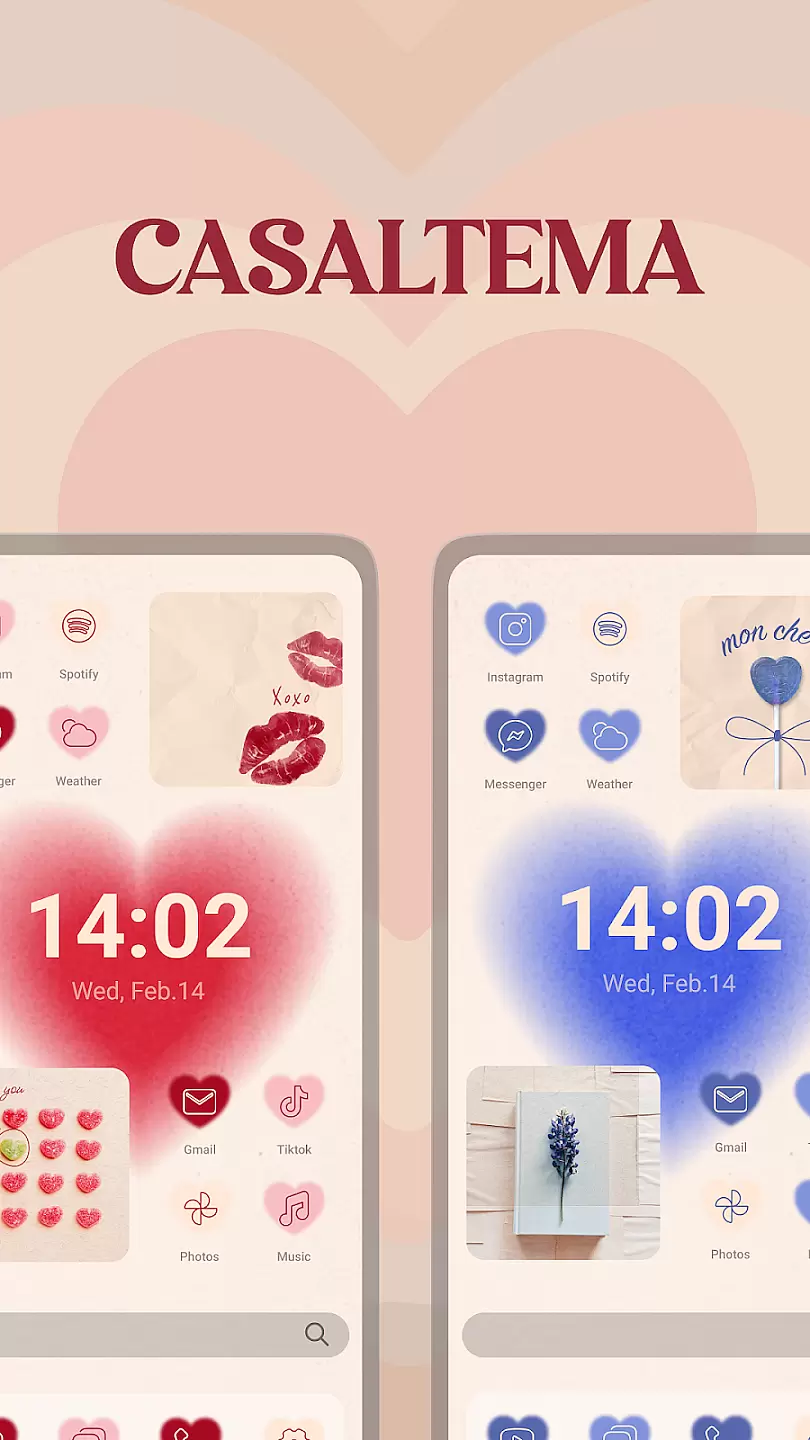
Theme, Widget & Icon Changer is a powerful personalization tool that allows users to fully customize their smartphone experience. The app provides a wide selection of themes, widgets, and icon packs that can transform the entire look and feel of your device's interface.
The app's core functionality lies in its intuitive customization options. Users can choose from thousands of professionally designed themes or create their own unique styles. The widget feature offers various practical and decorative elements while the icon changer lets you personalize individual app icons for a cohesive look.
This application is particularly useful for users who want to refresh their phone's appearance or create a more personalized mobile environment. With regular updates and new design additions, it ensures your device always has fresh customization options.
One of the standout features of Theme, Widget & Icon Changer is its extensive library of customization elements. The app includes thousands of themes with different color schemes and design styles, catering to various preferences and moods.
The widget functionality goes beyond basic customization by offering interactive elements like weather displays, calendar views, and quick access buttons. These widgets are not only visually appealing but also enhance productivity. The icon changer supports third-party icon packs and allows for individual icon customization, giving users complete control over their home screen appearance.
Additional features include automatic theme suggestions based on user preferences, cloud backup for custom designs, and a preview function that shows how changes will look before applying them. The app also maintains high performance with minimal battery consumption during customization processes.
Customization options in a personalization app like Theme, Widget & Icon changer are crucial for users seeking to tailor their device's appearance to match their preferences.
This application offers a wide array of themes, widgets, and icon packs that allow users to modify their smartphone interface extensively. With categories ranging from professional looks to fun and quirky designs, the app ensures there is something for everyone.
Users benefit from this variety by having the freedom to change their device's aesthetics whenever they want, keeping their experience fresh and engaging. The ability to switch between themes and widgets also allows for a more organized and visually appealing home screen, enhancing usability.
The true value lies in empowering users to express their individuality through their devices. By providing diverse customization options, Theme, Widget & Icon changer not only enhances the visual appeal but also contributes to a more personalized and satisfying user experience.
Theme compatibility is an essential aspect of any personalization app, ensuring that the themes users choose will work seamlessly across different devices and operating systems.
Theme, Widget & Icon changer excels in this area by offering themes that are designed to be compatible with various Android versions and device models. This compatibility is maintained through regular updates and rigorous testing to ensure a smooth user experience regardless of the device.
For users, this means peace of mind knowing that the themes they download will look great and function properly without any issues. It eliminates the frustration of incompatible themes that can disrupt the deviceu2019s aesthetics or functionality.
By focusing on theme compatibility, the app ensures that users can enjoy a consistently high-quality experience. This dedication to compatibility not only enhances user satisfaction but also builds trust in the app as a reliable source for personalizing one's device.
User-friendly interface
Extensive customization options
Regular content updates
High-quality design elements
Minimal system impact
Limited free themes
Some features require premium
Occasional compatibility issues
Ads in free version
Learning curve for beginners

The definitive Icon pack maker and editor
 4.30
4.30
Romantic Kiss Stickers App. Start romantic messaging now!
4.30 4.50
4.50
Organize and manage your photos and videos effortlessly with Photo Gallery
4.20
Custom edge gestures for volume control, brightness, apps, and shortcuts.
4.2
Choose your keyboard with RGB colors effect, themes, fonts, emojis.
4.60
Amazing letter fonts in your messages and social statuses
4.70
Your home screen, just the way you like it.
3.80
Transform your phone with stylish zipper lock themes and 4D live wallpaper
4.10
Only for Wear OS devices!
4.90
300+ Stunning and well-designed widgets inspired by NOTHING.
4.70
Bring adorable pets to life on your screen. Playful, interactive and full of fun
4.60
Zip lock screen with magic wallpaper to decorate your phone with fun zipper lock
4.60
Icons made of colorful linear lines
4.60
300+ Beautifully crafted widgets inspired by OneUI.
4.60
Beautiful realistic hybrid watch face with numerous customization options.
4.50
3D, live, and moving wallpapers & themes in 4K and HD for your device.
4.50
Realistic animated snow on your wrist, with 10 images landscapes to choose from
4.00
Design your screen with unique, vibrant clocks
3.80


User Reviews