
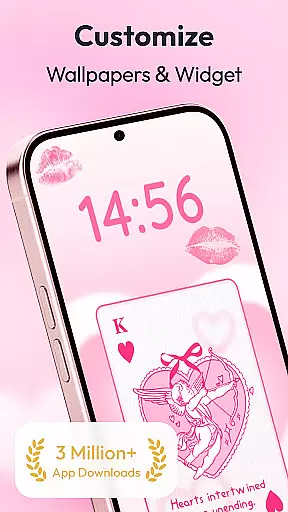
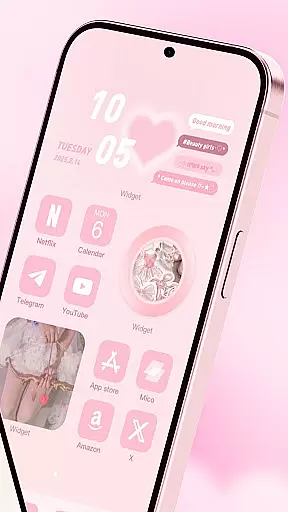
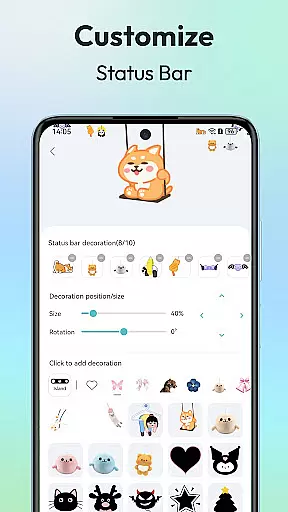
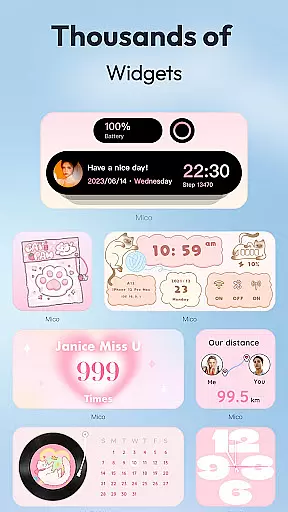
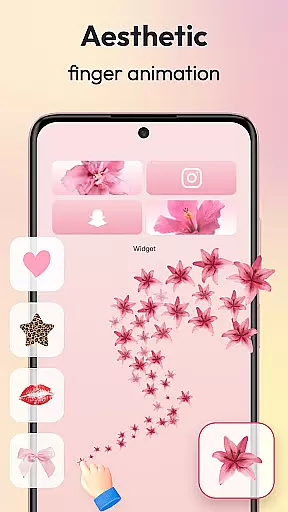
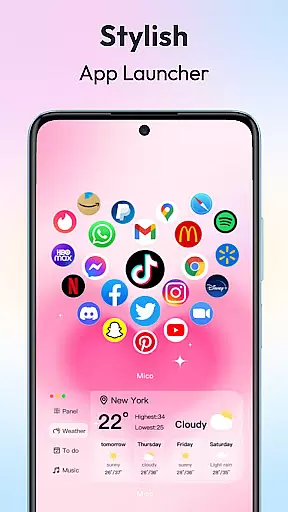
Mico is a comprehensive personalization app that transforms your mobile device into a creative canvas. With over 1000 customization tools, it offers users the ability to design their dream home screen with unique widgets, 4K live wallpapers, and custom themes. The app provides practical functions such as photo frames, battery indicators, music players, and more, allowing for an aesthetic and personalized phone screen.
One of Mico's standout features is its extensive collection of creative widgets, including Locket Widgets for security and personalized freedom, and Widgify Tools to turn favorite things into widgets. Users can also enjoy daily updated 4K live wallpapers ranging from scenic landscapes to anime themes, and take advantage of AI-powered filters for portrait wallpapers. Additionally, the Pro Customization Tools enable advanced personalization through DIY widget builders and smart layout engines.
The app caters to those looking to express individuality and enhance their device's visual appeal while offering functional enhancements like health tracking dashboards and cross-platform sync capabilities between iOS and Android devices. Mico empowers users to create a truly unique "iScreen" experience tailored to their preferences.
Mico stands out in the personalization category by providing an all-in-one solution for customizing your smartphone's appearance and functionality. It boasts a wide array of features including couple widgets, battery indicators, live wallpapers, and icon packs that allow you to tailor every aspect of your home screen. The app includes WidgetSmith and Widgify tools which let you decorate your phone anytime with various styles or transform personal items into interactive widgets.
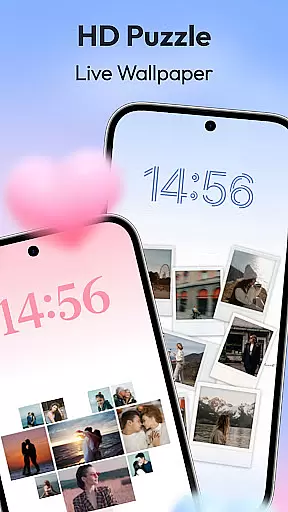
For wallpaper enthusiasts, Mico offers a 4K Live Wallpaper Maker where users can easily convert photos or artistic designs into vibrant wallpapers. Video wallpapers are also supported, enabling dynamic displays from movie clips to landscapes. With daily updates and AI-powered effects, there’s always something new to explore on your lock screen too.
Advanced customization options include Smart Text Designers with motivational quotes, Health Tracking dashboards, and Pro Customization Tools like DIY Widget Builders and Smart Layout Engines. These professional-grade tools provide presets for gaming, kawaii, and other popular aesthetics, along with over 2000 icon packs ranging from retro pixel art to neon glows. This level of detail ensures each user's device reflects their personality while maintaining usability.
Customization is at the heart of personalizing your digital experience, and Mico offers an extensive suite of options to make your device truly yours. With over 1000 creative widgets, the app allows users to add practical functions, photos, panels, and even cute battery indicators to their home screens.
The app includes WidgetSmith and Widgify tools that let you create and customize widgets anytime and anywhere, turning your favorite things into functional pieces of your interface. Whether it's a Locket Widget that balances security with personalized freedom or top widgets designed by world-class designers, Mico provides high-quality choices for every user.
Mico also features a Themify Design option where users can apply custom themes and wallpapers with just one tap. From popular themes like Labubu to trendy TikTok wallpapers, the possibilities are endless. Additionally, the Photo Widget feature offers various styles of photo frames, catering to different tastes and aesthetics.
By leveraging these comprehensive customization options, users can build a dream home screen that reflects their unique personality and style, making their devices a true extension of themselves.
Theme compatibility is crucial for ensuring that all elements of your customized interface work seamlessly together. Mico excels in this area by offering a cohesive theming experience that integrates beautifully with your deviceu2019s existing design language.
With Mico's Themify Design feature, users can u201cthemifyu201d their phones using custom themes and wallpapers. This means whether you're looking for a popular theme like Labubu or something more niche, Mico has you covered. The app ensures that these themes are not only visually appealing but also fully compatible with your device.
In addition to static themes, Mico supports dynamic elements such as live wallpapers and interactive widgets. These features ensure that no matter how you choose to personalize your device, all components will function harmoniously without any glitches or inconsistencies.
Ultimately, Micou2019s robust theme compatibility empowers users to express their individuality while maintaining a polished and professional look. By providing a wide array of customizable options that work well together, Mico guarantees a smooth and enjoyable personalization journey.
User-friendly interface
Extensive widget library
Daily updated content
Cross-platform support
High-quality visuals
Premium features locked
Occasional bugs reported
Heavy on system resources
Limited free customization
In-app purchases required

Only for Wear OS devices!
 4.90
4.90
AI-powered Copilot. Personalized keyboard with gifs, stickers & themes
4.40
Art & Emoji Keyboard with Cool Fonts, Cute Themes and Custom Designs.
4.40
More than 3000+ themes and 9000+ wallpapers for everybody!
4.10
Customize glowing edges, wallpapers, and caller screen with EdgeAura.
3.50 3.50
3.50
Transform your phone with stunning video wallpapers and a unique, personal touch
3.80
Fast SMS & group chat - use GIFs and emojis from your home screen launcher.
4.50
Custom ringtones songs, music ringtones for Android phones
4.60
Customizable Glass widgets. Over 360+ stunning widgets and more!
4.70
Vertically oriented rectangular icons
4.70
Personalize your phone with stunning HD and 4K wallpapers!
4.70
400+ Beautifully crafted widgets inspired by NOTHING.
4.70 4.50
4.50
A light in the dark, a unique style and an andless cutomization!
4.30
Themes - Widget & Wallpaper: Customize home screen, icon changer w unique themes
4.30
Wear Os Watch Face - Seasonal - Animated Snow Effect - 9 Animals
4.20
Organize and manage your photos and videos effortlessly with Photo Gallery
4.20
Ultimate widget creator. Design custom widgets for a truly unique home screen!
3.90


User Reviews