
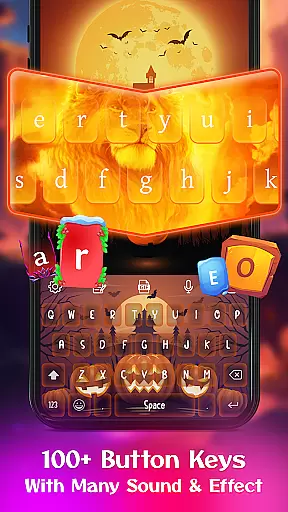
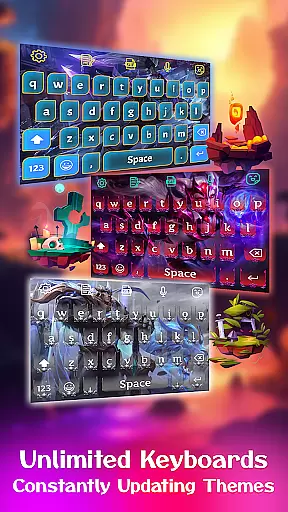
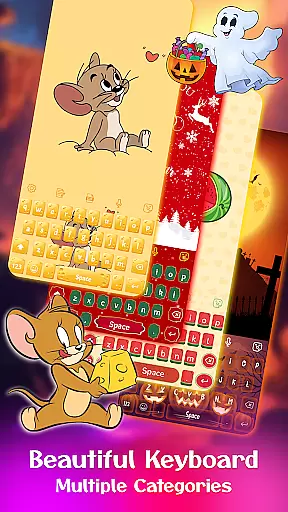
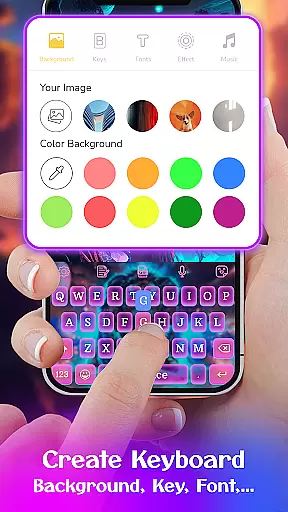
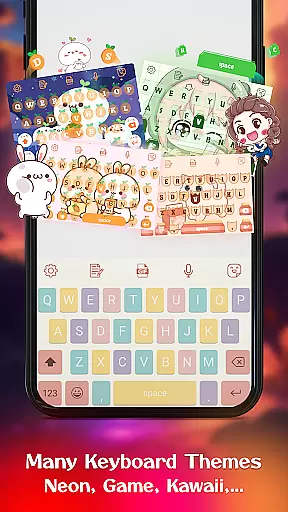
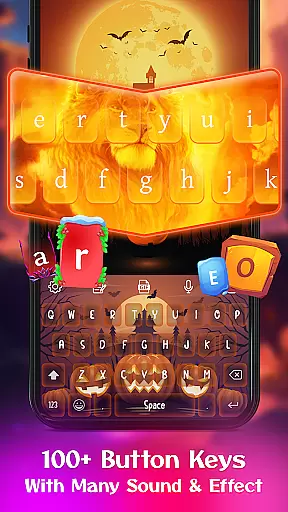
Keyboard Maker is a feature-rich personalization app that allows users to create their own custom keyboard themes for Android devices. The app offers an extensive range of customization options, including various keyboard themes like iOS, Neon, RGB, and Emoji keyboards, along with multiple wallpapers and backgrounds.
With support for over 150 languages, Keyboard Maker also provides practical typing features such as smart autocorrect, word prediction, voice input, and gesture typing. Users can personalize their typing experience further by adding custom images from their gallery as keyboard backgrounds, making it a versatile tool for both functionality and aesthetic enhancement.
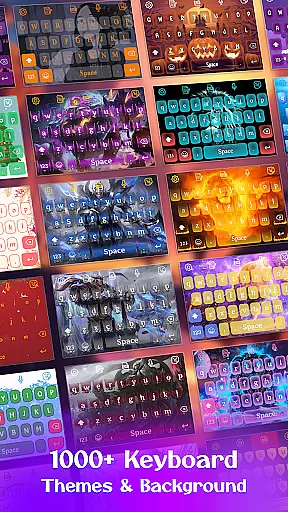
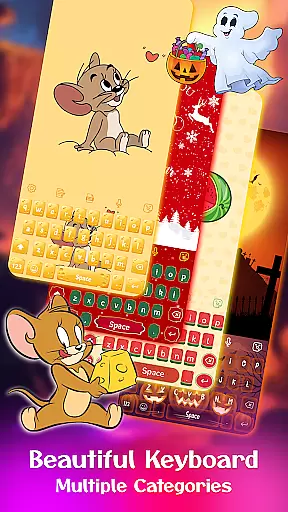
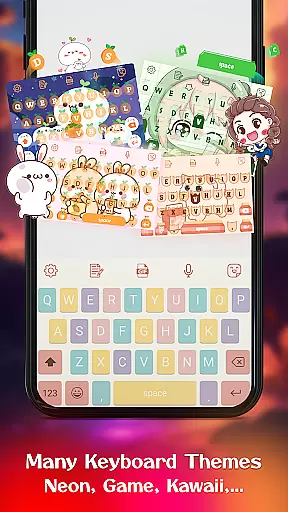
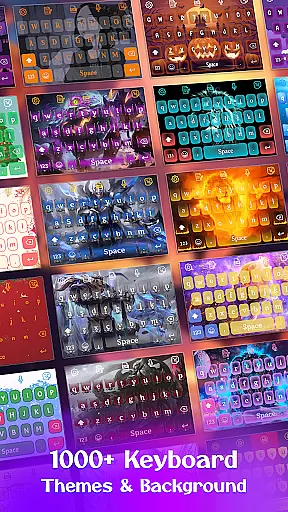
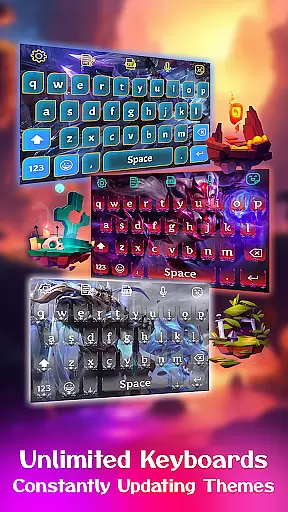
One of the standout features of Keyboard Maker is its vast array of free keyboard themes. With over 500 themes available, users can choose from categories like simple, colorful, LED, anime, love, and cute themes. This ensures there's something for everyone, whether you prefer vibrant designs or minimalistic styles.
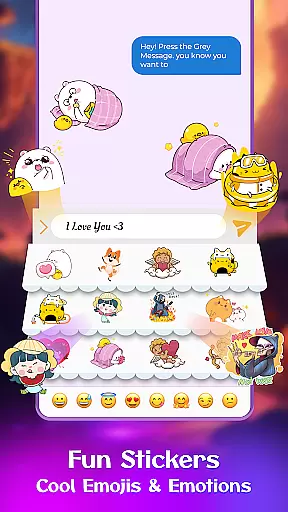
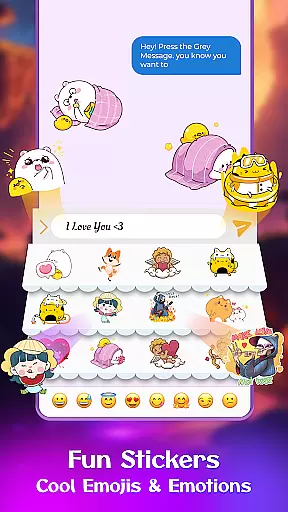
In addition to themes, the app includes practical functionalities such as smart autocorrect and word prediction, which improve typing efficiency. It also supports GIFs, emojis, and stickers, allowing users to express themselves more vividly. The inclusion of voice typing and multi-language support makes this app adaptable to various user needs and preferences.
Users can also resize their keyboard layout, activate vibration on keypress, and enable auto-capitalization, ensuring a comfortable and personalized typing experience. These features collectively enhance both the usability and visual appeal of the keyboard, setting it apart from standard options.
Keyboard Maker offers an extensive range of customization options that allow users to personalize their typing experience. With over 500 free keyboard themes, including Led, Neon, and Anime themes, users can select a style that suits their personality or mood.
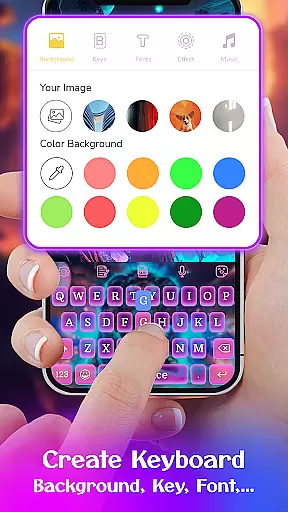
In addition to pre-designed themes, the app provides a feature called 'My Photo Keyboard,' which enables users to set personal images as keyboard backgrounds. This level of personalization ensures that each user's keyboard is unique to their preferences.
The app also includes various functional customizations such as adjustable keyboard layouts, number rows, and resizing options. These features cater to different devices and user needs, enhancing comfort and efficiency while typing.
With the ability to create your own theme from scratch, Keyboard Maker empowers users to become designers. The intuitive design process makes it easy for anyone to craft a personalized keyboard that reflects their individuality.
Theme compatibility is a crucial aspect of Keyboard Maker, ensuring that all customizations not only look great but function seamlessly across different devices and Android versions. The app supports more than 150 languages, making it accessible to a global audience without compromising on visual appeal or performance.
Users will find that switching between themes is smooth and instantaneous, allowing them to adapt their keyboard's appearance whenever they choose. Whether you prefer Simple, Colorful, or Love themes, each one maintains consistent behavior and responsiveness.
Moreover, the application integrates with gesture typing and smart autocorrect features, guaranteeing that aesthetic enhancements do not interfere with functionality. This harmonious blend of form and function results in a reliable typing experience regardless of the chosen theme.
By prioritizing both aesthetics and usability, Keyboard Maker sets itself apart as a versatile tool for those seeking a balance between style and practicality in their daily communications.
Highly customizable
Vast theme selection
Multi-language support
User-friendly interface
Enhanced typing features
Occasional ads
Heavy on memory
Complex settings
Limited iOS features
Battery consumption

Sparkle your screen with Glitter Wallpapers For Girls and Cute Backgrounds!
 4.80
4.80
Unique Android Launcher
4.60
The definitive Icon pack maker and editor
4.30
Run multiple accounts of the same app on a single device
4.10
Crystal-clear, square icon provides a sleek and sophisticated visual upgrade
4.00
Enjoy a variety of amazing live wallpapers and colorful EDGE lighting borders!
4.80
Emoji Maker app - Design custom emojis and effortlessly blend them with Mixer
3.80
Install amazing sticker packs: endless styles, always cool.
4.70
Transform your phone with stylish zipper lock themes and 4D live wallpaper
4.10
Gun Chase - Let the chase begin.
4.80
350+ widgets with a premium glass-style finish, perfect for home & lock screens.
4.70
Make your phone look simple & luxury, like iDevice
4.60
Embrace the Night. Unleash the power of darkness with Raven Dark Icon Pack
4.60
Handcrafted pixel art icons, widgets & wallpapers
4.60 4.50
4.50 4.50
4.50
App Icon Changer & Shortcut Creator. Customize your icons without any watermarks
4.30
Magic fluids wallpaper 4D: Relax with stunning fluid simulation wallpaper app
4.20
Transfer your live wallpapers from Windows to Android using Wallpaper Engine!
4.00


User Reviews