
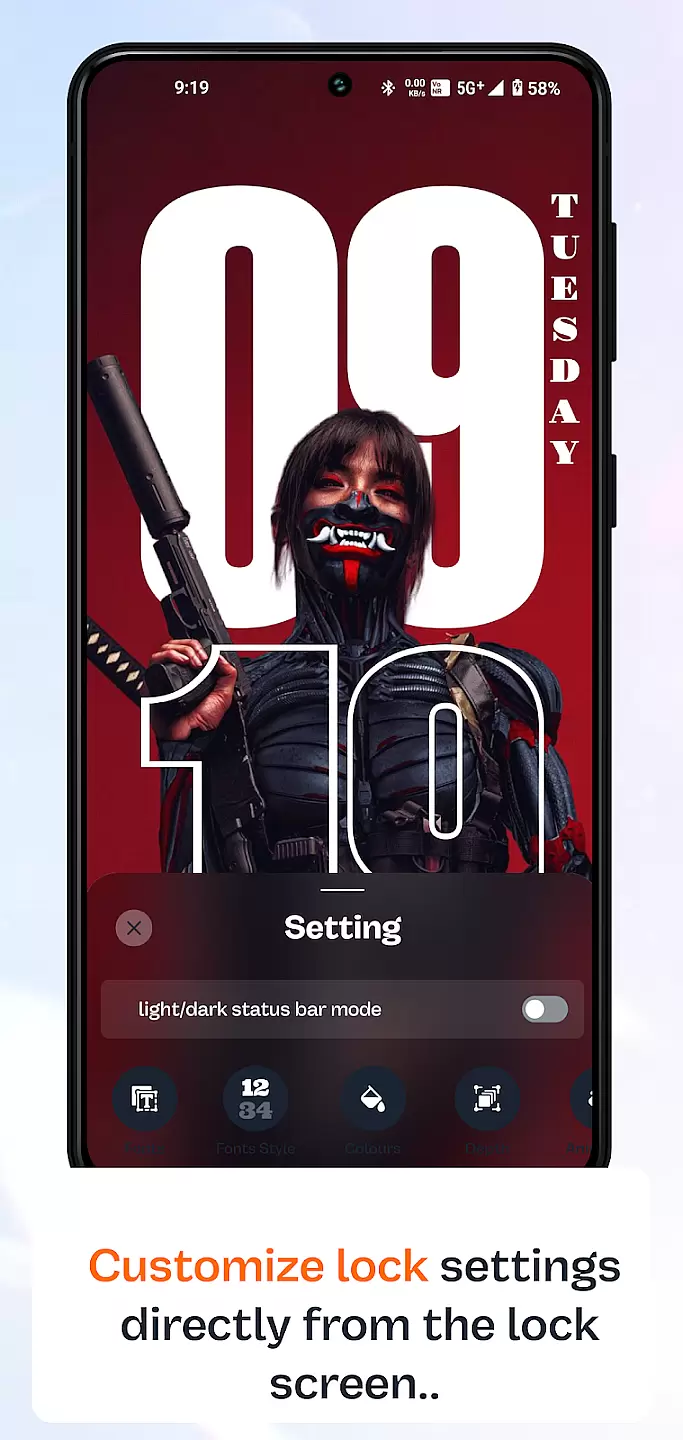
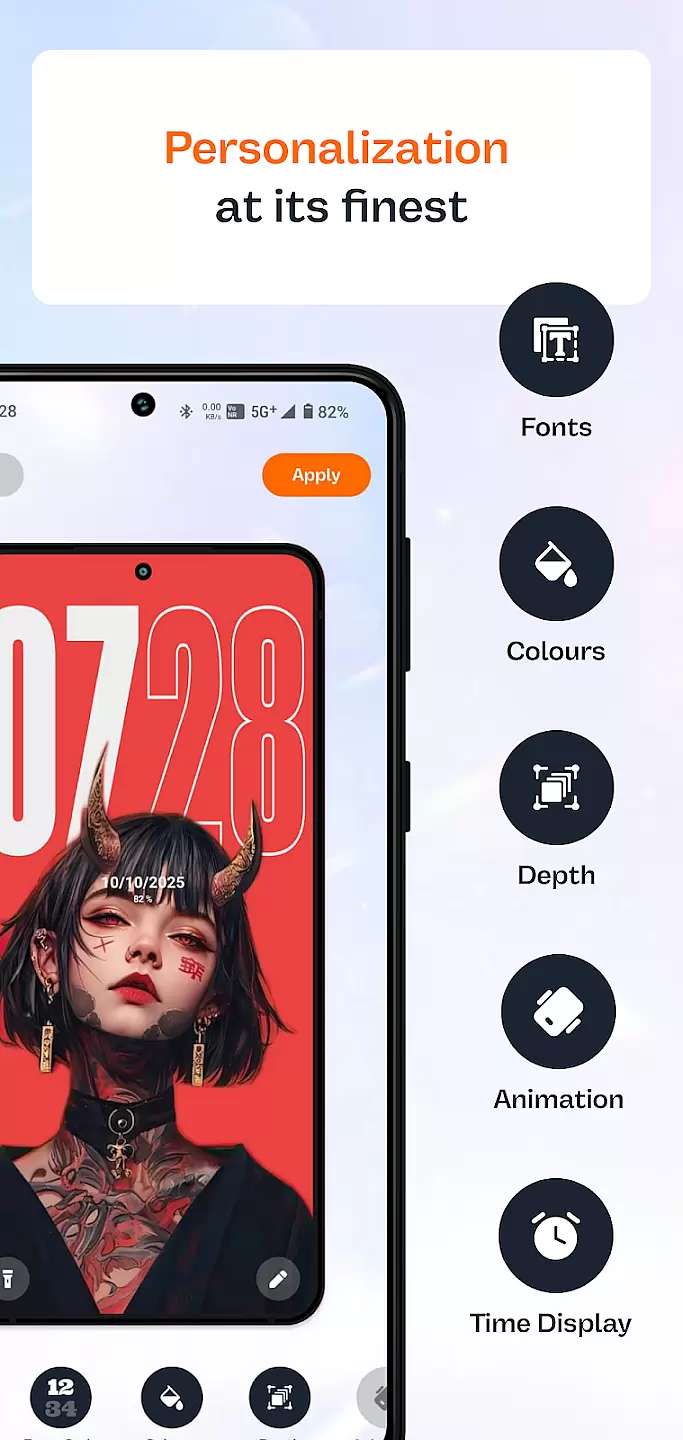
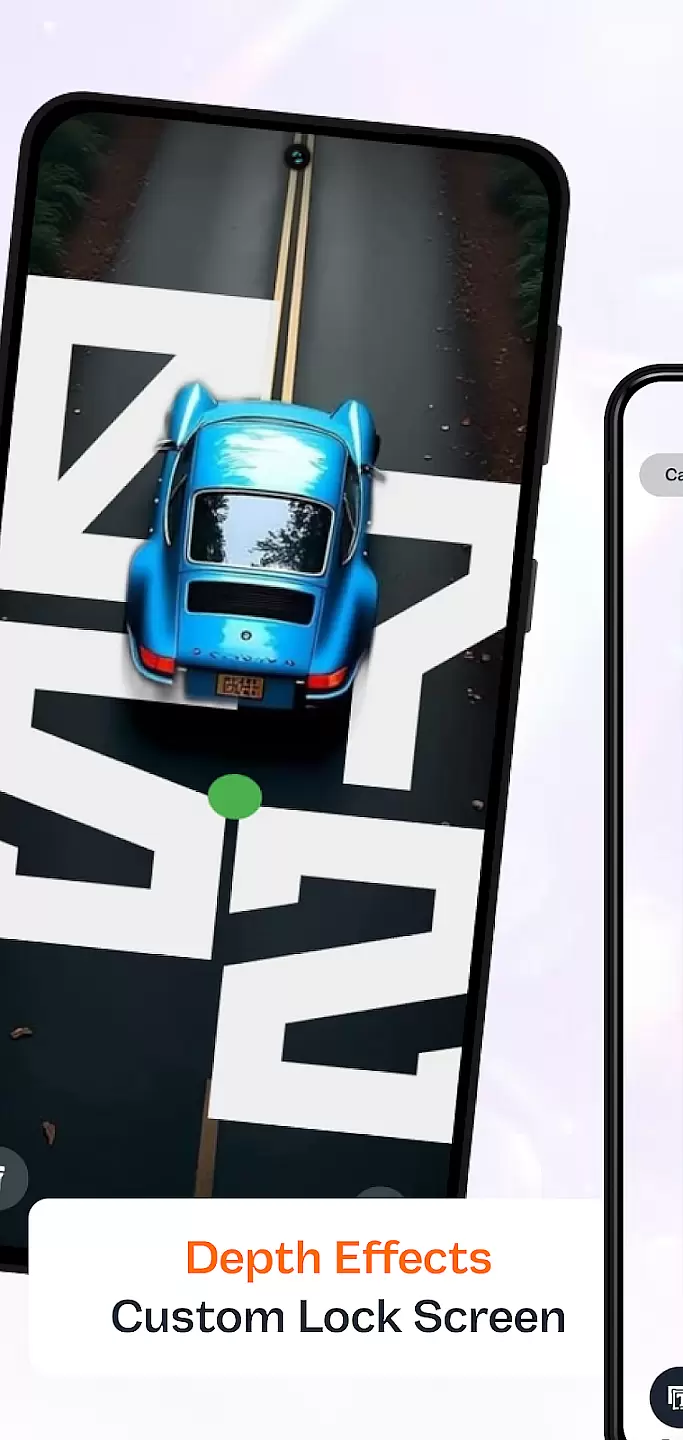
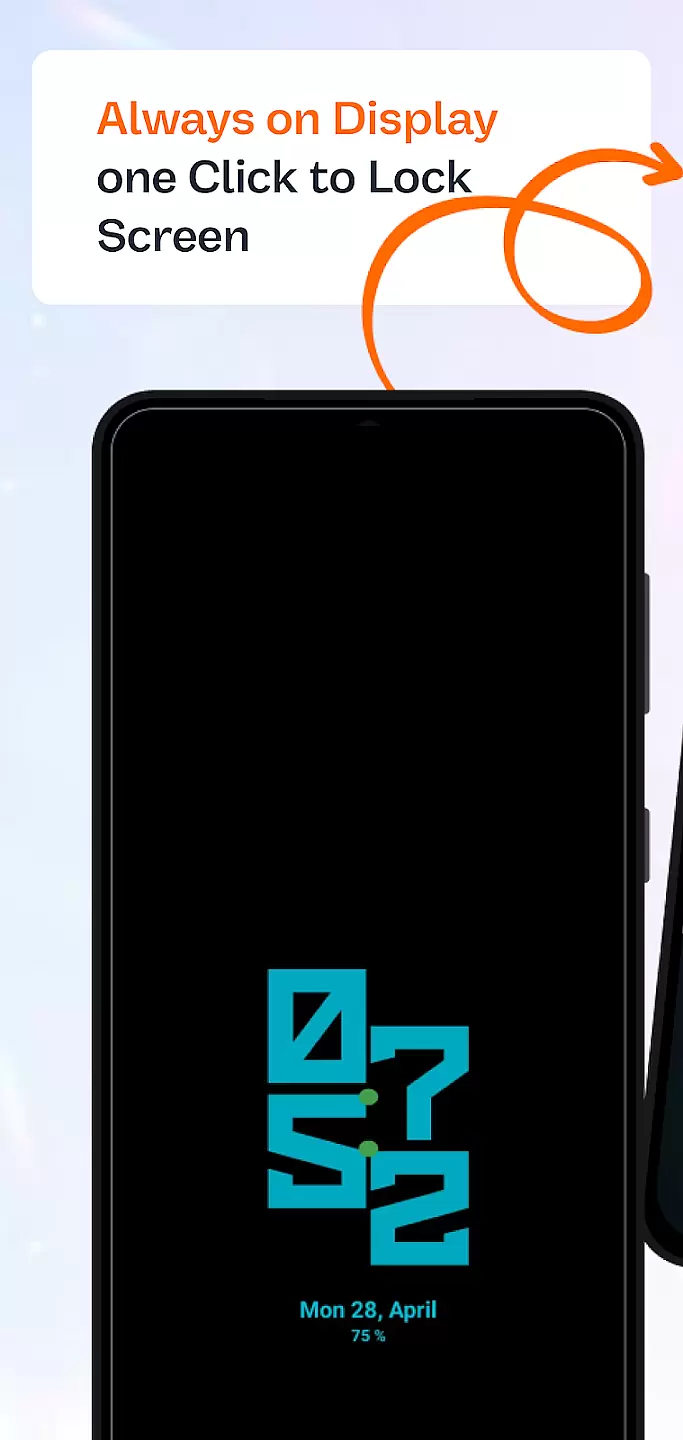
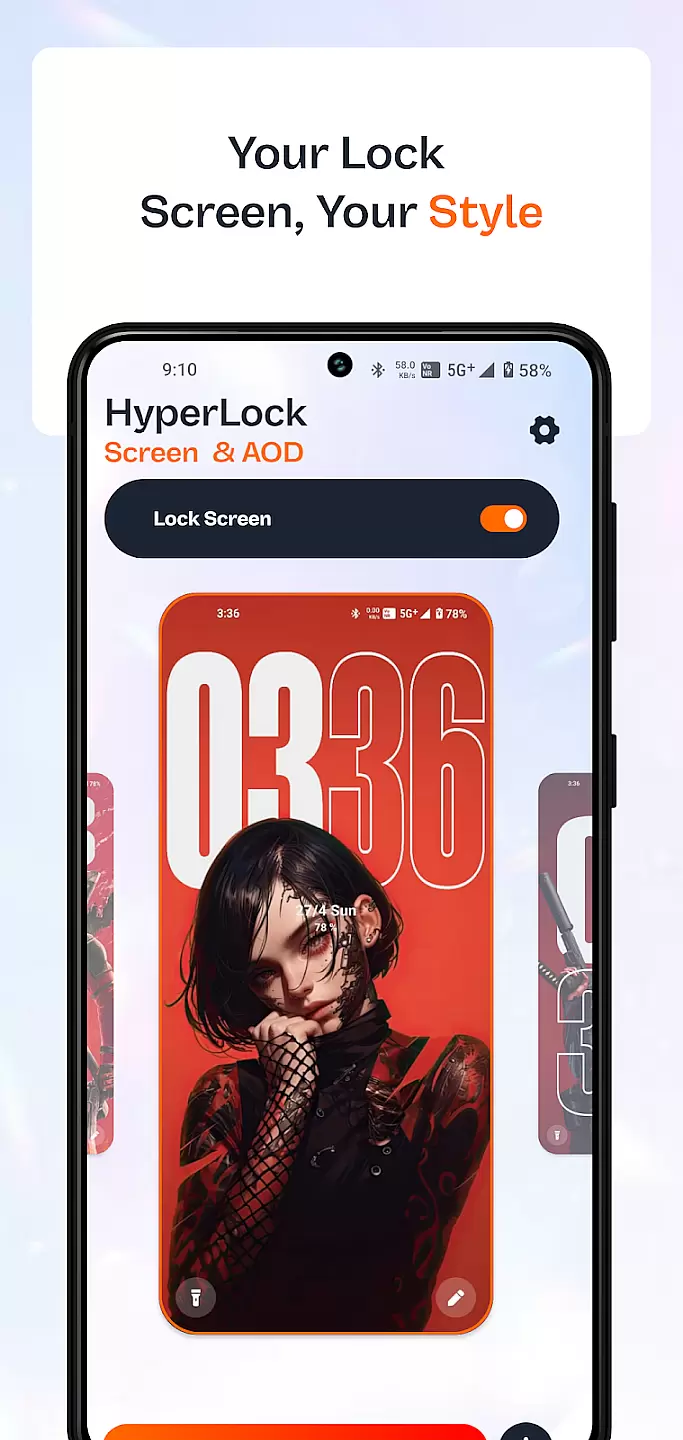
HyperLock Screen & AOD is a personalization app designed to enhance your device's lock screen and always-on display. It offers a variety of customization options, allowing users to personalize their device's appearance with unique designs and features. The app supports dynamic wallpapers, custom fonts, and personalized widgets, making it an ideal choice for those looking to express their individuality through their smartphone.
This application stands out by providing both aesthetic enhancements and practical functionalities. Users can enjoy beautiful designs while accessing useful information at a glance through the always-on display feature. Whether you want to showcase your personality or need quick access to important notifications, HyperLock Screen & AOD delivers a comprehensive solution tailored to meet diverse user needs.
HyperLock Screen & AOD boasts an impressive array of features that cater to various customization preferences. One notable feature is its support for dynamic wallpapers, which allows users to set animated backgrounds that bring their screens to life. Additionally, the app provides a wide selection of custom fonts, enabling users to change the typography across their device for a truly personalized experience.
Beyond aesthetics, this app also focuses on functionality. The always-on display feature ensures that essential information such as time, date, and notifications are readily accessible without needing to unlock the device. Moreover, users can add personalized widgets that display real-time data like weather updates or fitness stats. These thoughtful inclusions make HyperLock Screen & AOD not just visually appealing but also highly practical for everyday use.
Customization is at the heart of personalizing your device to truly make it yours. HyperLock Screen & AOD offers a wide array of customization options that allow users to tailor their device's lock screen and always-on display to their personal tastes.
This application provides various themes, fonts, and color schemes, ensuring that every user can find something that resonates with their style. Whether you prefer a minimalist look or something more vibrant and eye-catching, HyperLock Screen & AOD has got you covered.
Users benefit from the ability to change every aspect of their lock screen, from the clock style to the notification layout. This level of detail ensures that your phone not only looks unique but also functions in a way that suits your daily routine.
The true value of HyperLock Screen & AOD lies in its commitment to providing options that are both aesthetic and functional, enhancing the overall user experience by making everyday interactions with your device more enjoyable and personalized.
Theme compatibility is crucial for ensuring that the visual changes you make to your device do not disrupt its functionality. HyperLock Screen & AOD excels in this area by offering themes that are fully compatible with a wide range of devices and operating systems.
Each theme available through HyperLock is meticulously designed to maintain the integrity and usability of your deviceu2019s interface. This means that while your device may look different, it will continue to offer the seamless performance you expect.
With regular updates and new theme additions, users can continuously refresh the look of their device without worrying about compatibility issues. This ongoing support ensures that your device remains both stylish and functional over time.
Ultimately, HyperLock Screen & AOD stands out by providing peace of mind alongside aesthetic enhancements, allowing users to enjoy a personalized device appearance without compromising on usability or performance.
User-friendly interface
Wide range of customization options
Dynamic wallpapers support
Customizable fonts
Always-on display functionality
Limited free features
Premium subscription required
High battery consumption
Occasional bugs reported
Not compatible with all devices

Stunningly Different look with Line Icons and Neon Colors
 4.60
4.60
Transform your phone with Launcher iOS 26 - Smooth & elegant iOS experience
4.50
Personalize your phone with stunning HD and 4K wallpapers!
4.70
More than 3000+ themes and 9000+ wallpapers for everybody!
4.10
Want to make your phone more special than ever?
4.60
Zip lock screen with magic wallpaper to decorate your phone with fun zipper lock
4.60
Design your screen with unique, vibrant clocks
3.80
HappyLighting is a Bluetooth lamp control software.
3.40
set a new experience for the Android mobile phone
4.20
Sparkle your screen with Glitter Wallpapers For Girls and Cute Backgrounds!
4.80
Classic analogue watch face. For wear os devices.
4.60
Ultimate Gallery Lock App - Hide Pictures, Videos and Lock Apps Instantly!
4.60
Icons made of colorful linear lines
4.60
300+ widgets inspired by Material You and Material 3 expressive design.
4.60
Aesthetic Widgets, HD Wallpapers, Themes in Mico Widget for Home and Lock Screen
4.50
Romantic Kiss Stickers App. Start romantic messaging now!
4.30
Your home screen, just the way you like it.
4.30
Unleash Your Creativity and Connect with Loved Ones with Lockscreen Drawing!
4.20
Your go to Weather App & Home Screen. Get your weather at a swipe of a finger!
3.80


User Reviews