
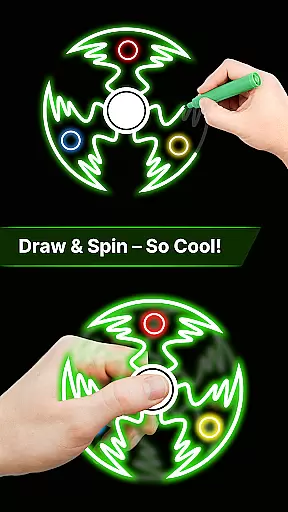
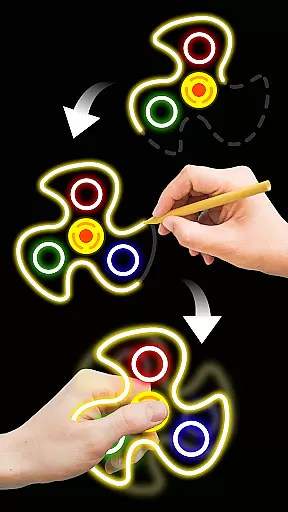
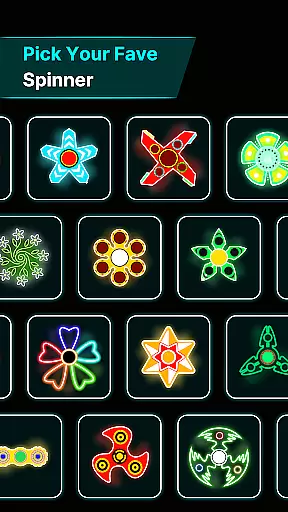
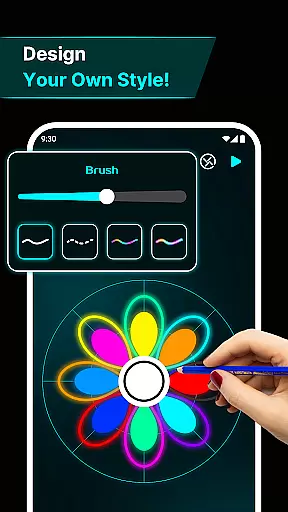
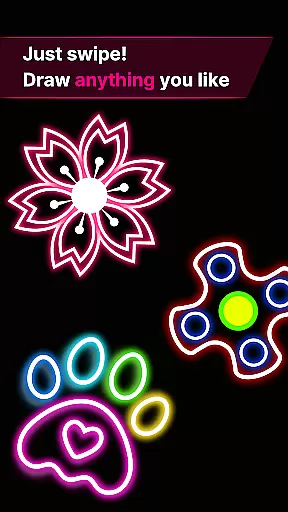
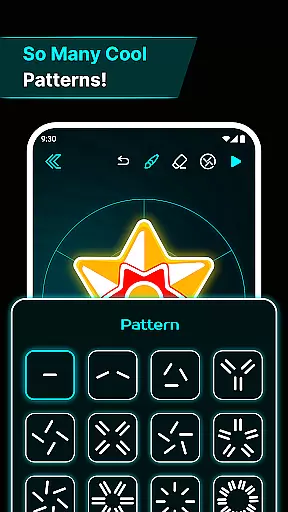
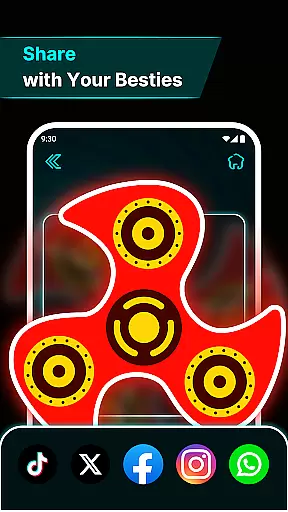
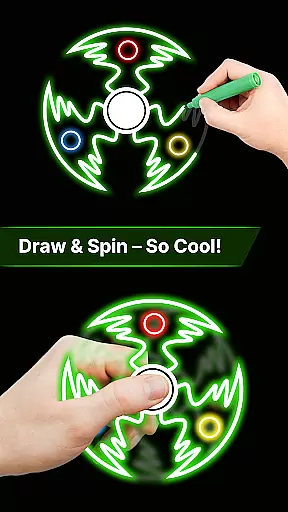
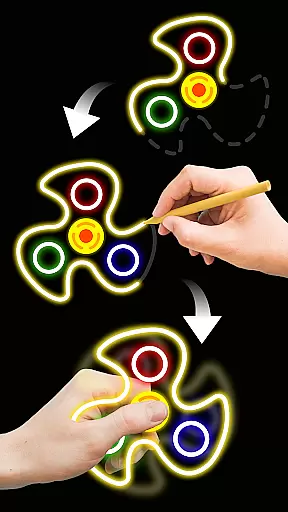
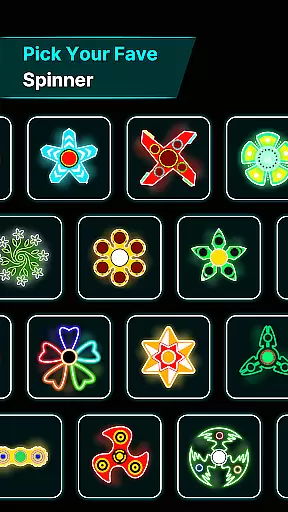
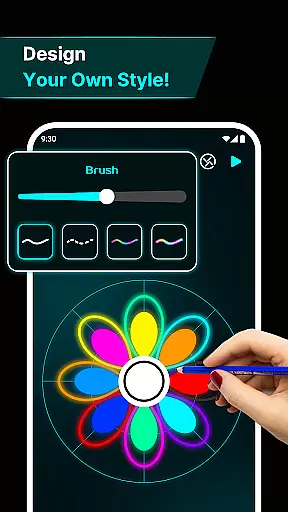

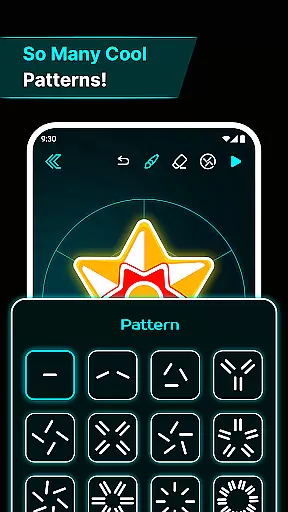
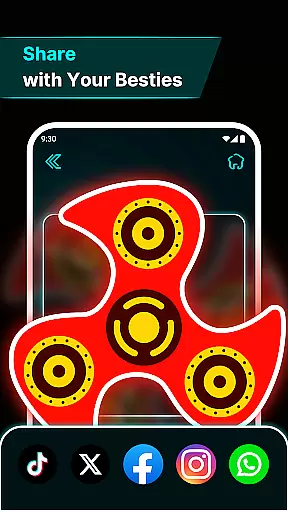
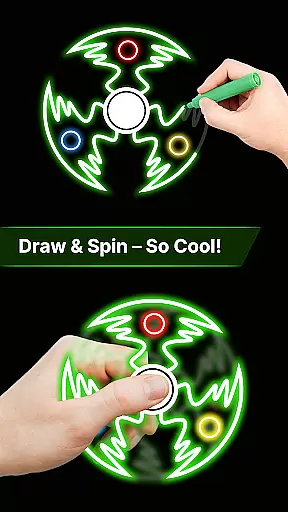
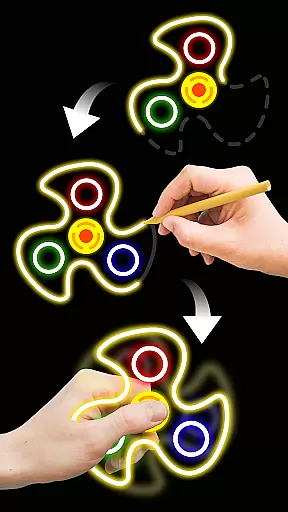
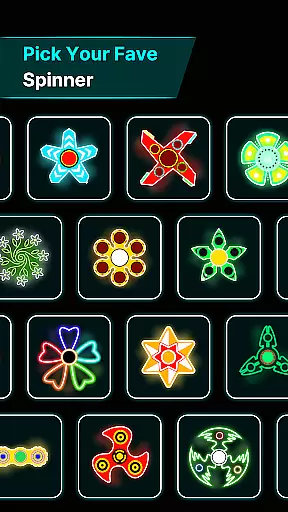
Finger Spinner: Glow Art Draw is an innovative app in the Art & Design category that combines creativity with relaxation. This app allows users to draw glowing designs using their fingers, which can then be spun like fidget spinners. The result is a calming and artistic experience that helps relieve stress while offering endless entertainment.
With its unique blend of creative freedom and engaging features, Finger Spinner stands out as both a meditative tool and a fun pastime. Whether you're looking to unwind after a long day or explore your artistic side, this app provides a soothing escape through interactive glowing art.
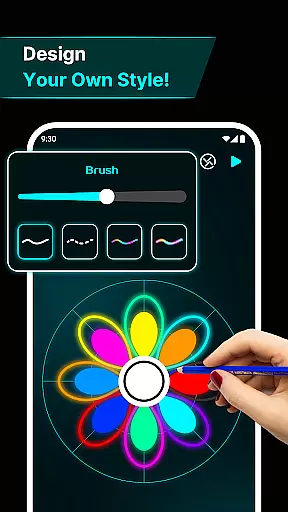
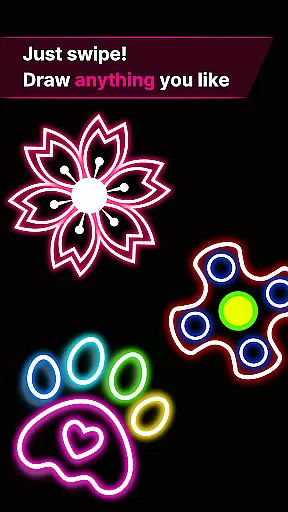
Finger Spinner offers a variety of standout features designed to enhance user experience. One key highlight is the Easy Finger Drawing functionality, where every touch on the screen turns into smooth glowing lines, allowing for limitless creativity. Users can experiment with sharp edges or soft curves, making each design truly unique.
The app also boasts Brilliant Glow Effects and 3D Spinner Designs, adding depth and realism to every creation. Coupled with Realistic Spin Physics powered by an advanced physics engine, these spinners move naturally when flicked, providing a lifelike spinning experience. Additionally, the My Collection feature lets users save their favorite spinners, building a personal gallery of interactive artwork.
In the realm of digital creativity, having a comprehensive set of tools is paramount. Finger Spinner: Glow Art Draw offers an impressive array of features that cater to both casual doodlers and serious artists. The app provides easy finger drawing capabilities, allowing users to sketch smooth glowing lines with precision.
One standout feature is the brilliant glow effects. Artists can choose from subtle shine to bold brilliance, making each creation uniquely eye-catching. This flexibility ensures that whether you're crafting sharp-edged designs or soft curves, your work will always stand out.
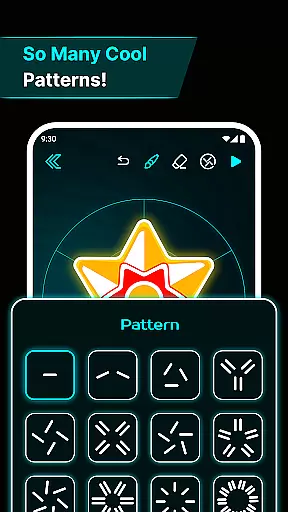
Additionally, the inclusion of 3D spinner designs adds another layer of depth. Your two-dimensional drawings transform into dynamic three-dimensional objects that spin realistically. This not only enhances visual appeal but also makes the creative process more engaging and enjoyable.
The realistic spin physics engine further elevates the experience. With natural movement in all directions, every flick of your spinner feels authentic. Such attention to detail demonstrates the app's commitment to providing a complete and satisfying creative toolkit.
A versatile canvas is essential for unleashing full artistic potential. Finger Spinner: Glow Art Draw excels in offering canvas and format flexibility that adapts to various creative needs. Users can experiment with different shapes and sizes, ensuring their vision is never constrained by technical limitations.
The app supports a soothing interface that complements its flexible canvas options. Calming visuals and user-friendly UI elements enhance the overall experience, making it easier to focus on your artwork without distractions. This harmonious blend of aesthetics and functionality creates an ideal environment for creativity.
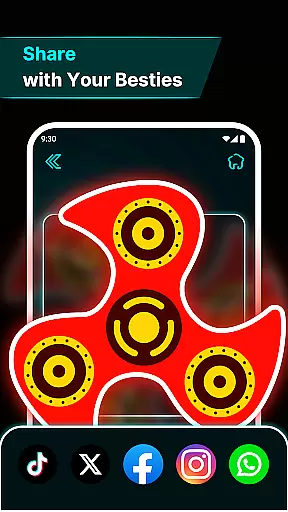
Moreover, the My Collection feature allows artists to save every spinner they create. This means you can revisit and refine past works, experimenting with new formats and styles over time. Building a personal gallery has never been more intuitive or rewarding.
Whether you prefer working within structured boundaries or exploring freeform expression, Finger Spinner: Glow Art Draw provides the tools necessary to bring your ideas to life. Its adaptable canvas ensures that every piece of art remains as unique as the artist behind it.
Stress-relief tool
Creative freedom
Fun engagement
Vivid glow effects
Realistic physics
Limited free options
Ads between uses
Complex for beginners
High system requirements
Occasional bugs

Discover Cartoon Dream : Unleash Your Creativity with CuttingEdge AI
 4.50
4.50
Create sweet, cool and unique couple avatars easily, in just a few steps!
3.40
Design your dream room with AI. Get decor ideas & plan home interiors
3.90
Logo Generator powered by AI: Create stunning logos effortlessly!
4.70
Create stunning video, photo & magic from text with FlixAI GPT video generator.
3.10
Draw glowing spinners, relax, and spin your creative art
4.60
Powerful home decoration & house design that allows you to design dream home.
3.80
Your homescreen as an elegant glass with customized blur, lighting, and visuals.
3.70
Turning simple sketches into captivating tales filled with life and motion
3.90
Passport size photo maker, create ID photo and visa photo in seconds
4.80
Convert image to JPG PNG HEIC PDF, support almost all kinds of image formats
4.70
Novices can also easily complete diamond painting masters
4.70
Image/ Text to Video Generator
4.40
Bring One UI 8.5 Icons to life -elegant dark icons with a modern, premium touch.
4.30
Sketch, plan, take notes and illustrate on an infinite canvas.
4.20
Unleash Your Creativity with Draw Cartoon - AR Drawing App
4.10
AI Art Generator transforms your words into AI generated art & paintings.
3.70
Retouch photos. Create or edit images. Endless capabilities.
2.70
Premium version of Shimeji-ee app with no ads & no limit active shimeji
4.5


User Reviews