
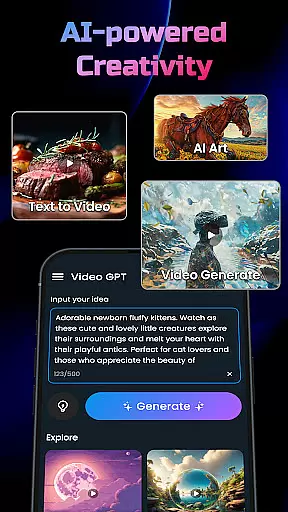
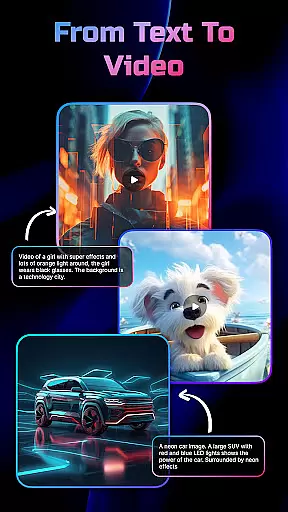
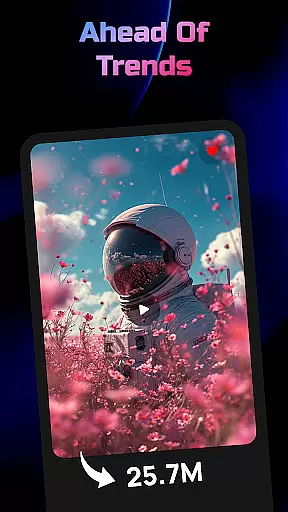
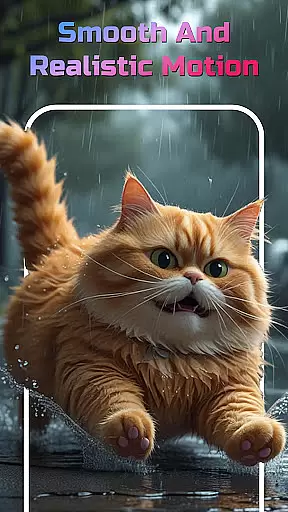
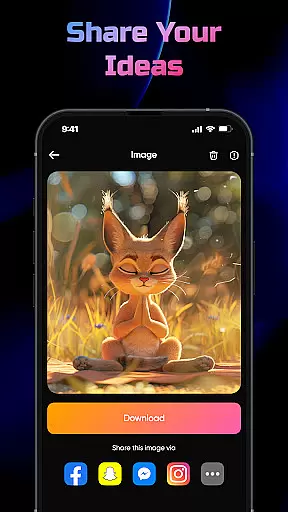
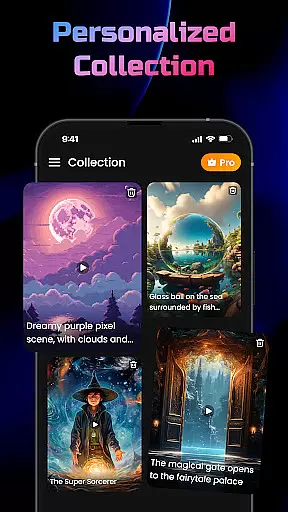
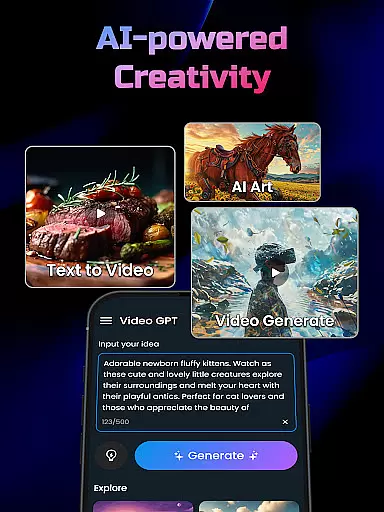
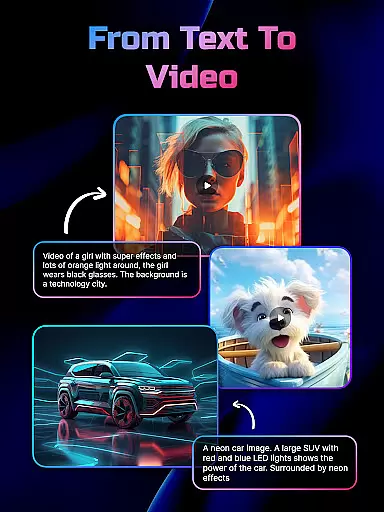
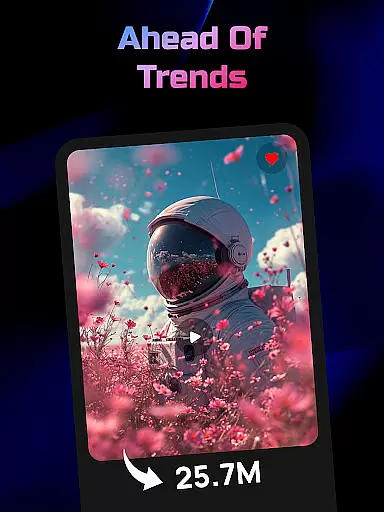
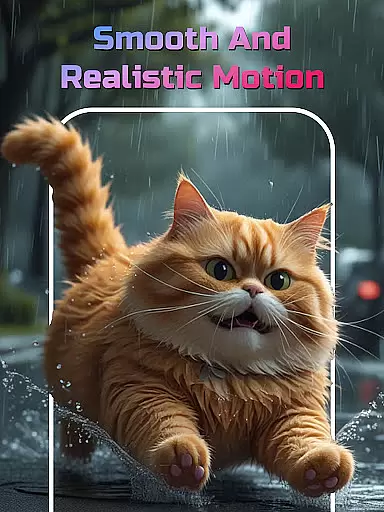
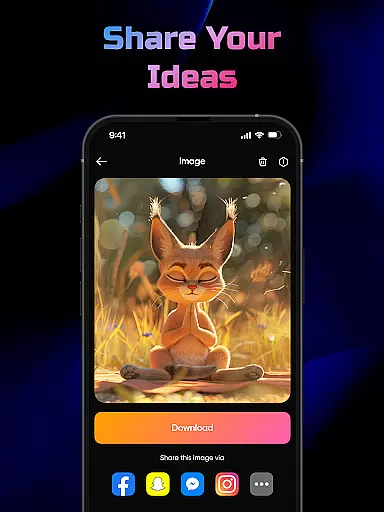
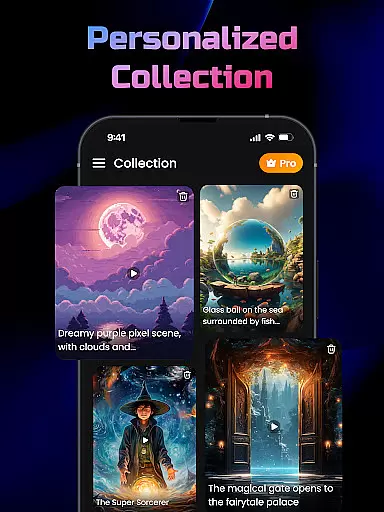
AI Video Generator is a cutting-edge application designed to transform text, scripts, and creative ideas into professional-quality videos and images effortlessly. The app leverages advanced FlixAI GPT technology to analyze input content and generate corresponding visuals with dynamic effects, transitions, and storytelling elements.
Whether you're crafting marketing materials, short narratives, or social media posts, this tool delivers polished results within moments. Its versatility extends to creating anime visuals, 3D motion effects, and even converting photos into stunning videos. With an intuitive interface and high-quality output, AI Video Generator empowers users to bring their ideas to life without requiring design expertise.
Ideal for content creators, marketers, educators, and hobbyists, the app streamlines video production while eliminating the need for time-consuming edits. By simply typing your concept, you can produce engaging visual content that captivates audiences across platforms.
AI Video Generator boasts a robust set of features tailored to simplify and enhance video creation. At its core is the AI-powered video generator, which uses FlixAI GPT technology to convert any text into a fully-realized video complete with synced animations, transitions, and effects. This ensures every piece of content is visually compelling and professionally polished.
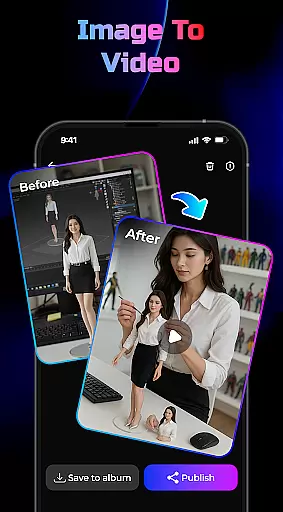
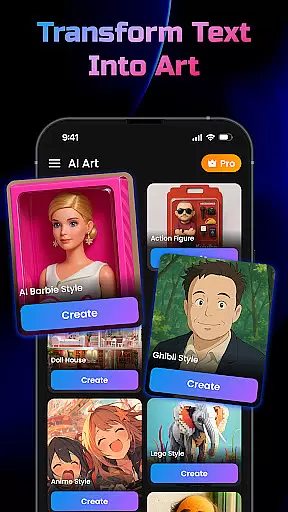
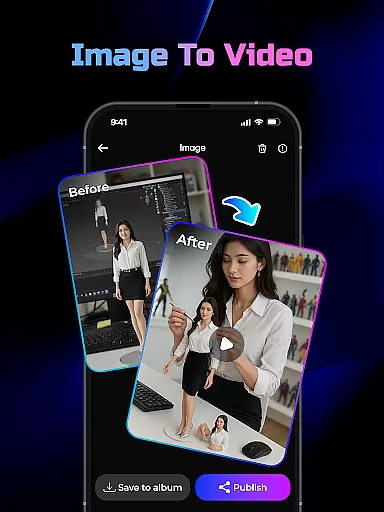
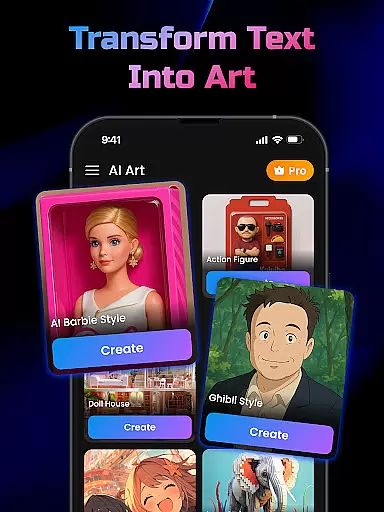
In addition to video generation, the app includes a Text-to-Image Generator that transforms written descriptions into unique, art-inspired visuals. For users looking to animate existing images, the Image-to-Video Generator provides smooth motion graphics and 3D effects, turning static photos into dynamic videos. These tools cater to diverse creative needs, from storytelling to promotional content.
The app's user-friendly design prioritizes speed and ease of use, allowing creators to produce studio-quality outputs in minutes. With functionalities like automatic script analysis, effect generation, and seamless sharing options, AI Video Generator redefines how users approach digital content creation.
In the realm of digital content creation, having a comprehensive suite of creative tools is essential for realizing one's vision. AI Video Generator stands out by offering an extensive array of features that cater to various content creation needs. The app includes an AI Video Generator powered by GPT technology, which transforms any text input into engaging video content using FlixAI technology.
Moreover, it provides a Text-to-Image Generator, enabling users to instantly convert written descriptions into unique, art-inspired AI-generated images. This feature broadens the scope of creativity, allowing ideas to manifest visually without the need for manual design skills. Additionally, the Image-to-Video Generator lets users transform static photos into dynamic videos with smooth motion and 3D effects, enhancing storytelling capabilities.
The inclusion of these diverse tools ensures that whether you're creating marketing materials, educational content, or social media posts, AI Video Generator supports your creative process from concept to completion. With intuitive design and high-quality output, this app empowers creators to produce professional-grade visuals effortlessly.
Flexibility in canvas and format options is crucial for adapting content to different platforms and purposes. AI Video Generator excels in providing versatile solutions that accommodate a wide range of creative requirements. Users can generate videos and images tailored to specific dimensions and styles, ensuring compatibility across various mediums such as social media, websites, and presentations.
This adaptability extends to the type of content produced; whether it's converting scripts into animated videos or transforming text into realistic images, the app maintains high standards of quality and coherence. By leveraging advanced AI algorithms, it automatically adjusts elements like transitions, effects, and aspect ratios to fit the desired output format.
Furthermore, AI Video Generator simplifies the process of repurposing existing assets. For instance, users can convert photos into videos with added motion and effects, making it easy to refresh old content or create new variations. This level of flexibility not only enhances productivity but also encourages experimentation, empowering creators to explore innovative ways to engage their audience.
User-friendly interface
High-quality video output
Versatile content creation
Fast rendering speeds
Innovative AI technology
Limited offline functionality
Premium features locked
Occasional glitches
Learning curve for beginners
Dependent on internet connection

Learn how to draw with step-by-step tutorials, fun lessons & multiplayer drawing
 4.70
4.70
Floor Plan Creator lets you create, edit and share floor plans.
4.00
Draw anime & manga drawing, art with templates to create stunning picture!
4.50
AI Face Swap, Video Effects Editor, Realtime Morph, Funny Video FX,AI Filters
3.70
Passport size photo maker, create ID photo and visa photo in seconds
4.80
Draw Trace image sketch by, AR art projector app, Easy to trace any image.
4.50
Art of Combination Wear OS Watch Faces
3.30
Retouch photos. Create or edit images. Endless capabilities.
2.70
Kling AI is an image and video generation and editing studio powered by AI.
4.50
Mobile pixel art editor. Simple. Fast. Portable.
4.80
Convert image to JPG PNG HEIC PDF, support almost all kinds of image formats
4.70
The ultimate tool for creating animations
4.60
Digital, Abstract, Classic - all types of color wheels in one app!
4.60
Image resizer to resize, crop, rotate, flip, change dpi photo or picture in bulk
4.60
AI Tattoo Generator: Create Tattoo Designs & Get Ideas! Ink & Stencil Maker
4.50
AI generated images & photos, turn your words into drawing, painting & pictures.
4.30
Beauty Camera - Selfie Camera is the ultimate beauty camera and selfie app
4.30
Create stylish invitation cards using templates for weddings, birthdays & RSVP.
4.20
Art of Combination Wear OS Watch faces (for Wear OS 5+ devices)
3.00


User Reviews