
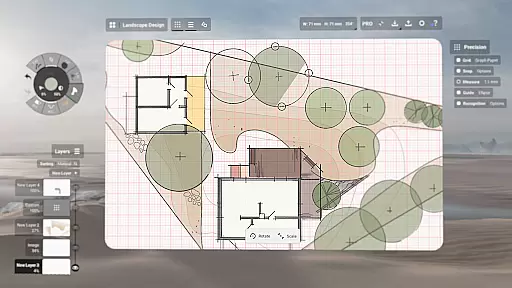
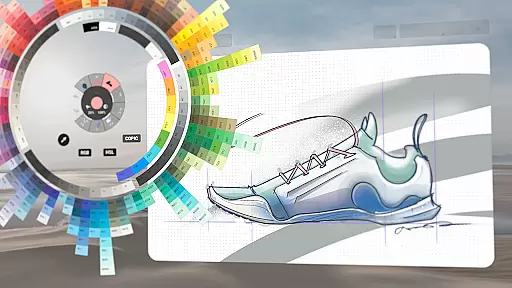
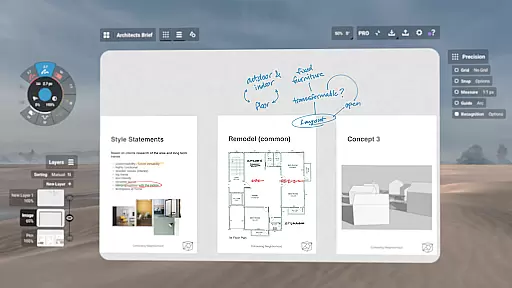
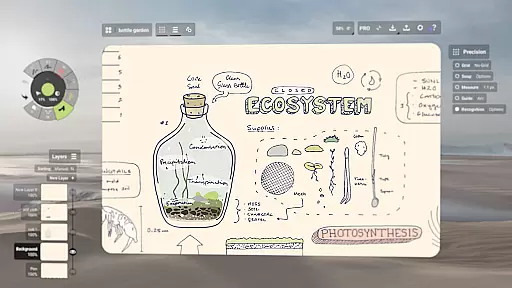
Concepts is a versatile vector-based creative workspace designed for artists, designers, and creators to bring their ideas to life. This digital sketchpad offers an infinite canvas where users can sketch plans, draw storyboards, make notes, and experiment with designs. The app provides realistic pencils, pens, and brushes that respond to pressure, tilt, and velocity, along with advanced features like HSL, RGB, and COPIC color wheels, making it ideal for professional-grade work.
The app's flexibility extends to its customizable tool wheel, automatic layer sorting, and adjustable opacity settings. Concepts is optimized for pen-enabled devices and Chrome OS, ensuring smooth responsiveness. Whether you're a concept artist at Disney or a product designer at Apple, this app supports every stage of the creative process from initial ideation to final export.
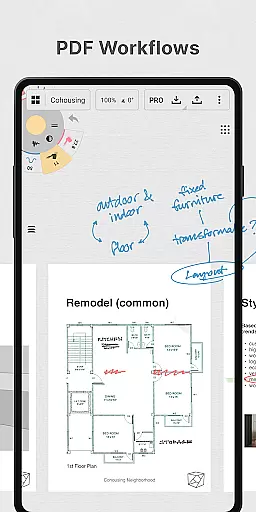
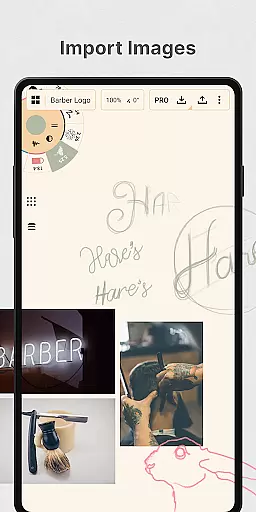
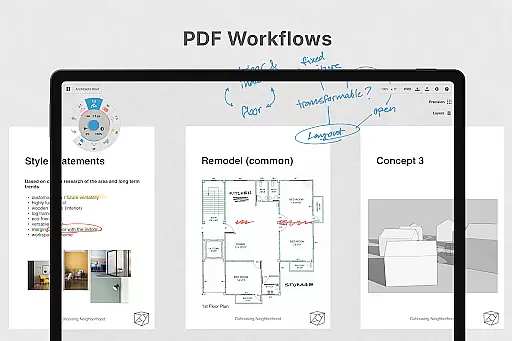
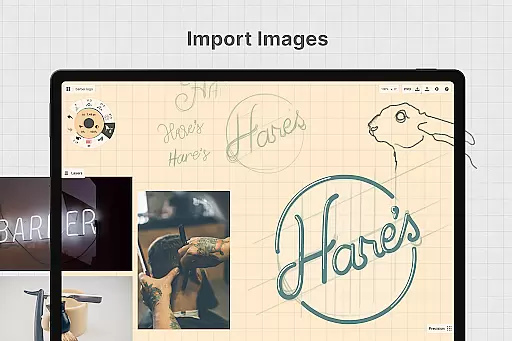
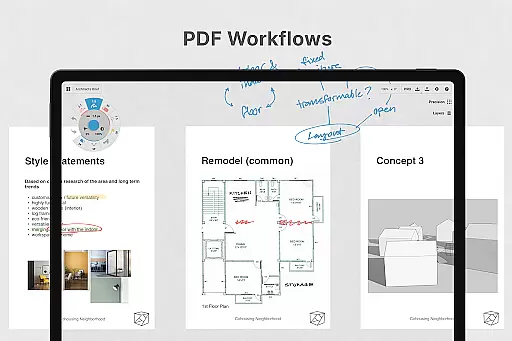
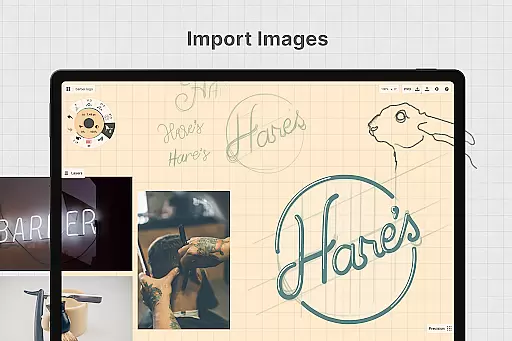
With its cross-platform availability on Android, ChromeOS, iOS, and Windows, Concepts allows seamless workflow integration. Users can easily drag and drop images, duplicate work for iterations, and export files in various formats including PDFs and vectors. This makes it perfect for both individual creators and collaborative teams working across different devices.
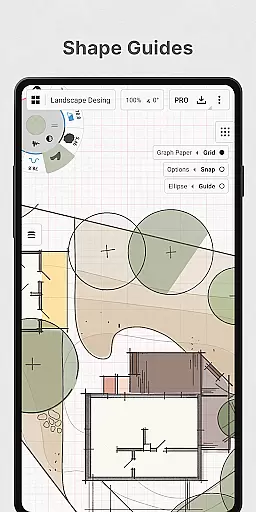
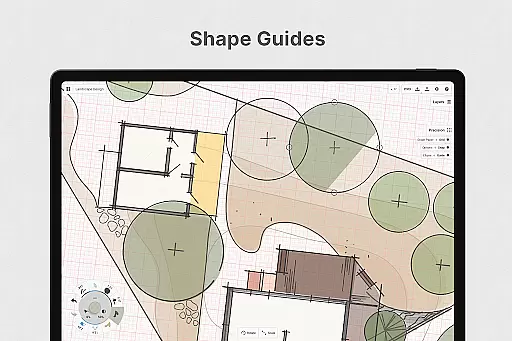
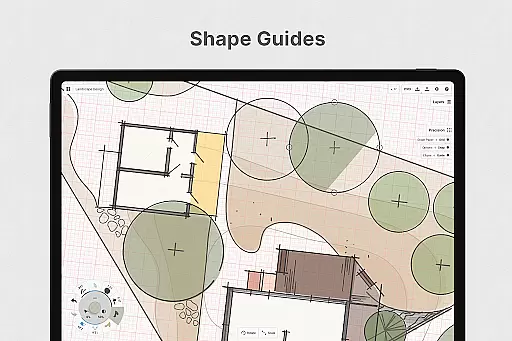
Concepts stands out with its powerful vector-based engine that keeps every stroke editable and scalable. The app includes precision drawing tools like shape guides, live snap, and measurement features, enabling clean and accurate sketches. Its customizable interface lets users personalize everything from canvas settings to gestures, creating a tailored experience that adapts to individual workflows.
The app offers both free and premium features, providing accessibility while allowing professionals to unlock advanced capabilities. Free users get access to essential tools, five layers, and JPG exports, while premium subscribers enjoy unlimited layers, custom grids, and professional exports to formats like PNG, PSD, and SVG. With frequent updates and new features added regularly, Concepts continues to evolve based on user feedback.
One of the key strengths of Concepts is its focus on user experience. The development team actively engages with users through in-app support and email, ensuring continuous improvement. Whether you need basic sketching tools or advanced design capabilities, Concepts delivers a comprehensive solution for creative professionals seeking a dynamic digital workspace.
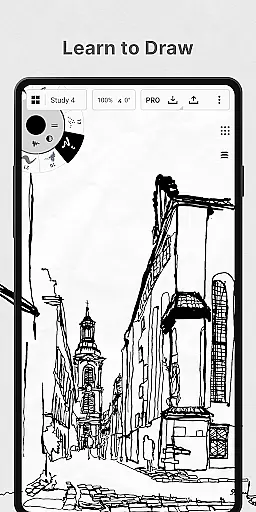
In the realm of digital art and design, having a comprehensive set of tools is paramount. Concepts offers an extensive array of creative instruments that cater to various artistic needs. The app provides realistic pencils, pens, and brushes that respond to pressure, tilt, and velocity, with adjustable live smoothing to refine your strokes.
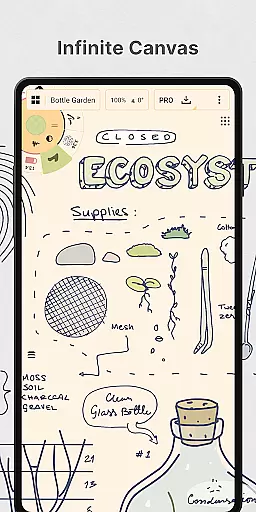
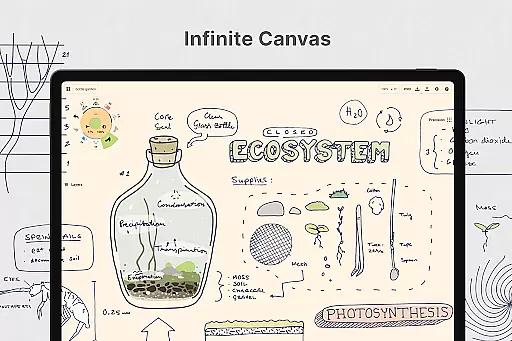
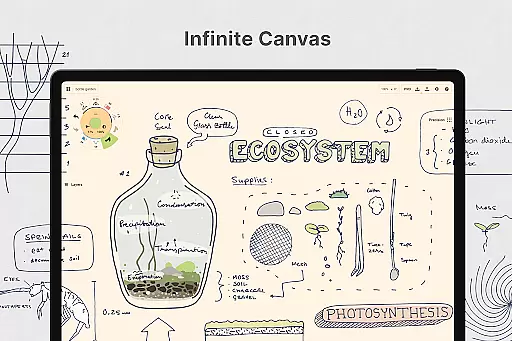
Moreover, Concepts boasts an infinite canvas feature complemented by multiple paper types and custom grids, allowing artists to explore vast creative landscapes without constraints. The inclusion of a customizable tool wheel or bar ensures quick access to preferred tools and presets, streamlining the creative process.
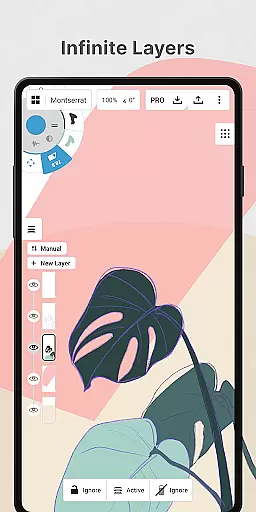
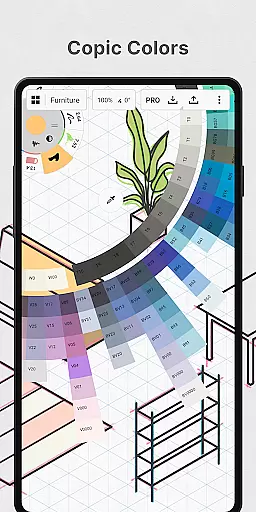
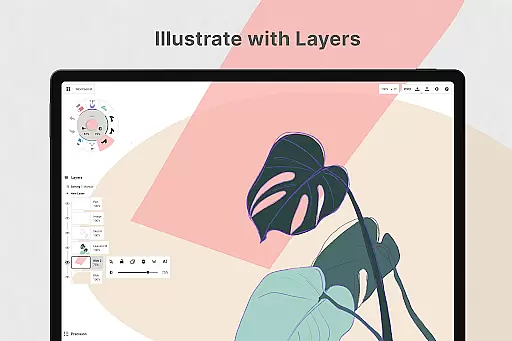
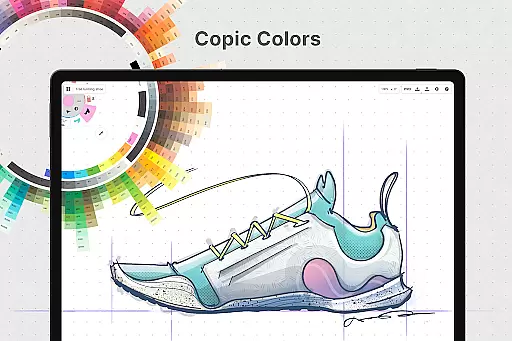
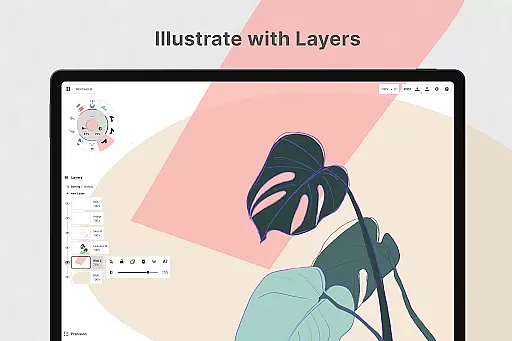
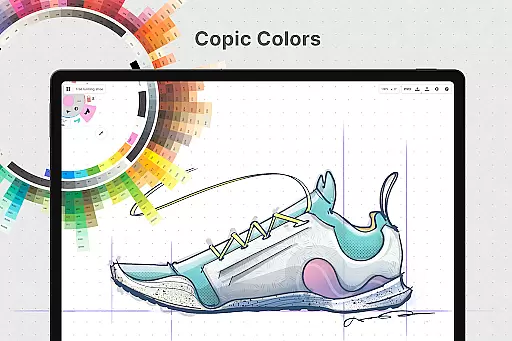
The app also supports an infinite layering system complete with automatic sorting and adjustable opacity, empowering creators to manage complex compositions with ease. With Concepts, users can leverage HSL, RGB, and COPIC color wheels to select harmonious colors, enhancing the visual appeal of their work.
By delivering these sophisticated features, Concepts not only meets but exceeds the expectations of professional artists and designers who demand precision and flexibility in their digital workspace.
A flexible canvas is essential for unleashing creativity without boundaries. Concepts redefines this aspect by providing an infinite canvas where ideas can flow freely without the limitations of space. This expansive digital workspace allows users to sketch out plans, create mind maps, and draw storyboards with equal ease.
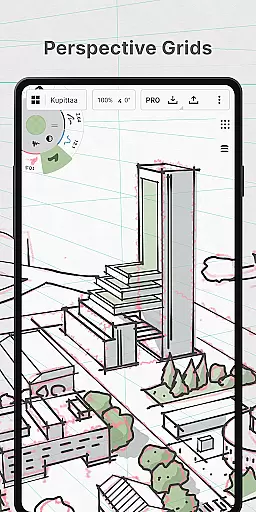
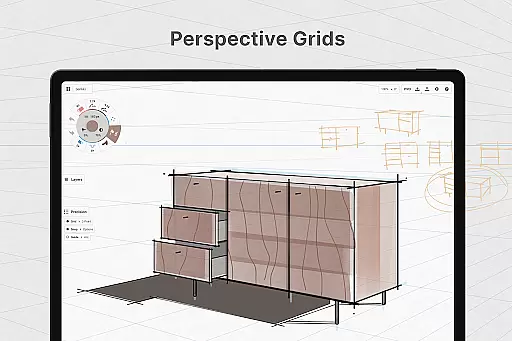
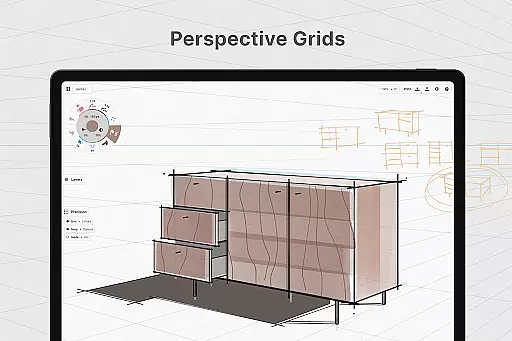
Artists can personalize their canvas with different paper types and custom grids, tailoring the environment to suit specific project requirements. Whether it's a clean slate for brainstorming or a structured grid for detailed design work, Concepts adapts seamlessly.
Furthermore, the app facilitates flexible vector-based sketching, enabling creators to move and adjust elements anytime. This adaptability extends to editing by tool, color, size, smoothing, and scale, ensuring that every component of the artwork remains malleable throughout the creative journey.
With such versatile canvas and format options, Concepts empowers users to iterate and refine their work effortlessly, making it an indispensable tool for both budding artists and seasoned professionals alike.
User-friendly interface
Highly customizable tools
Cross-platform compatibility
Regular feature updates
Professional-grade exports
Premium features are costly
Steep learning curve
Limited free tools
Subscription required
Advanced options complex

The ultimate tool for creating animations
 4.60
4.60
Create stylish invitation cards using templates for weddings, birthdays & RSVP.
4.20
Passport size photo maker, create ID photo and visa photo in seconds
4.80
Castle is social media for creating and playing games!
4.60
Create stunning art with AI.
4.80
Your AI soulmate — meaningful chats, and unique emotional moments
4.70
Get an overview over all your embroidery threads, projects and more.
4.60
Kling AI is an image and video generation and editing studio powered by AI.
4.50
Unleash your inner artist! Sketchar: AR Drawing for Limitless Creativity
4.40
Mobile pixel art editor. Simple. Fast. Portable.
4.80
2D animation studio for Android tablets - unlimited layers, infinite timeline
4.70
Draw beautiful mandala's very easily
4.60
Unleash your drawing and painting potential
4.50
800+ Drawing, Painting Lessons App to Practice, Sketch & Paint Art.
4.30
Bring One UI 8.5 Icons to life -elegant dark icons with a modern, premium touch.
4.30
Beauty Camera - Selfie Camera is the ultimate beauty camera and selfie app
4.30
Text to Image, Image to Video & AI Chat
4.20
Art of Combination Wear OS Watch faces (for Wear OS 5+ devices)
3.90
Transform photos into amazing monochrome dither art with professional algorithms
4.3


User Reviews