
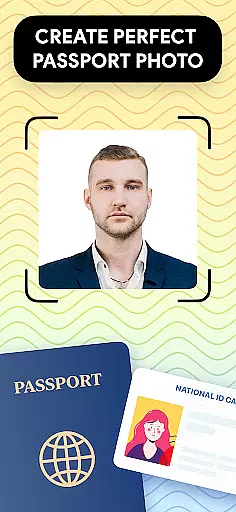
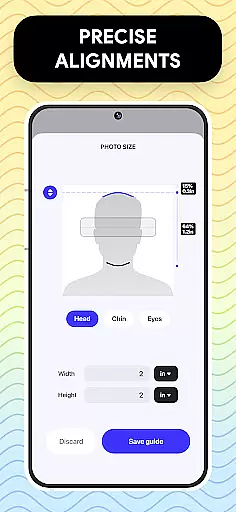
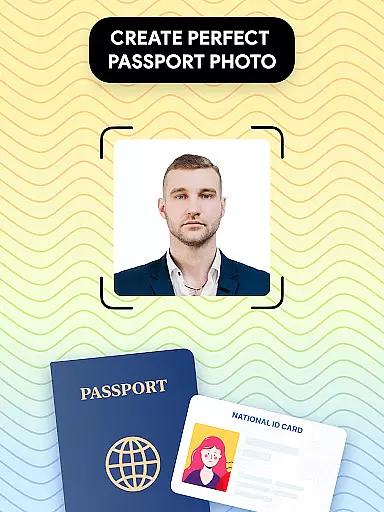
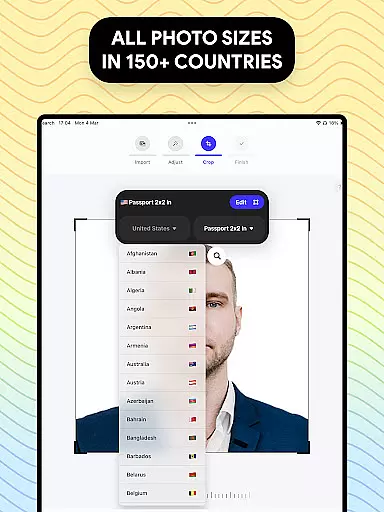
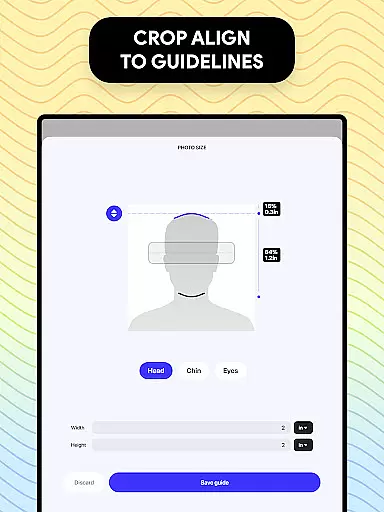
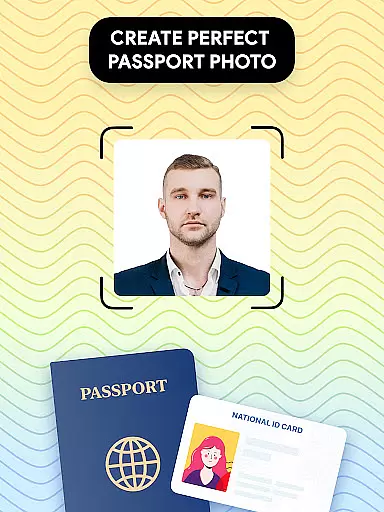
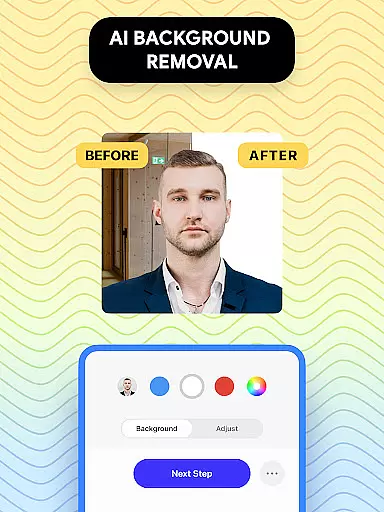
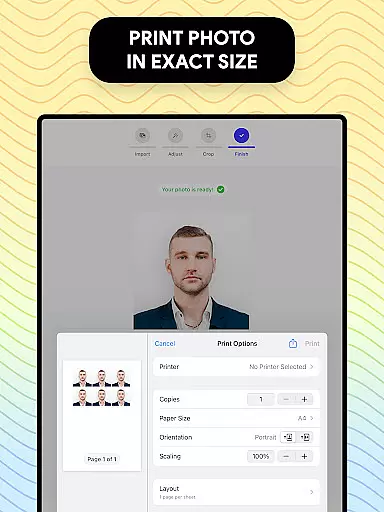
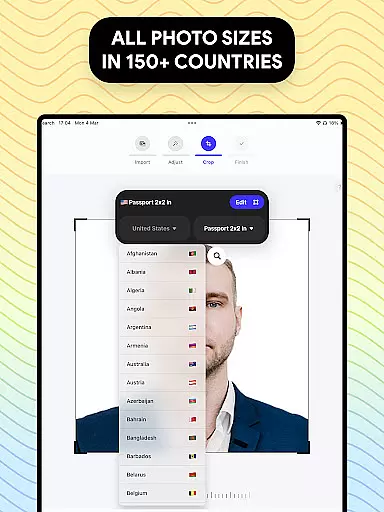
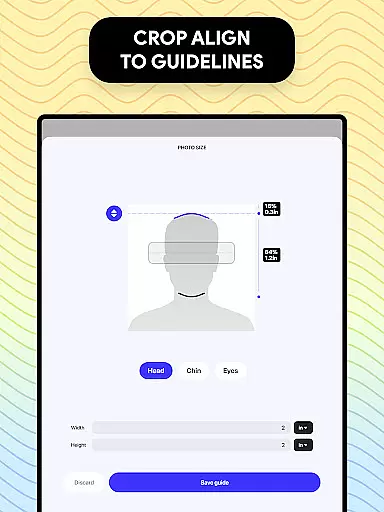
Passport Photo - ID Photo Print is a professional passport photo editor designed to help users create high-quality passport, visa, and ID photos from the comfort of their homes. The app offers advanced features that ensure your photos meet all government requirements while providing quick access to essential editing tools.
This powerful application allows you to adjust your photo size to various dimensions such as 3x4, 4x4, 4x6, 5x7, or 2x2 inches, making it suitable for different countries' passport and visa regulations. With its intuitive interface, users can easily customize their photos by removing backgrounds, adjusting brightness, temperature, and sharpness, and exporting/printing the final product directly from their phones.
Whether you need a US passport photo or one that meets specific international standards, this app provides a convenient solution. Its comprehensive database of global passport photo requirements ensures that your photo will be compliant with any country's regulations, saving you time and effort in the process.
Passport Photo - ID Photo Print stands out due to its extensive range of features tailored specifically for creating passport, visa, and ID photos. One of the key highlights is the ability to adjust photo sizes quickly and accurately. Users can resize their images to common dimensions like 3x4, 4x4, 4x6, 5x7, or 2x2 inches, ensuring compatibility with various official documents.
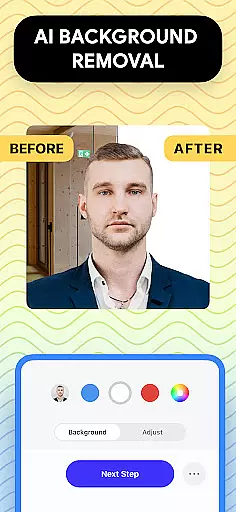
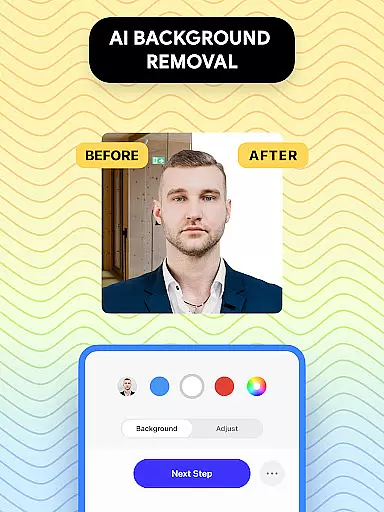
The app includes a robust set of editing tools that allow users to enhance their photos effortlessly. These tools include options to remove backgrounds and replace them with a white or colored background, adjust brightness, temperature, and sharpness, and crop images to exact dimensions. This level of customization ensures that every photo meets stringent government standards.
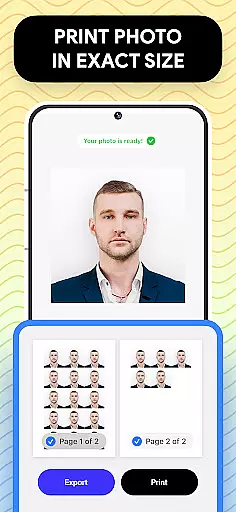
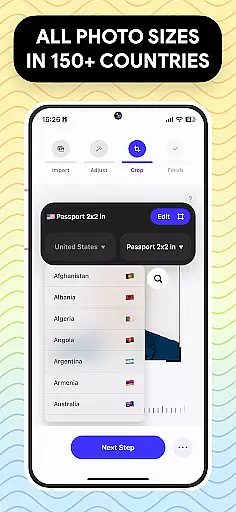
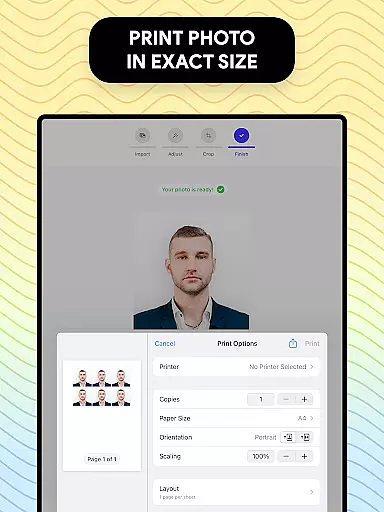
Another significant feature is the built-in database of passport and visa photo requirements from around the world. This database helps users tailor their photos to specific countries' regulations, making the process seamless and stress-free. Additionally, the app supports quick exporting and printing directly from mobile devices, allowing users to produce professional-quality photos within minutes.
Passport Photo - ID Photo Print offers a comprehensive suite of creative tools that cater to all your passport photo editing needs. This powerful passport photo editor allows you to adjust the size of your photo, ensuring it meets specific requirements for different countries.
In addition to basic resizing, the app provides advanced features such as background removal and touch-up options. You can easily remove complex backgrounds and replace them with a white or any colored background, making it convenient to take passport photos at home without worrying about the backdrop.
The inclusion of various editing tools enables users to enhance their photos by adjusting brightness, temperature, and sharpness. These features ensure that your passport photo not only meets the size requirements but also looks professional and polished, enhancing the overall quality of your application.
One of the standout features of Passport Photo - ID Photo Print is its canvas and format flexibility. The app supports multiple photo sizes including 3x4, 4x4, 4x6, 5x7, and 2x2, allowing users to create photos that meet diverse international standards.
This flexibility extends to aspect ratio adjustments and cropping capabilities, enabling precise customization of your ID photos. Whether you need a photo for a US passport, visa, or other identification documents, this app ensures your photo fits the exact dimensions required.
Furthermore, the app facilitates easy export and printing directly from your phone, streamlining the process of obtaining high-quality passport pictures. With support for various formats and seamless integration with printing services, Passport Photo - ID Photo Print makes it effortless to produce compliant and professional-looking photos anytime, anywhere.
User-friendly interface
Comprehensive editing tools
Global requirement database
Quick photo adjustments
Direct phone printing
Limited free features
Occasional ads
Premium subscription needed
Advanced tools locked
Background removal cost

See Color, Paint Color
 4.90
4.90
Draw beautiful mandala's very easily
4.60
Castle is social media for creating and playing games!
4.60
Nano Banana AI Image Generator, Anime Filter, AI Portrait, AI Photo Generator
4.30
Photo editor for art, avatars, filters & fun transformations.
4.60
Inky runs Inkscape on Android devices and Chromebooks
2.90
Everything you need to create hand drawn animation, anywhere you go!
4.40
Video AI: Revolutionize Your Content Creation with Advanced Video Generation
4.50
AI-powered photo & video creation—fast, fun, and effortless with Quick Actions
4.60
Digital, Abstract, Classic - all types of color wheels in one app!
4.60
Turn your drawings into flipbook-style animations with simple creative tools
4.60
800+ Drawing, Painting Lessons App to Practice, Sketch & Paint Art.
4.30
Sketch, plan, take notes and illustrate on an infinite canvas.
4.20
Custom Character Creator & PFP Maker!
4.20
Sketch and paint on your device with the feel and freedom of drawing on paper
4.00
AI Face Swap, Video Effects Editor, Realtime Morph, Funny Video FX,AI Filters
3.70
Draw anime easily with AR guidance, sketch templates & trace tools!
3.10
Pose and morph realistic male and female models! 3D poser app
3.00
A luxurious gold watch face for an elegant and refined look.
4.0


User Reviews