
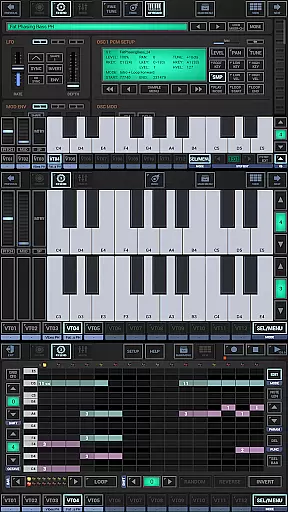
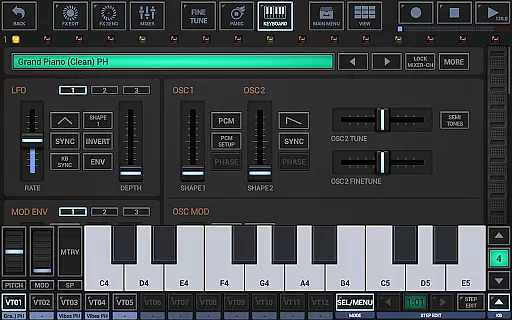
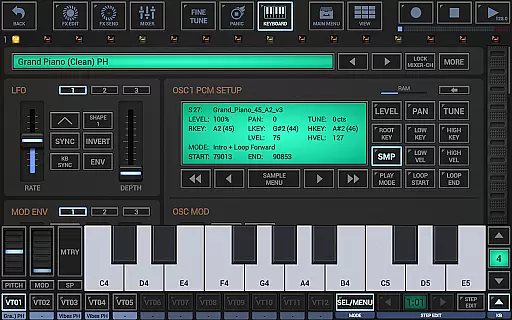
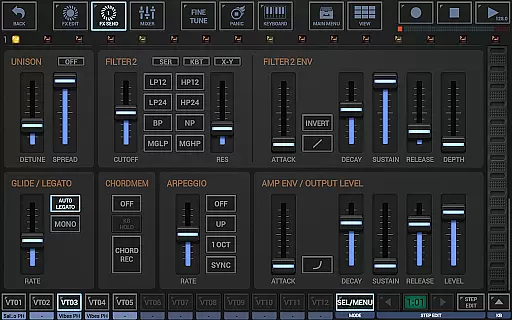
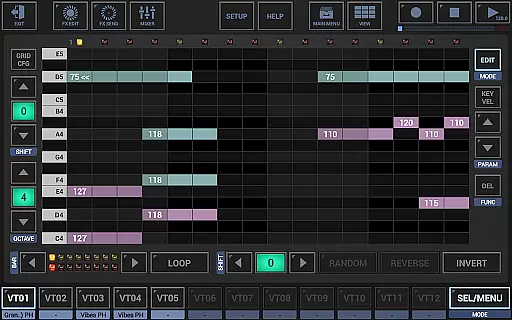
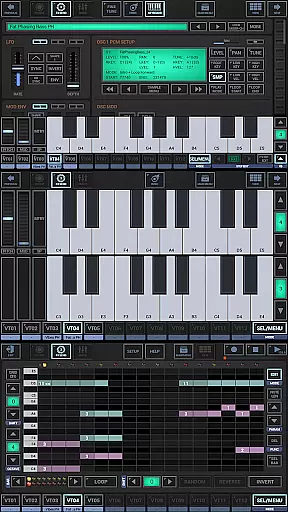
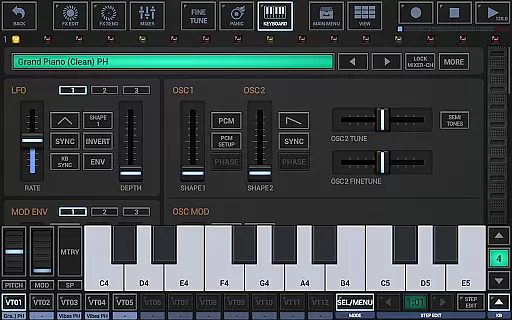
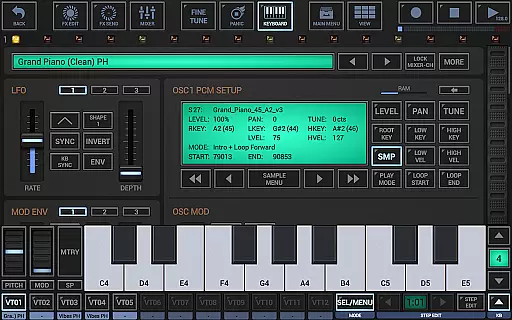
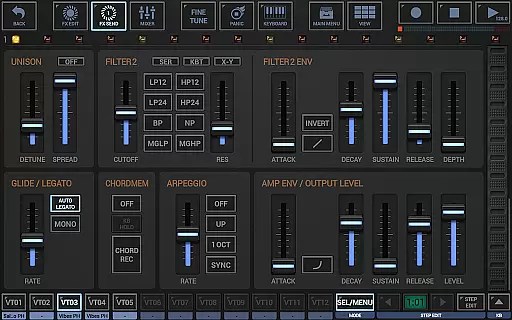
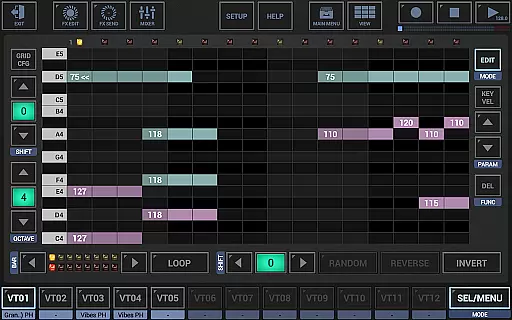
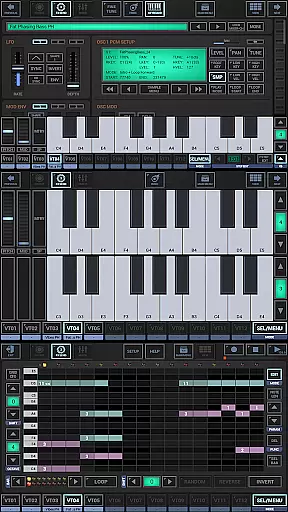
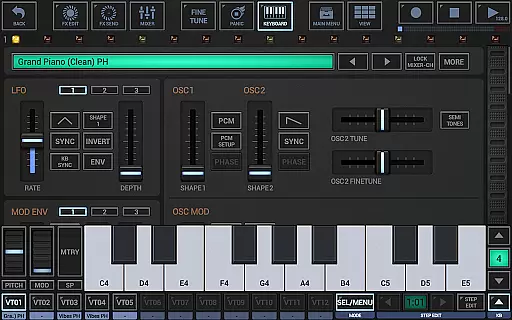
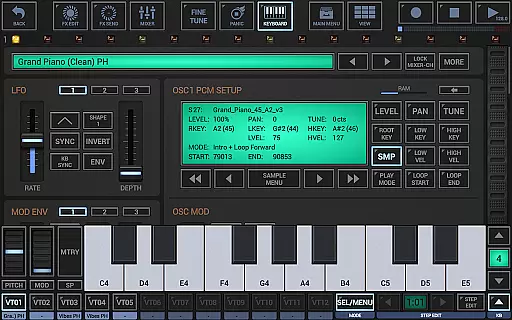
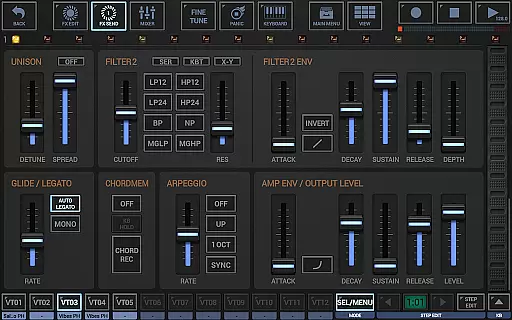
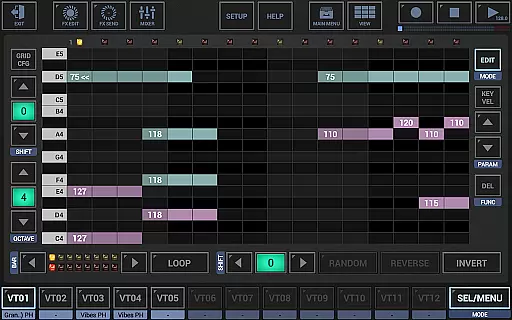
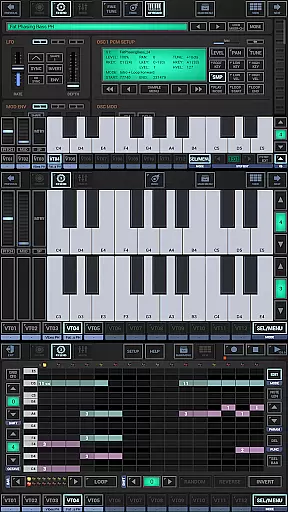
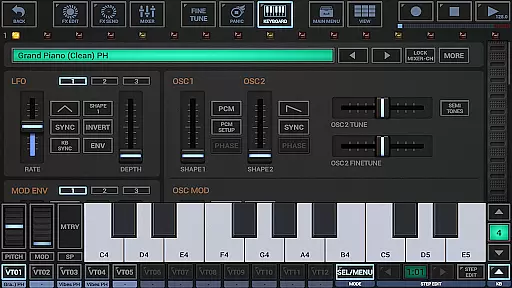
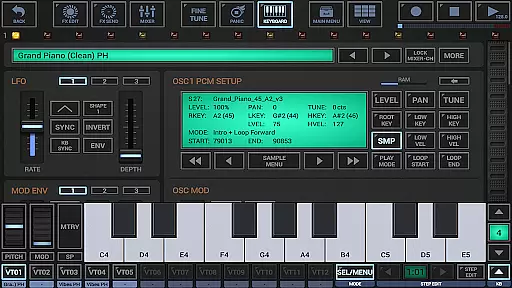
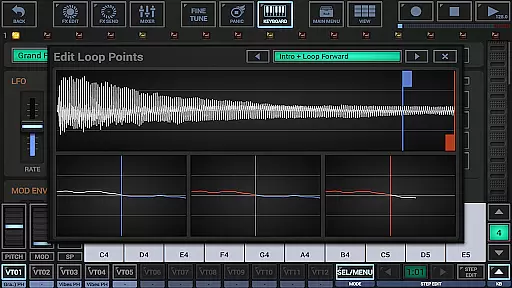
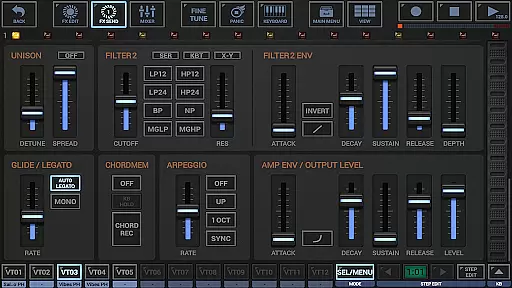
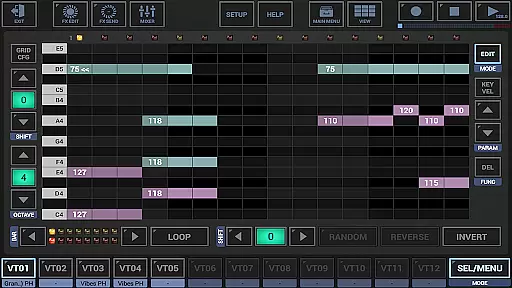
G-Stomper VA-Beast Synthesizer is a versatile polyphonic virtual analog synthesizer designed for both experienced sound designers and beginners. It allows users to produce complex synthetic sounds in impressive studio quality, offering an intuitive interface that makes sound design accessible and efficient. The app includes advanced FM support, waveform and multi-sample based synthesis, and features like Oscillator Sync and powerful modulation options.
With its comprehensive set of tools including a polyphonic step sequencer, piano keyboard, mixer with parametric EQ, and effect rack, G-Stomper VA-Beast stands out as the ultimate mobile synthesizer. Users can explore factory sounds or create their own, benefiting from features such as Ableton Link for synchronized play, full round-trip MIDI integration, and high-quality audio engine. This makes it ideal for music production on-the-go.
G-Stomper VA-Beast offers an extensive array of features that cater to intricate sound design needs. The synthesizer includes two oscillator assemblies with six regular waveforms each, full multi-sample support, and powerful modulation capabilities such as FM, differential FM, and filter frequency modulation. With five FM algorithms and three modulation LFOs per voice, users have immense flexibility in crafting unique sounds.
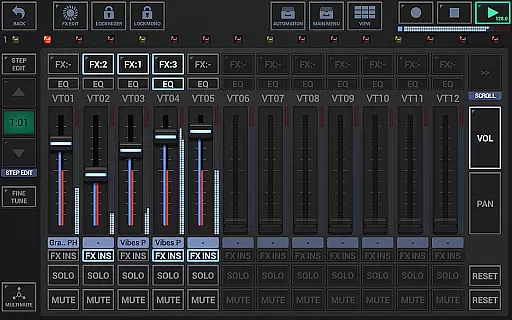
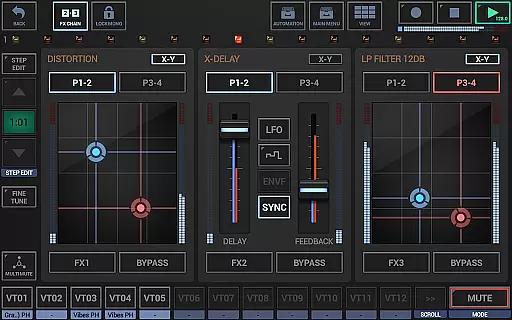
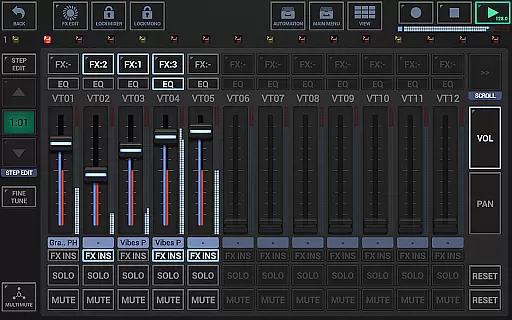
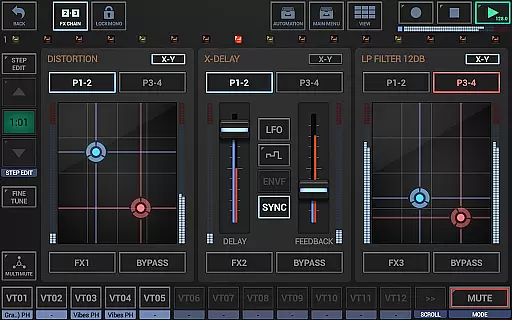
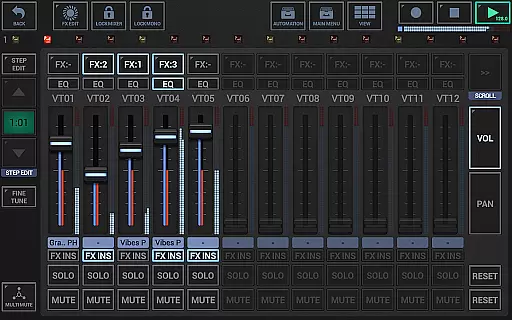
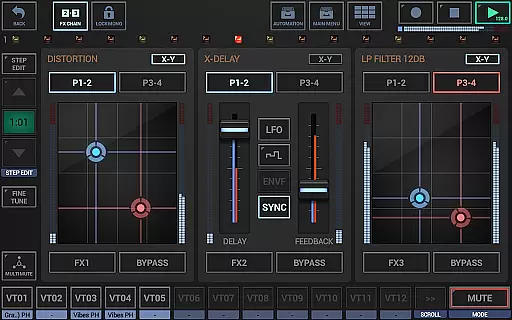
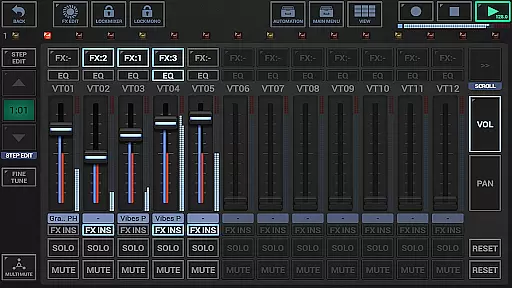
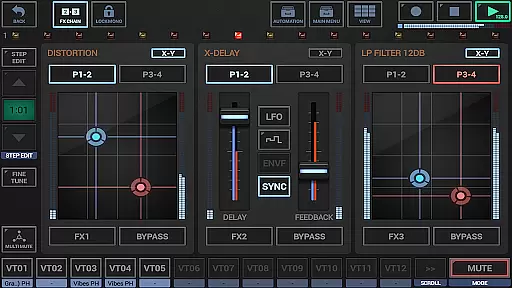
The app also provides a sophisticated mixer setup with up to 12 channels, each equipped with a parametric 3-band equalizer and insert effects. The effect rack supports chaining of three effect units, while the master section includes two sum effect units. Additional highlights include stereo unison, arpeggiator, polyphonic glide and legato, making this tool indispensable for creating dynamic musical compositions.
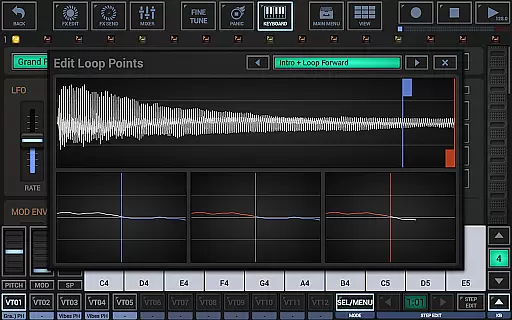
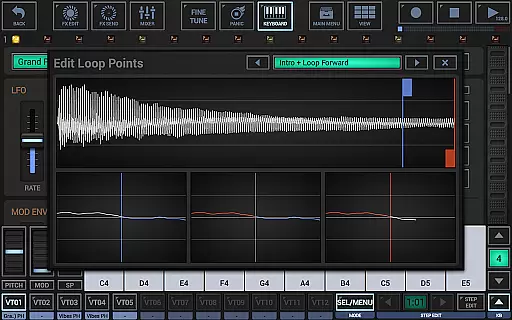
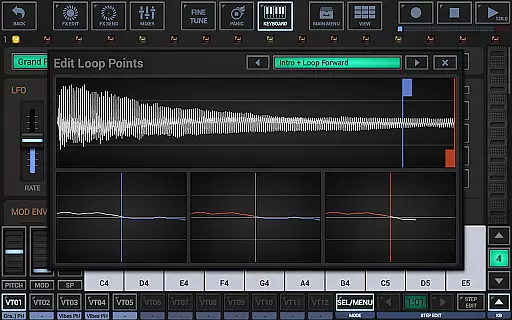
G-Stomper VA-Beast Synthesizer offers an extensive music library that caters to both experienced sound designers and beginners. The application includes a wide range of factory sounds, which are complemented by the ability to design your own sounds in studio quality. This vast library is supported by full multi-sample support per oscillator, allowing users to explore various waveforms including saw, pulse, triangle, sine, noise, and dual sine.
The synthesizer's capability is further enhanced by its compatibility with additional content-packs, exclusive to the full version. These packs ensure that all musical creations are backed by legitimate copyright, providing peace of mind for users who wish to export their work as WAV files or MIDI patterns. With up to 32bit resolution at 96kHz, the exported tracks maintain high standards of audio fidelity, making them suitable for use in professional digital audio workstations.
Moreover, G-Stomper VA-Beast stands out due to its integration with Ableton Link, enabling musicians to play in sync with any Link-enabled app or Ableton Live. This feature not only expands the creative possibilities but also assures that all shared music adheres to proper licensing and authorization protocols, thus maintaining the integrity of intellectual property rights.
One of the core strengths of G-Stomper VA-Beast Synthesizer lies in its superior audio quality options. The application boasts a high-quality audio engine powered by 32-bit float DSP algorithms, ensuring pristine sound output across all synthesized notes. Users can choose from a variety of bit depths ranging from 8 to 32 bits and sampling rates up to 96kHz when exporting their compositions, guaranteeing that the final product meets industry standards.
In addition to robust export capabilities, the synthesizer features 47 different effect types, including dynamic processors, resonant filters, distortions, delays, reverbs, vocoders, and more. Each effect comes with advanced parameters such as sidechain support, tempo sync, LFOs, and envelope followers, giving producers granular control over their sound design process. Whether crafting complex synthetic textures or recording live sessions, these tools help achieve impressive sonic results.
Furthermore, the inclusion of a parametric 3-band equalizer within the mixer section allows precise tonal shaping on up to 12 channels. Coupled with three chainable effect units and two sum effect units in the master section, this comprehensive suite empowers creators to refine their mixes with unparalleled clarity and depth. Such meticulous attention to detail ensures that every note produced through G-Stomper VA-Beast retains its intended character and impact.
User-friendly interface
High-quality audio engine
Extensive modulation options
Comprehensive MIDI support
Versatile sound design capabilities
Steep learning curve for beginners
Requires powerful hardware
Complex interface may overwhelm new users
Additional content packs at extra cost
Limited free demo features

10-Band Audio Equalizer, Sound / Bass Booster for Spotify Users & Music Players
 4.40
4.40
Taal player that lets you sing any Indian & Western song with Tabla & Tanpura
4.60
Background pads for your band
3.80
VB-AUDIO Software / VBAN-Receptor allows listening to any VBAN Streams
4.10
Listen to live FM radio stations, sports, music and news on global radios online
4.70
Permanently backup Now Playing. Maps, filters & listening stats.
4.00
Voice recorder - Audio recorder. Best recorder for recording
4.90
Let your Android device with the sound effects you want
4.50
Be a true music maker: create beats, mix and make music like a real DJ!
4.30
Walkout Song DJ is the most intuitive app to manage your sports music.
4.70
Reverse your voice & songs instantly! Fun singing challenge with cool effects.
4.60
Play KORG’s revolutionary touch-based instrument on a variety of devices.
4.40
Time Guru will strengthen your internal sense of musical time via random muting.
4.30
Smart piano keyboard, Classical to Pop, Real-time multiplayer connection!
4.20
Turn your Android phone into a professional audio analyser with up to 120 bands.
4.00
Sheet music reader, piano & music note player. Play music score & learn to read.
3.90
Control your MIDI USB or Bluetooth devices in app and avoid some trampling
3.30
The Skullcandy App Experience
3.20
MilkDrop for Android TV
3.00


User Reviews