
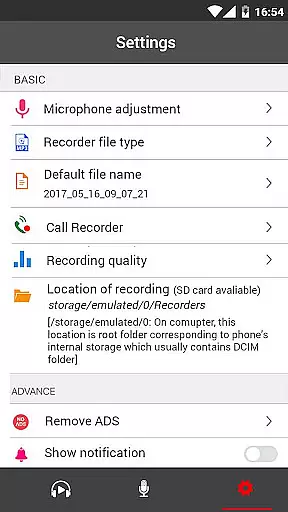
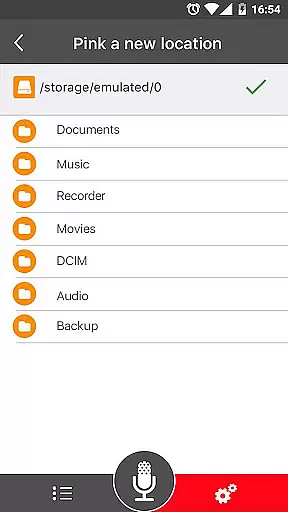
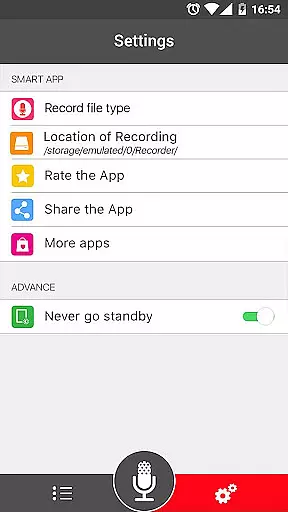
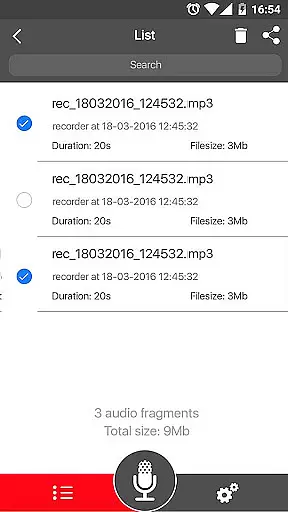

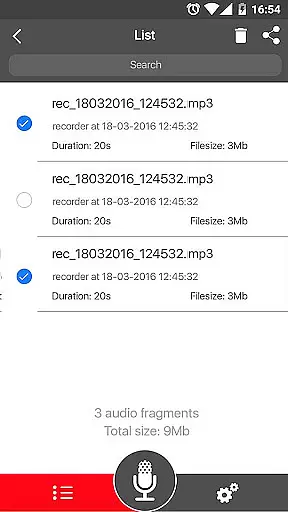
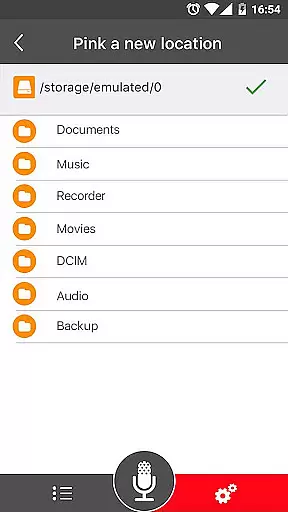
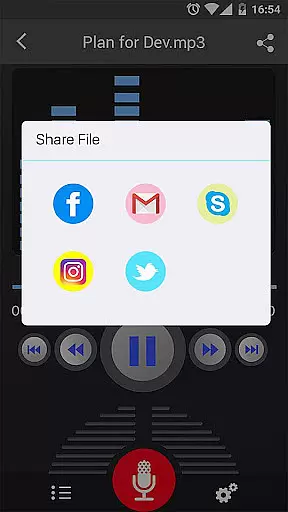
Voice Recorder is a top-tier audio recording application designed for users who need to capture high-quality sound on their mobile devices. This app stands out in the Music & Audio category by offering unlimited recording time and supporting various formats such as MP3 and OGG. Whether you're recording business meetings, lectures, interviews, or musical performances, Voice Recorder ensures your audio is captured with clarity and precision.
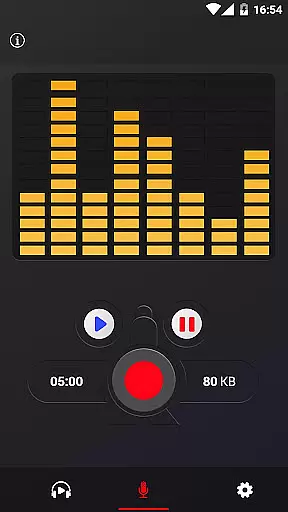
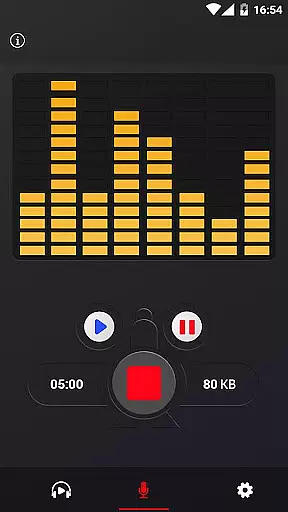
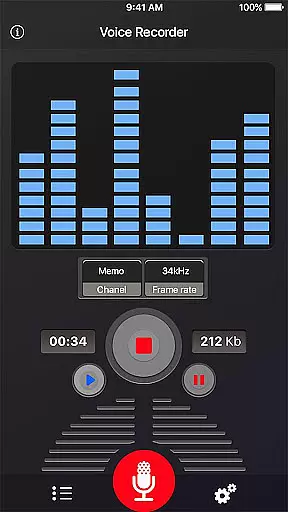
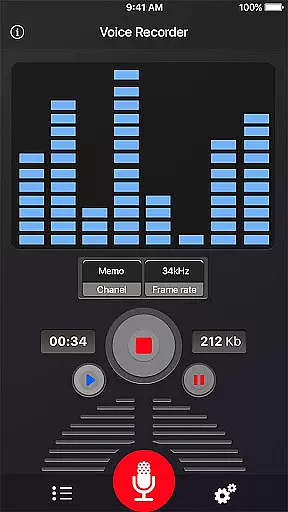
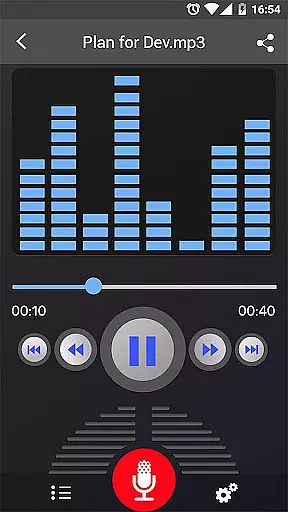
The app's standout feature is its ability to record in the background, even when the display is off, allowing for seamless operation without interruptions. Additionally, it includes an intuitive live audio spectrum analyzer and adjustable MP3 encoding sample rates ranging from 8-44 kHz. These features make it an ideal tool for both casual users and professionals who require reliable and flexible recording options.
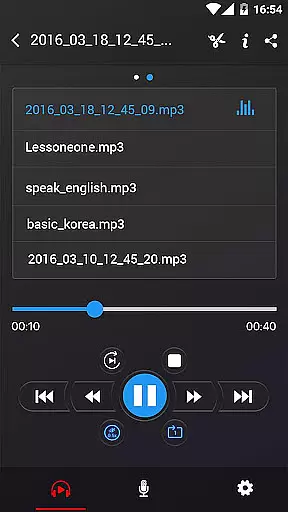
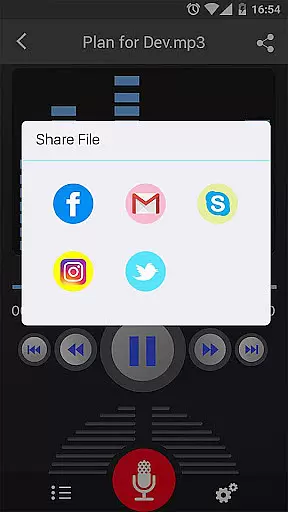
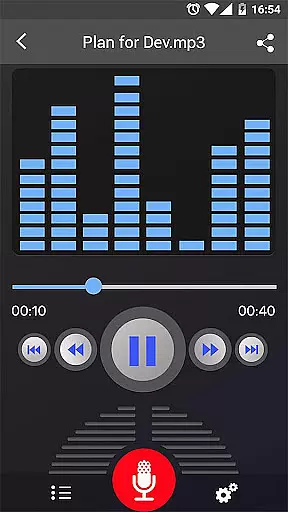
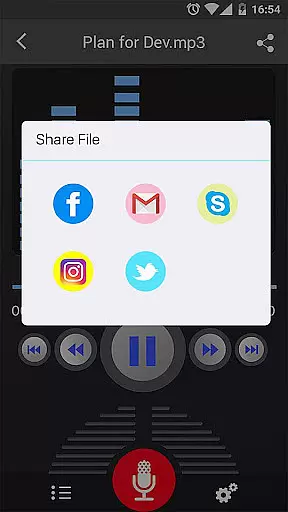
Voice Recorder offers a comprehensive suite of features that cater to all your audio recording needs. The app provides high-quality recording capabilities with support for multiple file formats including MP3 and OGG. Its user-friendly interface makes it easy to record, play, pause, and stop audio files, while also allowing users to send or share recordings via email, SMS, MMS, Facebook, WhatsApp, Dropbox, and more.
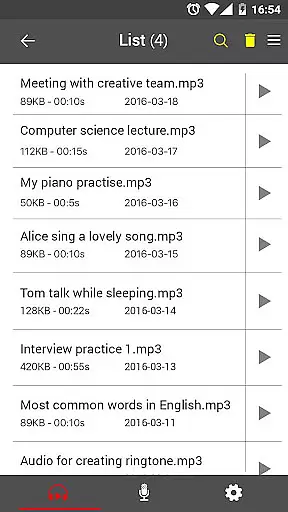
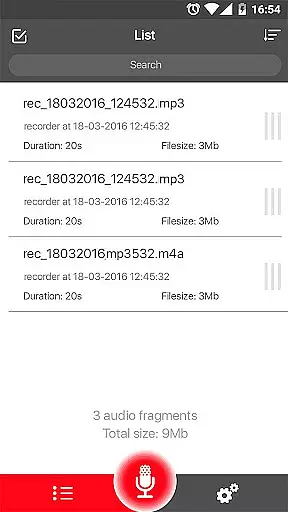
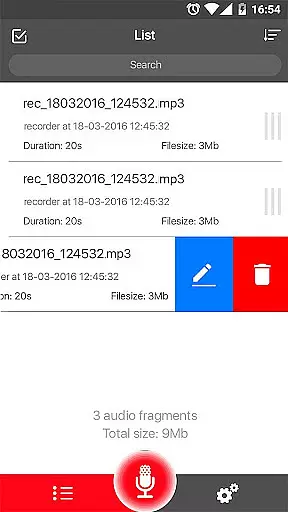
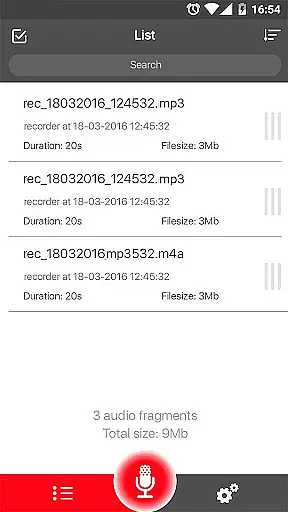
Advanced functionalities include a microphone gain calibration tool, which ensures optimal recording levels, and the ability to save, pause, resume, or cancel the recording process. The app also features an easy-to-navigate recordings list, enabling quick access to your saved files. With these robust features, Voice Recorder empowers users to efficiently manage and share their audio content, making it an indispensable tool for anyone in need of a reliable recording solution.
Voice Recorder offers a comprehensive set of features that cater to both casual and professional audio recording needs. Despite not having an integrated music library, the app excels in providing high-quality recording capabilities that ensure your audio files maintain their integrity and quality.
The application supports multiple file formats such as MP3 and OGG, which are widely recognized and respected for maintaining audio authenticity. This means that users can rely on Voice Recorder to capture every detail of their audio, whether it's a business meeting, lecture, or personal notes, without worrying about loss of quality.
Moreover, the ability to share recordings via email, SMS, MMS, Facebook, WhatsApp, Dropbox, and more, adds a layer of convenience for users who need to distribute their recordings quickly and efficiently. The lack of a dedicated music library is offset by the app's versatility in recording and sharing options.
While Voice Recorder does not directly address copyright issues, its focus on high-quality, authentic recordings ensures that users can confidently create original content. This positions the app as a reliable tool for those who prioritize genuine, high-fidelity audio capture over pre-existing music libraries.
One of the standout features of Voice Recorder is its emphasis on delivering top-notch audio quality options. The app allows users to record voice with exceptional clarity, making it ideal for capturing detailed soundscapes during meetings, lectures, or interviews.
With adjustable sample rates ranging from 8 kHz to 44 kHz, users have the flexibility to choose the level of audio quality that best suits their needs. This feature is particularly beneficial for professionals who require precise control over their audio files, ensuring that every nuance of the recorded sound is preserved.
In addition to customizable sample rates, Voice Recorder includes a live audio spectrum analyzer and a microphone gain calibration tool. These advanced features enable users to fine-tune their recordings, resulting in a polished final product that meets high standards of audio fidelity.
Furthermore, the app's support for background recording, even when the display is off, ensures uninterrupted sessions. This capability, combined with the option to save, pause, resume, or cancel the recording process, provides users with a robust set of tools to achieve optimal audio quality in various scenarios.
User-friendly interface
High-quality recordings
Unlimited recording time
Background recording
Multiple sharing options
No call recording
Limited format support
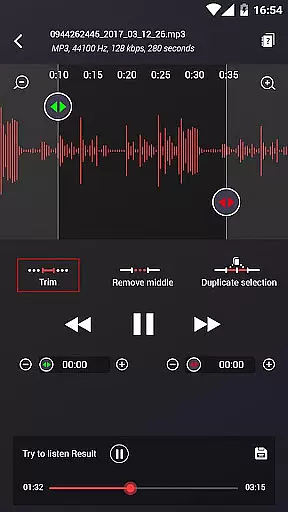
Basic editing tools
Occasional bugs
Ads in free version

Fun & Easy Voice Changer – Record, Edit & Add Hilarious Effects!
 4.50
4.50
Time Trainer: accurate metronome w tools to help you develop your internal time!
4.20
Simple & Intuitive Metronome
4.70
Bass Booster & Volume Equalizer Pro improves your music and video sound quality
4.60
Offline Music Player&MP3 Player with themes, equalizer, lyrics, music play mode
4.60
MilkDrop for Android TV
3.00
Responsive piano with great sounds, graphics, and songs
4.80
Full featured mp3 and audio player with Chromecast and Android Auto support.
4.40
Uninterrupted Tunes, Unmatched Vibes
3.90
Taal player that lets you sing any Indian & Western song with Tabla & Tanpura
4.60
Formerly known as Spotistats! View your top tracks, artists, albums and more!
4.40
Your HD audio recorder on the go for music, meetings, ambience, animal sounds…
4.30
Bass Booster Pro takes auto-equalizing to the next level!
4.30
The alternative folder based music player.
4.20
The original SP-1200 experience on your iPad
4.20
VB-AUDIO Software / VBAN-Receptor allows listening to any VBAN Streams
4.10
The Minimalistic Premium Music Player. Handmade with passion for music
2.20
Simply convert wav to mp3. Clear. Reliable. Safe.
4.1
Make music anywhere. Turn your device into an instrument.
4.5


User Reviews