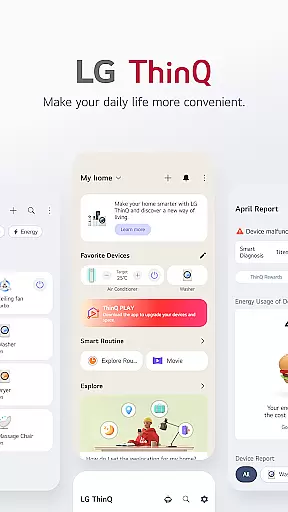
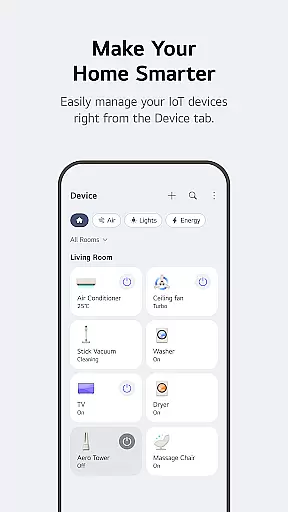
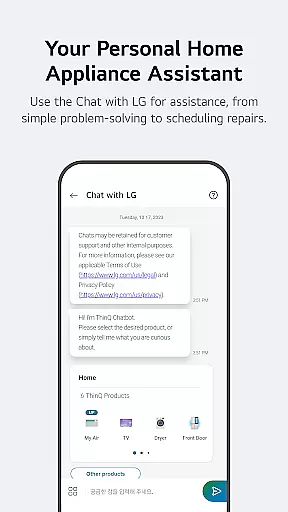
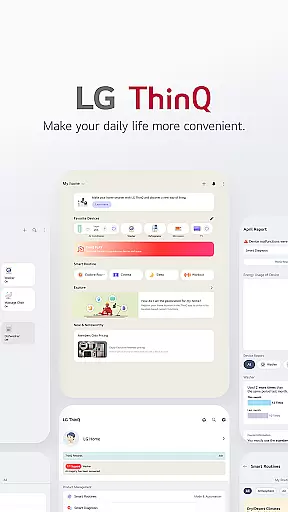
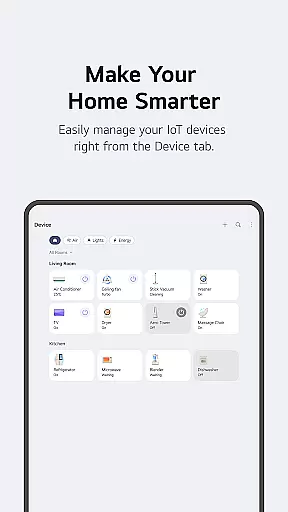
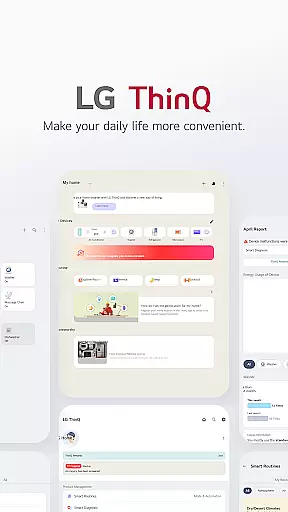
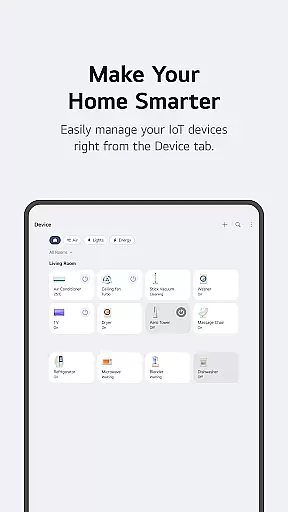
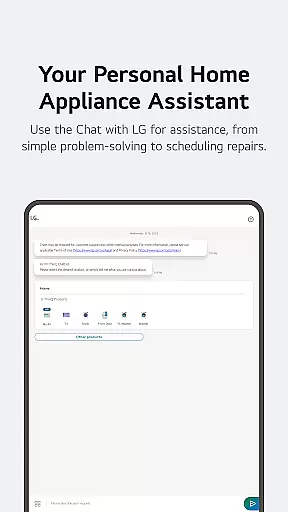
LG ThinQ is a comprehensive smart home solution that connects and controls IoT-enabled LG home appliances. The app serves as a central hub for managing your smart devices, offering features like remote control, energy monitoring, and personalized recommendations. With its intuitive interface, users can easily create automated routines, receive product care notifications, and access AI-powered customer support through the 'Chat with LG' feature.
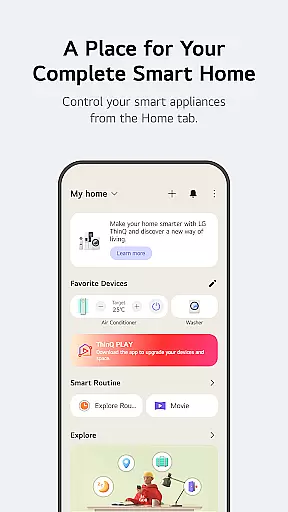
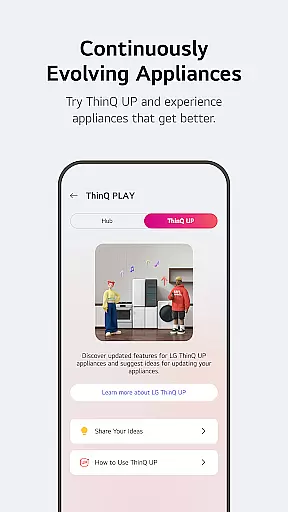
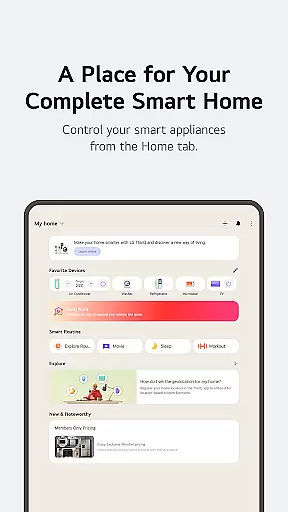
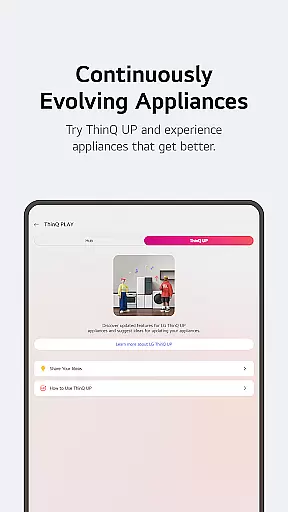
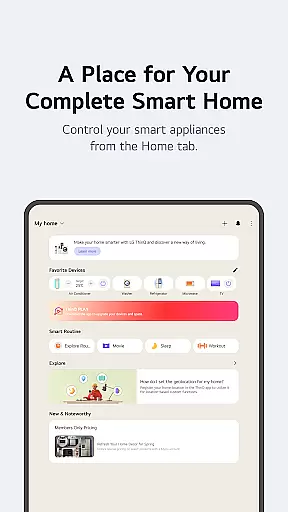
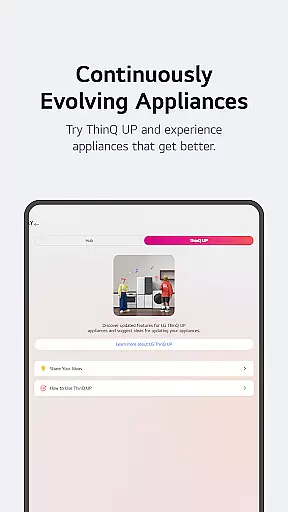
The application's standout capability lies in its ability to enhance user convenience while promoting energy efficiency. Through the Home tab, users can control their appliances from anywhere, compare energy consumption with neighbors, and set saving goals. The ThinQ Play section allows users to upgrade their products with new features and apps, ensuring their smart home ecosystem continually evolves with their lifestyle needs.
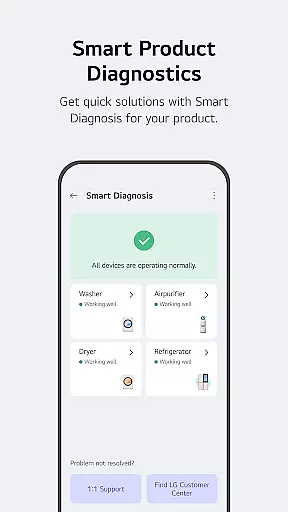
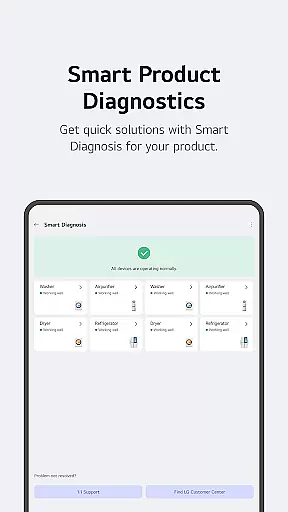
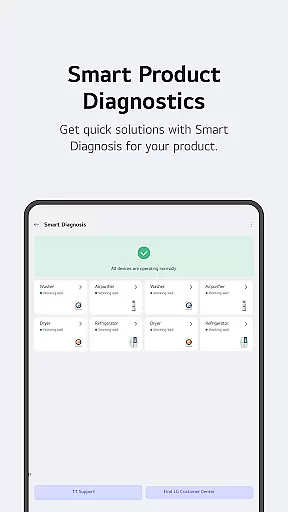
LG ThinQ offers an impressive array of features designed to simplify smart home management. The app's Home tab provides centralized control for all connected appliances, enabling users to manage devices remotely and receive tailored usage recommendations. Its Smart Diagnosis tool helps troubleshoot issues while allowing users to schedule professional service visits directly through the app.
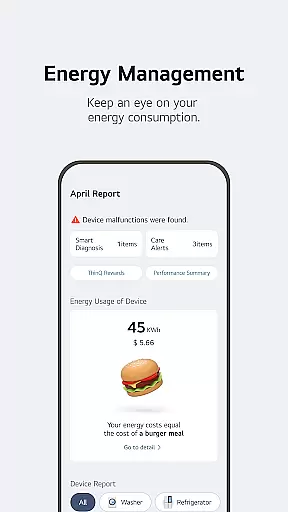
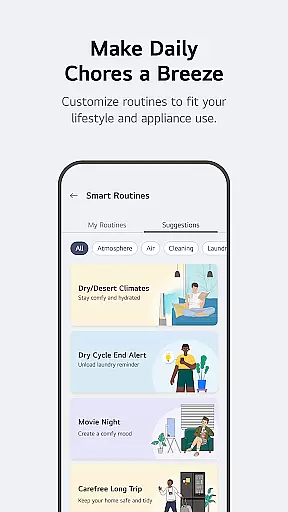
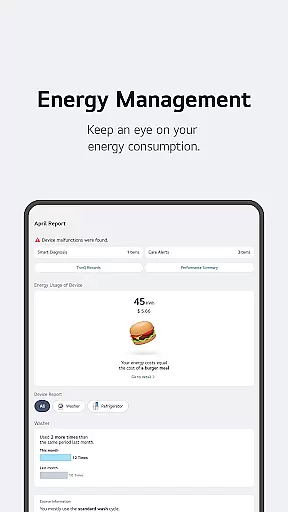
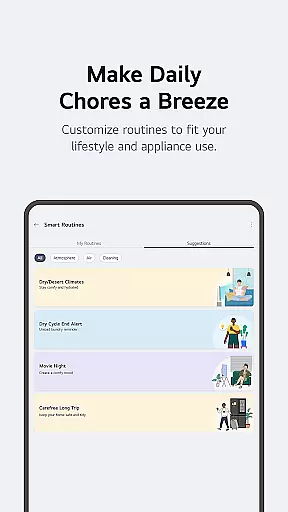
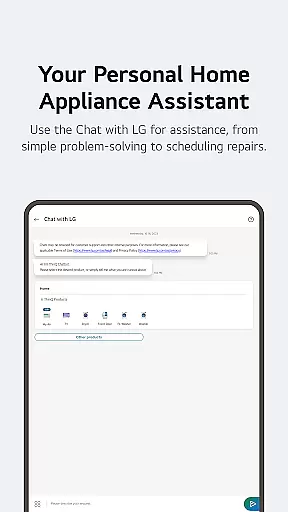
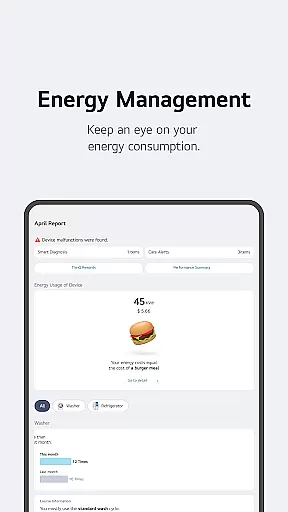
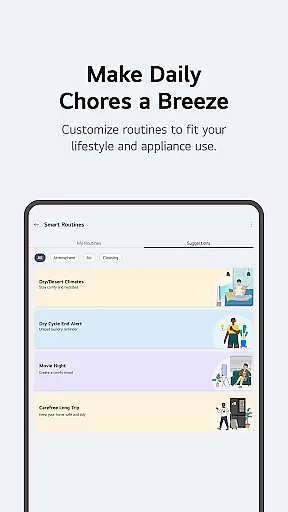
One of the app's most valuable aspects is its automation capabilities. Users can create customized smart routines that coordinate multiple devices based on specific triggers or schedules. The Energy Monitoring feature stands out by providing detailed consumption reports and neighborhood comparisons, helping users optimize their energy usage. Additionally, the 'Chat with LG' function delivers personalized support through AI-powered conversations that address individual product concerns and offer maintenance advice.
The app also excels in accessibility and integration. It supports various connection methods including Wi-Fi and Bluetooth, while offering optional permissions for enhanced functionality. These include location services for weather-based automation, camera access for QR code scanning, and microphone use for voice commands and diagnostics. Such comprehensive features make LG ThinQ a versatile tool for modern smart home living.
LG ThinQ app offers comprehensive coverage of lifestyle categories by integrating smart home appliances into a single platform. The Home tab allows users to control IoT-enabled appliances effortlessly, providing personalized recommendations based on usage history.
The app goes beyond basic appliance management by offering features like ThinQ Play, which enables users to upgrade their products and living spaces with downloadable apps for LG ThinQ On (AI Home Hub). This ensures that users can introduce new functionalities to existing products, tailoring them to fit personal preferences and lifestyles.
Smart routines further enhance the lifestyle experience by automating daily tasks. For instance, users can set up routines to automatically turn on lights and air purifiers at wake-up time or conserve energy while on vacation by turning off appliances. These features collectively create a seamless smart home ecosystem.
The LG ThinQ app ensures content authenticity and expert credibility through its robust service offerings. Users can access care services directly within the app, handling everything from troubleshooting to service requests with professional engineers available for accurate diagnosis and inspection.
Smart Diagnosis is a standout feature that checks product status, ensuring that any issues are promptly addressed. Additionally, the AI-powered 'Chat with LG' provides tailored answers based on the specific conditions of each product, enhancing user trust in the information provided.
Energy Monitoring adds another layer of credibility by allowing users to compare their power usage with neighbors and set energy-saving goals. Notifications on usage status help users save energy more efficiently, reinforcing the app's commitment to delivering authentic and reliable content.
User-friendly interface
Comprehensive device control
Energy-saving tools
AI-powered support
Custom automation options
Limited device compatibility
Region-specific features
Occasional connectivity issues
Premium feature costs
Steep learning curve

The all-new Cync app. The simple, connected app for Cync and C by GE.
 4.50
4.50
Unique Dual Colors with 6 Custom Complications for Wear OS watches!
3.40
Material You inspired colors with BIG and Bold looks for Wear OS watches.
4.20
Connect to your Shark ROBOT™ from anywhere using the SharkClean™ App.
3.60
Play. Earn. Repeat. Get rewarded for playing mobile games. Welcome to Mobius!
4.80
Colorful minimal digital watch face for Wear OS
4.60
LineLearner, the quick way to learn lines.
2.90
No more juggling multiple apps, now you can control everything in one place!
4.60
Control your Tapo smart devices from anywhere.
4.60
Discover the "To Be a Christian" App: Your Guide to Deepening Faith!
5.00
Countdown to Christmas 2025 with festive games & activities in a virtual village
4.80
Good magnifier app to see tiny things bigger and more clearly!
4.80
Made To Order Faves
4.70
A smart Siddur with halachic times
4.50
Cute Adorable Animals now on your wrist with our Wear OS watch face!
4.40
Fly your Solo like a boss.
4.10
Unique BIG BOLD TIME with amazing colors and customisations.
3.70
Healthy eating timer app to track meal pace, improve habits, and eat slowly.
4.4
Wear your favorite memories, loved ones, pets or travel photos on your watch
4.1


User Reviews