
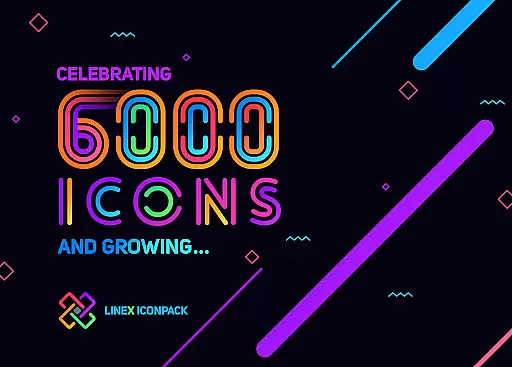

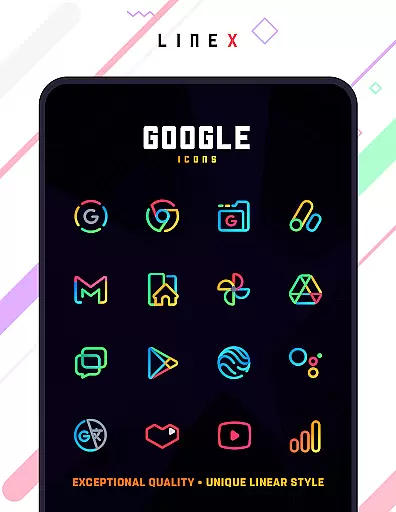
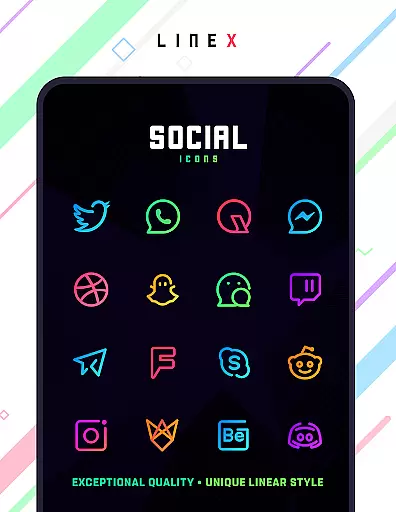
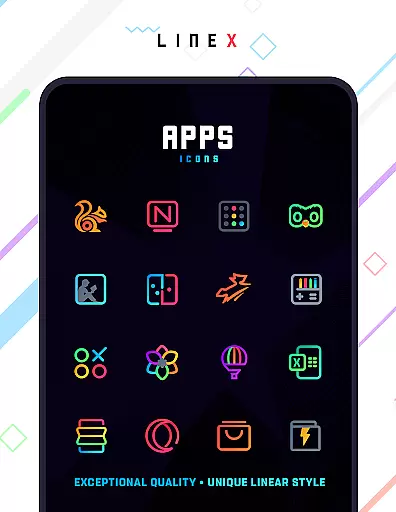
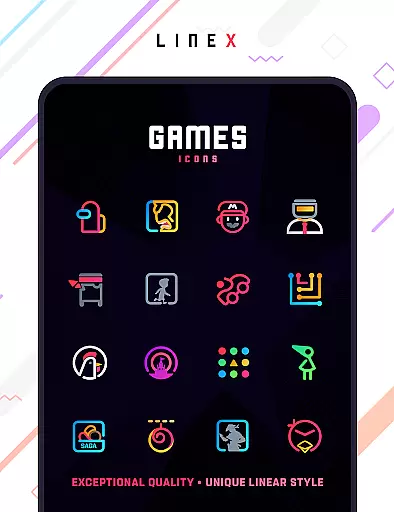
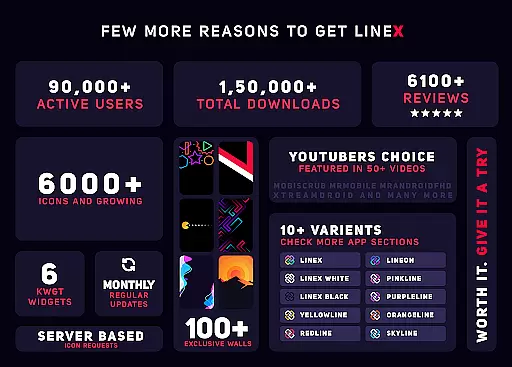
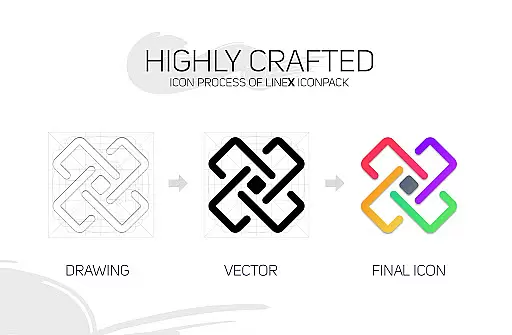
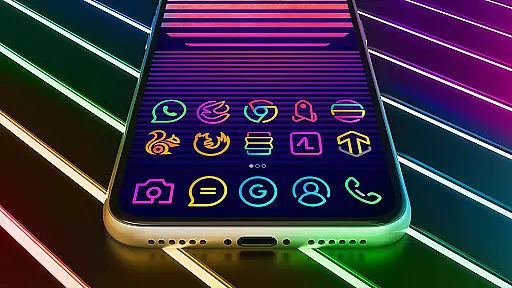
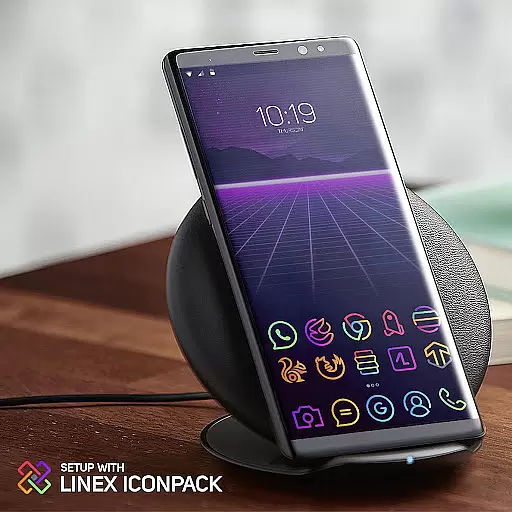
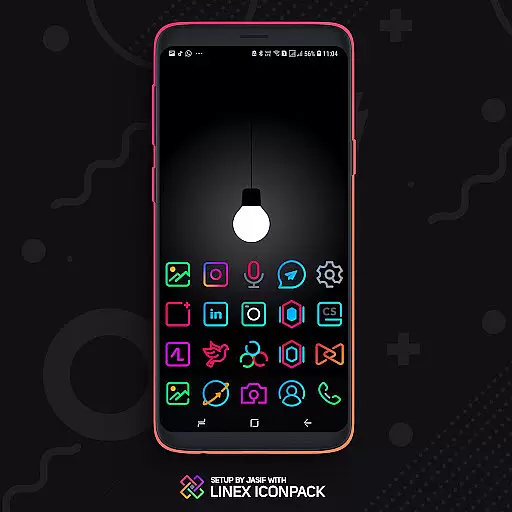
LineX Icon Pack is a premium icon pack designed for users who appreciate minimalist design with a linear theme. Featuring over 6000 high-quality icons, this pack offers one of the most comprehensive collections available on the market. Each icon showcases a super-simplistic neon style that brings a fresh and modern look to any device.
In addition to its extensive icon library, LineX includes beautifully designed masks for unthemed icons, ensuring a consistent appearance across all apps. Compatible with a wide range of launchers, this icon pack provides users with customization options such as icon size adjustment, alternative icons, and category-based organization. Whether you're using Nova Launcher or another supported launcher, LineX enhances your home screen experience with its top-notch quality and frequent updates.
LineX Icon Pack stands out with its robust set of features tailored for customization enthusiasts. The pack boasts over 6000 icons crafted with precision, offering users a variety of styles to choose from. Its perfect masking system ensures that even unthemed icons blend seamlessly into the overall aesthetic.
Users can enjoy additional functionalities like dynamic calendar support, material dashboard, and custom folder icons. The pack also includes an easy icon request feature, allowing users to suggest new icons that may be missing. With frequent updates and alternative icons, LineX guarantees that your device remains up-to-date with the latest design trends while maintaining a personalized touch.
LineX Icon Pack offers an extensive range of customization options that cater to personal preferences and device aesthetics. With over 6000 icons, users can enjoy a fresh, linear-themed appearance on their devices.
The pack includes a perfect masking system for unthemed icons, ensuring a cohesive look across the board. Additionally, it provides alternative icons and custom folder icons, allowing users to tailor their experience further.
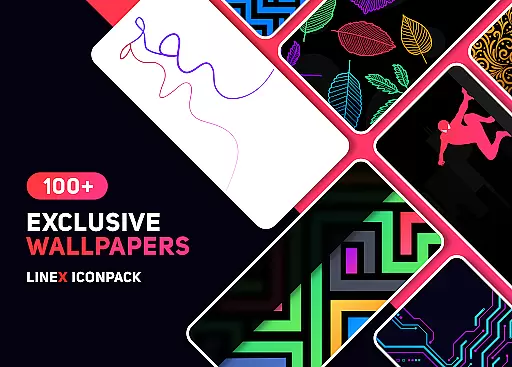
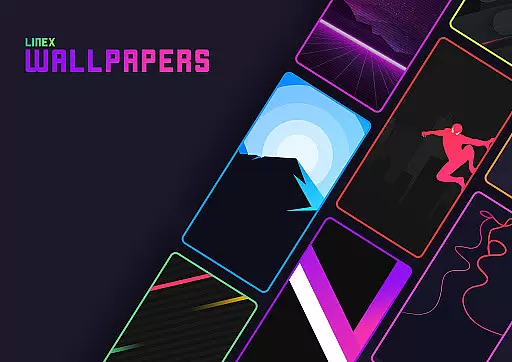
For those who appreciate visual variety, LineX also features a collection of amazing wallpapers and category-based icons. This level of customization ensures each user interaction with their device is a pleasure.
Users have the flexibility to adjust icon sizes according to their preference, whether they love small or big icons. The recommended Nova launcher settings enhance these capabilities, offering an adaptable environment for personalized expression.
Compatibility is a crucial aspect of any theme, and LineX Icon Pack excels in this area by supporting a wide array of launchers. From popular choices like Nova Launcher to others such as Apex and GO, LineX ensures seamless integration.
Even though not all launchers are included in the apply section, LineX works with many additional launchers such as Microsoft Launcher and Arrow Launcher. This versatility allows more users to enjoy its distinctive style without platform constraints.
Should users encounter any issues with compatibility, LineX provides support through email and offers a refund if needed. This commitment reassures users of both quality and service when choosing LineX for their theming needs.
Moreover, frequent updates and dynamic features like calendar support ensure that LineX remains compatible and functional, adapting to new system changes while maintaining its appeal across different devices.
Extensive icon library
Frequent updates
Perfect masking system
Wide launcher compatibility
Customization options
Premium price point
Requires compatible launcher
No Google Now support
Some features need manual setup
Initial learning curve

A light in the dark, a unique style and an andless cutomization!
 4.30
4.30
Transform your phone with Launcher iOS 26 - Smooth & elegant iOS experience
4.50
More than 3000+ themes and 9000+ wallpapers for everybody!
4.10
Wallpaper HD 4K Live - Thousands of high-quality Anime backgrounds for you.
4.80
Transfer your live wallpapers from Windows to Android using Wallpaper Engine!
4.00
Turn text & photos into stunning AI videos, art, and creative visual stories.
4.50
Adorable pets roam and play right on your phone screen!
3.30
One 8 icons glass color version
4.80
400+ Beautifully crafted widgets inspired by NOTHING.
4.70
Winter's Journey: digital watch face for Galaxy Watch & Wear OS
4.80 4.50
4.50 4.50
4.50
Romantic Kiss Stickers App. Start romantic messaging now!
4.30
Unique Fonts, typefaces and stylish text. Fonts for Instagram, Whatsapp & others
4.20
Organize and manage your photos and videos effortlessly with Photo Gallery
4.20
Unleash Your Creativity and Connect with Loved Ones with Lockscreen Drawing!
4.20
Crystal-clear, square icon provides a sleek and sophisticated visual upgrade
4.00
Transform your phone with stunning video wallpapers and a unique, personal touch
3.80
HappyLighting is a Bluetooth lamp control software.
3.40


User Reviews