
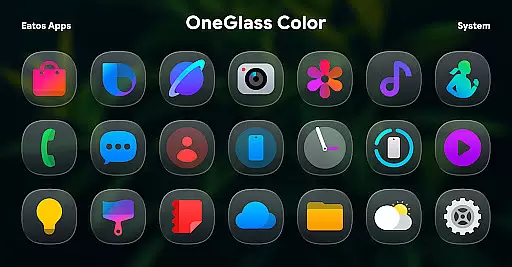
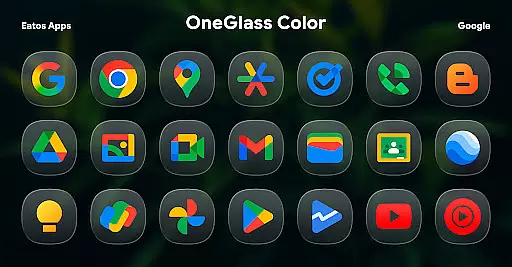
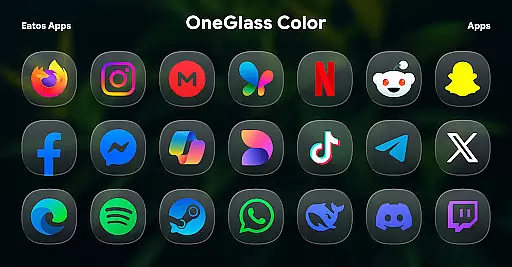
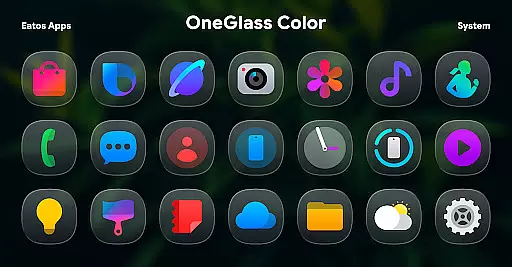
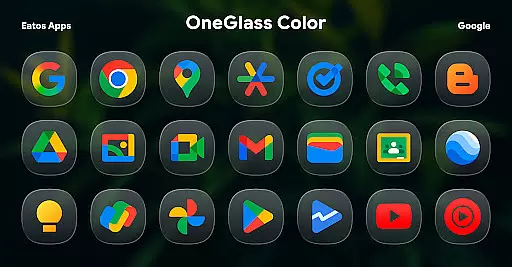
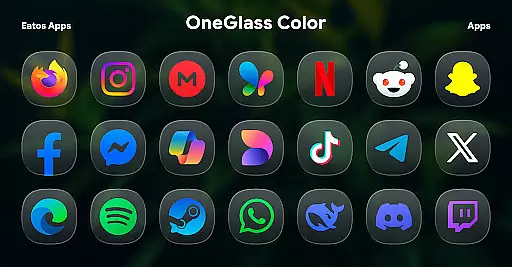
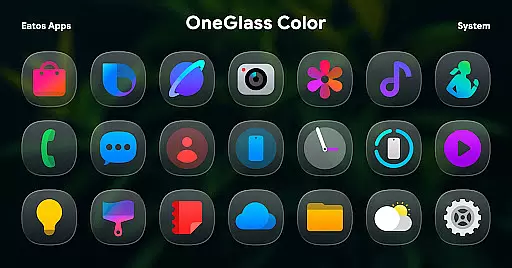
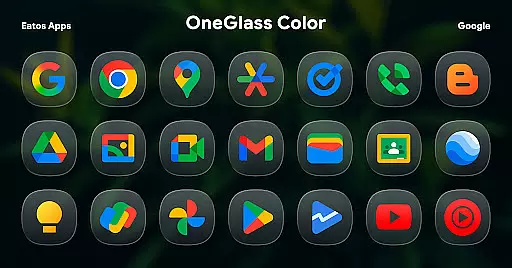
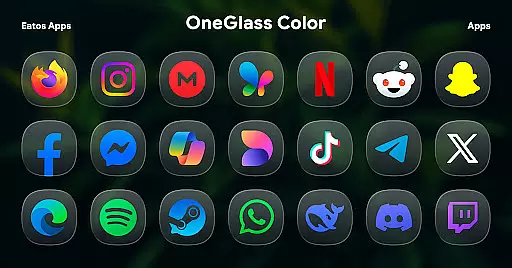
OneGlass 8 (Color) is a premium icon pack featuring over 4,600 beautifully crafted glass-style icons inspired by One 8 design language. This pack also includes more than 430 high-quality wallpapers, offering users a complete customization experience for their devices. Designed specifically for dark mode enthusiasts, the icons and wallpapers create a stunning visual effect when paired with darker themes.
The icon pack supports popular launchers like Hyperion, Nova, and Smart Launcher, ensuring compatibility across various Android devices. For Samsung One UI users, it integrates seamlessly through the Good Lock and Theme Park apps. With its sleek design and extensive icon coverage, OneGlass 8 (Color) provides a polished and cohesive look that enhances the overall aesthetic of any smartphone or tablet interface.
OneGlass 8 (Color) stands out with its unique glass-inspired icon design, meticulously crafted to deliver a modern and professional appearance. Each icon features vibrant colors and intricate details, making them visually appealing while maintaining clarity and usability. The pack's specialized focus on dark mode ensures optimal visibility and aesthetic harmony when using darker wallpapers and themes.
Beyond its visual appeal, this icon pack offers practical functionality through broad launcher support. Compatible with major launchers such as Nova, Hyperion, and Smart Launcher, it provides flexibility for users across different devices. The inclusion of detailed instructions for One UI integration demonstrates the developer's commitment to accessibility. Additionally, the pack's regular updates and dedicated support channels ensure users receive timely assistance and continuous improvements to the icon library.
OneGlass 8 (Color) offers an extensive range of customization options, ensuring users can tailor their device's appearance to their personal style. With over 4,600 Glass color icons and more than 430 wallpapers, this icon pack provides a rich selection for those who prefer a cohesive dark mode aesthetic.
The variety extends beyond just the number of icons and wallpapers. Each icon is meticulously designed to maintain visual harmony when used with dark wallpapers, enhancing the overall user experience in low-light environments. This makes it particularly appealing for users who frequently use their devices in the evening or in dimly lit settings.
Users benefit from the ability to mix and match these resources within different launchers that support theme application. Whether you're using Hyperion Launcher, Nova Launcher, or Smart Launcher, OneGlass 8 (Color) ensures your home screen remains uniquely yours while offering a consistent look and feel across all your apps.
Theme compatibility is a crucial aspect of OneGlass 8 (Color), allowing seamless integration with various launchers such as Hyperion Launcher, Nova Launcher, and Smart Launcher. This compatibility ensures that users can apply the icon pack without worrying about inconsistencies or display issues on their chosen platform.
For Samsung One UI launcher users, OneGlass 8 (Color) provides specific instructions to ensure proper application through the Good Lock and Theme Park apps. By following the provided guide at https://bit.ly/OneUIThemePark, users can enjoy a hassle-free setup process that maintains the integrity of their selected themes.
This level of compatibility not only enhances the visual appeal but also improves usability by providing clear, easy-to-follow steps for installation. Users can rest assured that their selected themes will display correctly, preserving the intended design and functionality across different devices and launcher environments.
Stunning glass design
Extensive icon coverage
Dark mode optimized
Regular updates
Dedicated support
Limited light mode
Requires third-party launchers
No automatic theme switching
One UI setup complex
Wallpaper selection limited

Customizable Glass widgets. Over 360+ stunning widgets and more!
 4.70
4.70
Try creating your own keyboard with "Keyboard theme for android" app now!
4.50
Run multiple accounts of the same app on a single device
4.10
Turn text & photos into stunning AI videos, art, and creative visual stories.
4.50
Your home screen, just the way you like it.
4.30
Enjoy a variety of amazing live wallpapers and colorful EDGE lighting borders!
4.80
set a new experience for the Android mobile phone
4.20
Amazing letter fonts in your messages and social statuses
4.70
Custom ringtones songs, music ringtones for Android phones
4.60
100+ Stylish Fonts, Emojis, Symbols keyboard for Instagram & TikTok!
4.80
A minimalist productivity launcher. One-hand-friendly. Zero ads.
4.70
Customize your home screen with stunning themes, blur, widgets & icons.
4.60
300+ Beautifully crafted widgets inspired by OneUI.
4.60
3D, live, and moving wallpapers & themes in 4K and HD for your device.
4.50
Customizable screen pets that play, climb, and keep you company.
4.50
200+ Material Inspired Widgets
4.50
Yandex Browser — stylish and secure, with voice search and data compression
4.40
A light in the dark, a unique style and an andless cutomization!
4.30
Capture moments that pass like a storm, second by second.
4.1


User Reviews