
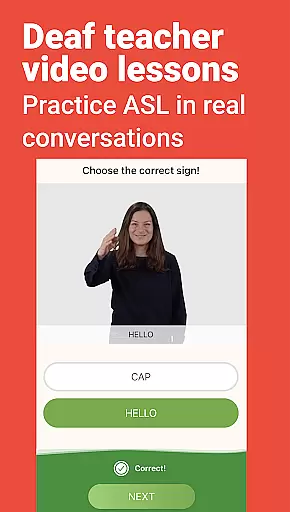
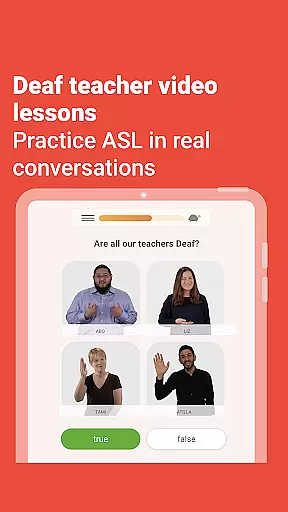
Lingvano is the leading sign language learning application designed to help users master American Sign Language (ASL) through innovative and interactive methods. With over 3 million users, this app offers a comprehensive learning experience tailored for beginners and intermediate learners alike. The app features video lessons created by Deaf educators, ensuring authentic and culturally accurate content.
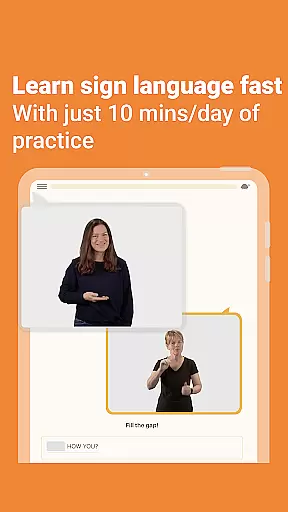
One of Lingvano's standout features is its bite-sized lesson format, which allows learners to build vocabulary and understand grammar at their own pace. The app also includes practice tools such as a trainer for vocabulary retention, an interactive mirror for self-practice, and a dictionary for quick reference. These resources make it easy to integrate ASL learning into daily life, whether you're at home or on the go.
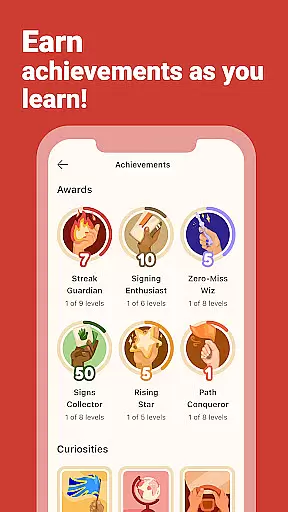
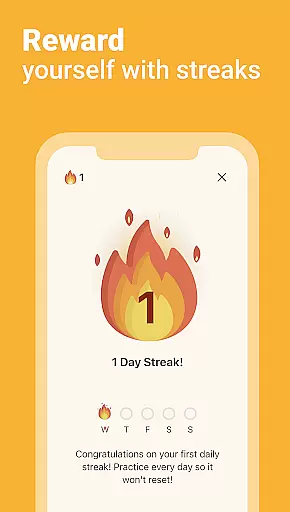
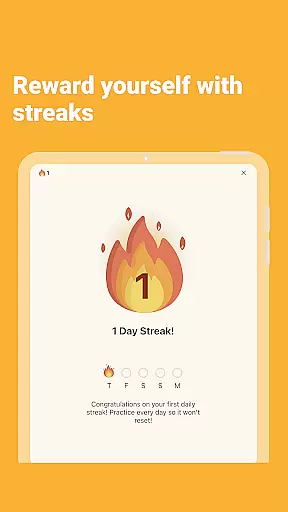
The app's engaging reward system motivates users to stay consistent with their studies. Learners can earn awards, unlock stars in milestone lessons, and maintain learning streaks. Additionally, real-life dialogue lessons provide practical conversational skills, preparing users to communicate effectively with Deaf individuals in various contexts.
Lingvano stands out in the Education category due to its unique combination of structured lessons and interactive tools. The app provides over 600 video-based lessons that cover essential ASL vocabulary and grammar concepts. Each lesson is crafted by experienced Deaf teachers, ensuring high-quality instruction that reflects real-world signing styles.
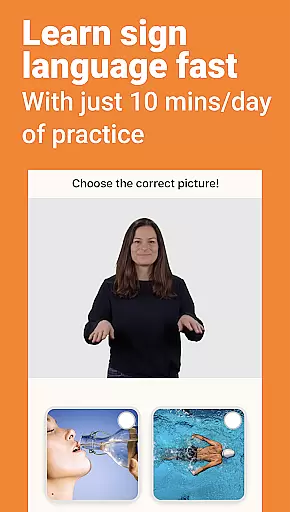
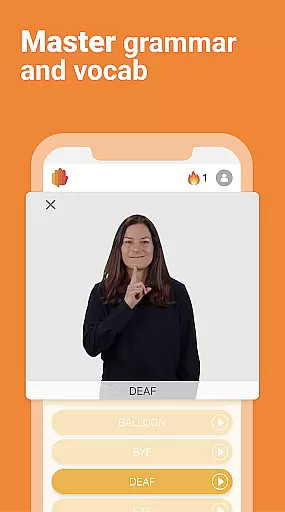
A key feature of Lingvano is its visual learning approach. Users can match signs to corresponding pictures or videos, reinforcing memory retention through active engagement. The app also includes end-of-chapter quizzes to assess progress and identify areas for improvement. For those who need extra support, the turtle icon allows users to slow down video playback speed, making it easier to follow along.
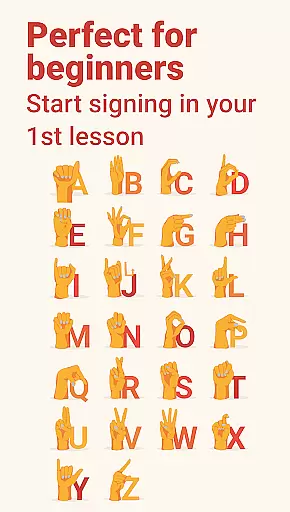
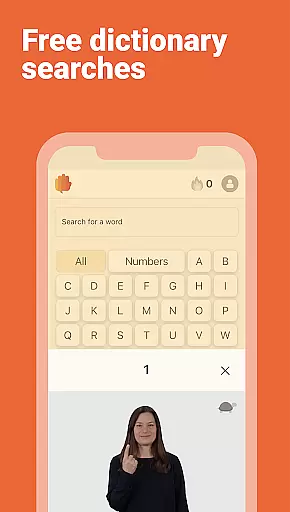
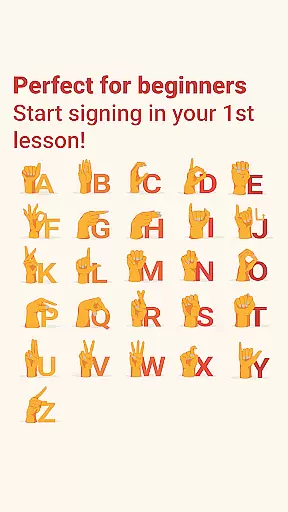
Beyond traditional lessons, Lingvano offers several practice tools to enhance learning outcomes. The built-in trainer helps users remember vocabulary, fingerspelling, and number signs through repetition exercises. The interactive mirror feature enables real-time practice, allowing learners to compare their signing technique with model examples. Furthermore, the comprehensive dictionary serves as a valuable reference tool for looking up unfamiliar signs.
In the realm of sign language education, content accuracy is paramount. Lingvano ensures precision by employing Deaf teachers to create video lessons, offering an authentic learning experience. This approach guarantees that users learn American Sign Language (ASL) from those who use it as their primary means of communication.
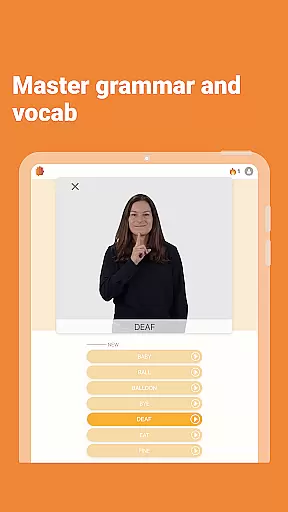
The app meticulously structures its curriculum with over 600 lessons designed to build vocabulary and grammar skills progressively. Each lesson incorporates visual aids, matching signs to pictures or videos, reinforcing memory retention through varied learning styles. The incorporation of real-life dialogues between Deaf individuals further enhances conversational proficiency.
End-of-chapter quizzes provide measurable checkpoints for learners to assess their signing progress. Additionally, features like the ability to slow down video playback ensure users grasp each sign's nuances, promoting a deeper understanding of ASL mechanics.
By prioritizing authoritative content created by native signers, Lingvano establishes itself as a credible educational resource, empowering users to communicate effectively within the Deaf community.
Lingvano recognizes that personalized learning significantly boosts engagement and retention. The app offers tailored experiences through interactive tools that adapt to individual learning paces. Users can practice vocabulary, fingerspelling, and number signs using a dedicated trainer, enhancing memorization through repetition.
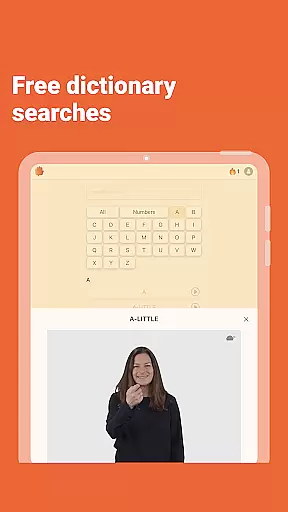
An integrated dictionary allows learners to look up forgotten or unknown signs instantly, facilitating uninterrupted study sessions. Furthermore, the interactive mirror feature enables real-time practice, letting users compare their signing with instructional videos, thus refining their technique.
To maintain motivation, Lingvano incorporates gamification elements such as earning awards, collecting curiosities, and unlocking stars in milestone lessons. These incentives encourage consistent daily practice, fostering long-term commitment to mastering ASL.
By combining structured lessons with adaptive practice tools and engaging rewards, Lingvano crafts personalized learning journeys that cater to diverse learner needs, ensuring steady progress toward fluency.
User-friendly interface
Authentic Deaf-led content
Comprehensive lesson library
Engaging reward system
Flexible learning pace
Premium subscription required
Limited offline functionality
Advanced lessons not available
Occasional technical issues
High cost for long-term use

Turn scrolling hours into improving your knowledge, communication, intelligence
 4.50
4.50
One of the most engaging and innovative ABC apps on the market.
4.30
Dinosaurs coloring book game. Drawing and painting dinos.
4.50
Designed for Calculator 84 users
4.20
Listen, request and record pronunciations in more than 450 languages. Everywhere
3.90
Hasbro’s classic CANDY LAND game is now a gorgeous interactive storybook app.
2.30
Stargazing Guide App. Stars and constellations map. Solar system planets finder.
4.60
Memorize anything efficiently with AnkiDroid! Many pre-built decks available.
4.80
Adventures await with Spider-Man and other Marvel characters!
4.10
Experience the sky, planet earth and the solar system like never before
4.90
Learning the ancient Viking language made simple
4.70
Guitar chord finder, analyzer, smartly visualized theory, progressions, quizzes.
4.70
Latest TLC Practice Questions! Multiple languages available!
4.50
Practice Casino Roulette Payouts for Table Game Dealers and Croupiers
4.40
An aviator’s preparation, study and test tool for FAA Knowledge Exams.
4.30
School Communication
4.30
Explore numbers the Starfall way!
4.00
MONOPOLY JUNIOR brings Hasbro's classic the board game to life.
3.00
The official CCM Glossary app, including 700+ terms and definitions.
2.90


User Reviews