

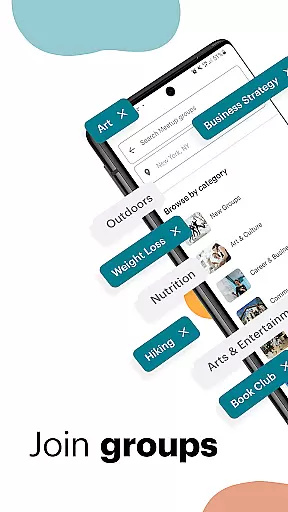
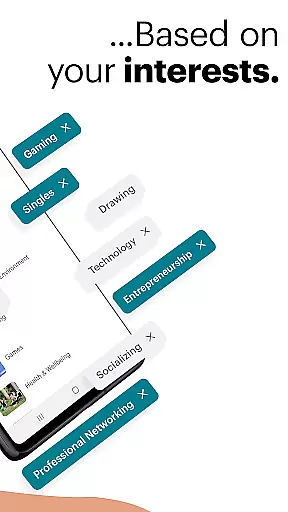
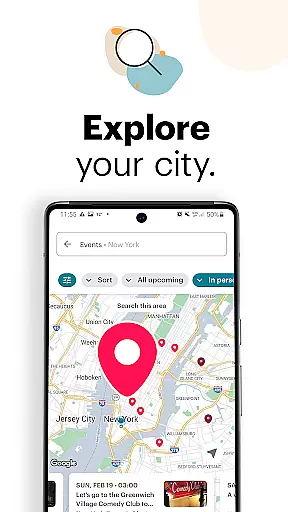
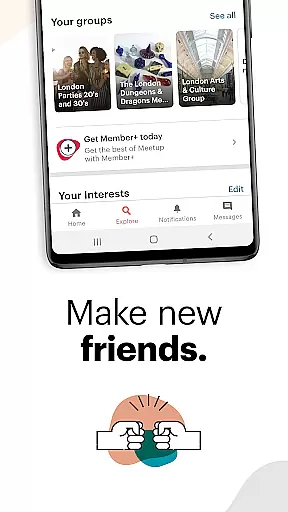














Meetup is a social networking app that connects individuals with shared interests, both online and offline. With over 60 million members, it facilitates career networking, tech community discovery, personal branding, and hobby engagement.
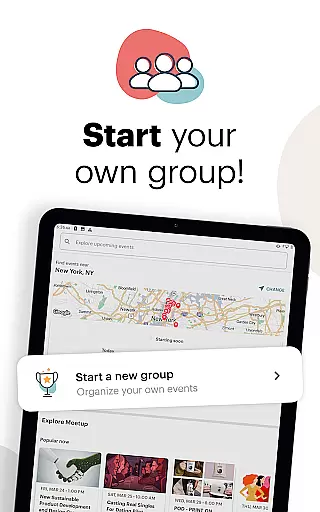
The app allows users to discover local and online events across various categories, join discussions, and directly message new connections. Meetup also enables users to create and manage their own interest-based groups, fostering new friendships and expanding professional networks.
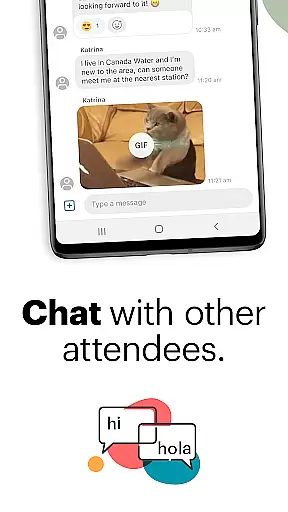
Meetup offers diverse features for community engagement. Users can explore events by category, keyword, or popularity, and save favorites for later. The app supports direct messaging, discussion participation, and event hosting.
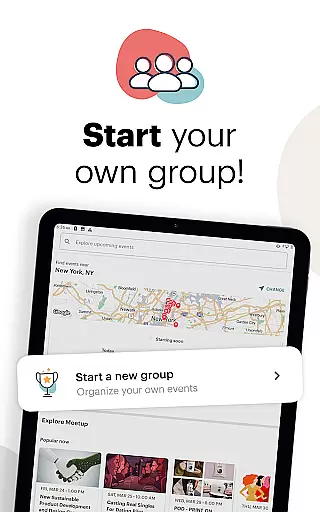
For group organizers, Meetup provides tools to personalize and schedule events, manage member lists, and maintain engagement through photo sharing and instant messaging between events. These features help build lasting communities around shared interests.
User profile customization is a crucial aspect of any social platform, allowing individuals to express their identity and interests. Meetup provides users with the tools to create detailed profiles that showcase their hobbies, professional background, and the type of groups they are interested in.
Authenticity verification on Meetup is achieved through integration with other social networks and by analyzing user activity. When members connect their social media accounts, it adds a layer of credibility to their profiles, showing they are real people with genuine interests.
The benefit for users is twofold: firstly, personalized profiles help in finding like-minded individuals more efficiently. Secondly, verified profiles foster trust within communities, making interactions more meaningful and productive.
This focus on customization and verification ensures that Meetup remains a reliable space for professionals and hobbyists alike to network and build lasting relationships based on shared passions.
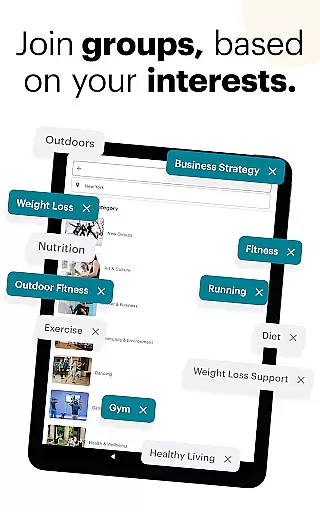
Connection discovery refers to the mechanisms through which a platform suggests potential contacts or groups that align with a user's interests. Meetup excels in this area by using sophisticated algorithms to recommend events and groups that match member preferences and past activities.
Through location-based suggestions, keyword searches, and category browsing, Meetup makes it easy for users to find both local and online gatherings. The app also highlights trending events and popular groups within a user's area of interest, ensuring they never miss out on exciting opportunities to meet new people.
For users, this means less time searching and more time engaging with communities that truly matter to them. Whether looking to advance a career, learn a new skill, or simply make friends, Meetup's connection discovery feature streamlines the process.
Ultimately, this functionality enhances user engagement by continuously introducing members to fresh content and diverse communities, keeping the experience dynamic and relevant.
User-friendly interface
Vast event categories
Strong networking potential
Event creation tools
Active user base
Premium subscription costs
Occasional app instability
Limited free event slots
Geographic limitations
Privacy concerns

This is to support the developer of Infinity for Reddit. No exclusive features.
 4.2
4.2
The video chat to meet people in the blink of an eye!
3.90
A gathering place for 300 million people's life interests and hobbies
4.30
Discover an open-minded dating experience when you download today
4.10
Random chat & meet online. Find your soulmate or someone special and have fun!
3.90
Instant messaging — simple, fast, secure, and synced across all your devices.
4.00
Free texting (SMS) to US, Canada & more. Free new number. Call free & Text free.
4.30
A little connection can go a long way
4.60
Create & share photos, stories, & reels with friends you love
3.90
Live pics from your friends - Only the photos you want to see
4.60
Dating & make friend to chat, meet, flirt, and make real connections!
4.60
A video app from OpenAI - AI video generation by the maker of ChatGPT
4.60
Unlimited calls & texts | WiFi voice line plus group txt | Call & text now
4.50
Calling and texting app. 2nd virtual line plus new phone number. Txt & talk now.
4.40
Watch, Edit, Upload and Share Gaming Clips
4.00
Swipe, Meet & Chat Real People
3.80
Go Live, Chat & Meet New People! Friends. And more than friends.
3.80
Video call, live video chat & talk to strangers. Meet people on Omega!
3.60
Follow the Truth! Join America's leading free-speech social platform.
3.10


User Reviews