
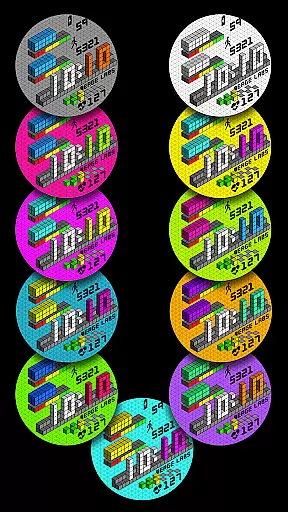
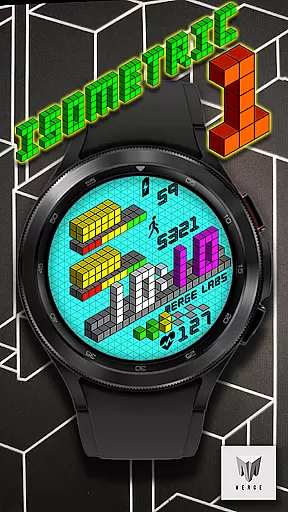
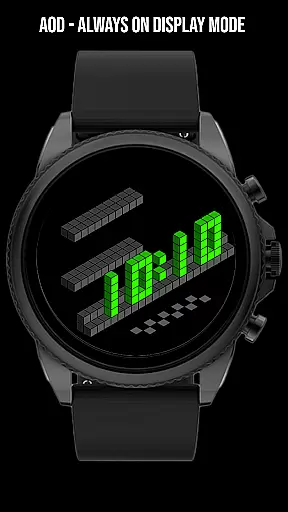
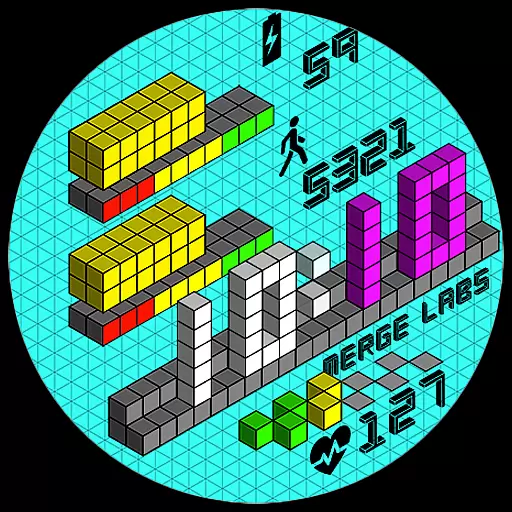
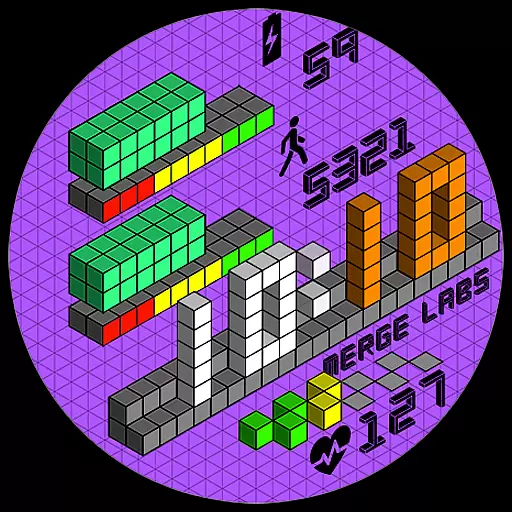
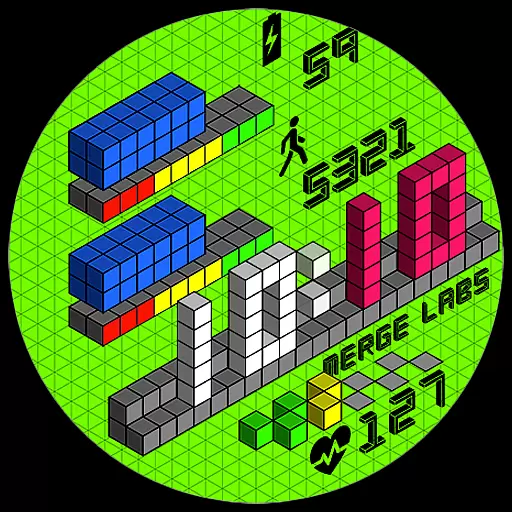
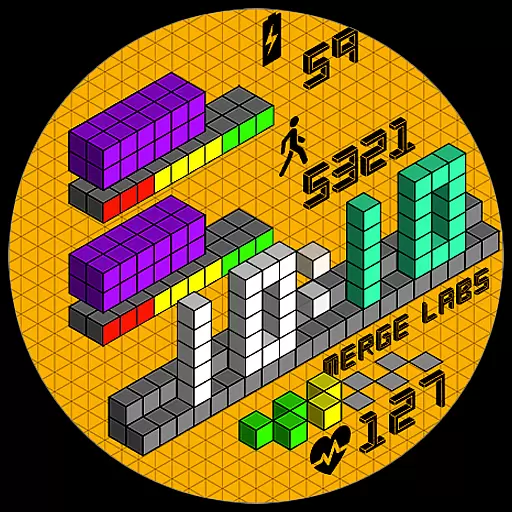
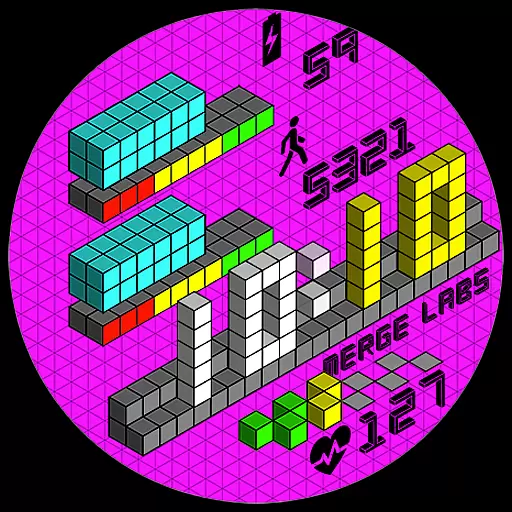
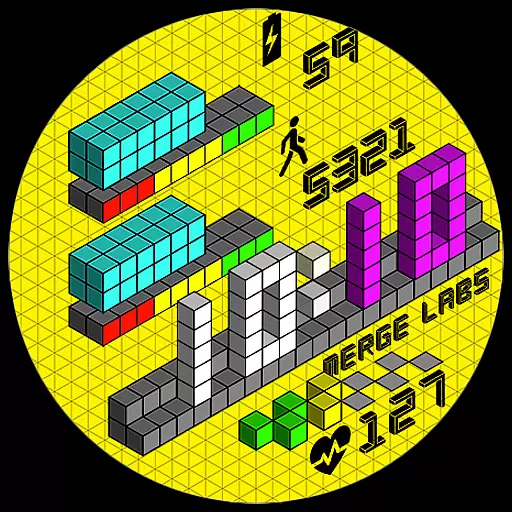
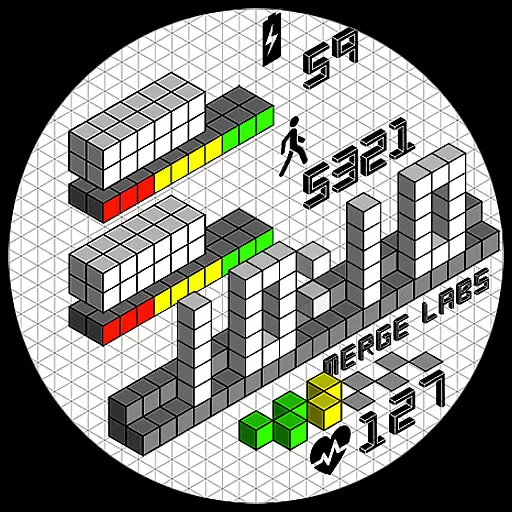
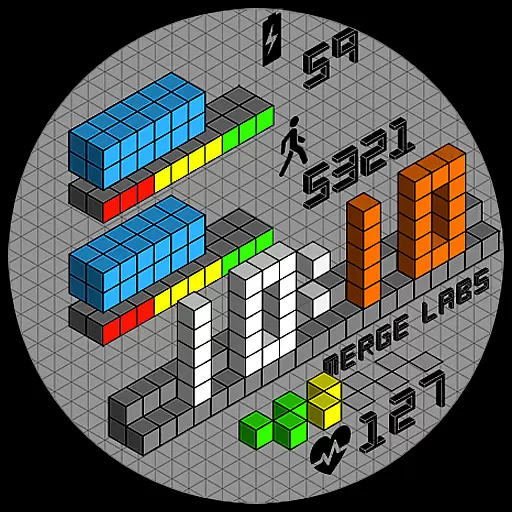
Merge Labs Isometric 1 is a uniquely designed digital watch face for Wear OS devices, featuring an innovative isometric design that creates a 3D effect using 2D tools. This Lifestyle app offers users a distinctive way to view time on their smartwatches while enjoying practical functionalities.
The app includes features such as multiple color combinations, battery level indicators with graphical progress bars, step counters, and heart rate monitors. These elements are not only visually appealing but also provide essential information at a glance, making it ideal for health-conscious individuals who value both aesthetics and functionality in their wearable technology.
This app stands out with its comprehensive feature set tailored for the modern lifestyle. It offers 30 color combinations allowing users to personalize their watch faces according to their preferences. The inclusion of a 12/24 hour clock format ensures compatibility with various user settings worldwide.
Beyond basic timekeeping, Merge Labs Isometric 1 provides advanced functionalities like battery level monitoring through a graphical progress bar, which can be tapped to access the Battery App. Similarly, it tracks steps and heart rates, offering quick access to respective apps by tapping on the displayed metrics. Customization options include toggling the blinking colon and showing or hiding the isometric grid, enhancing user experience.
Merge Labs Isometric 1 offers a unique lifestyle experience by bringing isometric design to your Wear OS device. This design style, known for creating a 3D effect using 2D tools, has been popular in various media formats and now enhances your smartwatch's appearance.
The app provides users with 30 color combinations, allowing for personalization that fits individual tastes and moods. The inclusion of a 12/24 hour clock that syncs automatically with phone settings ensures convenience and ease of use across different time formats.
Additionally, the watch face features practical functionalities such as a battery level indicator with a graphical progress bar, a step counter, and a heart rate monitor. These elements collectively contribute to a comprehensive lifestyle management tool on your wrist.
The authenticity of Merge Labs Isometric 1 is evident through its well-executed isometric design, which mirrors techniques used in print, television, and video game design. This approach not only lends visual appeal but also aligns with professional design standards.
Expertise is demonstrated through features like the tap-to-open functionality for battery, step, and heart rate areas, providing quick access to essential apps. The ability to customize elements such as a blinking colon and isometric grid showcases attention to detail and user-centric design.
By integrating these sophisticated design elements and practical features, Merge Labs Isometric 1 establishes itself as a credible and valuable addition to the lifestyle category on Wear OS devices.
User-friendly interface
Visually striking design
Comprehensive health tracking
Customizable color schemes
Seamless integration with Wear OS
Limited to Wear OS
No standalone mobile app
Premium features may require payment
Some features depend on third-party apps
Design might not appeal to everyone

Healthy eating timer app to track meal pace, improve habits, and eat slowly.
 4.5
4.5
Unique informative Dial with Live Moon Phase at a glance!
3.60
Turn your watch into a key fob for your Tesla
2.90
What is my face shape? Find out your face shape from picture, see fitting frames
3.90
Unique Dark Analog style for Wear OS watches.
4.5
Paranormal Spirit Bell Trigger Device
4.30
Customize your Wear OS watch with festive Christmas figures and colors!
4.0
Celebrate the holidays with Advent Calendar: daily surprises and festive fun!
4.1
The App can control Roborock vacuum cleaners from anywhere with rich features.
4.60
Play. Earn. Repeat. Get rewarded for playing mobile games. Welcome to Mobius!
4.80
Countdown to Christmas 2025 with festive games & activities in a virtual village
4.80
Do you want to communicate with spirits?
3.80
Unique BIG BOLD TIME with amazing colors and customisations.
3.70
Communicate with your vehicles and Powerwalls anytime, anywhere
3.60
An Eerie Musical Trigger Toy for Spirits to Play with!
3.50
View over 160,000 line dance stepsheets from the CopperKnob website.
3.30
Big bold weather watch face with dynamic backgrounds and 3 complications
4.4
Immerse yourself in the serenity of lavender fields and white butterflies
4.3
Wear your favorite memories, loved ones, pets or travel photos on your watch
4.0


User Reviews