
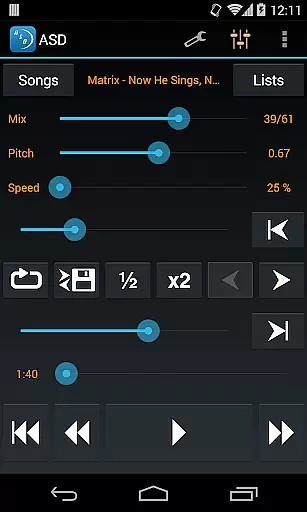
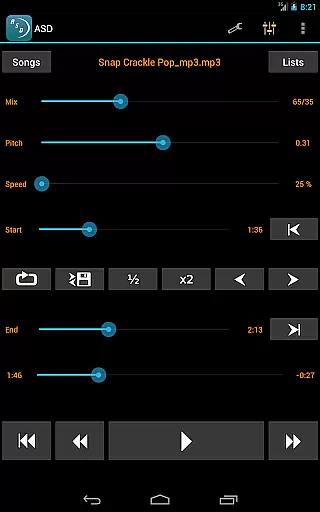
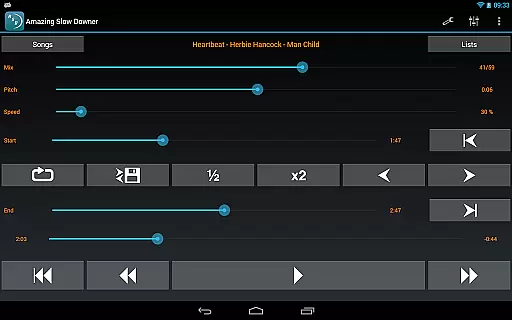
Amazing Slow Downer is a powerful tool designed for musicians, transcribers, and dancers who want to learn new songs or techniques. This app allows users to slow down music playback without changing the pitch, making it easier to practice and learn.
The app supports speed adjustments between 25% (one-quarter of the original speed) and 200% (double the original speed). It also offers seamless looping by setting start and end points during playback. Additionally, Amazing Slow Downer provides high-quality sound even at slower speeds, ensuring an optimal listening experience.
One of the standout features of Amazing Slow Downer is its ability to change the playback speed from 25% to 200% without altering the pitch. This makes it ideal for detailed study and practice sessions.
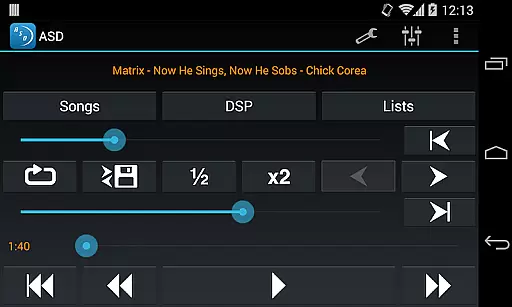
Users can set seamless loops by touching 'Set' buttons during playback, allowing them to focus on specific sections of a song repeatedly. The app also allows for tuning adjustments, which is beneficial for musicians who need to adapt songs to different keys.
Despite changes in third-party app policies, Amazing Slow Downer has maintained its functionality with services like Spotify until recently. Its outstanding sound quality ensures that even slowed-down tracks remain clear and crisp.
When it comes to music applications, the size and authenticity of the music library are crucial factors. Amazing Slow Downer offers a unique approach by allowing users to import their own music files rather than providing a pre-set library. This ensures that all content is legally owned by the user, thus maintaining copyright authenticity.
The application supports various audio formats, giving musicians and learners access to an extensive range of music tracks they already own. This flexibility allows users to slow down or speed up any piece of music in their collection without limitations on genre or artist.
By focusing on personal libraries, Amazing Slow Downer avoids legal issues associated with unauthorized distribution of music. Users can be confident that they are using legitimate copies of songs for practice and learning purposes.
This approach not only respects intellectual property rights but also provides unlimited expansion possibilities for individual music collections. As users acquire more music legally, their working library within Amazing Slow Downer automatically grows accordingly.
Audio quality is paramount when analyzing and practicing music, and Amazing Slow Downer excels in this aspect. The application maintains outstanding sound quality even when changing playback speeds between 25% and 200% of the original recording.
Unlike many audio processing tools that distort sound when altering playback speed, Amazing Slow Downer preserves the integrity of the original recording. This feature is particularly valuable for musicians who need to discern subtle nuances in performances while practicing at slower tempos.
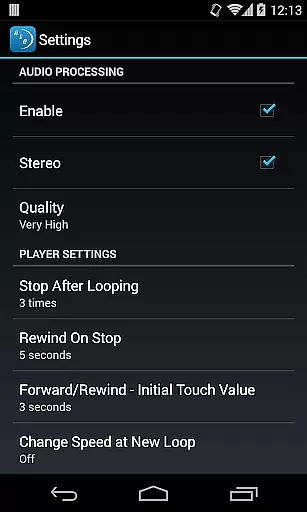
The application offers multiple audio quality settings that cater to different needs. Users can choose between standard quality for quick practice sessions or high-fidelity options for detailed transcription work. These options ensure that every note and nuance remains crystal clear during playback.
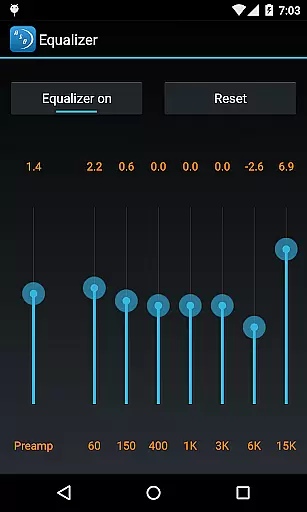
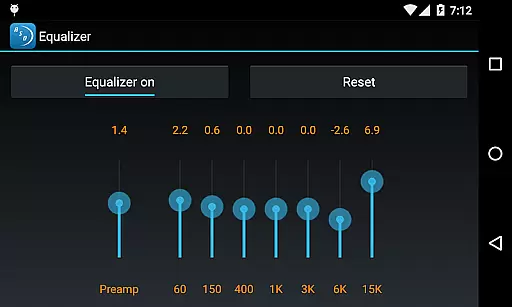
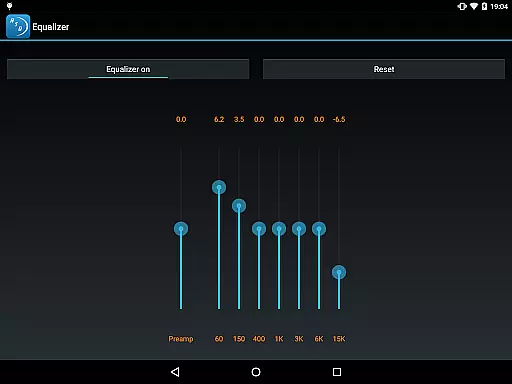
Furthermore, the ability to adjust pitch independently of speed while maintaining excellent audio quality makes Amazing Slow Downer an indispensable tool for musicians across all genres. Whether transposing keys or analyzing complex musical passages, users can rely on consistent audio excellence throughout their practice sessions.
User-friendly interface
High-quality audio output
Seamless looping feature
Speed adjustment without pitch change
Supports various audio formats
No longer supports Spotify streaming
Limited advanced editing tools
Occasional bugs reported
Subscription fees apply
Interface may feel outdated

Time Guru will strengthen your internal sense of musical time via random muting.
 4.30
4.30
Formerly known as Spotistats! View your top tracks, artists, albums and more!
4.40
Offline and always ad-free - stream in the highest quality available.
4.10
VB-AUDIO Software / VBAN-Receptor allows listening to any VBAN Streams
4.10
Powerful beat maker & DJ mixer to remix tracks, make music, & perform DJ mix
3.70
The ultimate media player for Android devices
3.90
Next generation modular control surface
4.10
Learn the notes on the guitar fretboard fast with this easy and fun app
4.60
Listen to offline music and sounds from all categories
4.70
Play your hearts out on TouchTunes jukeboxes & connect with fellow music lovers.
4.80
Music, News & Sports Radio Tuner App. Tune in Live FM & AM Radio Stations.
4.80
Performance-Synthesizer & Multi-Track-Sequencer, polyphonic + multi timbral!
4.70
Ultimate Sonos Controller
4.70
Pay Once, no monthly payment
4.60
The best music and audio player, with beautiful UI, music search and equalizer.
4.60
10-Band Audio Equalizer, Sound / Bass Booster for Spotify Users & Music Players
4.40
Full featured mp3 and audio player with Chromecast and Android Auto support.
4.40
No wifi music app. Mp3 offline. Tuner radio, young radio music. Music downloader
4.20
Turn your Android phone into a professional audio analyser with up to 120 bands.
4.00


User Reviews