
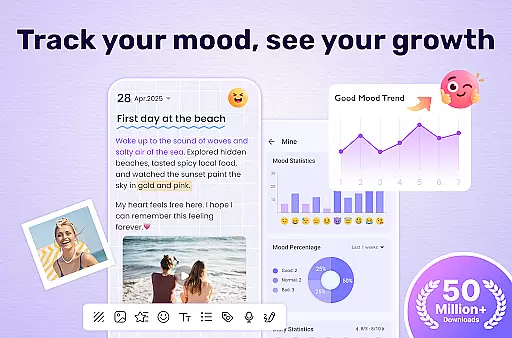
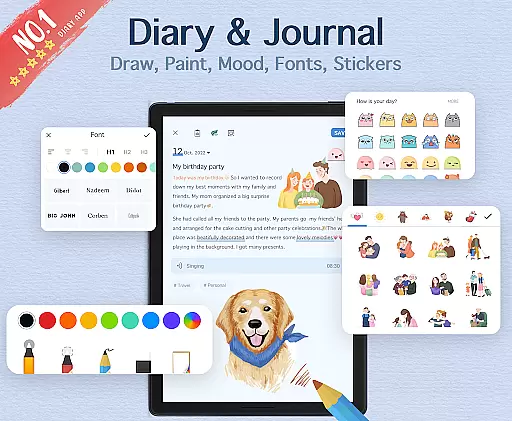

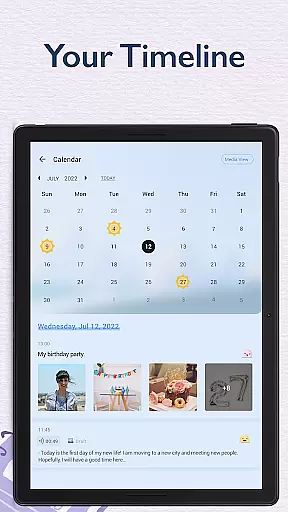
My Diary is a feature-rich digital journaling app designed for users seeking a secure and customizable way to document their daily lives. This lifestyle application allows you to record your thoughts, moods, journeys, and private moments with ease. With support for multimedia content such as pictures and videos, the app makes diary entries more vivid and engaging.
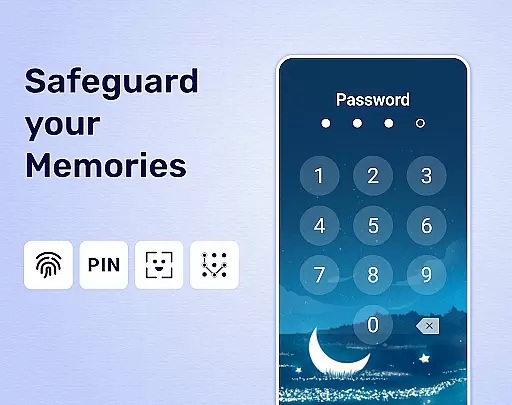
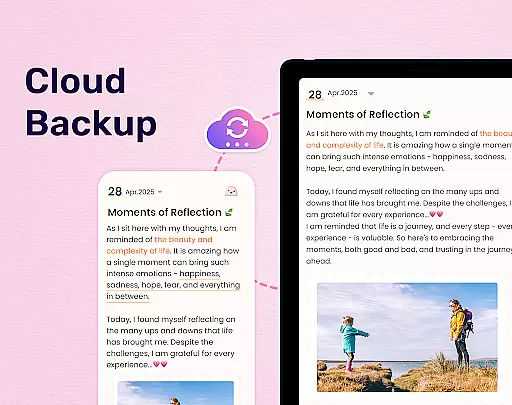
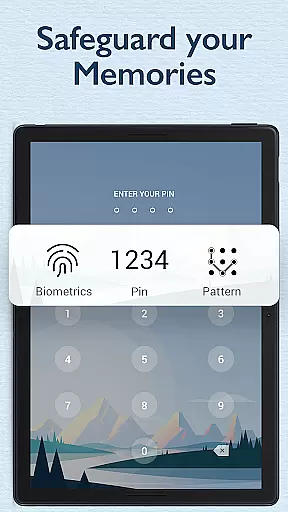
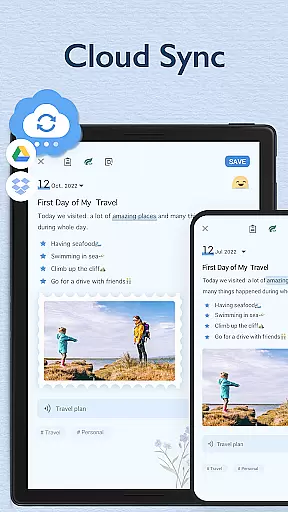
One of the standout features of My Diary is its robust security system. You can protect your personal journal with a password or even fingerprint authentication, ensuring that your memories remain private. Additionally, the app offers cloud synchronization with Google Drive and Dropbox, making it easy to access your diary on multiple devices while keeping your data safe through regular backups.
Whether you're looking to track your mood, organize your thoughts with tags, or simply write in a beautiful, customizable interface, My Diary provides all the tools necessary to create a personalized journaling experience. Its eye protection mode and various themes further enhance user comfort, making it ideal for long writing sessions.
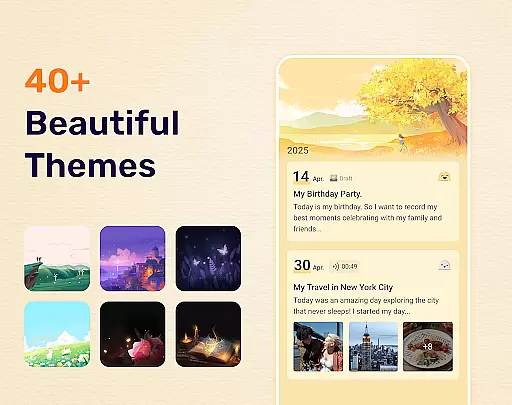
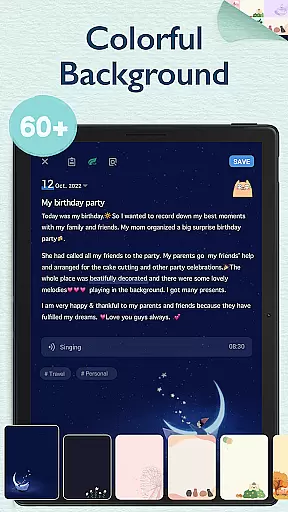
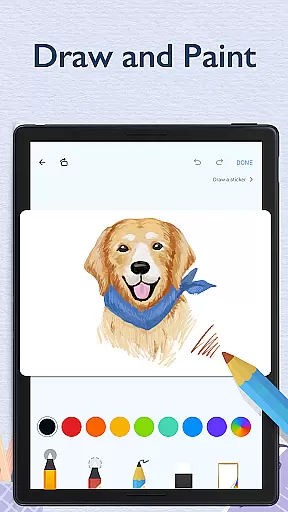
My Diary stands out due to its comprehensive set of features tailored for modern journaling needs. The app supports rich customization options, including artistic themes, night dark mode, and background choices, allowing users to tailor their diary's appearance to their personal taste. These aesthetic enhancements make each entry feel unique and visually appealing.
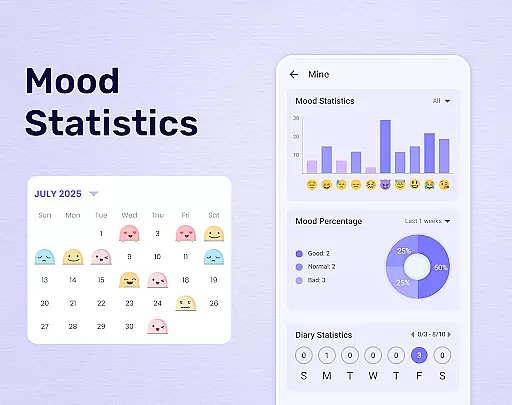
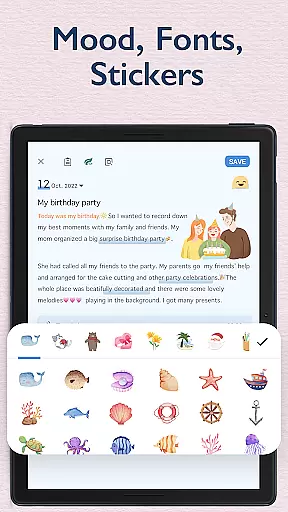
Beyond aesthetics, My Diary incorporates practical functionalities like mood tracking and sticker integration. Users can express complex emotions through emojis and continuously updated stickers, adding depth to their entries. Furthermore, the app includes an innovative tagging system that simplifies searching and organizing diaries by categories such as travel, love, or work.
Security and accessibility are prioritized with features like fingerprint lock and cloud sync. By setting a passcode or using biometric authentication, users can safeguard their private thoughts. Meanwhile, syncing capabilities ensure that no memory is lost, allowing seamless transitions between devices. Overall, these features combine to offer a versatile and secure journaling experience.
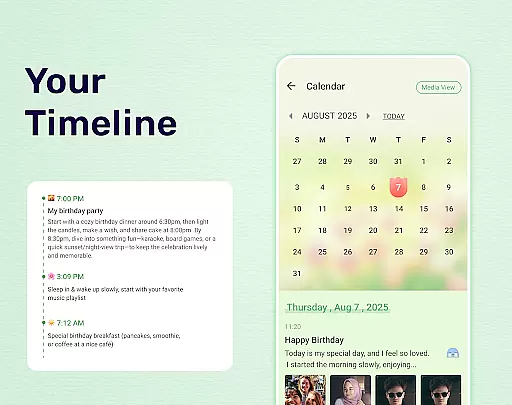
My Diary is a comprehensive lifestyle application that caters to various personal journaling needs. It covers multiple aspects of life including daily reflections, travel experiences, mood tracking, and memory preservation. The app provides users with the ability to create rich multimedia entries by allowing them to add pictures, videos, and voice recordings to their diary entries.
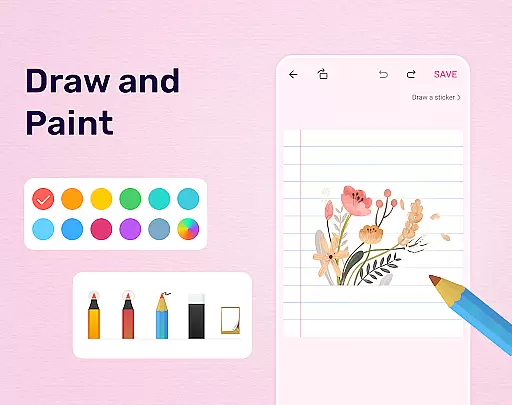
The app's extensive feature set includes customizable themes, an array of stickers, and different fonts which enable users to personalize their diaries according to their preferences. This flexibility ensures that whether you're documenting a journey, expressing emotions through a mood diary, or creating a baby diary, My Diary has the tools to make each entry unique and expressive.
Furthermore, the inclusion of practical features such as cloud synchronization with Google Drive and Dropbox, eye protection mode, and the ability to export diaries in TXT or PDF formats, demonstrates the app's commitment to convenience and accessibility. These features not only enhance the user experience but also ensure that memories captured in the diary are preserved safely and can be accessed across different devices.
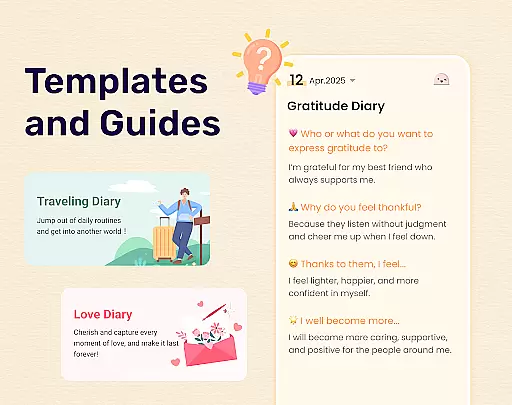
By offering specialized tags for organizing entries into categories like travel, love, pregnancy, and work diaries, My Diary proves itself as a versatile tool for managing diverse lifestyle content. This organization helps users maintain a structured and easily navigable digital diary that serves as a repository for both significant life events and everyday moments.
When it comes to maintaining a personal diary, content authenticity is paramount. My Diary ensures that every entry you make is genuinely yours, safeguarded by robust security measures such as password protection and fingerprint authentication. This guarantees that your private thoughts remain confidential and are protected from unauthorized access.
The app's dedication to providing a credible platform for self-expression is evident in its continuous updates and improvements based on user feedback. With professional design elements and regular feature enhancements, My Diary establishes itself as a reliable medium for capturing authentic life experiences. Users can trust that their digital footprint within the app accurately represents their personal journey.
Moreover, My Diary supports the integration of multimedia elements directly into diary entries, reinforcing the authenticity of user-generated content. By allowing photos and videos to be part of the narrative, users can create vivid and truthful accounts of their lives. This approach not only enriches the storytelling aspect of diary keeping but also adds layers of veracity to each entry.
Lastly, the app's support system, which includes contact options for inquiries and feedback, underscores its commitment to credibility. Users have the assurance that they can reach out for assistance or provide input that may influence future updates, thus playing an active role in shaping the authenticity and reliability of the platform they use daily.
User-friendly interface
Robust security features
Customizable themes and backgrounds
Cloud backup and sync
Multimedia support
Limited offline functionality
Occasional bugs
Ads in free version
Learning curve for new users
Export options could be improved

Chat, meet genuine singles in your area. Real connections start with being real.
 4.30
4.30
Digital watch face design. Modern looking, hi-res & battery friendly.
4.00
Get your life organized with My Agenda!
4.30
A smart Siddur with halachic times
4.60
Do you want to communicate with spirits?
3.80
The go to app for taking unlimited notes!
4.50
Subwoofer school’s in session! You’ve now enrolled into KICKER U.
3.80
Redecor your home with Home AI interior design, room planner and home designer.
4.50
Just play, earn rewards, fetch gift cards, and turn gaming into real payouts!
4.80
See wait times and check into a hair salon ahead of time with Online Check-In.
4.80
Tap to the beat with interactive videos — warm up your reflexes & have fun
4.70
Earn points with every purchase with Moe Rewards.
4.20
Fly your Solo like a boss.
4.10
Spiritus Ghost Box is an Audio and Visual ITC tool for paranormal research.
4.00
Spirit Communicator is a real paranormal ghost hunting app with many fun modes.
3.90
Unique informative Dial with Live Moon Phase at a glance!
3.60
Healthy eating timer app to track meal pace, improve habits, and eat slowly.
4.1
Big bold weather watch face with dynamic backgrounds and 3 complications
4.2
Unique Dark Analog style for Wear OS watches.
4.4


User Reviews