
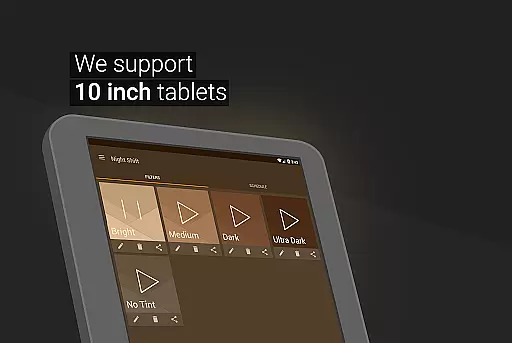
Night Shift is a specialized health application designed to protect users' eyes during nighttime device usage. The app functions as an advanced blue light filter, reducing screen brightness below system minimum levels while allowing full customization of color temperature and RGB values. This feature set makes it particularly useful for individuals who use their devices in low-light environments.
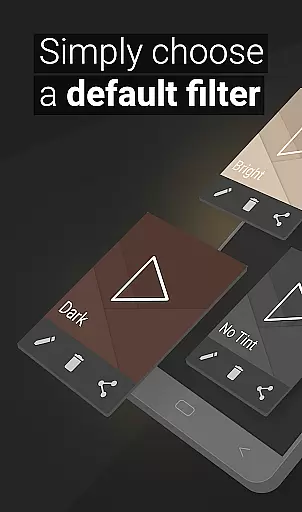
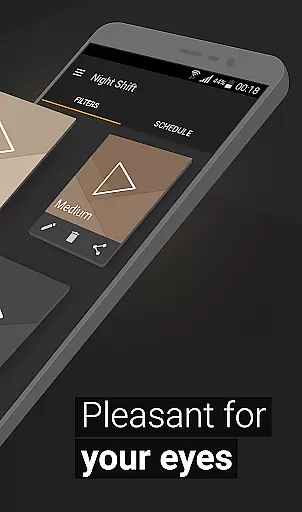
What sets Night Shift apart is its comprehensive approach to eye protection. The app offers premade filters alongside customizable options, enabling users to create personalized dark mode settings. Its automatic scheduling feature ensures the night mode activates at appropriate times, while the Accessibility Service extends filtering to notifications and lock screens. These capabilities make it an essential tool for maintaining good eye health and preventing digital eye strain.
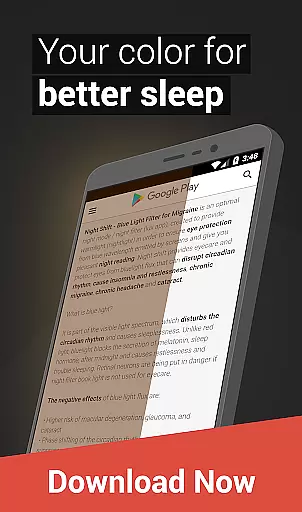
The application's value extends beyond simple eye protection. By helping regulate light exposure, Night Shift can improve sleep quality and reduce headaches associated with nighttime screen use. Its ability to prevent glaucoma and cataract development through proper light management demonstrates its commitment to long-term eye health protection.
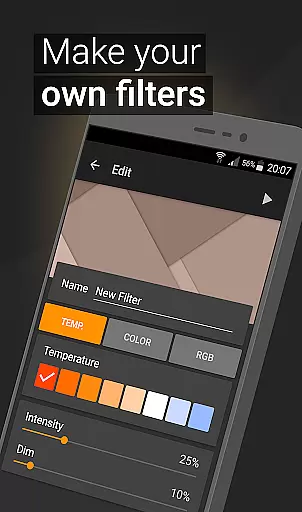
The application boasts several distinctive features that enhance its functionality. First, its dimming capability goes beyond standard system limitations, allowing brightness reduction to levels that are gentle on the eyes during nighttime use. This feature, combined with temperature customization, enables users to create optimal viewing conditions that won't disrupt their natural sleep patterns.
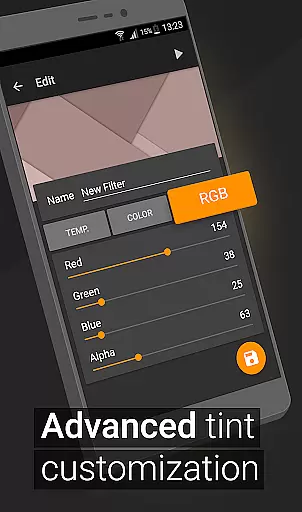
Color customization represents another significant advantage. Users can adjust RGB values individually, creating precise color combinations that suit their preferences while maintaining eye comfort. The app also supports unlimited filter creation and saving, giving users the flexibility to switch between different configurations based on their needs or activities.
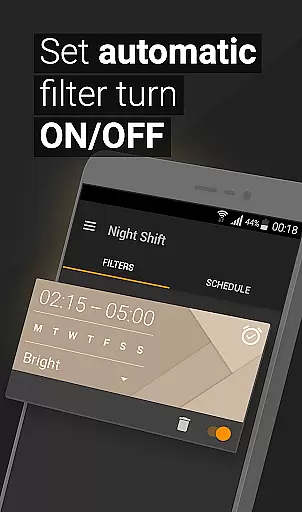
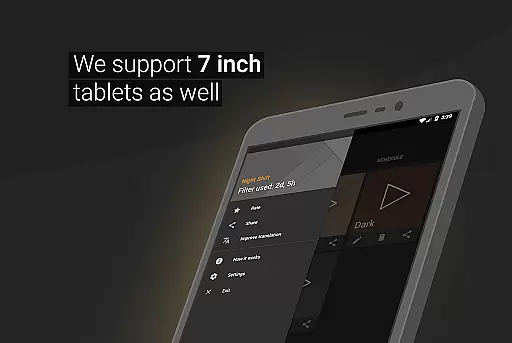
Perhaps most notably, the automatic filter scheduling system works seamlessly with users' daily routines. By programming specific activation times, the app ensures continuous protection without requiring manual intervention. The inclusion of Accessibility Service further enhances this protection by extending filtering capabilities to all device interactions, including notifications and lock screen displays.
In the realm of digital eye care, personalized planning is crucial for addressing individual needs. Night Shift offers a comprehensive solution tailored to protect your eyes during nighttime device usage. The app's customizable filters and dimming options allow users to create a personalized plan that adapts to their specific requirements.
With features like temperature customization and RGB adjustments, users can fine-tune their screen settings to reduce blue light exposure. This level of personalization ensures that each user receives the optimal protection needed for maintaining good eye health while using devices at night.
The benefits of this personalized approach are significant. Users can prevent potential eye strain, headaches, and sleep disturbances by implementing a customized night mode. By taking control of their screen environment, individuals can maintain better overall health and well-being.
Night Shift's intelligent personalization extends beyond simple filter applications. Its automatic scheduling feature allows users to set specific times for their customized settings to activate, ensuring consistent protection throughout the night. This thoughtful implementation demonstrates how personalized planning can revolutionize digital eye care.
Progress visualization plays a vital role in maintaining motivation and tracking improvements in eye health. Night Shift incorporates various tools that help users monitor their journey toward better digital eye care. Through its comprehensive tracking system, users can observe how their customized settings contribute to reduced eye strain over time.
The application provides clear visual representations of filter usage patterns and effectiveness. Users can view statistics on their blue light exposure reduction and track how consistently they're implementing protective measures. This data-driven approach empowers individuals to make informed decisions about their eye care routines.
By visualizing their progress, users gain valuable insights into their eye health management. The app's dashboard displays key metrics such as filter intensity levels and usage duration, helping users understand the correlation between their protective measures and improved comfort.
This visualization extends to the app's scheduling feature, where users can see their consistency in applying night mode settings. The ability to track these patterns reinforces positive habits and encourages continued use of protective measures, ultimately leading to better long-term eye health outcomes.
Effective blue light reduction
Highly customizable settings
Automatic scheduling feature
Comprehensive eye protection
User-friendly interface
May affect color accuracy
Requires regular adjustments
Accessibility service needed
Limited daytime usefulness
Premium features locked

The Wear OS BeechBand app is designed to alleviate anxiety and other conditions
 4.4
4.4
Home workouts for fitness & fast bodybuilding at home - no equipment needed.
4.90
The Sleep Miracle Sound Machine: Soothes baby to sleep with a gentle "Shhh"
3.00
Using Recognise™ has been shown to reduce pain and improve performance
4.2
Turn your steps into cash, gift cards & rewards with our step counting pedometer
3.80
Find Paid Clinical Trials In Your Area
3.70
Monitor, analyze, track, and convert blood sugar & help you control diabetes.
4.10
Pilates, Calisthenics, Yoga
4.50
Mood journal, habits, self-care tracker, self-love
4.90
Medbridge GO gets you moving - get back to doing what you love, faster!
4.90
a fun app full of surprises :)
4.70
The Crunch Mobile app - Find a gym, manage favorites, reserve & cancel classes.
4.60
Personal Measurements - Track your gains!
4.50
FODMAP, Gluten, Allergy, Vegan
4.50
Interval timer for High Intensity Interval Training, Tabata and Circuit Training
4.20
beat yesterday.
4.00
GloryFit is a companion app for the smart bracelet.
3.60
HRV4Training helps you optimize goals and improve performance. No sensors needed
3.30
Optimization for TRT & Enhanced Athletes
4.2


User Reviews