
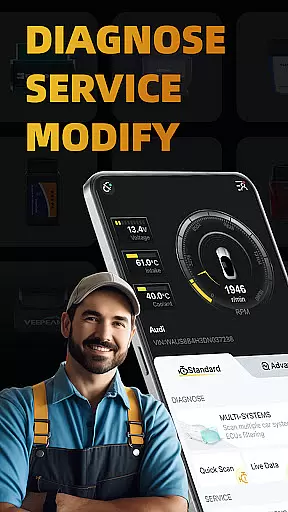
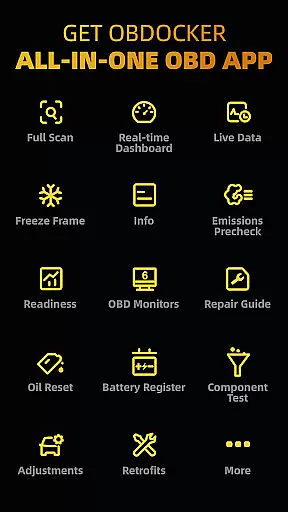
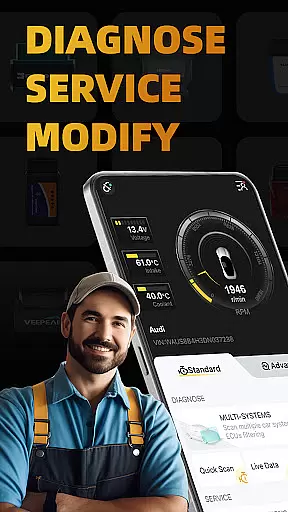
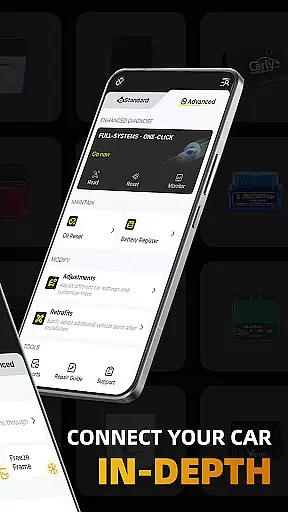
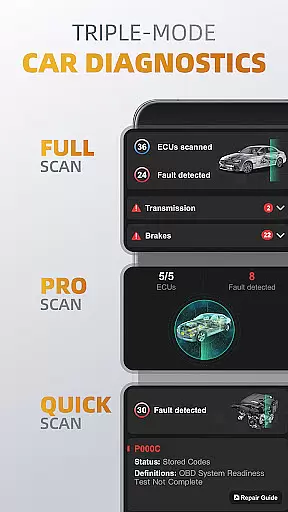
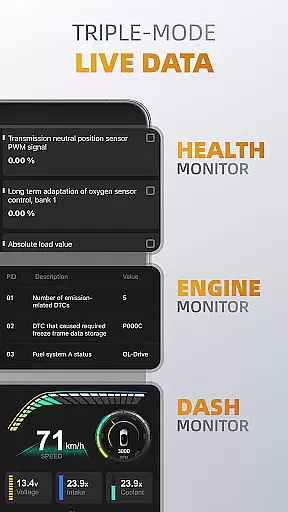
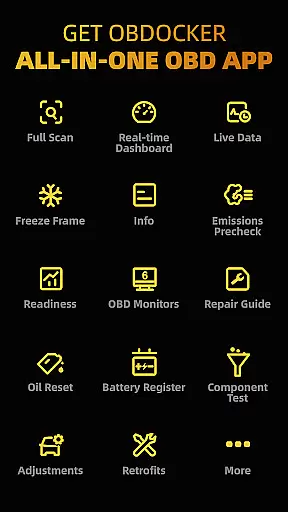
OBDocker is a professional OBD2 car scanner app designed for vehicle diagnostics, service, and customization. It offers triple-mode diagnostics including full-systems, multi-systems, and quick scans to efficiently identify and resolve issues. The app also provides triple-mode live data monitoring, allowing users to track vehicle performance in real-time.
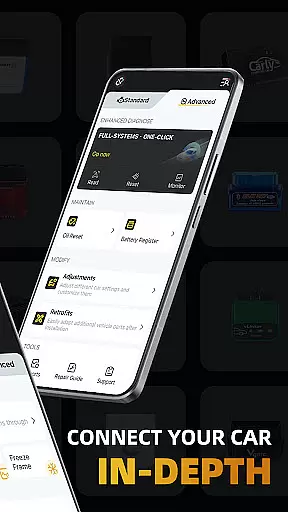
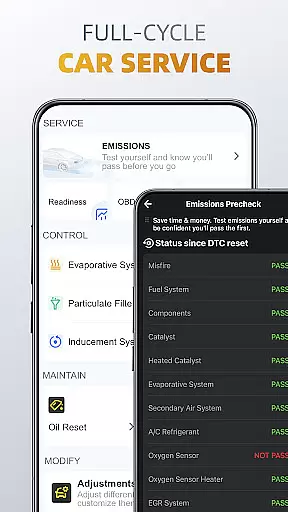
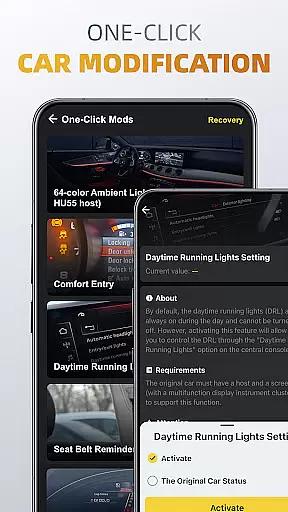
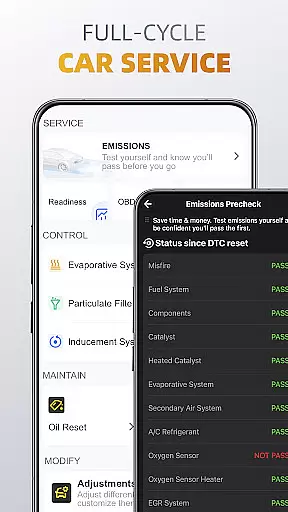
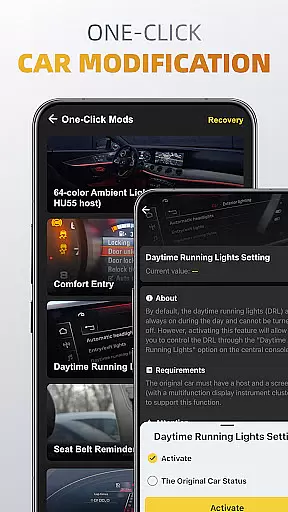
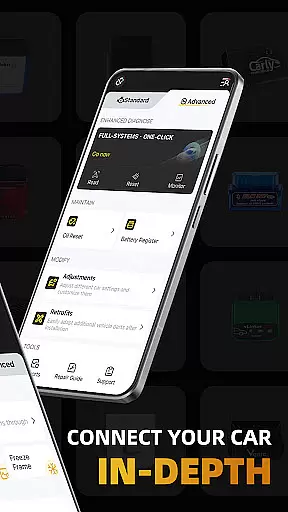
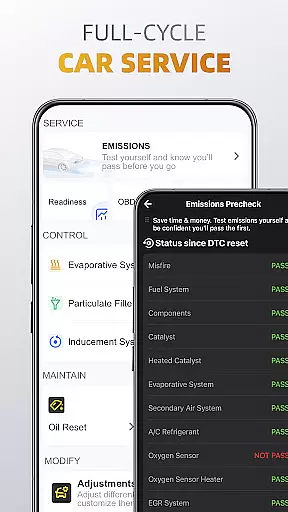
With its comprehensive full-cycle service capabilities, OBDocker supports emissions pre-checks, control tests, oil resets, and battery registration. Additionally, the one-click modification feature enables easy adjustments and retrofits of various car settings. This app requires a compatible OBD adapter and works with a wide range of vehicles, offering both standard and advanced modes for different car brands.
Whether you're a professional mechanic or a car enthusiast, OBDocker empowers you to maintain your vehicle with precision and ease, ensuring optimal performance and reliability.
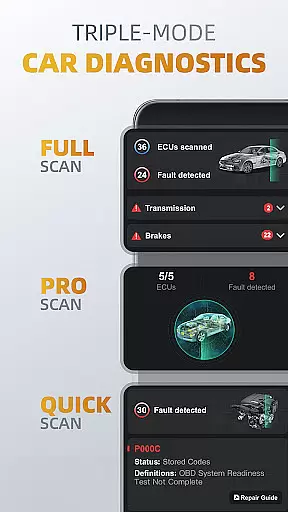
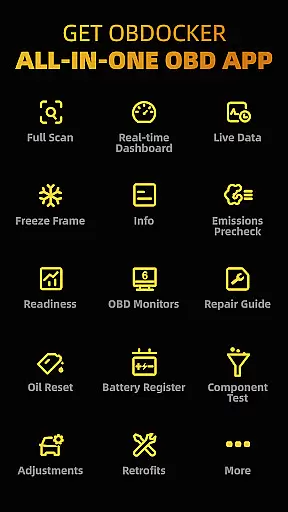
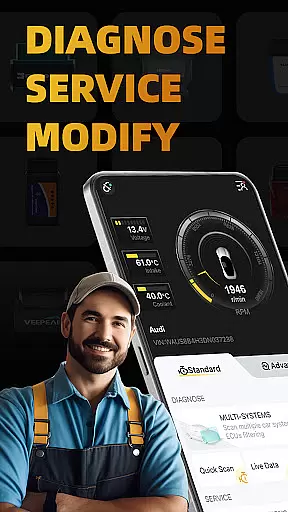
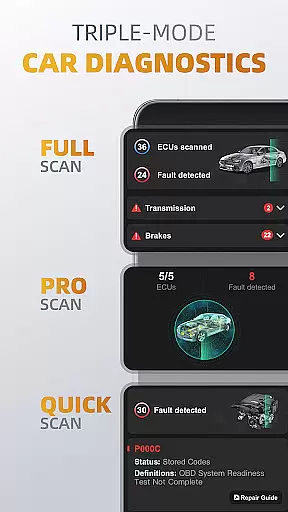
OBDocker stands out with its triple-mode diagnostics functionality. The full-systems diagnose performs OE-Level diagnostics at the touch of a button, while the multi-systems diagnose allows scanning through ECUs filtering like TMS, SRS, ABS, and more. The quick scan swiftly reads and clears engine fault codes, maintaining a smooth drive.
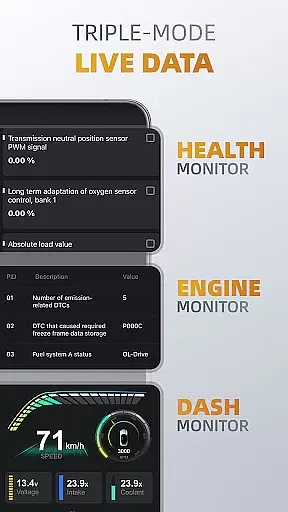
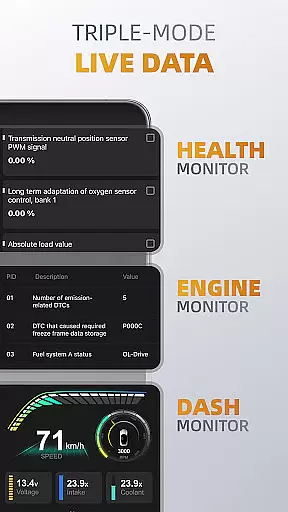
The triple-mode live data feature includes health monitor, engine monitor, and dash monitor. These tools provide real-time tracking of system performance, engine metrics, and visualized vehicle data. The full-cycle service offers emissions testing, EVAP leak tests, DPF reinitialization, oil reset, and battery registration, covering all essential maintenance needs.
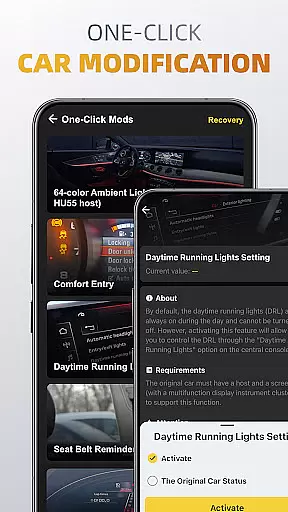
Additionally, the one-click modification tool allows effortless adjustments and retrofits of car settings. With compatibility across various OBD adapters and extensive vehicle support, OBDocker ensures a versatile and reliable diagnostic solution for a broad spectrum of users.
Accessing detailed vehicle information is crucial for effective diagnostics and maintenance. OBDocker provides comprehensive data across multiple systems, enabling users to understand their vehicle's condition in depth.
The app offers triple-mode diagnostics that cover full-system scans, multi-system checks through ECU filtering, and quick engine fault code scanning. This ensures that every critical aspect of the vehicle is thoroughly examined and reported.
Users benefit from real-time monitoring features like Health Monitor, Engine Monitor, and Dash Monitor. These tools display live parameters, allowing drivers to track performance metrics and detect potential issues early.
With compatibility across a wide range of vehicles and support for various OBD adapters, OBDocker ensures accurate and detailed vehicle information is accessible to all users, enhancing both standard maintenance and advanced customization tasks.
Price transparency in automotive tools helps users make informed decisions about subscription plans and adapter purchases. OBDocker addresses this by offering clear details on its pricing structure and hardware compatibility.
The app provides a free trial period, allowing users to explore all features before committing to a paid plan. For extended use, customers can choose between Pro and Pro Max subscriptions, each clearly outlining the benefits and costs involved.
OBDocker also categorizes OBD adapters into high, middle, and low performance tiers. This classification guides users in selecting the best adapter for their needs while avoiding low-quality options that may compromise diagnostic accuracy.
By maintaining transparent pricing and providing detailed recommendations on compatible hardware, OBDocker empowers users to invest wisely in their vehicle diagnostic solutions without hidden costs or surprises.
User-friendly interface
Comprehensive diagnostics
Real-time data monitoring
Wide vehicle compatibility
One-click modifications
Requires compatible adapter
Premium features need subscription
Some advanced options limited by car model
Performance varies with adapter quality
Complex for beginners

Attention! This is the theme for the Car Launcher app
 4.5
4.5
Realtime Charts is a plugin for the Torque Pro App (OBD 2 & Car)
4.20
Buy and sell your boat
4.70
myAudi offers users services and Audi connect services for Audi drivers
4.10
AI Powered - Automotive Mechanic Assistant
4.30
Your car is talking. Start listening.
4.30
Available in select states.
4.00
A smarter way to park and reserve your spot ahead of time.
4.40
Shop, finance, or sell today.
4.80
CVT diagnostics with ELM327 for Nissan-based vehicles
4.40
Digital Car Key/Launcher, Screen Mirror, Android Dashboard, Remote Wireless Link
4.40
Secure mobile payments & fuel savings at Phillips 66®, Conoco® and 76® stations
4.40
OBD2 car scanner and diagnostics: read Check Engine, DTC, economy....
4.30
* This app needs an adapter cable and a certain OBD2 adapter to work *
4.20
Get your personalized financing options and shop for used cars today!
4.20
Mobile Phone Parking - So easy to park
3.70
The Smarter Way Forward
3.30
Better fuel to help keep you on the road
3.20
DIY Vehicle Wheel Alignment
4.4


User Reviews