
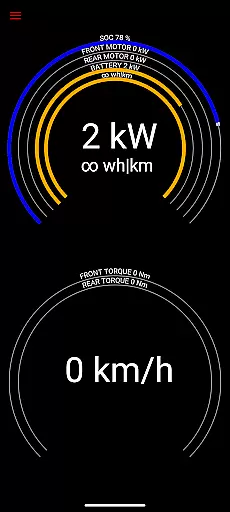
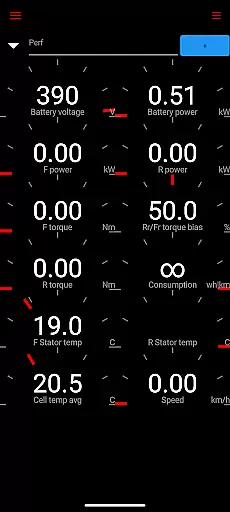
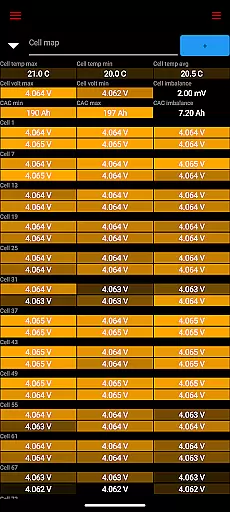
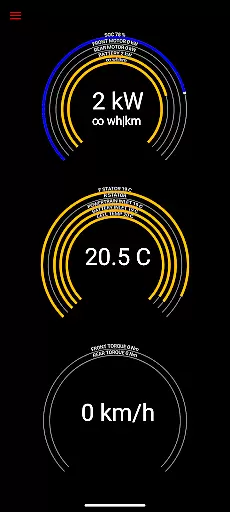
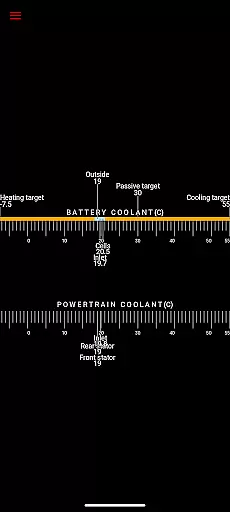
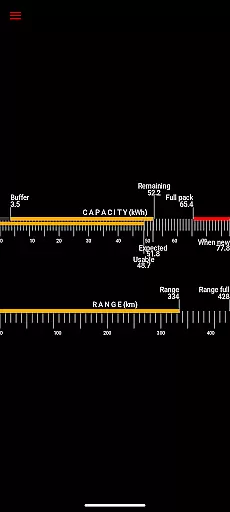
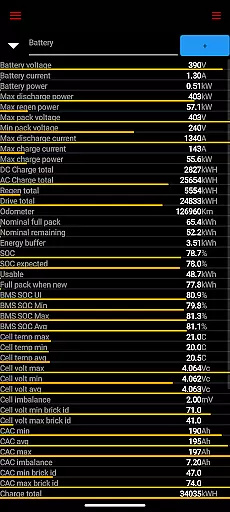
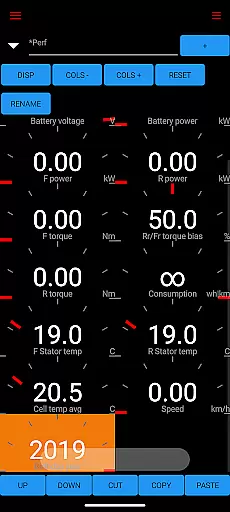
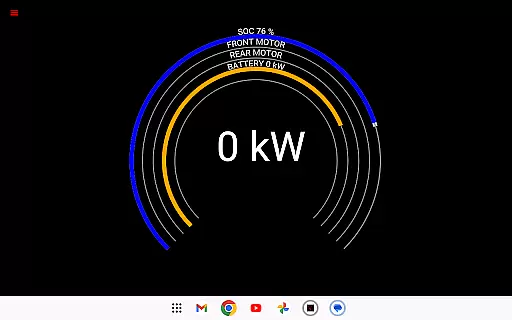
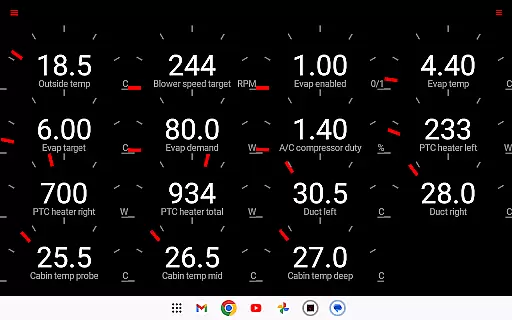
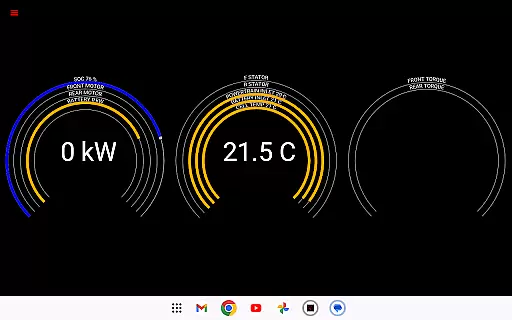
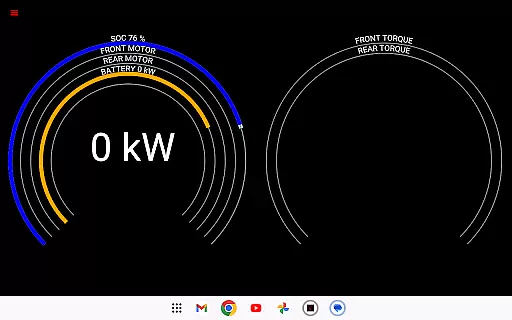
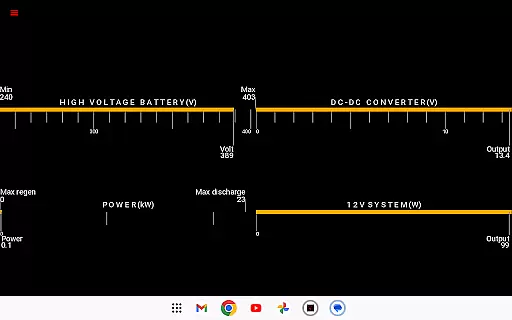
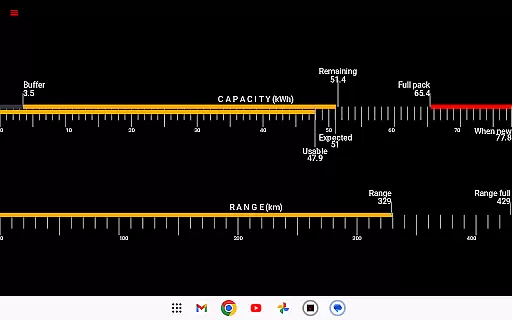
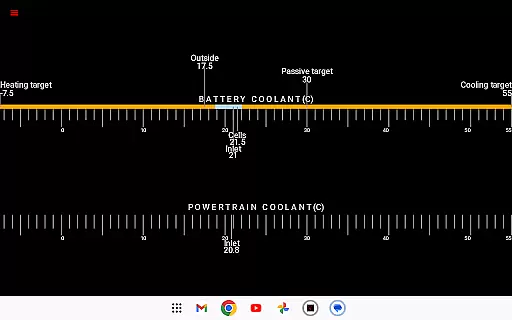
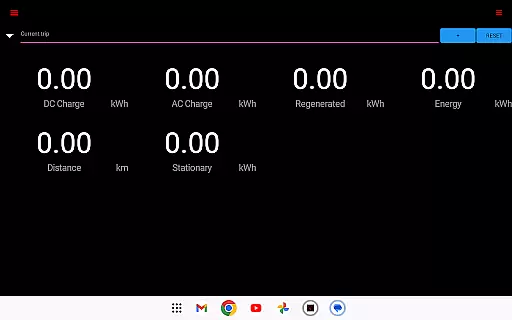
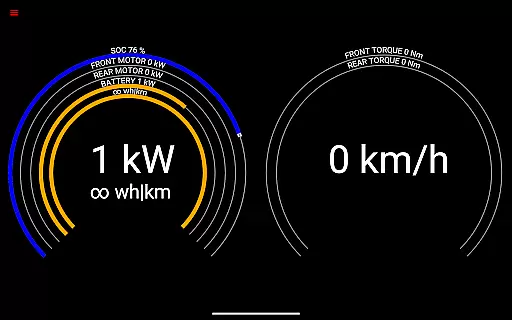
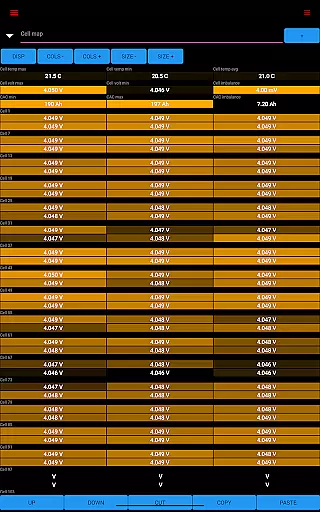
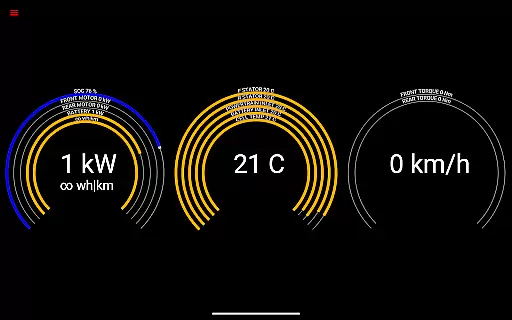
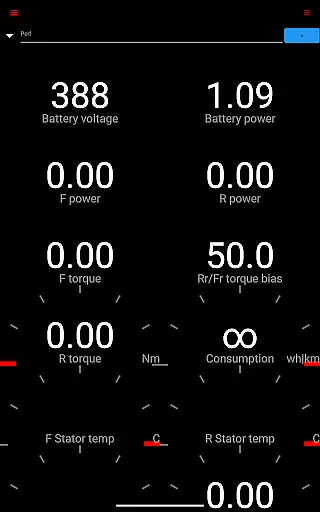
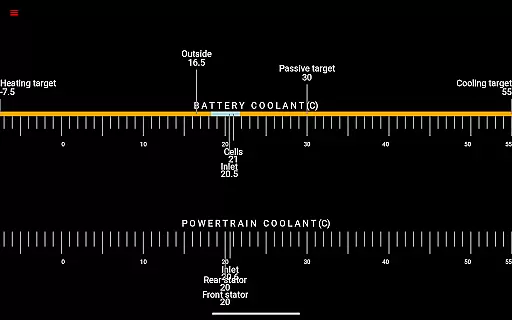
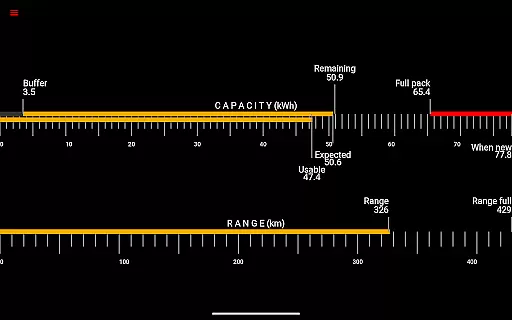
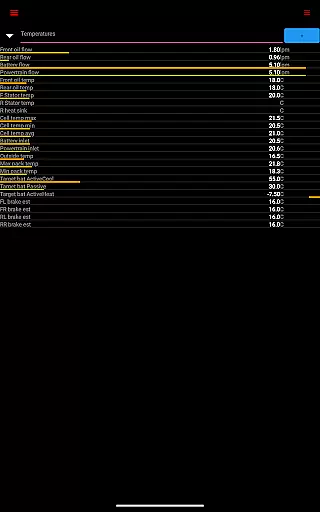
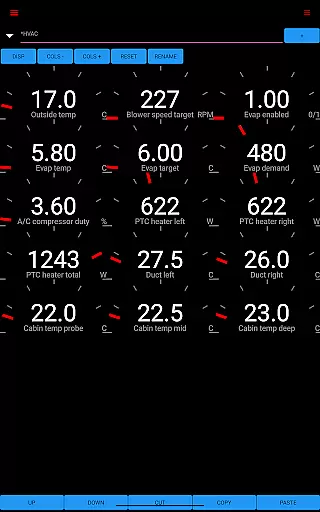
Scan My Tesla is a specialized diagnostic tool designed exclusively for Tesla Model S, 3, X, and Y owners. This application provides real-time readings from the vehicle's diagnostics port, offering users detailed insights into their car's performance metrics. With functionalities ranging from battery monitoring to drive unit analytics, it serves as an essential utility for Tesla enthusiasts seeking advanced vehicle data.
The app delivers comprehensive live statistics including battery power, voltage, current, and temperature readings. It also tracks crucial drive unit parameters such as electric power, torque, RPM, and temperatures. Additionally, users can monitor their 12V system status, record trips, and analyze energy regeneration and charging patterns. These features make Scan My Tesla particularly valuable for those looking to optimize their driving experience and maintain their vehicle's health.
Ideal for tech-savvy Tesla owners and automotive professionals, this app requires specific OBD2 adapter cables to function. By presenting complex vehicle data in an accessible format, Scan My Tesla empowers users to better understand their car's operational dynamics and make informed maintenance decisions.
Scan My Tesla stands out with its extensive feature set tailored specifically for Tesla vehicles. The app decodes numerous CANBUS packets, providing users with unprecedented access to their car's internal systems. Key functionalities include detailed battery diagnostics, drive unit performance tracking, and comprehensive trip recording capabilities.
Among its notable features are battery lifetime statistics, capacity estimates, and precise temperature monitoring across various systems. The app also offers unique insights into the vehicle's HVAC controls and DC/AC charge counters. These features are made possible through collaborative efforts with prominent figures in the Tesla community, ensuring accurate and reliable data interpretation.
What sets Scan My Tesla apart is its continuous development and adaptation to new models. The app maintains an active community presence through its Facebook page and dedicated forums, where users can contribute to ongoing decoding efforts. This community-driven approach ensures that the app remains up-to-date with the latest Tesla software updates and model variations.
Detailed vehicle information is crucial for Tesla owners who want to monitor their car's performance and health. Scan My Tesla provides comprehensive diagnostic data directly from the vehicle's systems, offering unprecedented insight into your Tesla Model S, 3, X, or Y.
The app delivers real-time statistics on essential components such as battery power, voltage, current, and temperature. It also tracks drive unit metrics including electric power, torque, RPM, and temperatures. This level of detail allows users to understand their vehicle's operational status and make informed decisions about maintenance and driving habits.
With additional data on battery lifetime stats, capacity estimates, and 12V system metrics, users can maintain optimal vehicle health. The app even supports trip recording, capturing energy regeneration and charging statistics, thus empowering Tesla owners with the knowledge to maximize efficiency and performance.
By providing access to decoded CANBUS packets and contributions from the Tesla decoding community, Scan My Tesla ensures that users receive accurate and detailed vehicle information, enhancing the ownership experience through transparency and control.
Price transparency in automotive apps like Scan My Tesla refers to clear information about the costs associated with using the app and any required accessories. For Tesla owners, understanding these costs is vital for budgeting and making informed decisions about their vehicle diagnostics.
Scan My Tesla requires an adapter cable and a specific type of OBD2 adapter to function correctly. While the app itself may be free or have an upfront cost, users need to consider the additional expense of these accessories. The app's website offers detailed information on the necessary adapters, ensuring users are fully aware of the requirements before proceeding.
This transparency extends to the app's disclaimer, which clarifies that the displayed information is for entertainment and educational purposes. Users understand that while the app provides valuable insights, it is not affiliated with Tesla Motors and should not be considered an official diagnostic tool.
By clearly outlining both accessory costs and the informational nature of the data provided, Scan My Tesla fosters trust with its users. This approach ensures that Tesla owners know exactly what they are investing in, promoting satisfaction and long-term engagement with the app.
User-friendly interface
Comprehensive data coverage
Active community support
Regular feature updates
Detailed performance metrics
Requires additional hardware
Model 3 limitations
Complex setup process
Potential compatibility issues
No official Tesla endorsement

Ultimate OBD2 Car Scanner: Diagnostics, Service and Modification Tool
 4.30
4.30
OBDII - ELM327 Terminal tool for 96-00 Volvos
4.50
Theme for Car Launcher
4.3
Play what you want through Android Auto
4.90
Discover new and used cars in Syria easily! Browse ads and connect with sellers.
3.70
Boost profits and hit your goals faster with GigU's amazing tools for gigworkers
4.00
Simplify your drive
3.90
Secure mobile payments & fuel savings at Phillips 66®, Conoco® and 76® stations
4.40
Your car is talking. Start listening.
4.30
Lexus app currently supports 2010 or newer vehicles (2018 or newer for Hawaii).
4.80
Oil change service & coupons for car maintenance at Valvoline Instant Oil Change
4.70
DMV Test Pro offers all the updated FREE DMV tests online.
4.60
Shop cars & see your financing
4.60
Find Fast EV Chargers | Charge Your Vehicle at 1,100+ Fast Car Charging Stations
4.60
Your Path to Driving Licensing Success Begins Here! Develop your driving skills.
4.40
OBD diagnostics, Live Data, DPF regeneration for BMW
4.00
AlfaOBD software for Fiat Group cars native diagnostic
3.70
Mobile Phone Parking - So easy to park
3.70
Wonder how much horsepower and torque your car/truck makes? Look no further.
3.40


User Reviews