
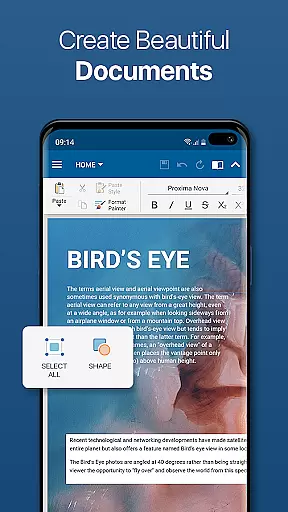
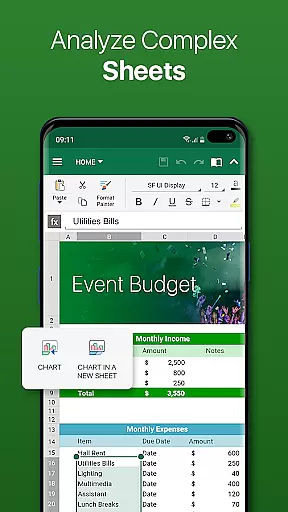
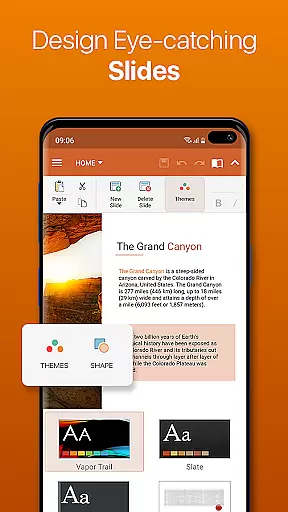
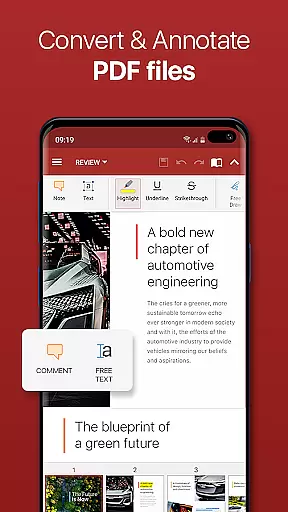

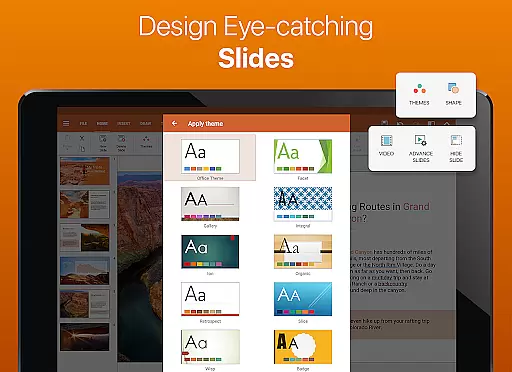

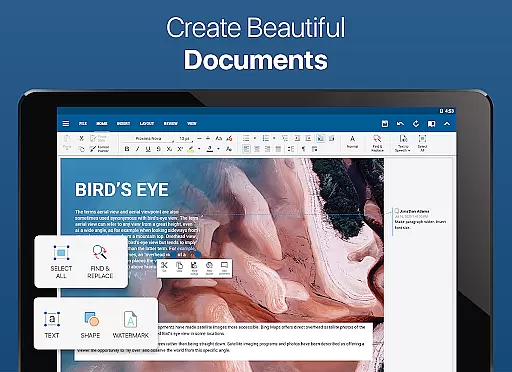
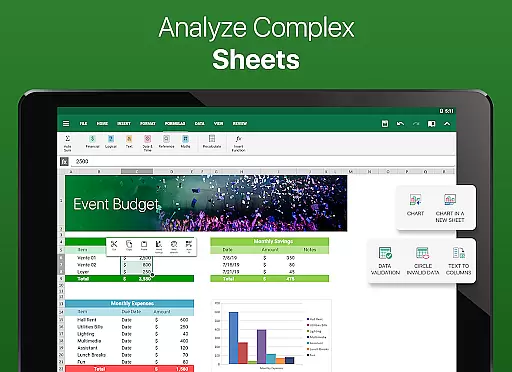
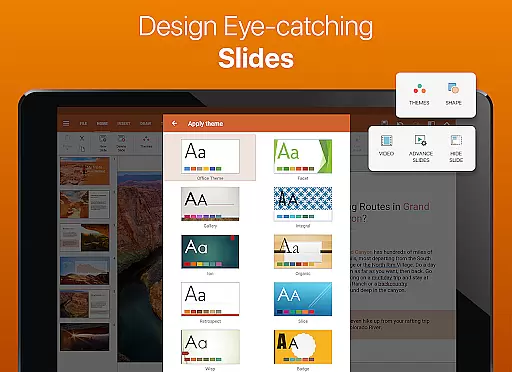
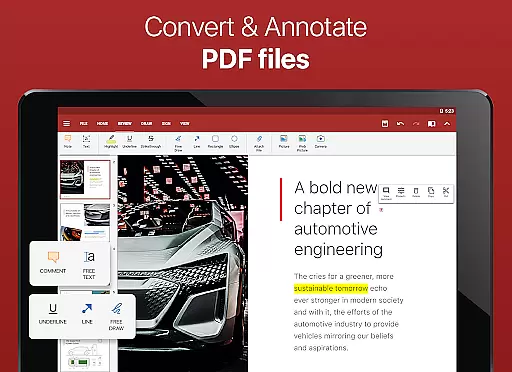

OfficeSuite Pro + PDF is a comprehensive business application designed for seamless document management on Android devices. This professional-grade office suite allows users to view, edit, and create Word, Excel, and PowerPoint documents with ease, while also offering advanced PDF handling capabilities.
The app stands out with its full compatibility with Microsoft Office formats, integrated cloud services, and unique features like OfficeSuite Chats for real-time collaboration. Its desktop-style interface ensures smooth adoption for users familiar with traditional office software, making it an essential tool for mobile professionals.
Ideal for business environments, OfficeSuite Pro enables secure document sharing and management across multiple platforms. The app's ability to handle complex files while maintaining formatting integrity makes it invaluable for corporate users who need reliable mobile office solutions.
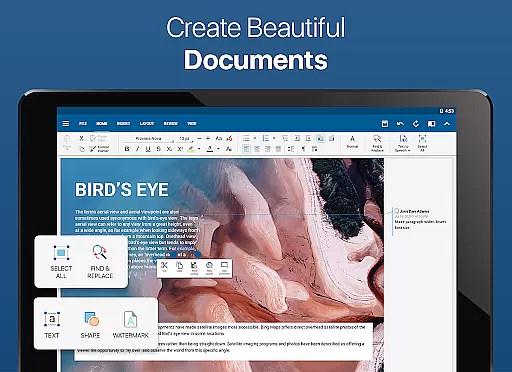
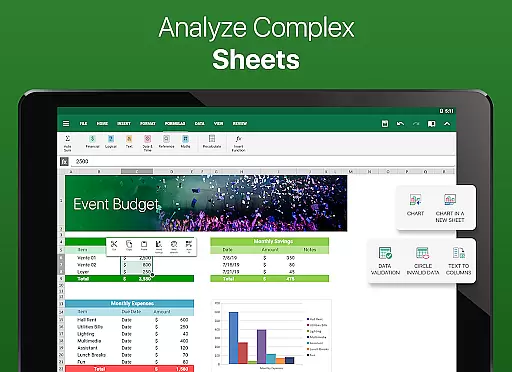
OfficeSuite Pro + PDF distinguishes itself through its robust feature set tailored for professional use. The application provides complete support for Microsoft Office formats including DOCX, XLSX, and PPTX, ensuring perfect document compatibility across platforms.
Advanced functionality includes integrated spell checking in 40+ languages, PDF security features with digital signature support, and MobiSystems Drive cloud storage with 15GB capacity. The recently added OfficeSuite Chats enables efficient document sharing and team collaboration directly within the app.
Specialized tools such as text-to-speech support, Japanese font packs, and enhanced mouse support for Chromebooks demonstrate the app's commitment to accessibility and productivity. These features collectively create a powerful mobile office environment that rivals desktop applications.
Collaborative work features are essential for modern business applications, enabling teams to work together efficiently regardless of location. OfficeSuite Pro + PDF excels in this area by offering multiple tools that facilitate seamless collaboration.
The app provides a familiar desktop-style interface that supports real-time editing and sharing of Word, Excel, and PowerPoint documents. This ensures that teams can collaborate on projects without worrying about compatibility issues, as the app fully supports Microsoft formats like DOCX, XLSX, and PPTX.
One standout feature is OfficeSuite Chats, which allows users to send documents and collaborate with colleagues directly within the app. This integration of communication and document management streamlines workflows and enhances productivity.
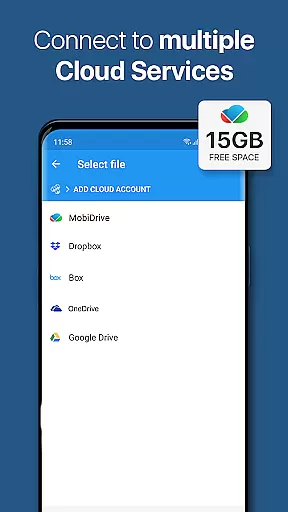
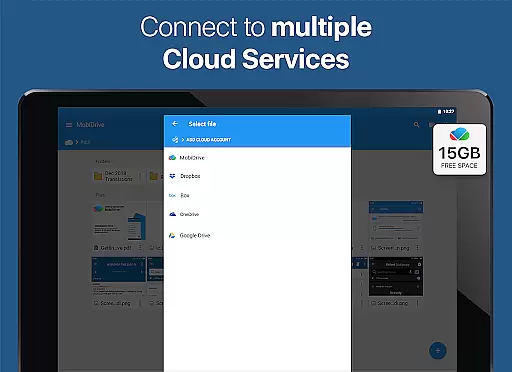
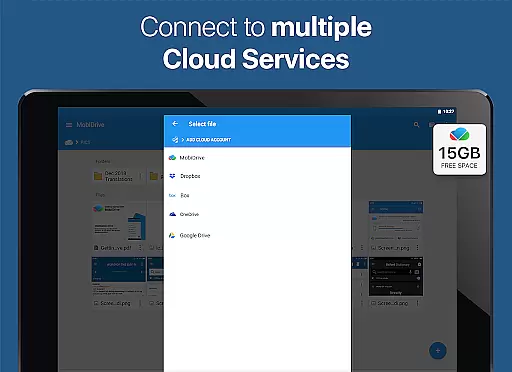
Additionally, the app supports cloud services such as Google Drive, Dropbox, and OneDrive, making it easy to share files across different platforms. These collaborative features ensure that teams can work together effectively, improving overall project outcomes.
Effective task management is crucial for maintaining productivity and meeting deadlines in business environments. OfficeSuite Pro + PDF offers several features that help users manage their tasks efficiently while working on various document types.
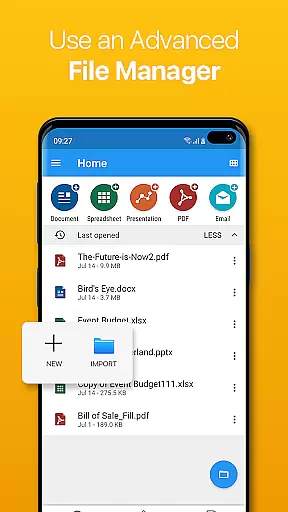
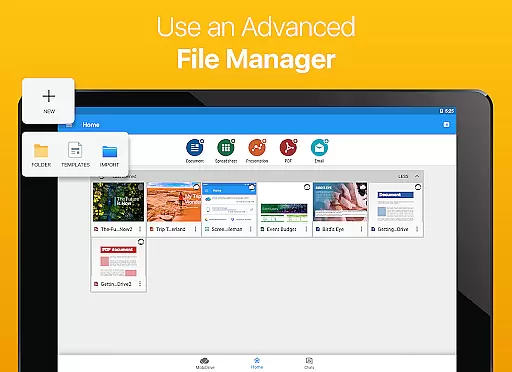
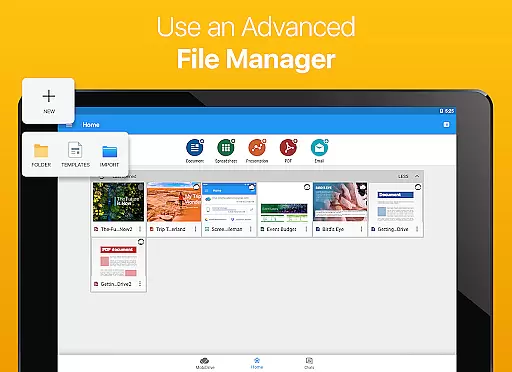
The app includes advanced document management capabilities, allowing users to organize, categorize, and access files quickly. The integrated File Commander feature enables advanced synchronization and easy access to both local and remote files, helping users keep track of their documents.
OfficeSuite Drive provides 15 GB of cloud storage, enabling users to store and manage their documents securely. This feature helps in task management by ensuring that important files are always accessible and backed up.
Furthermore, the app's support for text-to-speech and PDF security features, including digital signatures and permissions management, allows users to handle tasks that require document verification and protection. These comprehensive task management features make OfficeSuite Pro + PDF a valuable tool for business professionals.
Comprehensive file format support
Intuitive desktop-like interface
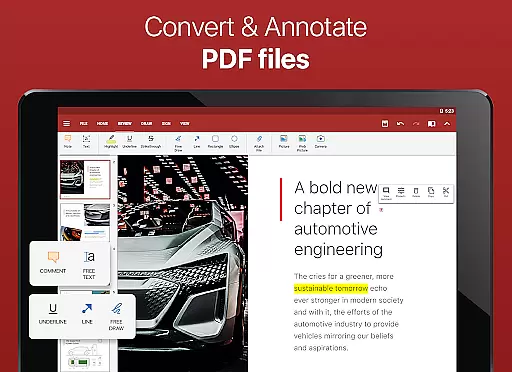
Robust PDF editing capabilities
Secure cloud integration
Real-time collaboration tools
Subscription model required
Advanced features locked
Occasional performance issues
Limited free version
Large app size

Earn crypto with secure cloud mining. Monitor, track & withdraw easily
 4.40
4.40
The All-in-One File Manager for Phone, TV, Watch, Cars, XR / VR, Chromebook
4.10
Your employer must have UKG Ready software configured for Mobile.
4.60
Finance, Investing, Stocks, Trading and Stock news
4.60
Master crypto trading with real-time simulations and exciting challenges!
4.50
view, manage, and share every PDF file you have
3.60
Find jobs near you and temp work in minutes, from your phone.
4.50
Access to Paylocity, empowering employees with information they need 24/7.
4.70
Work happy with AI Companion
4.10
BuildCalc - the easiest AND the most advanced construction calculator app.
4.80
GoTo Mobile is a simple & secure calling, messaging & meetings solution
4.80
Find jobs and make money fast with JobStack.
4.60
Grow your business and connect with more people with Meta Business Suite.
4.60
Chat, meet, and collaborate to achieve more together, all in one place on Teams
4.60
Measure distances, surfaces and draw plans in seconds with CamToPlan!
4.40
FX Plus adds media, networking, and cloud capabilities to FX File Explorer.
4.10
VSD Viewer - Visio Drawings Viewer for Android Preview VSD, VDX, VSDX drawings
4.10
enjoy effortless PDF reading anytime, anywhere
3.90
viewing and sharing of PDFs
3.60


User Reviews