


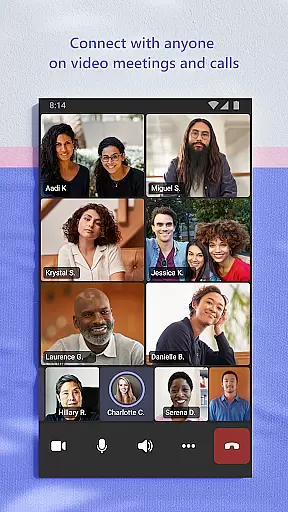
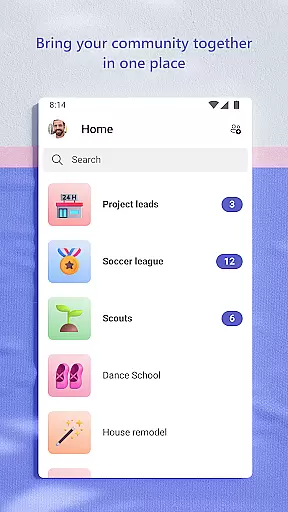
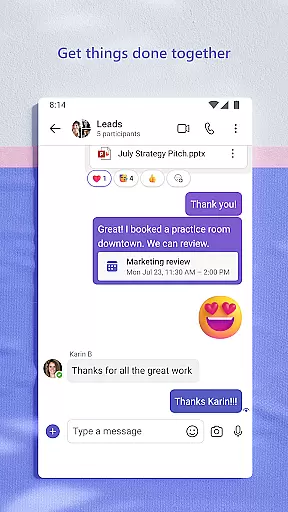
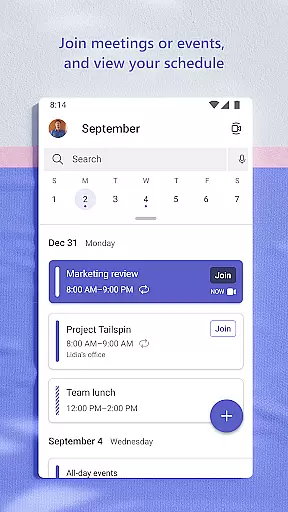
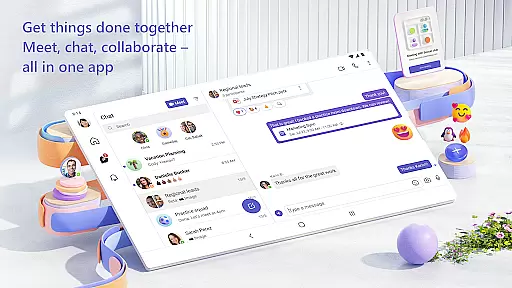
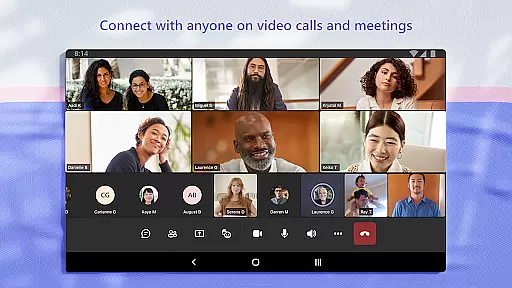
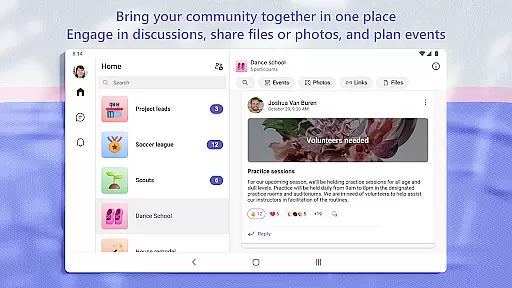
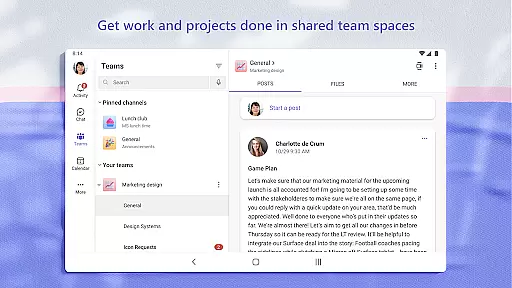
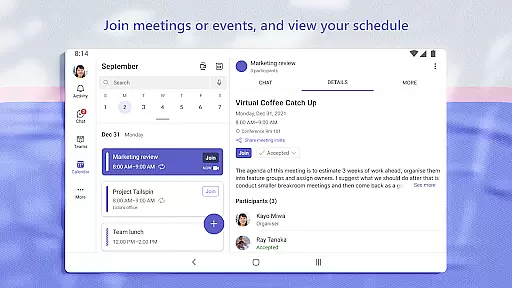
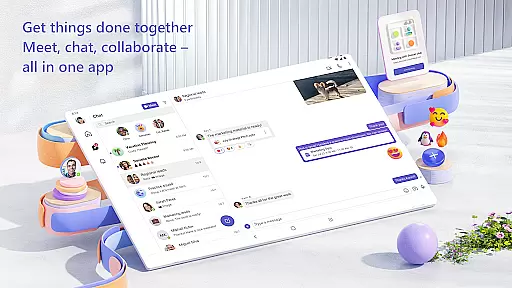
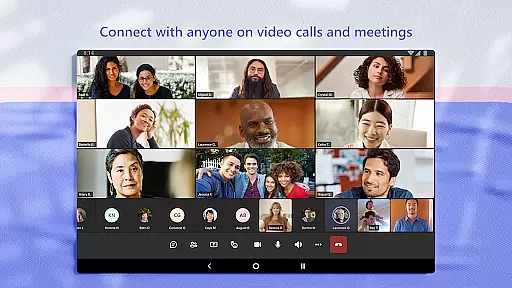
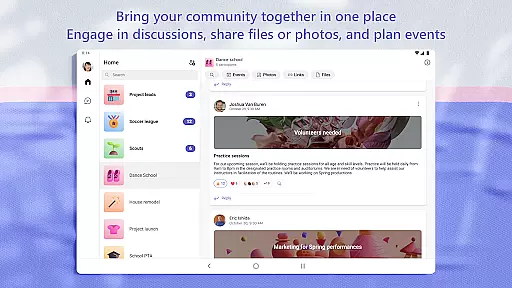
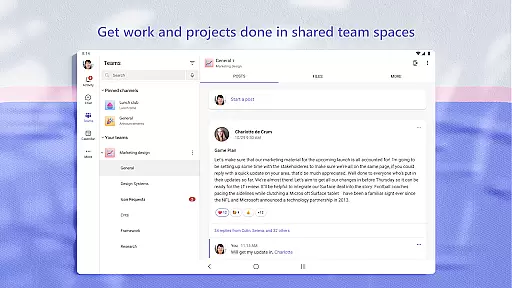
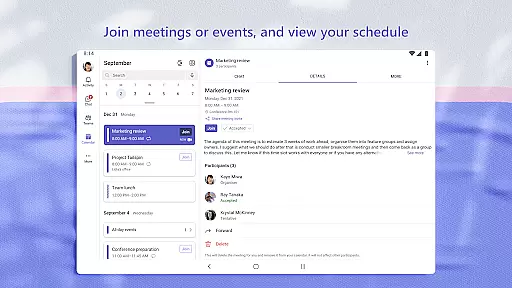
Microsoft Teams is a comprehensive business communication tool that integrates communities, events, chats, channels, meetings, storage, tasks, and calendars into a single platform. It enables users to connect with their community for activities or collaborate with teammates on projects efficiently. With Microsoft Teams, you can join secure audio and video calls, collaborate on documents, and store files with built-in cloud storage.
The app allows easy connection with anyone by incorporating Skype functionalities, such as continuing chats, calls, and contacts. You can meet securely with different groups, set up meetings quickly, and organize conversations by topics and projects using teams and channels. This makes it an ideal tool for businesses and communities looking to enhance collaboration and productivity.
Microsoft Teams is designed to give peace of mind with enterprise-level security and compliance expected from Microsoft 365. It ensures data control while allowing community owners to maintain safety by removing inappropriate content or members. Whether managing a community, family, friends, or workmates, Microsoft Teams provides the tools necessary to accomplish tasks, share ideas, and make plans effectively.
Microsoft Teams stands out with its rich feature set tailored for efficient collaboration. One key feature is the integration of various communication methods, including chats, channels, and meetings, all within one platform. This allows users to easily manage access to information and ensure the right people have the appropriate access, even as team members change.
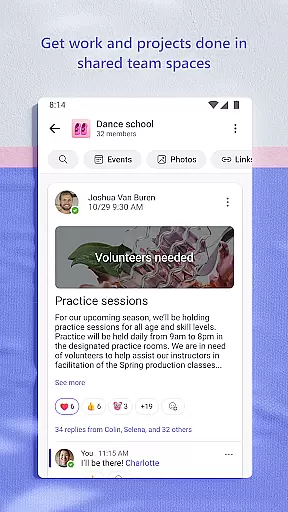
Another significant feature is the ability to organize shared content within a community, such as events, photos, links, and files, which saves time searching for important items. The app also supports sending photos and videos in chats, using cloud storage for accessing shared documents on the go, and enhancing meetings with screenshare, whiteboard, or breakout rooms.
Task management is streamlined with task lists that help keep everyone aligned on projects and plans. Users can assign tasks, set due dates, and track progress. Additionally, the app offers enterprise-level security and compliance, ensuring safe collaboration while maintaining control over data, making it suitable for both personal and professional use.
In today's fast-paced business environment, effective collaboration is key to success. Microsoft Teams offers a comprehensive suite of collaborative work features that bring people together, whether they are working on a project or connecting with their community for an upcoming activity.
With Microsoft Teams, users can easily join audio and video calls in a secure setting, collaborate on documents in real time, and store files and photos using built-in cloud storage. This seamless integration of chats, channels, meetings, storage, tasks, and calendars into one platform ensures that teams can stay connected and manage access to information efficiently.
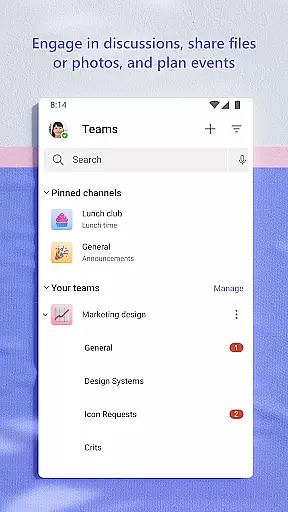
The app allows users to set up meetings within seconds and invite anyone by sharing a link or calendar invite. It also supports organized conversations through teams and channels, ensuring that discussions remain focused on specific topics and projects. This structured approach not only enhances productivity but also helps maintain clarity and purpose within group communications.
Moreover, Microsoft Teams provides the ability to use GIFs, emojis, and message animations, allowing users to express themselves beyond just words. These features contribute to a more engaging and dynamic collaborative experience, ultimately fostering stronger connections among team members.
Efficient task management is crucial for accomplishing plans and projects together. Microsoft Teams excels in this area by offering tools that help teams stay organized and on track with their responsibilities.
Users can leverage task lists within the app to assign tasks, set due dates, and monitor progress. This functionality ensures that everyone involved in a project is aware of their roles and deadlines, keeping the entire team aligned and accountable.
In addition to task lists, Microsoft Teams provides cloud storage for accessing shared documents and files on the go. This feature enables teams to organize shared content such as events, photos, links, and files in a centralized location, eliminating the need to waste time searching for important resources.
Furthermore, during meetings, participants can utilize screenshare, whiteboard, or breakout rooms in virtual settings to enhance collaboration and decision-making processes. By managing access to information effectively, even as new members join or leave projects, Microsoft Teams ensures that the right people always have access to the necessary data at any given time.
Comprehensive Integration
Secure Collaboration
Efficient Task Management
User-Friendly Interface
Enterprise-Level Security
Complex Setup Process
Requires Paid Subscription
Limited Free Features
High Resource Consumption
Occasional Connectivity Issues

FX Plus adds media, networking, and cloud capabilities to FX File Explorer.
 4.10
4.10
VSD Viewer - Visio Drawings Viewer for Android Preview VSD, VDX, VSDX drawings
4.10
The MyWalmart App is available for all associates in stores.
4.70
Simple, Fast & Lightweight
3.90
Paychex Flex - Save Time and Stay Connected
4.60
Use Generative Summary to understand your rental or insurance docs in seconds.
4.70
view, manage, and share every PDF file you have
3.60
Job search app that finds jobs for you! Takes the work out of looking for a job!
4.90
ADP Mobile Solutions is an employee self service app
4.50
Create curriculum vitae, a professional cover letter creator and resume designer
4.80
Start earning fast. Apply Today.
4.80
Earn free swag, G-Cards & food • Enter sweepstakes • Find stores • So much more.
4.70
Manage Your Shop
4.70
Ask Accio anything about business. Alibaba-backed, built by experts, not just AI
4.60
Your employer must have UKG Ready software configured for Mobile.
4.60
Smarter career moves start here. AI job alerts, insights & the right tools.
4.20
The Penny Puss app with DG penny finder
4.10
Work happy with AI Companion
4.10
Completed Course Lectures on how to use IBM Maximo in Maintenance issues
4.5


User Reviews